
Esri Support is pleased to announce that the AI-enhanced Support Case Submission Form is ready for authorized callers to use. The case submission form features optional AI-generated solutions to help you get answers to technical questions nearly instantly. Using your issue description as a prompt, our in-house LLM searches our library of technical support resources and generates a custom answer.
What’s new?
We’ve redesigned the form slightly. The Product details and Issue details fields will share a single, simple page. Fields which provided minimal value, like Operating system, are merged with detail fields.
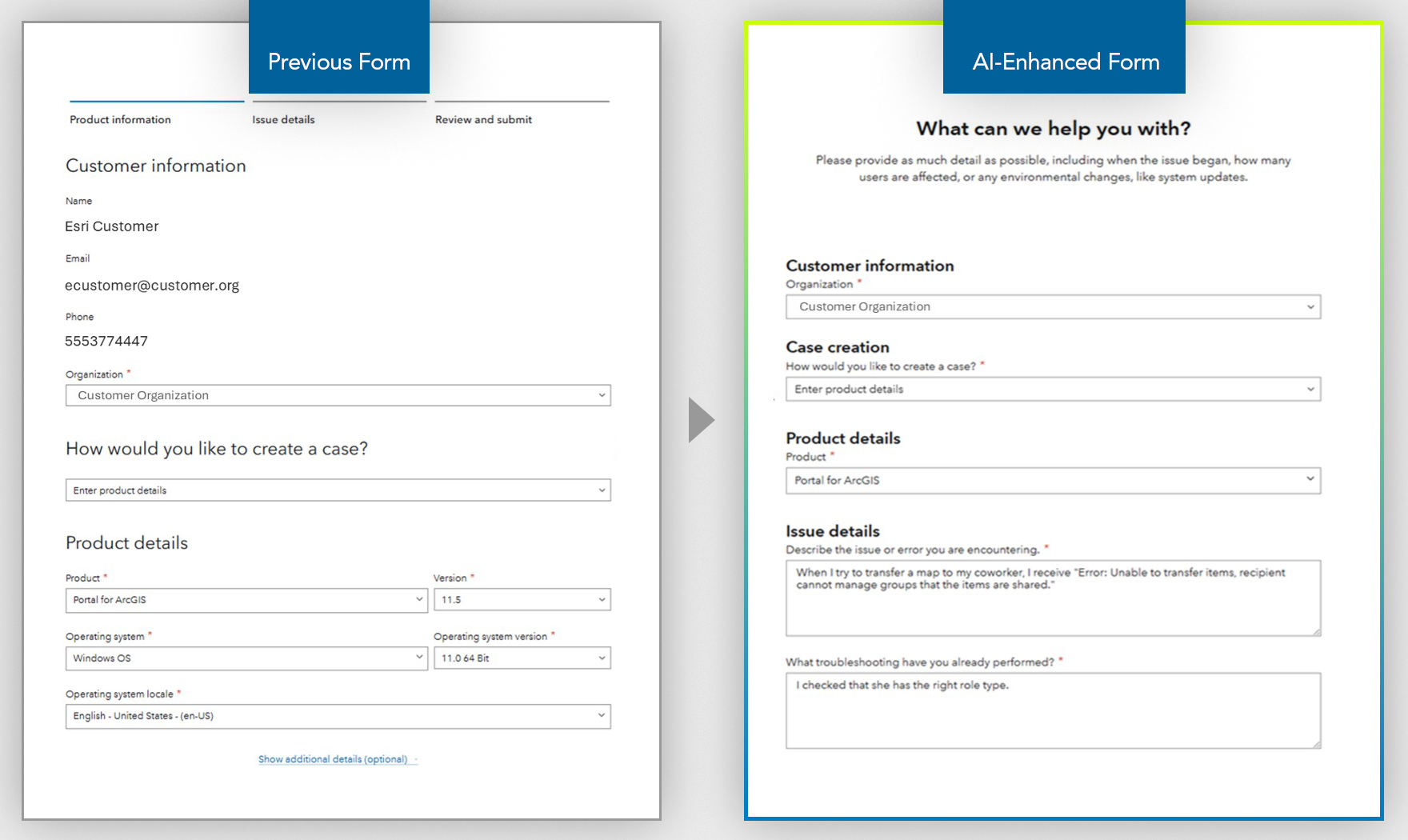
Conversely, Issue details is expanded into three fields to encourage more detailed case submissions.
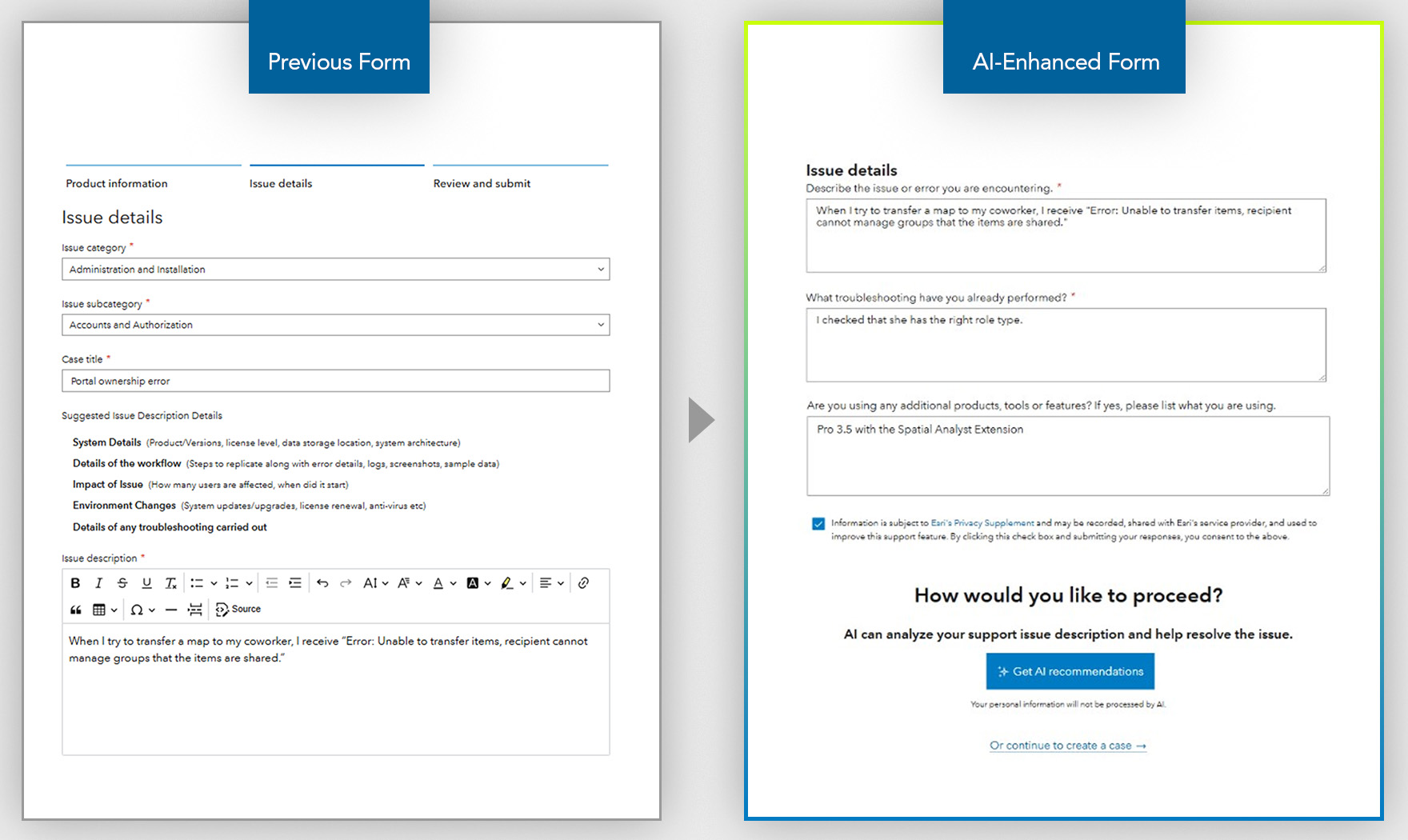
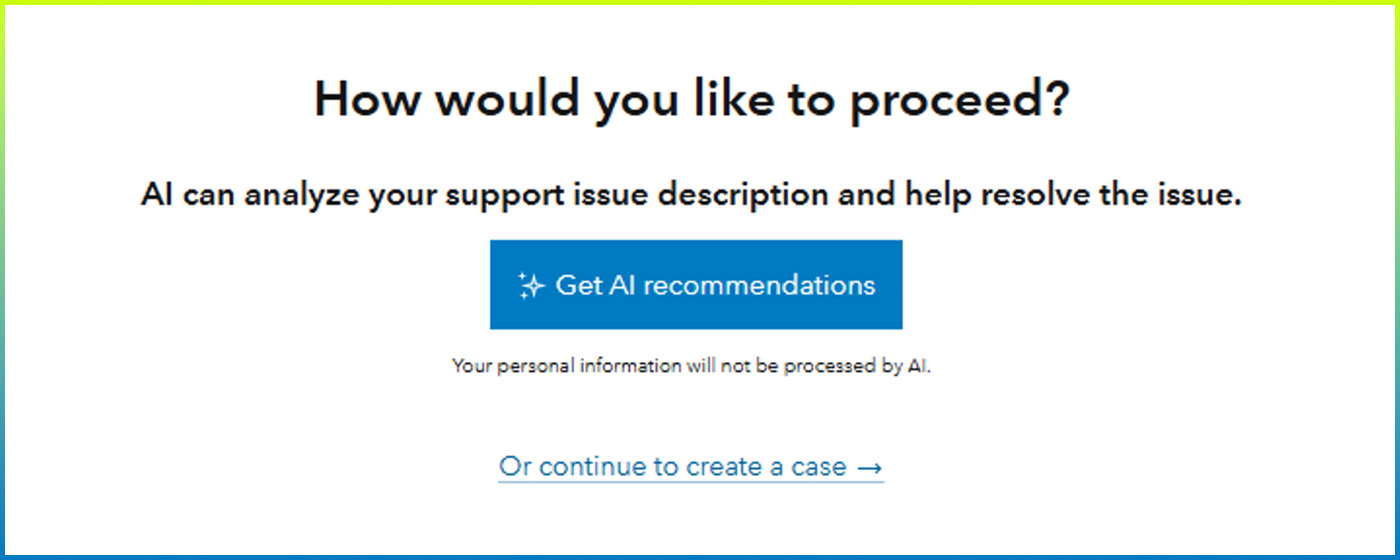
The most notable change comes after you fill out your case information. At the bottom of the form, you’ll choose how you’d like to proceed: Get AI recommendations or continue to create a case.
How does AI enhance the case submission process?
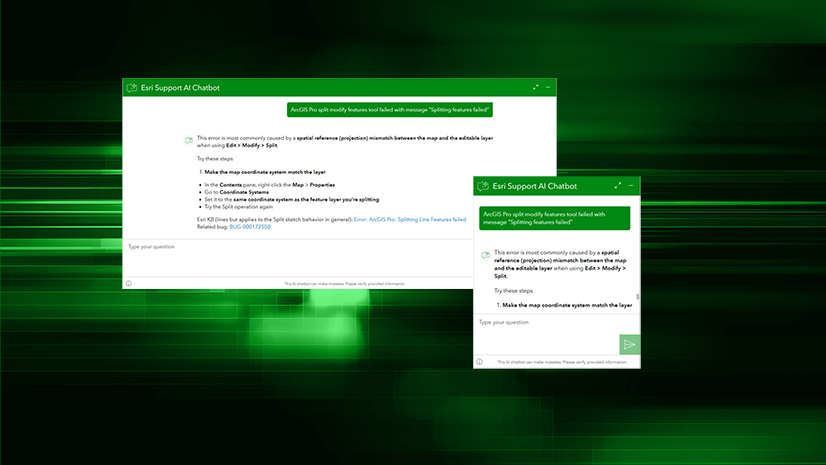
When you choose Get AI recommendations, the same LLM that powers the Esri Support AI Chatbot the will search our extensive library of technical information. It will locate information that could solve your problem and synthesize an answer.
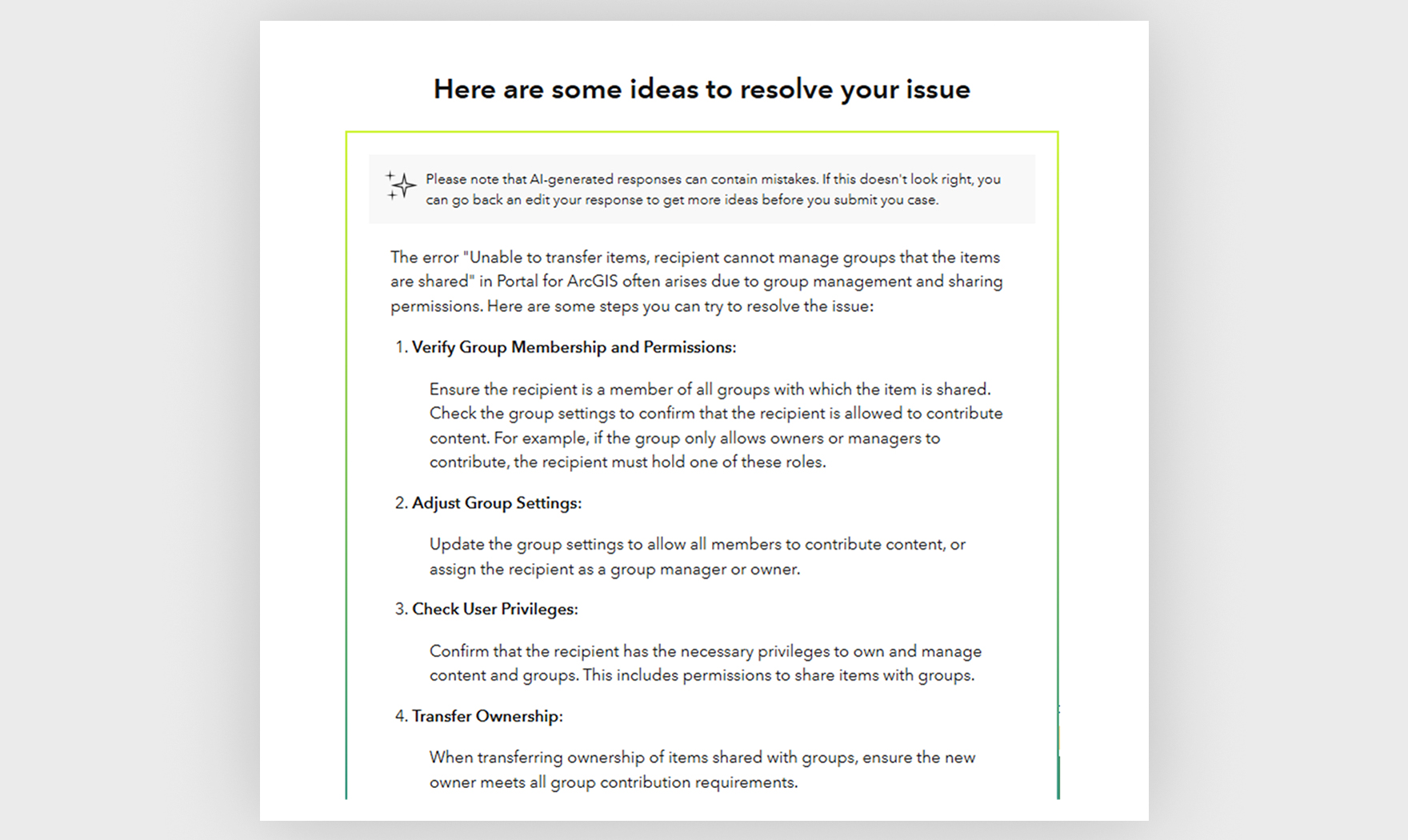
With this information, you could have a solution to your problem nearly instantly, without having to wait to correspond with an analyst. If you’re able to use the suggested solution, you can close the case easily from the same screen.

If AI-generated answer isn’t what you need, you can return to the previous page by clicking the Edit case details link. Once there, you can try to modify or supplement your input to see if that changes the suggested solution.
Alternatively, you can submit a case to our expert technical support analysts by clicking No, submit case. As ever, we’re passionate about helping you do incredible things with GIS.
FAQs
Can I bypass the AI suggestions?
Yes! It’s not required that you use the Get AI recommendations option. While we want to provide you the opportunity to get fast answers, we’re standing by (5 a.m. to 5 p.m. PT Monday through Friday) to help you solve your problems via the case submission form, phone call, or live chat.
Who can access the form?
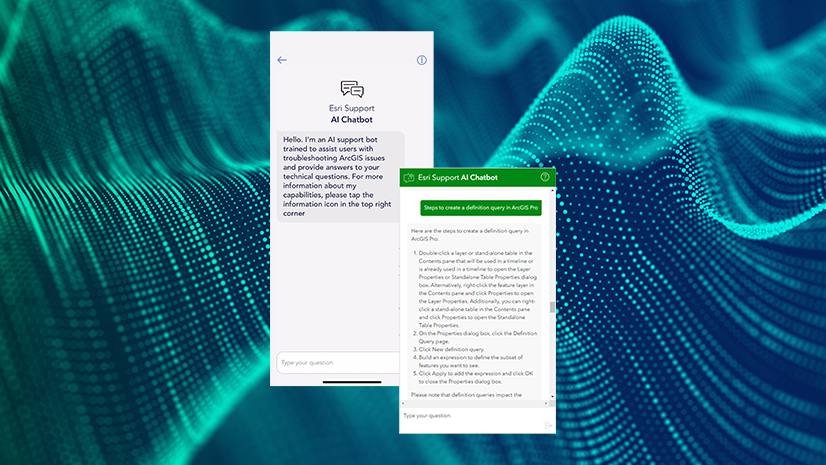
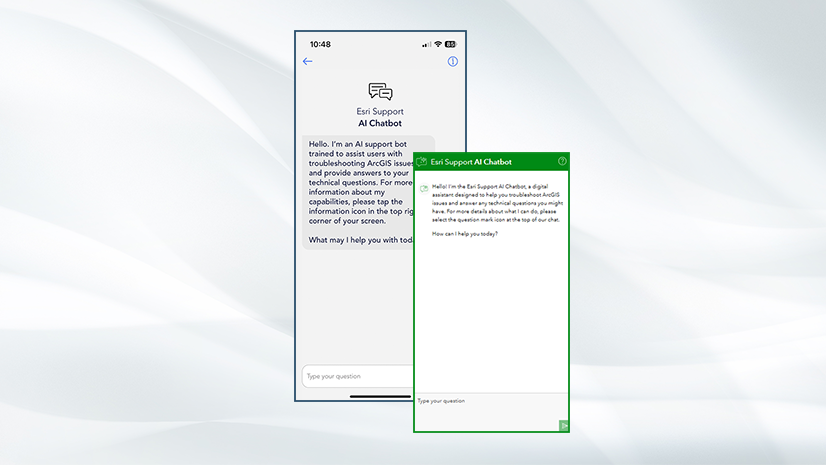
Authorized support callers can access the form. Don’t worry, though; even if you’re not an authorized caller, you can still access AI-generated support via the Esri Support AI Chatbot on support.esri.com or on the Esri Support app.
Do I need to get approval to use the AI-generated suggestions?
No, anyone with access to the form will automatically have access to the AI-generated response if they choose to use it.
How does the AI interact with personally identifiable information?
The AI only ingests the information you give in the Product details and Issue details fields. Personal information stored in your profile, such as your name and contact information, is not used to generate the AI recommendation.
Will these answers be different from the Esri Support AI Chatbot?
AI recommendations are powered by the same LLM as the Esri Support AI Chatbot, so you should expect similar answers. If you’ve already tried the Chatbot and weren’t satisfied with the solution it suggested, feel free to create a case. If you can, include what the Chatbot suggested under What troubleshooting have you already performed? The more information our analysts have at the beginning of a case, the better prepared they are to help.
Does this replace the My Esri case form?
Yes, this enhanced form replaces the My Esri form. You can initiate the new form in My Esri and return to My Esri after completing the form.
How will this affect me if I’m an Esri customer outside the US?
The new form replaces My Esri case submissions for customers outside the US too. For more information about how to submit a case outside the US, work with your local Esri Distributor.

Having this feature is good, but I find far better to speak with an actual person. AI is good for quick and in-depth analysis, but I find sometimes it doesn’t give the right answers.