
As AI continues to reshape how developers work, there’s a growing need for systems that optimize agentic workflows to ultimately improve developer efficiency.
William Bohrmann, a product engineer on the Developer Experience team, is part of an amazing group at Esri that’s bringing that vision to life. They’ve built the ArcGIS agentic developer toolkit — a new offering that combines agent skills and an MCP server to bring Esri developer documentation and guided development workflows directly into your coding environment.
In this Developer’s Lounge interview, William shares the project’s origin story, how its two components work together, and how developers can start taking advantage of the toolkit.
"We observed how pairing MCP with agent skills improved coding and documentation retrieval. That is why we are offering both as components of the new ArcGIS agentic developer toolkit!" - William Bohrmann
1. Hello, William! What’s the story behind your first line of code, and how did it lead you to where you are today?
I was lucky enough to go to a middle school that had an awesome robotics program. My mom asked that I try out robotics just once to see if it was for me. That’s how I was introduced to coding and engineering and really found a passion for it! I continued robotics through high school, then in college, studied GIS, game development, and computer science. I’m glad I got a broad perspective of tech.
Then I ended up at Esri, where I work with incredible engineers on solving super interesting problems! The past few years, I have focused on improving the developer experience and scaling out enterprise AI systems. I’ve worked on launching the Esri Developer Ask AI beta, understanding user’s agentic workflows, and now, building the agentic developer toolkit.
2. You’re a core member of the team behind the ArcGIS agentic developer toolkit. Could you share more about this project and how it began?
This work is a natural evolution of what we are doing with Ask AI. We designed that feature for our users with multiple UI/UX studies informing its design. We leveraged AI to quickly search the documentation or write a short code block. It’s a great feature for the documentation site, but it’s not the full developer story. While building Ask AI, the team understood that not all developers want to leave their Integrated Development Environment (IDE) to learn about ArcGIS capabilities.
We recognized that coding agents also would not be able to easily use the tool. We had spent significant time preparing markdown versions of our documentation which are more token-efficient and machine readable. Providing coding agents with direct access to these would be my next challenge. And fortunately, I had the search service developed for Ask AI to reuse. Direct access to our documentation via MCP made the most sense. However, that alone wasn’t enough to create the superb developer experience to complement this AI age. We observed how pairing MCP with agent skills improved coding and documentation retrieval. That is why we are offering both as components of the new ArcGIS agentic developer toolkit!
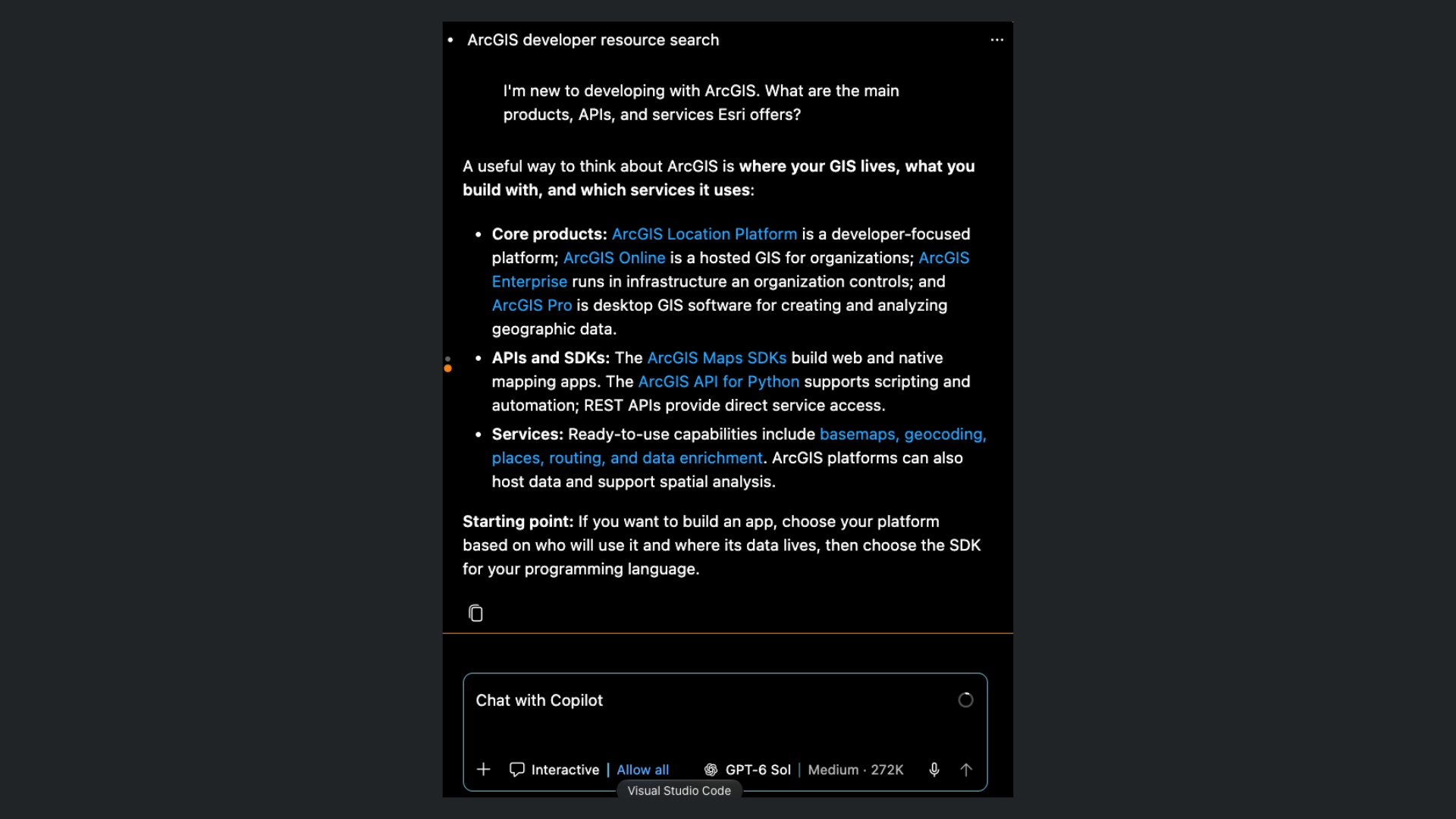
3. The agentic developer toolkit has two components: the Model Context Protocol (MCP) server for developer documentation and the developer agent skills. Could you share more about the MCP server for Esri developers?
MCP is an open standard that allows agents to perform actions on behalf of users. Instead of merely generating the next string of text in a sequence, LLMs can now access resources and use tools. Tools, prompts, and resources are exposed to the agent via an MCP server connection. Depending on what MCP servers are connected, it can make the agent more successful at completing those tasks. As you might imagine, MCP has taken off in the agentic engineering space.
Esri has released an MCP server for developer documentation, which exposes authoritative documentation through MCP tools. Providing coding agents with direct access to documentation reduces the risk of hallucinations, supports decision making, and overall results in a more productive developer experience. We are excited to deliver agentic documentation search as users requested. For ease of use, the server is remotely hosted by Esri, just requiring a connection from your agentic IDE.
4. The second component, Esri developer agent skills, is designed to accelerate application development. Could you share more about this?
Agent skills is another open standard we are following to support agentic workflows. As the name implies, agent skills extend agent capabilities by providing technical guidance, resources, and even scripts. Agents use a technique called progressive disclosure to load just the skills and resources they need to complete the task at hand.
Esri developer agent skills are focused on supporting agentic coding when building applications with ArcGIS SDKs, APIs, and supported open-source libraries. Whether you are starting a fresh project, adding a new feature, or changing tech stacks, these skills will help your agent get the job done. The skills are authoritative, providing your coding agents with programming patterns, authentication best practices, and links to the official developer documentation. The skills are grouped as core skills and SDK/API skills.
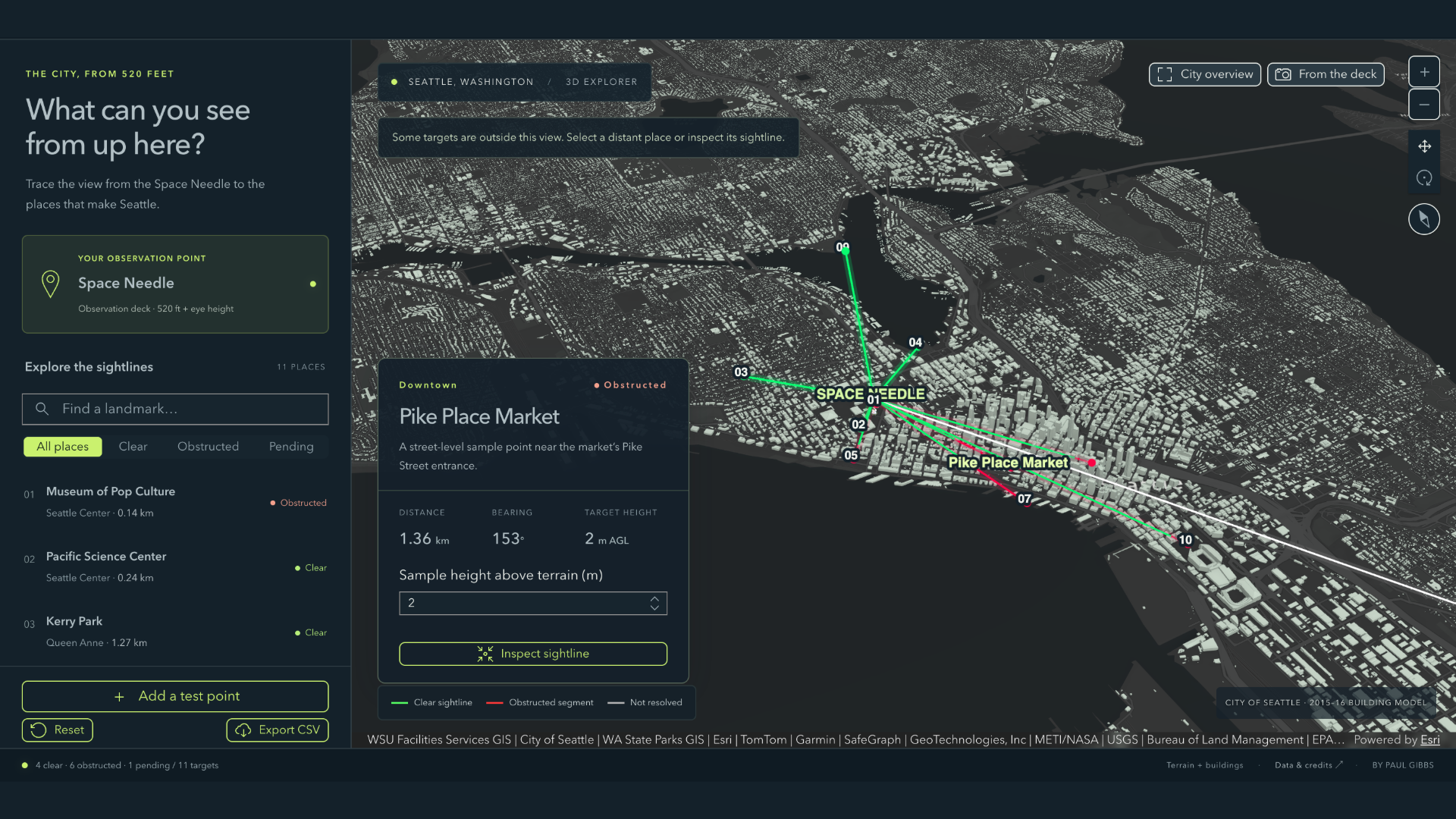
At launch, there are two `arcgis-development-core` skills. The `follow-arcgis-authentication-patterns` skill provides guidance on how to implement authentication in an ArcGIS application. It also details application types, authentication scenarios, and security best practices. This skill is used when planning an application and implementing authentication. The other core ArcGIS development skill is the `gather-arcgis-application-requirements` skill. With these skills installed, the coding agent will guide the developer through defining the ArcGIS application they want to build, asking questions to clarify essential functionality, required ArcGIS services, target audience, and deployment requirements.
SDK/API developer skills help coding agents build ArcGIS applications. Coding agents should use ArcGIS SDK/API developer skills in tandem with development core skills for best results. An example SDK/API developer skill is the new `build-with-arcgis-maps-sdk-for-dotnet`. The skill provides installation steps, links to the .NET Maps SDK samples, and encourages use of the MVVM architectural pattern, just to give a picture of what sort of guidance is offered. These agent skills live in a new esri-developer-agent-skills GitHub repo. Skills belong to individual agent plugins, with one agent plugin per ArcGIS SDK, API, and open-source library. Agent plugins are another open standard Esri is following for ease of installation and use, allowing you to install skills and the MCP server in one pass. Alternatively, you can manually install the developer agent skills and MCP server using node terminal commands. Either installation method gives you flexibility in choosing which agent skills to install in your environment.
5. Are there specific prompt examples you could recommend to help agents perform documentation-related or development tasks?
I’d recommend checking out the new ArcGIS agentic developer toolkit guide, hosted on the Esri Developers documentation site. The team has built example prompts for different use cases such as exploring technology, building new applications, improving existing applications, migrating applications, troubleshooting applications, and deploying applications.
There are also prompts specifically for creating starter mapping applications, whether you are targeting desktop, mobile, or web. Following these examples are a great way to get started with agentic coding.
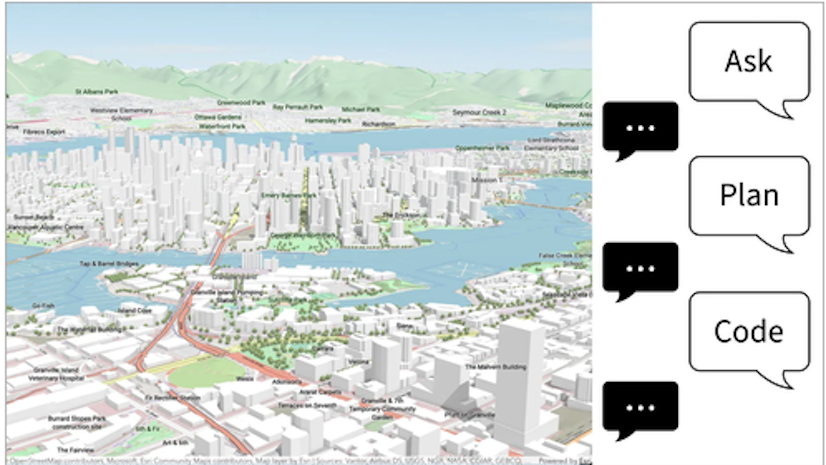
Choosing to provide a detailed specification or just “vibes” to the coding agent is up to you and the project goals. I’d recommend spec-driven development for professional environments. For examples in the guide, look at the “Plan” prompts. When building prototypes or in scenarios which require you to move rapidly, you can get away with vibe coding, just at the expense of cognitive debt. For those types of examples, look at the “Code” prompts. Playing around with prompting techniques can help you and your development team land on norms which work best within your engineering culture. If you are new to agentic coding, be sure to look to the guide for additional examples.
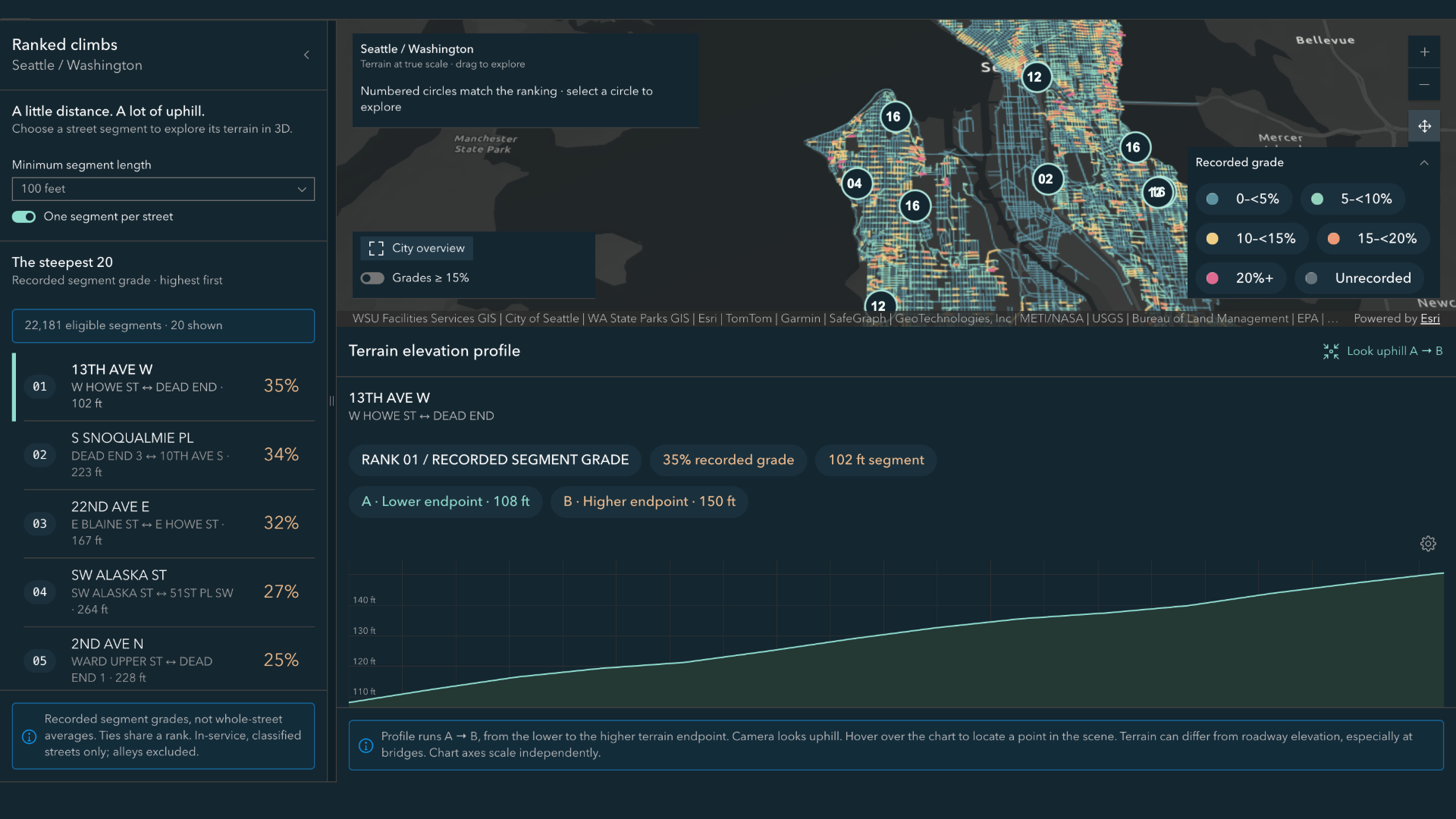
6. How can developers get started with the Agentic Developer Toolkit?
Before generating code, you’ll first need to configure your agentic IDE. Follow the Get started and Install and set up pages for your SDK guide of choice. Developers can use the ArcGIS agentic developer toolkit with any coding agent or in any agentic IDE which supports agent plugins. We have tested integrations with VS Code, Xcode, Android Studio, Visual Studio 2026, Claude Code, GitHub Copilot, Cursor, and Kiro. If you try out other agents or IDEs, do let us know how it went.
Follow the Install and set up instructions for the ArcGIS agentic developer toolkit. I recommend the agent plugins installation method because it tackles both the MCP server and agent skills installation in one go. Essentially, you register an agent plugin marketplace with your IDE. That plugin marketplace is the esri-developer-agent-skills repository which contains all the MCP server configuration and agent skills packaged as agent plugins. Setting it up this way makes it easy to cherry-pick which agent skills to install. Often, your agentic IDE will have an agent plugins installation menu. Be sure to install the core skills first with the SDK/API plugins you wish to use. For example, an open-source developer might install the ‘gather-arcgis-application-requirements’, ‘follow-arcgis-authentication-patterns’, ‘build-with-arcgis-maplibre’, and ‘build-with-calcite-design-system’ agent skills.
Once you’ve installed the agent plugins, you can make sure the agent harness has access to the agent skills and MCP tools by asking it to: Return a list of available Esri agent skills and tools accessible via the MCP server for Esri developers.
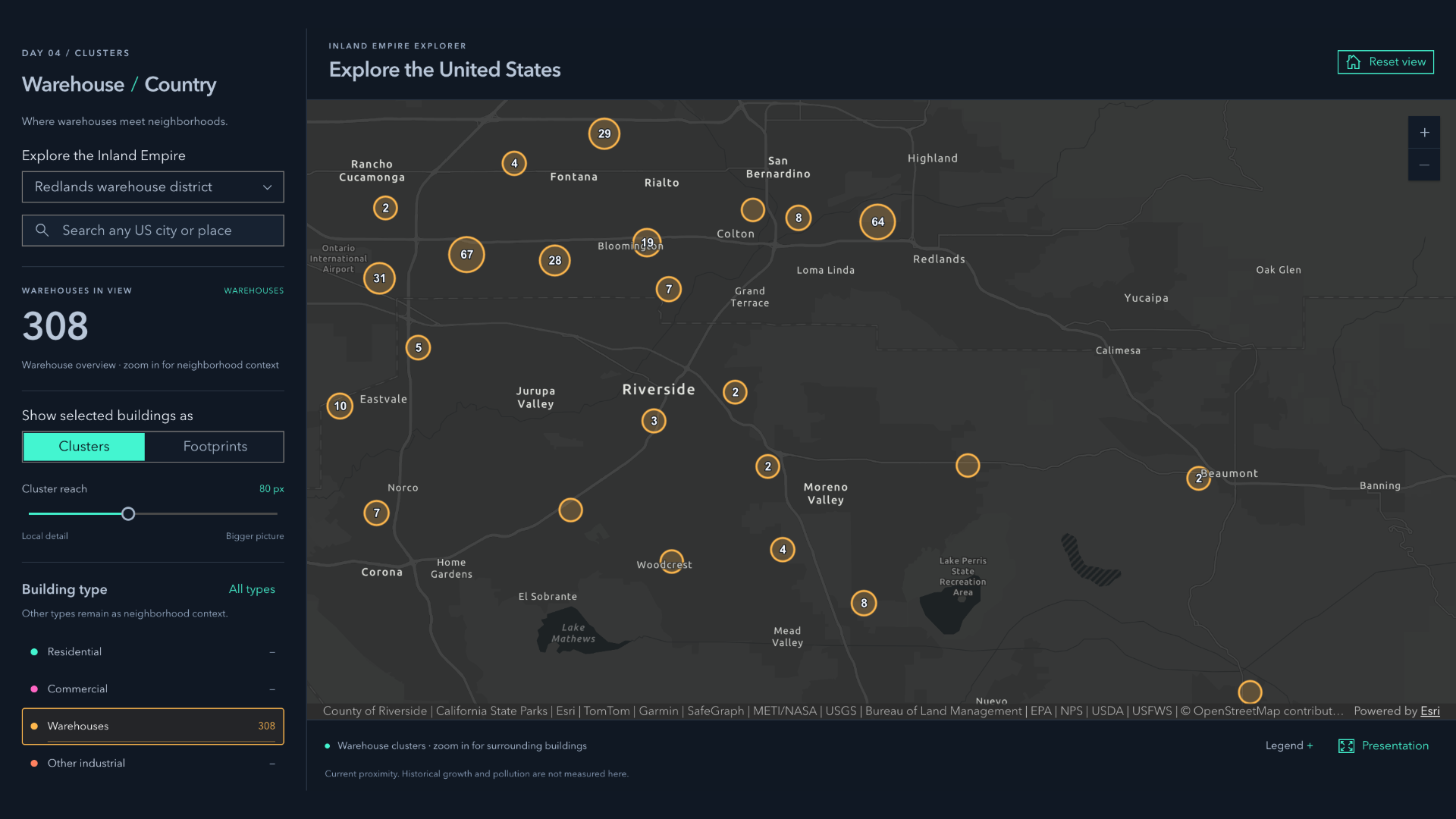
7. Is there a chance for users to share any feedback as they use the toolkit?
Esri is very interested in learning about your agentic coding workflows and configurations. There is a Survey123 for this that’s also linked in the developer guide. This is a great place to submit feedback on how the ArcGIS agentic developer toolkit is working for you. That same survey is also where you can provide documentation feedback.
For feedback on specific skills, you can also log issues in the esri–developer-agent-skills repo. This is an open-source repo – please review the contribution guidelines if you’d like to contribute.
Explore more interviews in the Developer’s Lounge series!
Don’t forget to subscribe to the Esri Developer Newsletter and follow Esri Developers on LinkedIn to discover more developer offerings and updates.




Article Discussion: