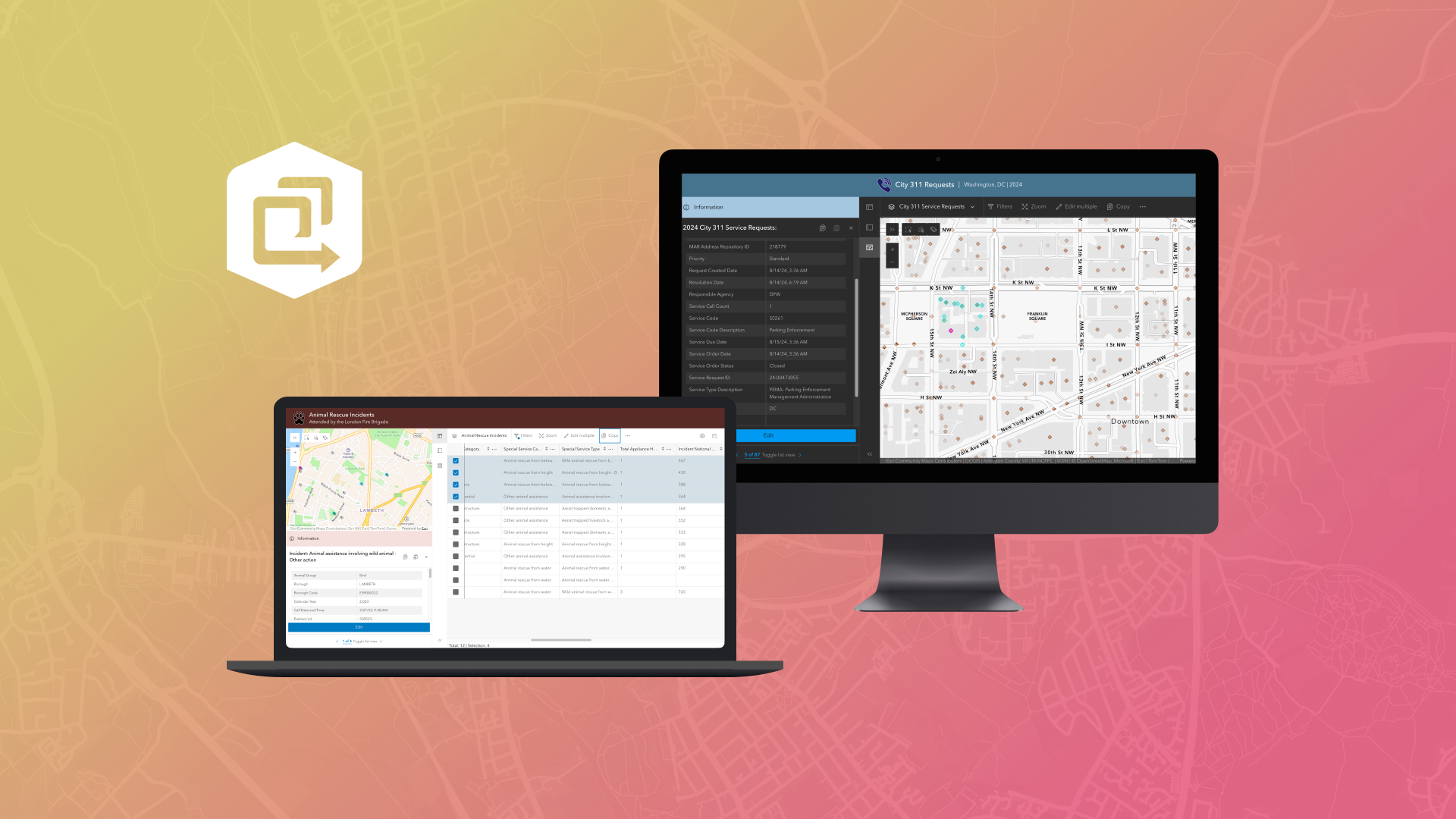
The Manager Instant app helps users review data from one or multiple maps and make updates using built-in editing tools. Over the past six months, Manager has introduced several enhancements designed to better support focused editing workflows.
This post highlights the latest updates available in Manager.
Editing Enhancements
Three highly requested editing capabilities are now available: copy and paste, bulk feature creation, and improved support for contingent values.
- Copy and paste
Users can now copy and paste features within the same layer to quickly duplicate records, or copy features from one layer and paste them into another.

- Bulk feature creation
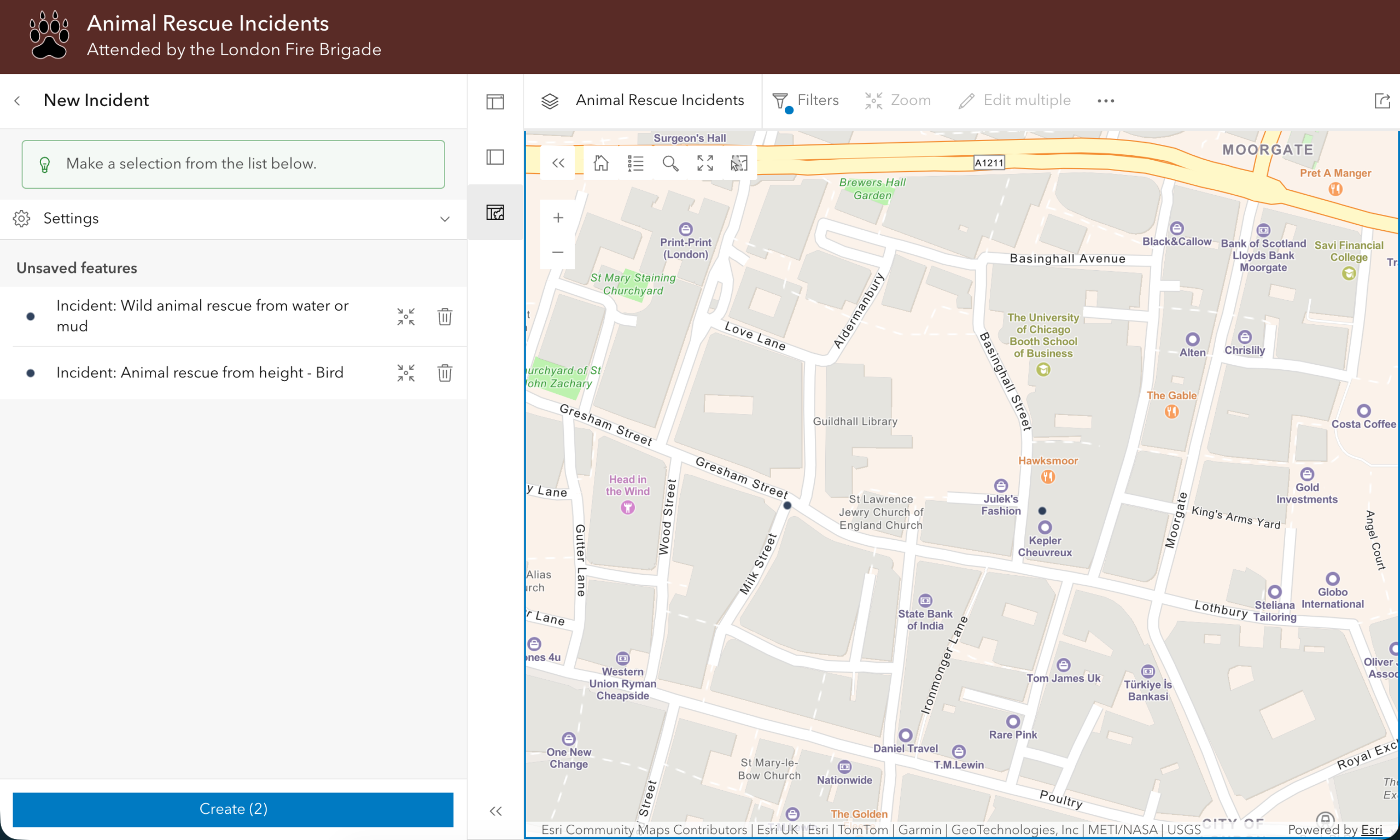
Create multiple features at once in a layer. The workflow being consistent with other ArcGIS apps, such as Map Viewer.
- Contingent values support
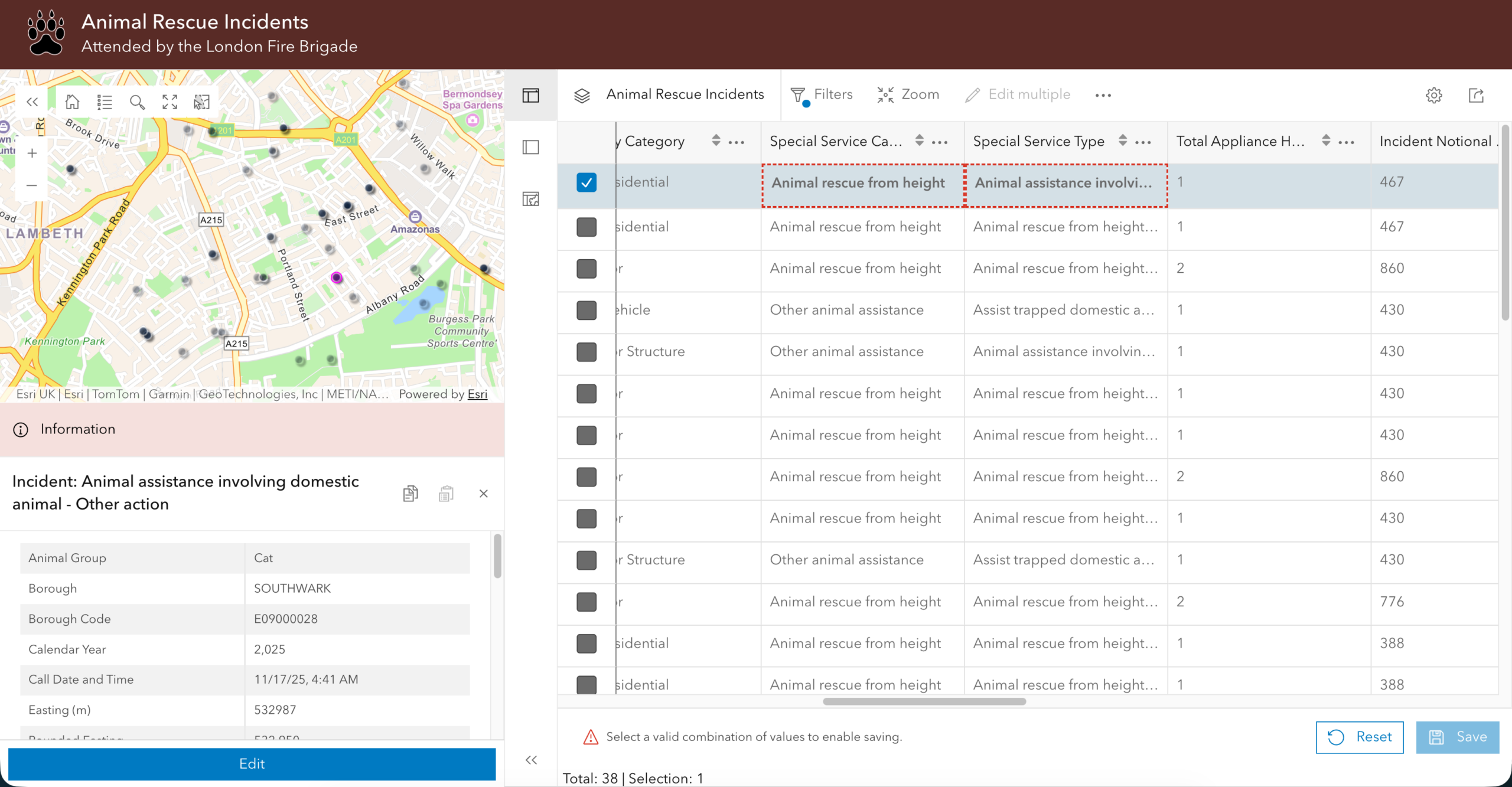
The table now provides clearer guidance when working with contingent values. While editing, users see visual indicators showing whether a field value is valid based on dependencies with other fields.
Map Editing Settings
App authors have greater control over editing behavior for each map in Manager. New configuration options include:
- Enabling or disabling copy and paste
- Turning autosave for table edits on or off
- Customizing the “Create new features” button text (when feature creation is enabled)
These settings allow authors to tailor editing workflows to their specific needs.

Reference Layers
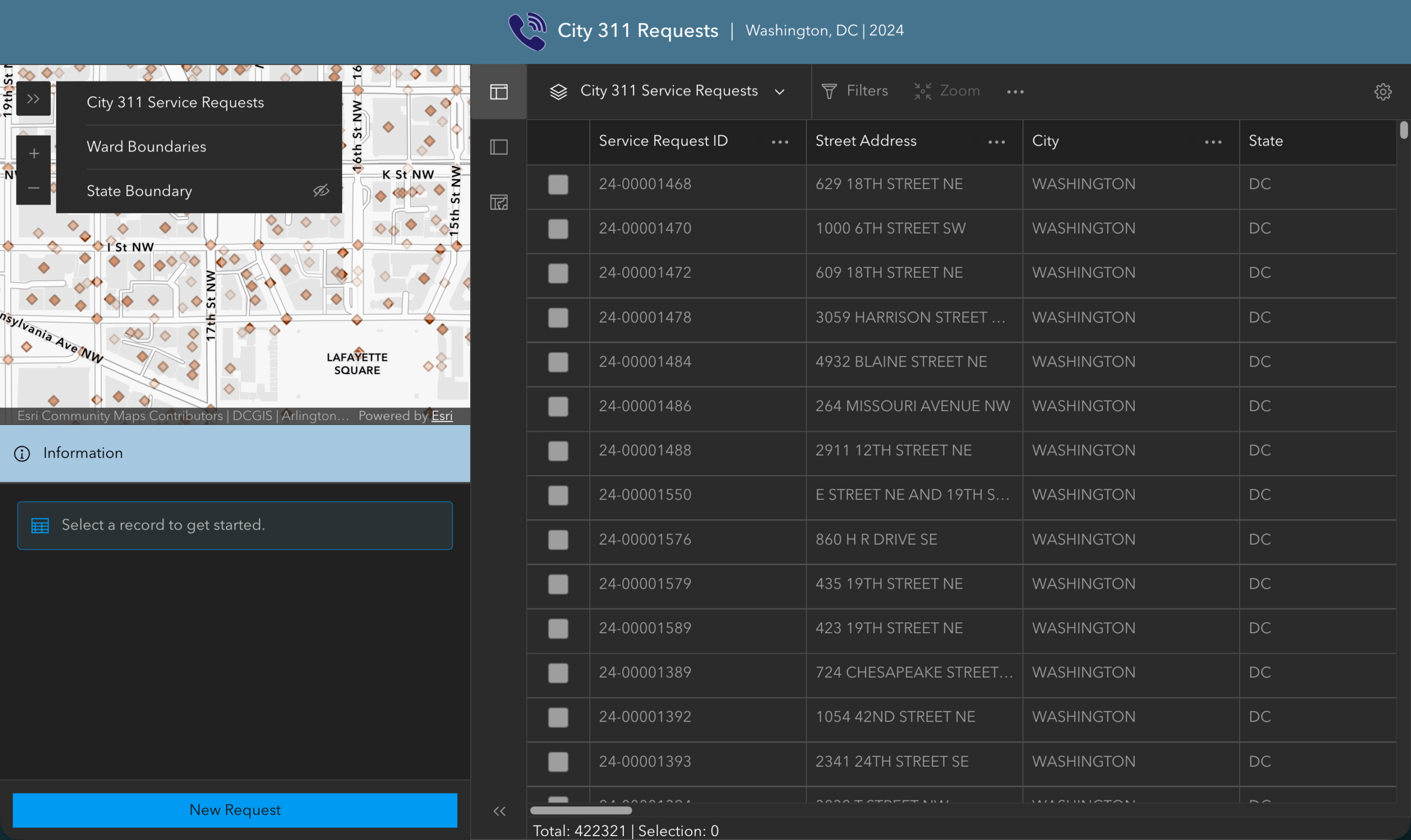
While Manager focuses on editing, reference layers or non-editable layers play an important role in providing context. Enhancements now make it easier to work with these layers:
- View reference layers in the table
- Select reference features on the map and view their pop-ups
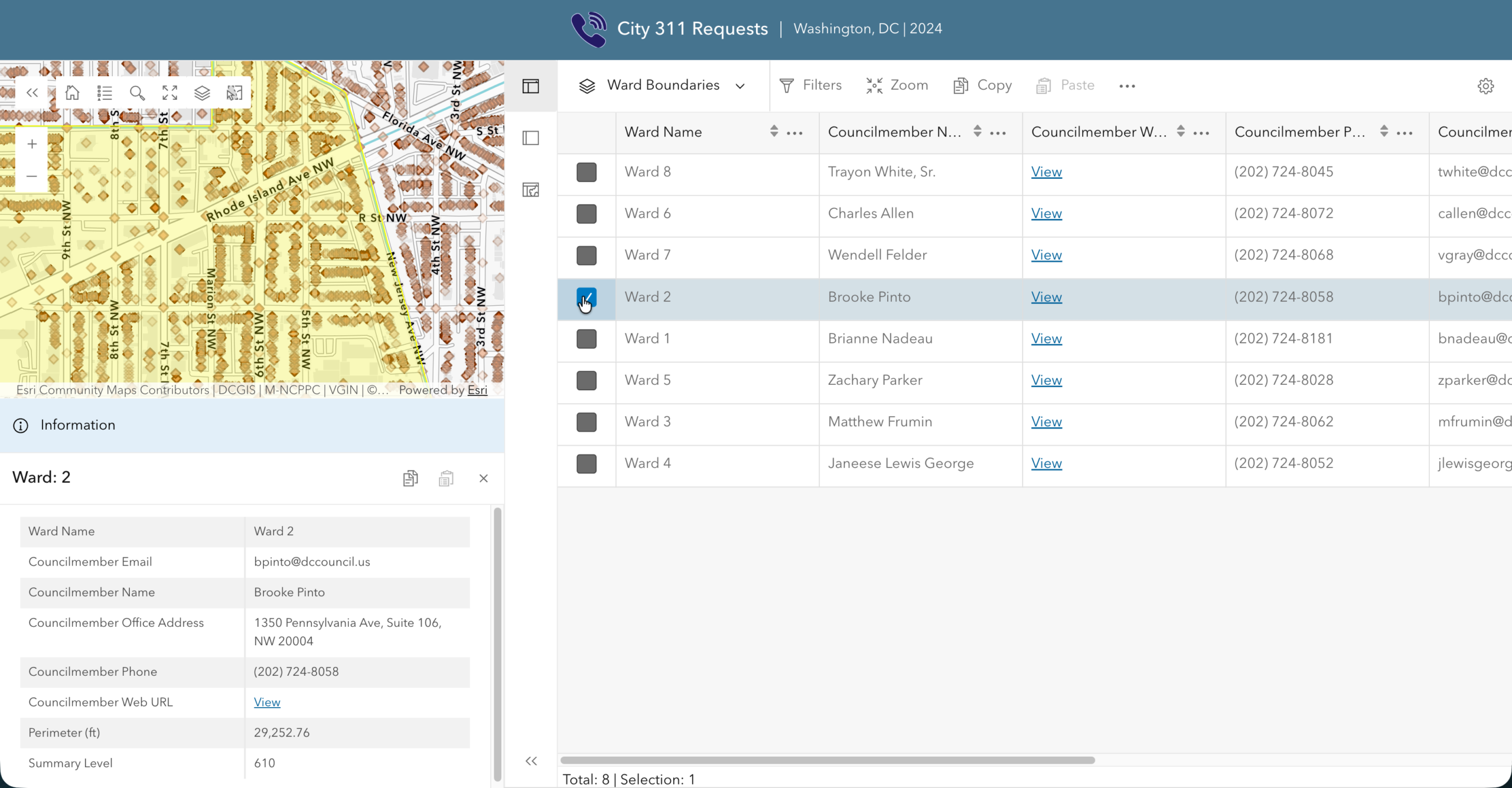
This improves visibility and usability without disrupting editing workflows.
New Map Tools
New tools have been added to better support these capabilities:
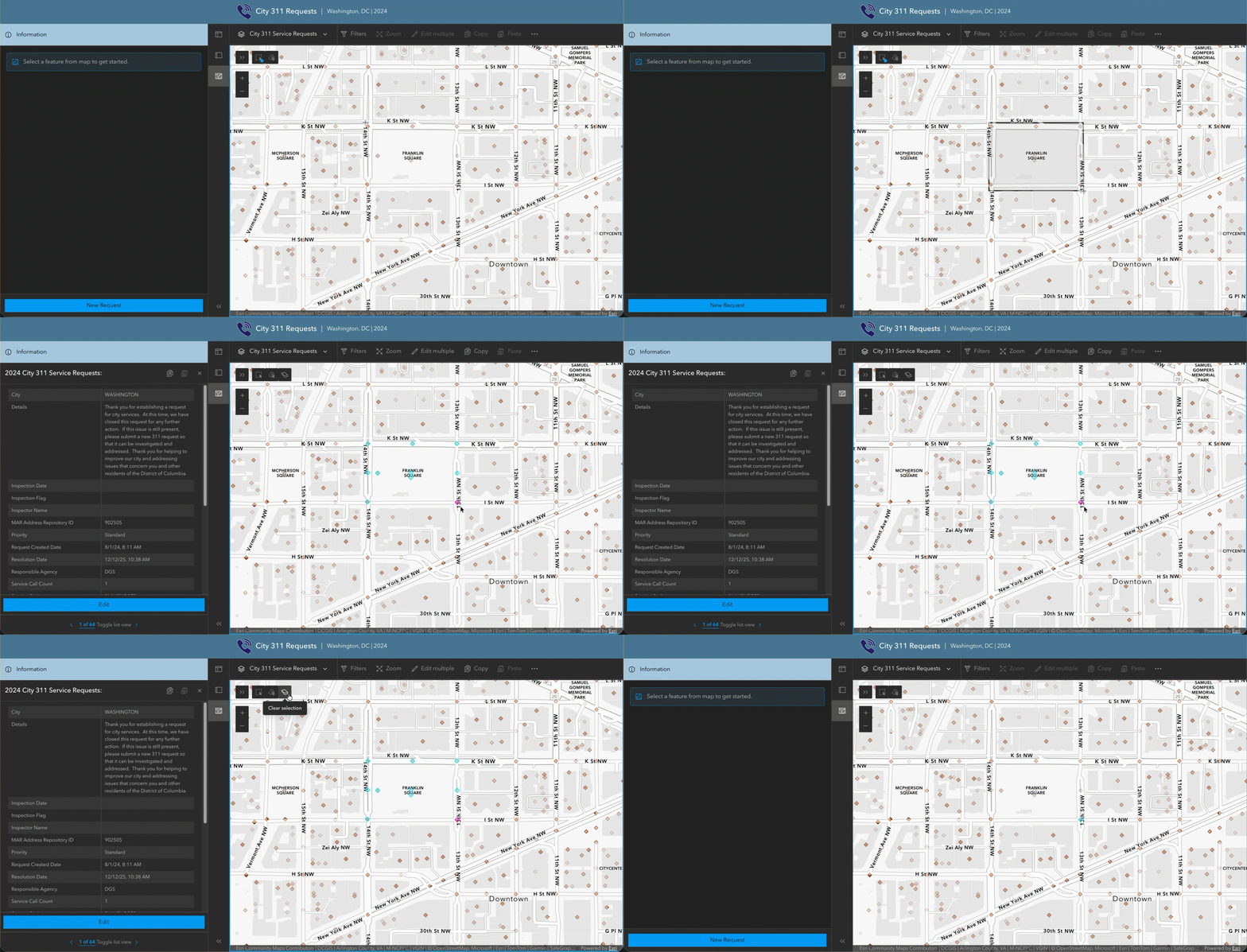
- Feature selection tools
Select multiple features using rectangle or lasso selection, making tasks like copy and paste more efficient.
- Layer list
Easily manage and explore reference layers while working in the map.
Together, these updates make Manager more efficient and flexible, helping users review and update data with greater clarity and control.



Article Discussion: