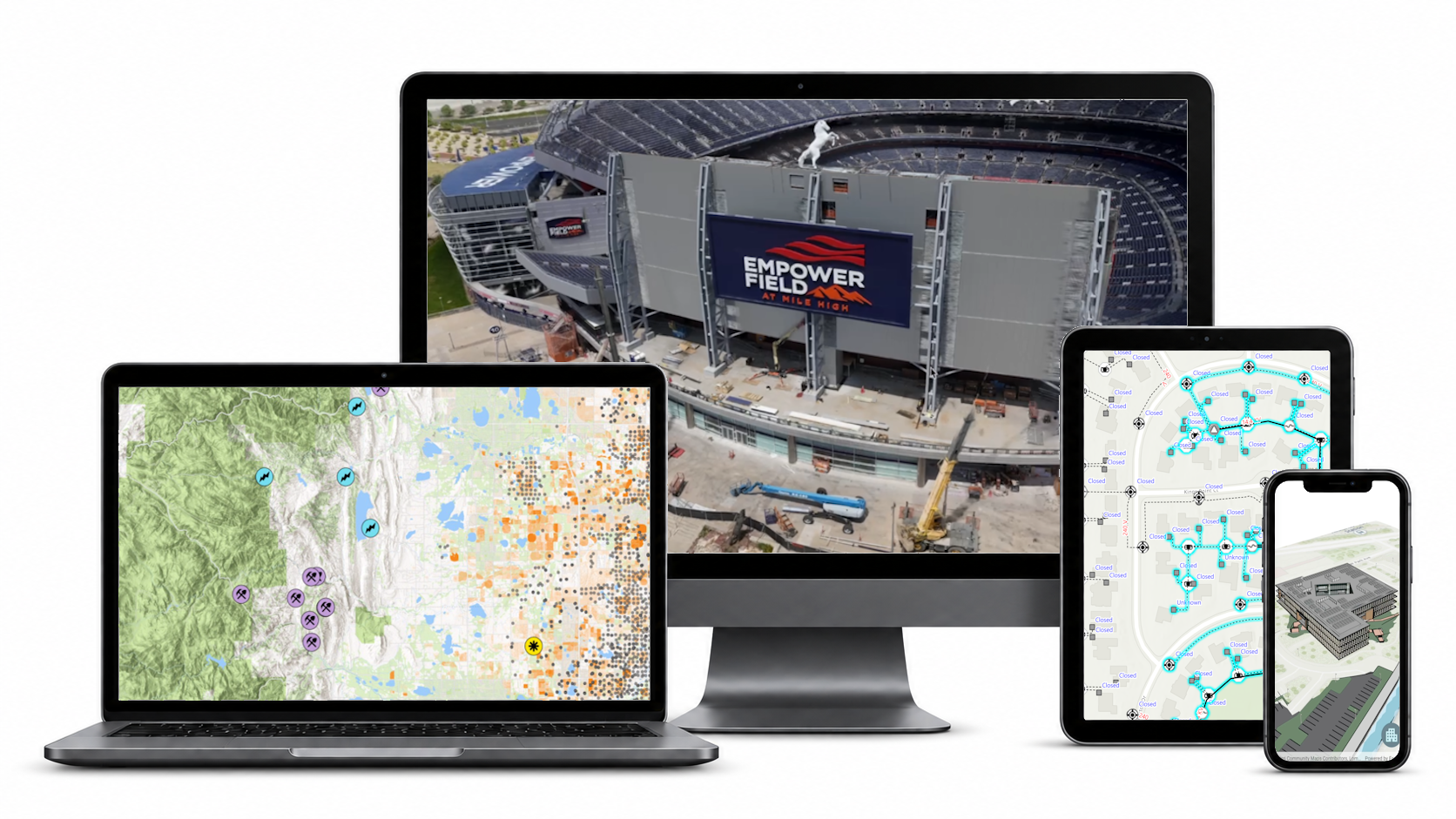
ArcGIS Maps SDKs for Native Apps are a suite of developer tools designed to help teams build fast, reliable mapping applications that run directly on devices. Whether on iOS, Android, Windows, Linux, or macOS, these SDKs enable organizations to create apps that deliver rich geospatial experiences — even when connectivity is limited or unavailable.
By tapping directly into device hardware like GPUs, GPS, storage, and sensors, as well as connected peripherals, developers can build applications that deliver real-time visualization, advanced analysis, and mission-critical workflows both online and offline.
What Is an SDK and Why It Matters for Developers
A Software Development Kit, or SDK, is the foundation developers use to build applications for a specific platform. Instead of having to solve complex problems from the ground up and reinventing the wheel each time, developers can rely on SDKs to provide the reusable building blocks they need to create powerful, reliable apps.
In mapping applications, this includes everything from rendering maps and managing spatial data to performing analysis and connecting to data sources. With these capabilities built in, developers can focus on solving their users’ specific needs, delivering value faster.
Meet ArcGIS Maps SDKs for Native Apps

ArcGIS Maps SDKs for Native Apps provide a modern, unified architecture for building high-performance geospatial applications across platforms.
Developers can build with familiar technologies like .NET, Swift, Kotlin, Qt, or Flutter while delivering consistent, high-quality experiences across devices. Because applications run natively, they can take full advantage of device capabilities — enabling smooth rendering, responsive performance, and precise data collection.
Why Native Matters
While web applications play an important role, many workflows demand the performance, reliability, and device integration that native applications are uniquely positioned to deliver.
- Performance at Scale: Native apps can take full advantage of device resources, including CPUs, GPUs, memory, and local storage, to efficiently render complex datasets, large volumes of features, and detailed 3D scenes.
- Reliability Anywhere: When connectivity is limited or unavailable, native apps can directly access on-device storage to keep critical workflows running. Users can work with maps and scenes, collect and edit data, and perform supported analysis offline, then synchronize changes when connectivity is restored.
- Deep Device Integration:Native apps can tap directly into device capabilities and connected hardware, enabling workflows such as high-accuracy GNSS positioning and survey-grade data collection, sensor-driven experiences, and augmented reality.
Capabilities That Go Beyond the Map
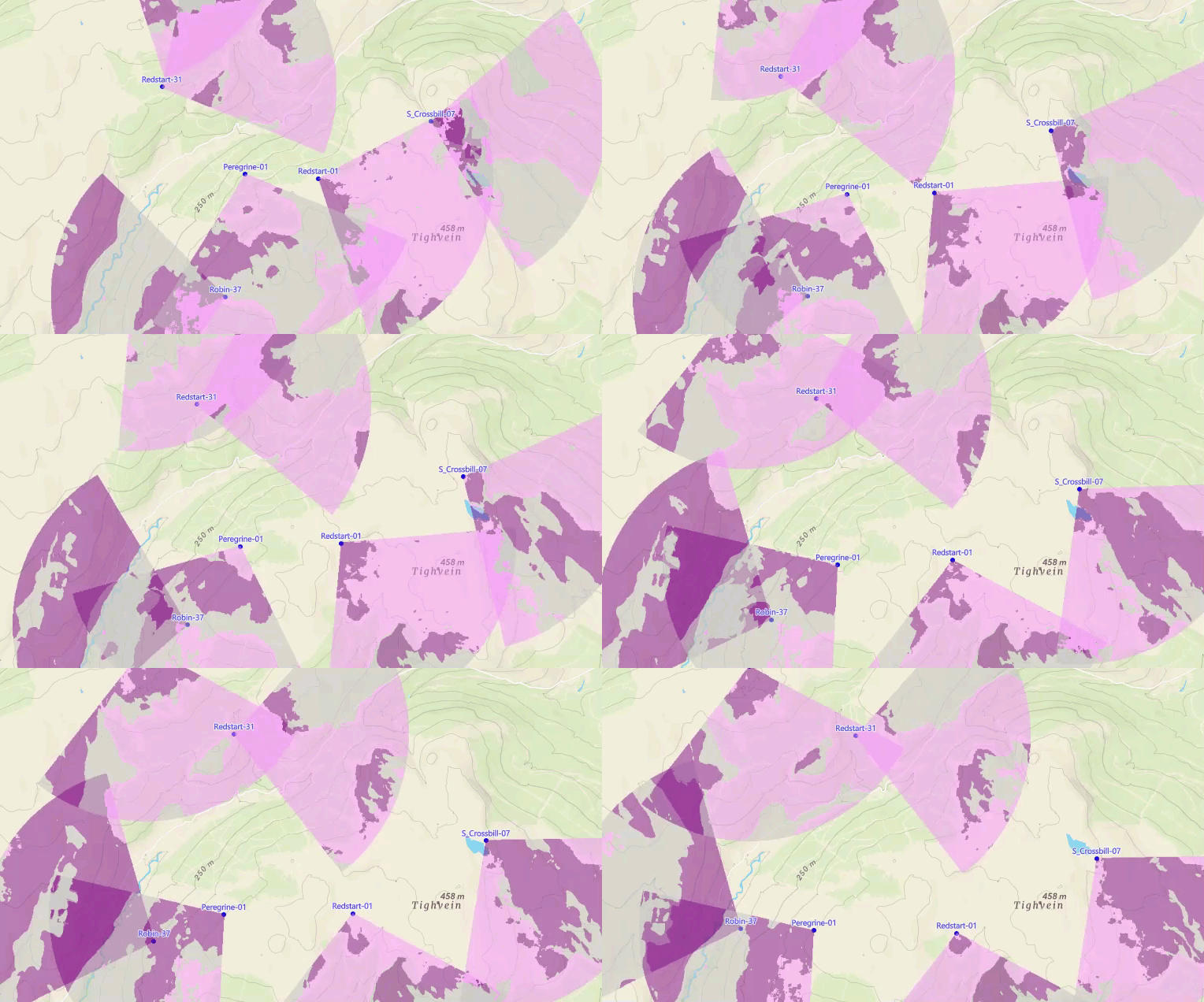
ArcGIS Maps SDKs for Native Apps support a wide range of advanced geospatial workflows, which help organizations build applications that are both powerful and flexible.
- Work Offline with Confidence: Support fully disconnected workflows, including viewing maps, editing data, searching locations, and routing without internet access.
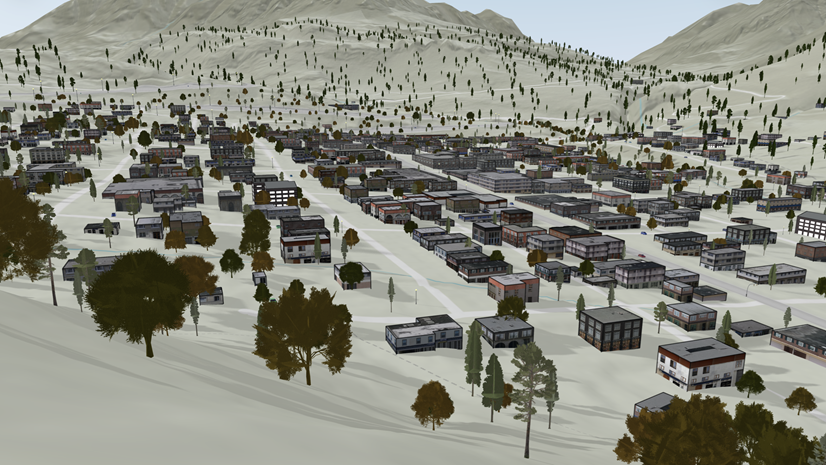
- Visualize the World in 3D: Create immersive 3D experiences using building models, 3D tiles, and realistic rendering that runs smoothly across mobile and desktop devices.
- Monitor Real-Time Activity: Integrate live data feeds to track moving assets, vehicles, and events with dynamic updates and real-time visualization.
- Enable Advanced Editing: Support complex editing workflows, including validation rules to maintain data quality during field operations, even when offline.
- Navigate Indoors: Build indoor positioning and wayfinding experiences for facilities like airports, hospitals, and campuses.
-
Unlock Spatial Insights: spatial analysis and map algebra tools let you interactively discover and explore geographic patterns and relationships in your spatial data.
What Can You Build?

The flexibility of ArcGIS Maps SDKs for Native Apps makes it possible to create solutions across industries and use cases.
- Field data collection apps for utilities, environmental management, and government inspections
- Situational awareness tools for public safety and defense
- Navigation and wayfinding apps for education, healthcare, and hospitality, including campuses, hospitals, and event venues
- Operational dashboards for transportation and logistics that combine real-time and offline data
- Augmented reality experiences for utilities and construction that visualize infrastructure in context
ArcGIS Foundations
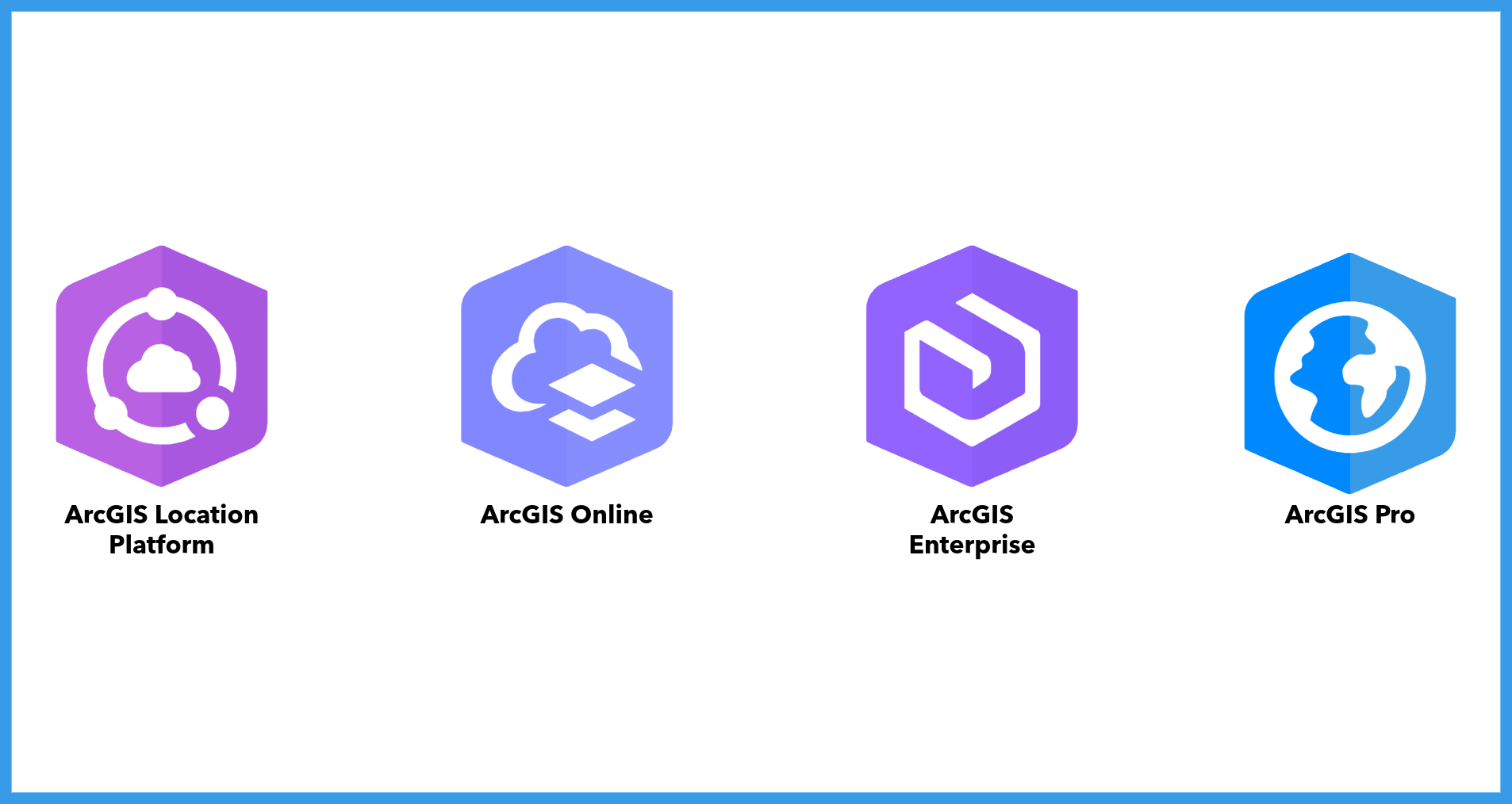
Applications built with ArcGIS Maps SDKs for Native Apps connect to the broader ArcGIS system to access maps, data, services, authentication, and geographic content.
- ArcGIS Online: Esri’s cloud-based SaaS platform for creating, managing, and sharing maps, apps, and location services.
- ArcGIS Enterprise: A self-hosted GIS platform that enables organizations to manage and secure their geospatial infrastructure within their own environments.
- ArcGIS Location Platform: A developer-focused platform that provides access to ArcGIS location services through a flexible pay-as-you-go model.
- ArcGIS Pro: Esri’s professional desktop GIS application. ArcGIS Pro enables GIS professionals and developers to create and manage content such as mobile map packages, offline routing networks, locators, and 3D scenes that can be consumed directly by native applications.
Production Licensing
Applications built with ArcGIS Maps SDKs for Native Apps require a license for production deployment. Developers can license their applications through user authentication with ArcGIS Online or ArcGIS Enterprise, or by using a license string, depending on the application’s requirements and its user-base.
Where It Fits in the ArcGIS Maps SDKs Family
ArcGIS Maps SDKs for Native Apps is one of three specialized SDK product suites designed for different development environments and use cases:
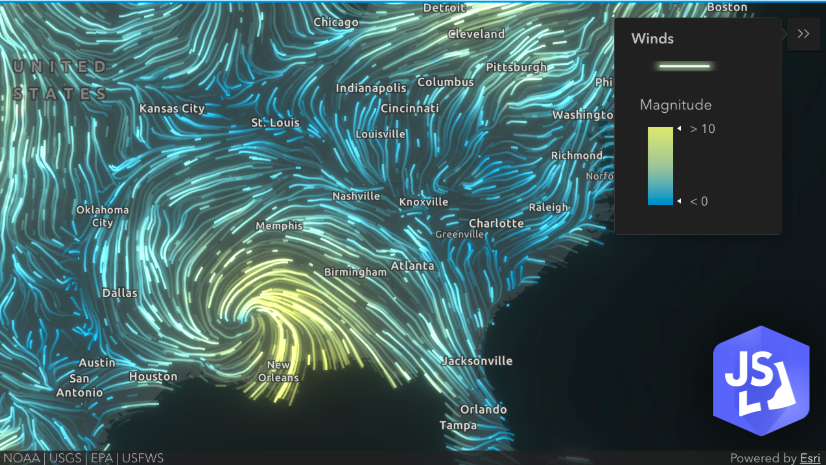
- ArcGIS Maps SDK for JavaScript: Create web-based mapping applications that run in any modern browser. Ideal for building accessible, cross-platform web apps without installation requirements.
- ArcGIS Maps SDKs for Native Apps: Build native mobile and desktop applications using Flutter, Kotlin, Swift, Qt, or .NET. Perfect for developing cutting edge mapping applications with native platform performance and UI components.
- ArcGIS Maps SDKs for Game Engines: Use Unity and Unreal Engine to build immersive applications with advanced 3D visualizations, XR experiences, and photorealistic environments. Ideal for applications that demand high-end 3D rendering, immersive interactivity, and simulation capabilities.
Each SDK suite is optimized for its target platform while maintaining access to the full range of ArcGIS capabilities—from data and services to advanced analytical tools. This enables organizations to choose the right development approach for them.
Bringing the Office to the Field

At their core, ArcGIS Maps SDKs for Native Apps help organizations bridge the gap between planning and operations. By enabling high-performance, reliable applications that work anywhere, teams can make better decisions, stay connected to their data, and operate with confidence — no matter where work happens.
Ready to Start Building?
Learn more about ArcGIS Maps SDKs for .NET, Swift, Kotlin, Qt, and Flutter , including documentation, tutorials, and sample code.
Subscribe to the Esri Developer Newsletter to keep up with product releases, technical guidance, and developer resources.



Commenting is not enabled for this article.