Location is at the heart of how we understand the world, whether it’s planning cities, managing infrastructure, responding to emergencies, or delivering smarter digital experiences. ArcGIS Maps SDKs are a family of developer tools designed to build mapping and spatial analysis applications across platforms. The suite includes SDKs for web (JavaScript), native apps (.NET, Flutter, Swift, Kotlin, and Qt), and game engines (Unity and Unreal Engine).
In this blog, we will cover what ArcGIS Maps SDK for JavaScript is, why it matters, and how developers and organizations can use it to build custom, location‑aware applications.
What is ArcGIS Maps SDK for JavaScript?
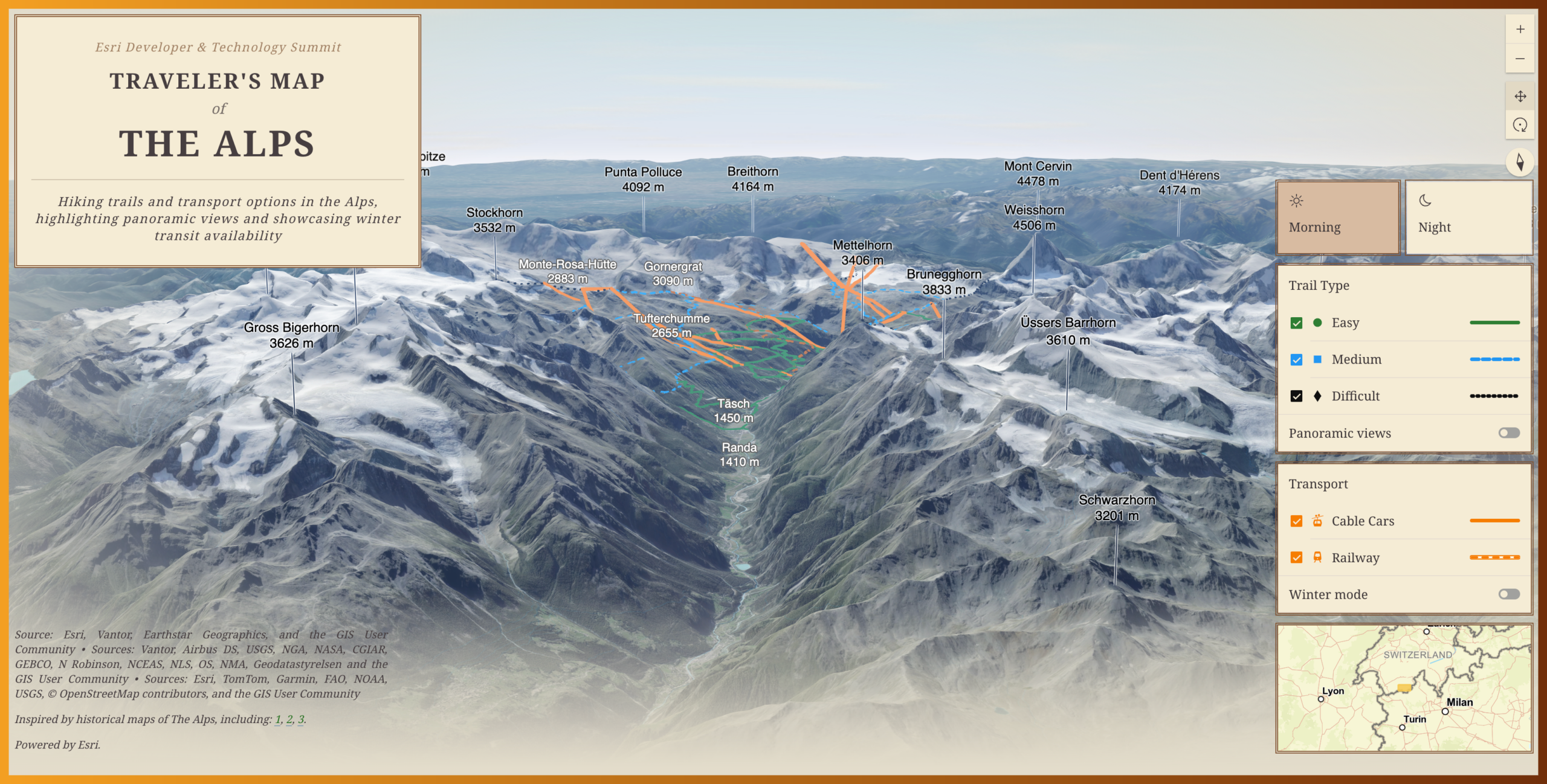
ArcGIS Maps SDK for JavaScript is Esri’s premium tool for building custom, interactive web mapping applications. It enables developers to create rich 2D and 3D experiences that visualize, analyze, and edit spatial data directly in the browser.
Esri uses it to build web apps such as ArcGIS Experience Builder, ArcGIS Instant Apps, and ArcGIS Dashboards, among others. Customers and partners also use it to create interactive, data-driven custom web GIS applications.
Core elements of JavaScript Maps SDK
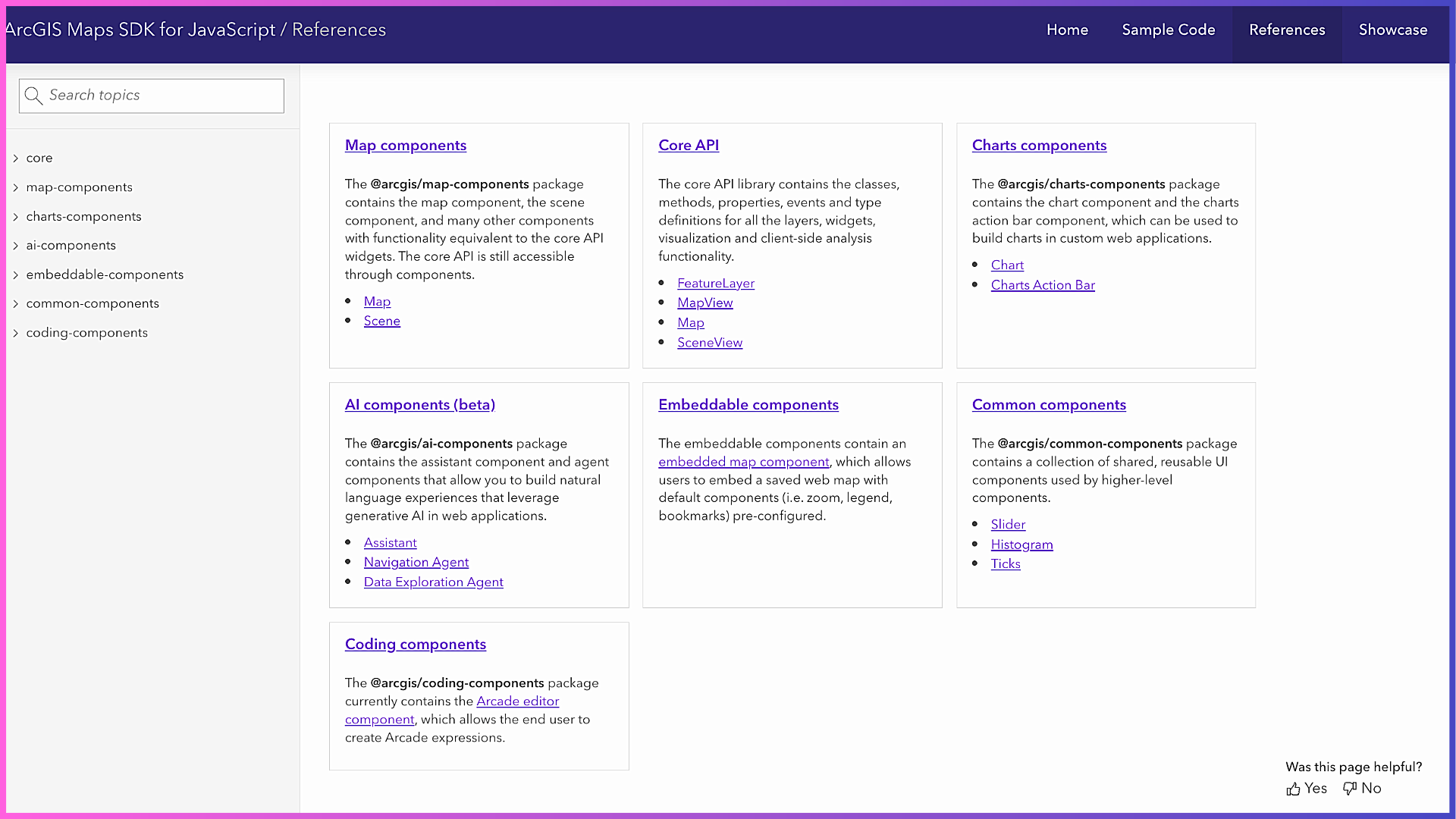
The SDK is built around two complementary elements:
1. Core API
The Core API provides the programmatic foundation for working with maps, layers, geometry, rendering, analysis, and interaction. It gives developers fine‑grained control over application behavior through JavaScript classes, methods, events, and data models.
Why this matters for developers:
The Core API enables highly customized workflows such as advanced visualization, client‑side analysis, feature editing, and integration with other systems, making it ideal for developers who need flexibility and control.
2. Web Components
The SDK also includes standards-based web components built using the core API. They are reusable and can be used to incorporate maps, charts, UI elements, and AI into web mapping applications with minimal code. These components are designed to work with plain JavaScript as well as modern frameworks such as React, Angular, and Vue.
Why this matters for developers:
Web components accelerate development by providing ready‑to‑use building blocks that follow accessibility and design best practices, allowing teams to focus more on solving problems and less on rebuilding common UI patterns.
Together, the core API and web components let developers choose between deep customization and rapid development or combine both approaches in the same application.
Accessing JavaScript Maps SDK
Developers can add JavaScript Maps SDK to their applications in two primary ways:
Using CDN:
The SDK can be loaded directly into an HTML page using <script> and <link> tags. This approach is ideal for learning, quick prototypes, or lightweight apps where minimal setup is preferred.
Using npm:
Developers can install the SDK as a package in their project and integrate it with modern build tools and frameworks. This method is best suited for production applications that require structured codebases, version control, and optimized builds.
Both options deliver the same SDK capabilities. The choice depends on development workflow, not functionality.
Key Benefits of JavaScript Maps SDK
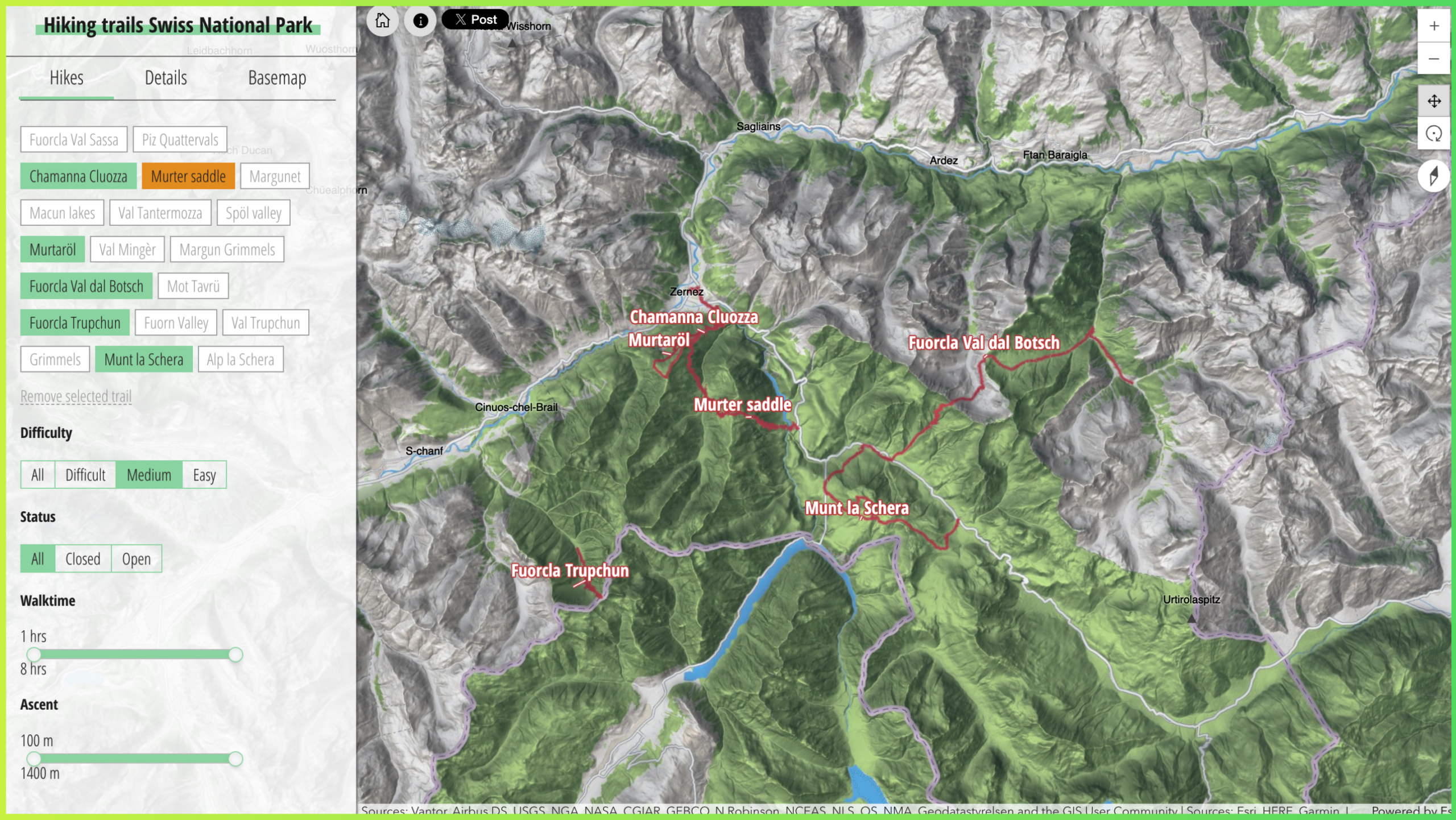
At its core, ArcGIS Maps SDK for JavaScript delivers several key benefits:
Powerful 2D/3D visualization: Create high‑performance 2D and 3D maps that can handle large and complex datasets in the browser.
Fast client‑side analysis: Perform querying, filtering, measurement, and spatial analysis directly in the web app.
Extensive Developer resources: Extensive documentation, tutorials, and samples help developers get started quickly and follow best practices.
Seamless ecosystem integration: Seamless connection to ArcGIS Online, ArcGIS Enterprise, and ArcGIS Location Platform ensures access to authoritative data and services.
Scalability and flexibility: Suitable for simple apps as well as enterprise‑grade solutions.
JavaScript Maps SDK and Core ArcGIS Technology
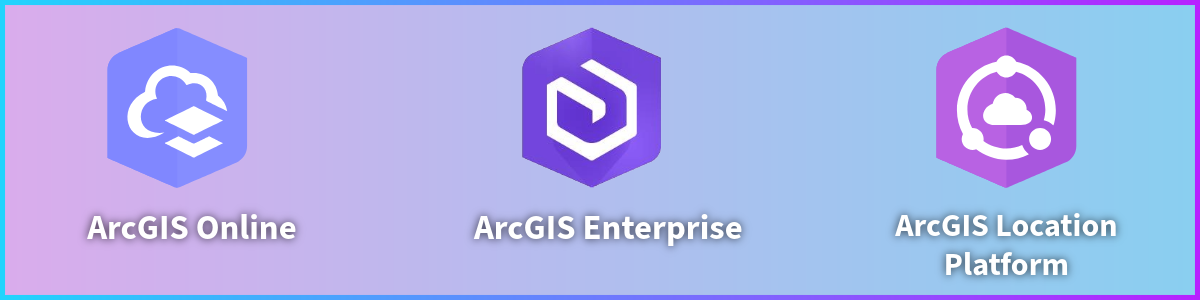
While CDN and npm determine how the SDK code is delivered, access to maps, data, and services is controlled by a foundational ArcGIS account.
Applications built with the SDK connect to ArcGIS through:
ArcGIS Online: Esri’s cloud-based mapping and spatial analysis SaaS platform.
ArcGIS Enterprise: Self-hosted software for organizations that manage their own infrastructure to create maps, spatial data services, and applications.
ArcGIS Location Platform: A cloud-based PaaS with a pay-as-you-go option for accessing location services.
Licensing
Custom web mapping applications built using JavaScript Maps SDK and/or deployed to production must be licensed through one of Esri’s foundational products: ArcGIS Enterprise, ArcGIS Online, or ArcGIS Location Platform.
For ArcGIS Online and ArcGIS Enterprise customers, JavaScript Maps SDK is licensed via user types. Applications using ArcGIS Location Platform follow a pay-as-you-go model, starting with a free tier and incurring usage based charges as consumption scales.
Authentication
JavaScript Maps SDK offers different ways to securely access ArcGIS services and private data hosted in ArcGIS (portal). The three types of authentication you can implement to get an access token for building applications that use secure ArcGIS resources and services are API key authentication, user authentication, and application authentication.
API key authentication uses a long-lived access token embedded directly into an application or console script. It is best suited for creating public applications that access ArcGIS Location Services and secure items owned by an organization. User Authentication uses the OAuth2.0 protocol to generate an access token and let users sign in to access secure resources. Application Authentication also uses an OAuth2.0 credential to generate short-lived access tokens for public apps with a server-side component that need access to ArcGIS Location Services or secure content.
Key Use Cases and Industries

JavaScript Maps SDK is most impactful in scenarios in which data and location drive decisions, such as building interactive parcel and zoning viewers; utility network and outage management apps; large-scale 2D and 3D city and infrastructure visualizations; real-time operational dashboards; and situational awareness applications for planning and emergency response. Any organization that needs to visualize, analyze, or interact with location data on the web can benefit from the SDK’s capabilities.
Calcite Design System
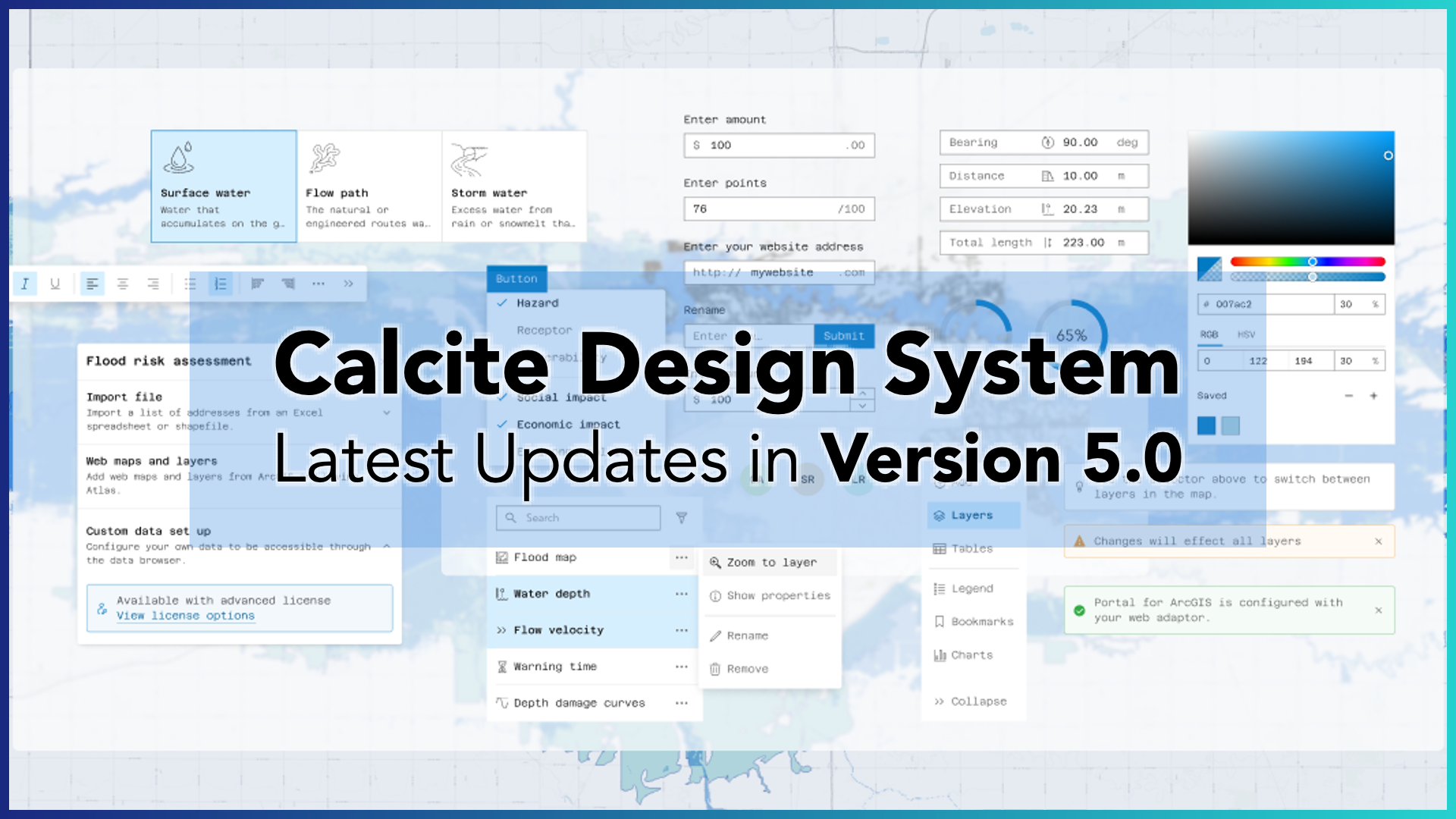
JavaScript Maps SDK is tightly integrated with Calcite Design System, Esri’s framework agnostic design system for building consistent, accessible, and responsive web applications. Calcite provides reusable layout components, UI patterns, and design tokens that handle application structure and styling, while ArcGIS map components focus on rendering and interacting with geospatial content. This clear separation of concerns helps developers build clean, maintainable applications faster, ensures visual consistency across experiences, and delivers built-in support for accessibility and theming such as light and dark modes.
ArcGIS Maps SDK for JavaScript is one of the best tools available to bring location intelligence into web applications. By enabling custom, secure, and scalable web experiences, the SDK helps organizations transform location data into insight, impact, and long-term value.
Helpful Resources to Get Started
Explore these resources and learn more:




Article Discussion: