Ultimate GIS Guide for Mining Professionals: Build Business-Critical Skills in 2026
Well, it’s a New Year and mining is heating up around the world. With commodity cycles shifting, driven by surging demand for copper, lithium, and other energy transition metals amid tight supply and geopolitical risks, new projects are advancing fast. Teams face pressure to move quicker with fewer resources, turning data into decisions without delays or confusion. That’s exactly where GIS earns its keep: as the system of record and engagement that keeps everyone aligned on the same “source of truth,” connects office planning to field execution, and creates a defensible record for partners, leadership, and regulators.
So let’s get back to basics and start from the beginning. This guide is a practical, step-by-step how-to for mining GIS professionals who want to build skills that translate directly to daily work. We will focus on the workflows that matter most: building a clean project basemap, mapping land access and constraints, enabling field data capture, setting up QA/QC and governance, and publishing maps and dashboards that teams actually use.
How-to GIS Guide for the Mining Professional
Mining GIS is most valuable when it connects the office to the field, turns data into decisions, and produces maps people trust. If you are building your skills or leveling up your impact, this guide gives you a clear path. It is web-first, field-ready, and designed around real mining workflows.
1. Start with a solid GIS foundation – Before jumping into advanced analytics, get fluent in the basics that power nearly every mining deliverable.
Focus Skills
- Web maps, layers, symbology, labels
- Clean pop-ups that answer “what is this and why does it matter”
- Filters and basic queries for fast decision-making
- Sharing and permissions (internal, partners, public)
Do This First
If you don’t already have an account, create your ArcGIS Online (AGOL) setup:
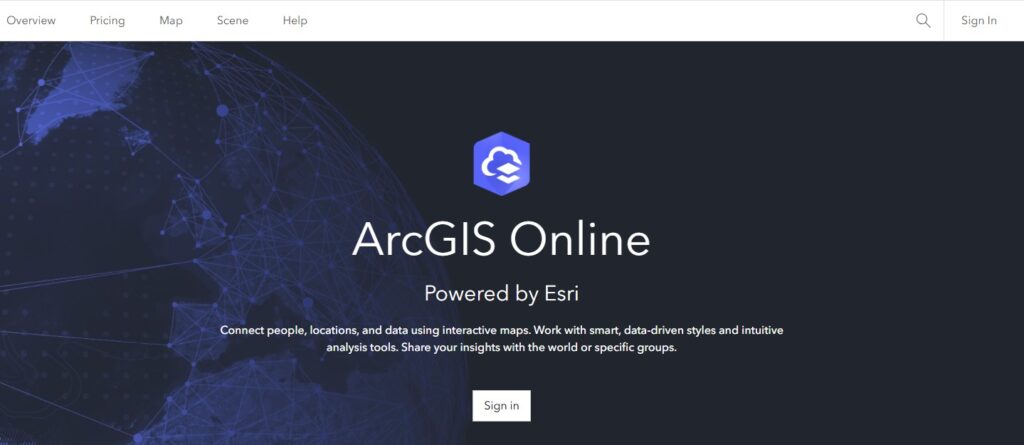
To create a free personal AGOL public account, navigate to arcgis.com, click “Sign In,” and select “Create an account”. Choose “Create a Public Account” (not a trial) to register via email or social login (Google, GitHub, Apple, Facebook), verify via email, and set a username/password to begin mapping.
Complete a handful of foundational lessons on Learn.ArcGIS.com.
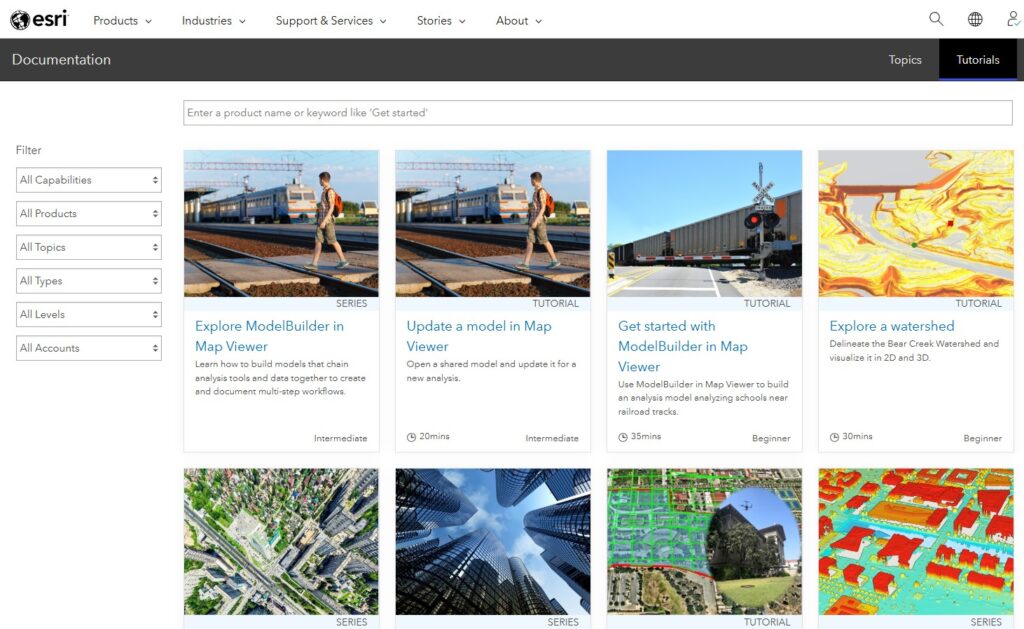
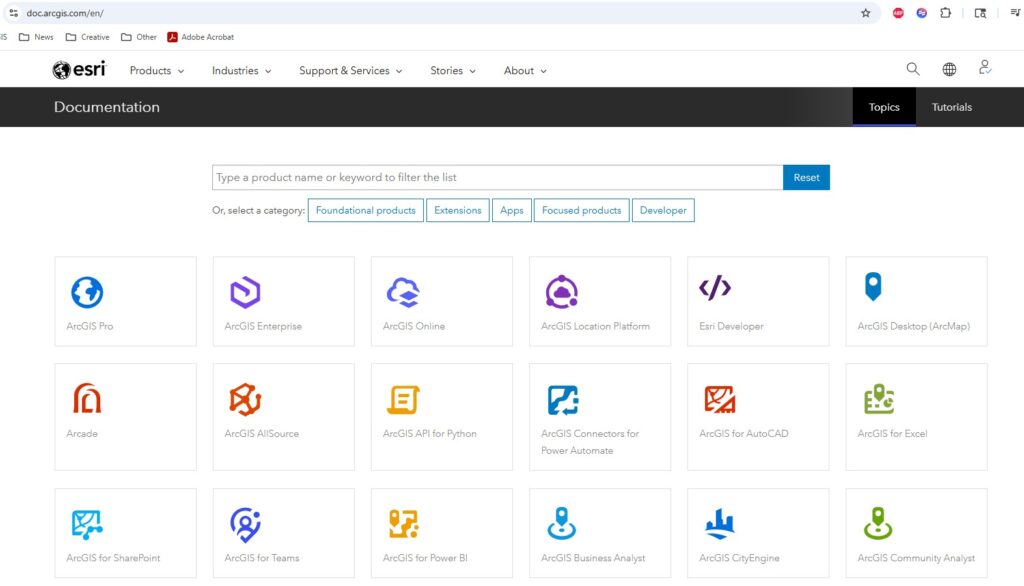
Browse our Documentation Library for subject matter of interest.
2. Build your mining project basemap – Every mine needs a map that becomes the reference point for everyone else. Your goal is a clean, fast, field-friendly “source of truth.”
Core Layers to include
- Tenure, Land Ownership, Permits, and Boundaries
- Roads and access, hydrology, elevation/slope
- Geology, imagery, grids and key infrastructure
- Facilities, pits, pads, stockpiles, haul roads
Pro Tip – Make it easy on the eyes: consistent layer names, scale-dependent visibility, and clear pop-ups with necessary information only.
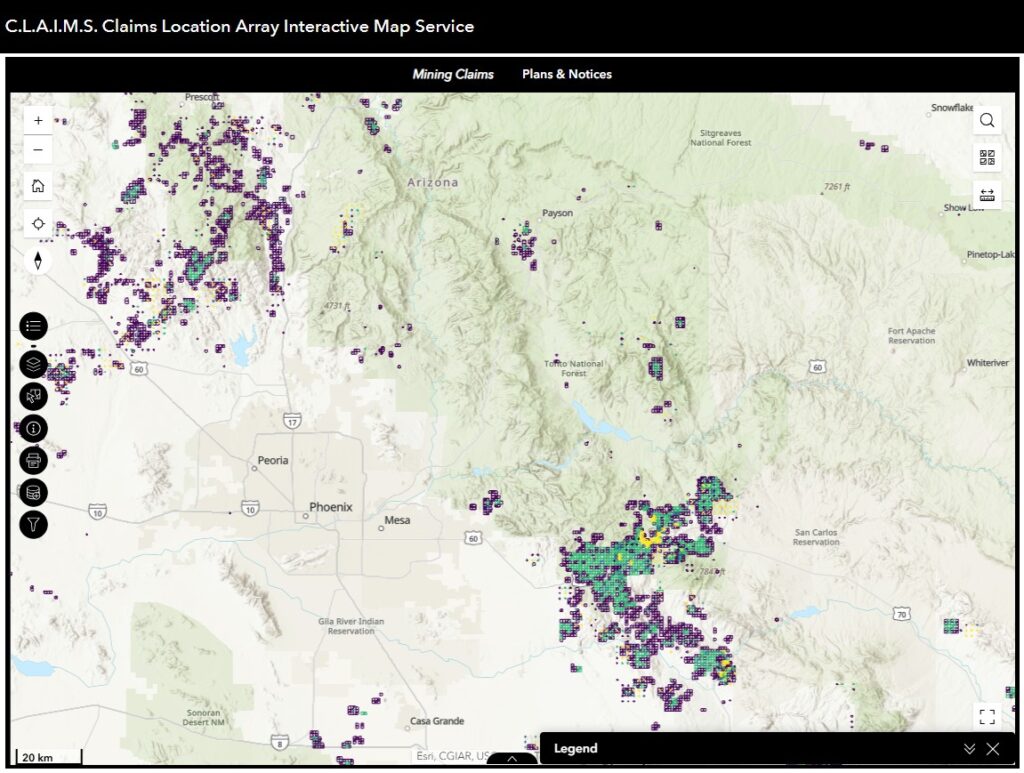
3. Using your basemap, create a Land Access Map – With your basemap as a starting place, you can now derive more specialized maps. A Land Access Map is one of the most valuable maps in mining GIS. It turns complex rules into a simple answer: where can we work, what’s on the ground, and what do we need to watch?
What to include?
- Exclusion areas, risk zones, seasonal restrictions
- Status categories: open, conditional, restricted, no-go
- Land Access Dashboard: Visualization of areas by status and constraints
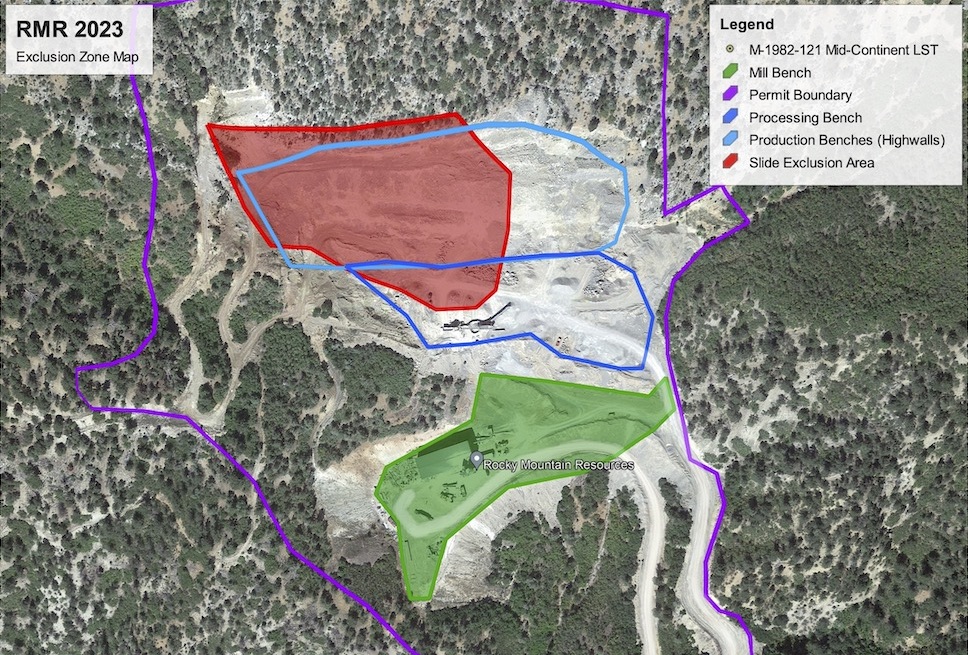
What to include in pop-ups?
- Permit/Tenure status and expiry
- Owner/agency and key contacts
- Links to documents, conditions, and standard operating procedures
4. Identify Lighthouse Workflows: Find the repeatable high-value workflows that you company uses. The difference between “nice maps” and “business-critical GIS” is usefulness. Pick one Field-to-Office workflow.
- Exploration mapping: samples, stations, outcrops, trenches, claims, access
- Environmental inspections: spill prevention and response plans, dust control, stormwater plans
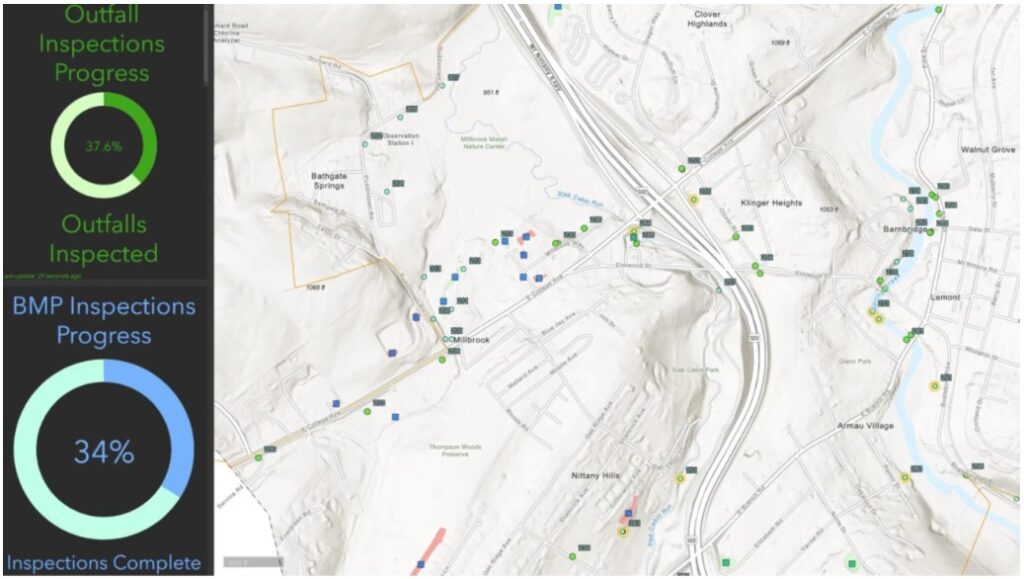
Recommended pattern: Use Survey123 for structured forms and Field Maps for location-based editing. Feed results into a dashboard so the office sees progress in real time.
5) Put QA/QC and data governance in place early. Mining moves fast. Without standards, GIS turns into scattered layers and conflicting answers. Add these guardrails:
- Standard schemas (domains, subtypes), required fields, validation rules
- Easy to understand naming conventions and metadata (source, date, owner, update cadence)
- QA/QC review status fields (draft, verified, published)
- Attachments and related records for photos and documents
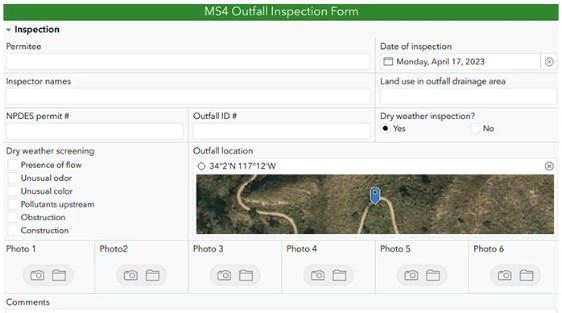
6. Publish operational awareness products. If you want GIS adopted, create outputs that align to how mining teams run daily work. High-impact products:
- Daily/weekly activity map: where crews worked and what changed
- Disturbance tracking: planned vs actual footprints
- Incident and hazard reporting: trends, hotspots, response status
- Simple KPI dashboards: progress, backlog, compliance checks
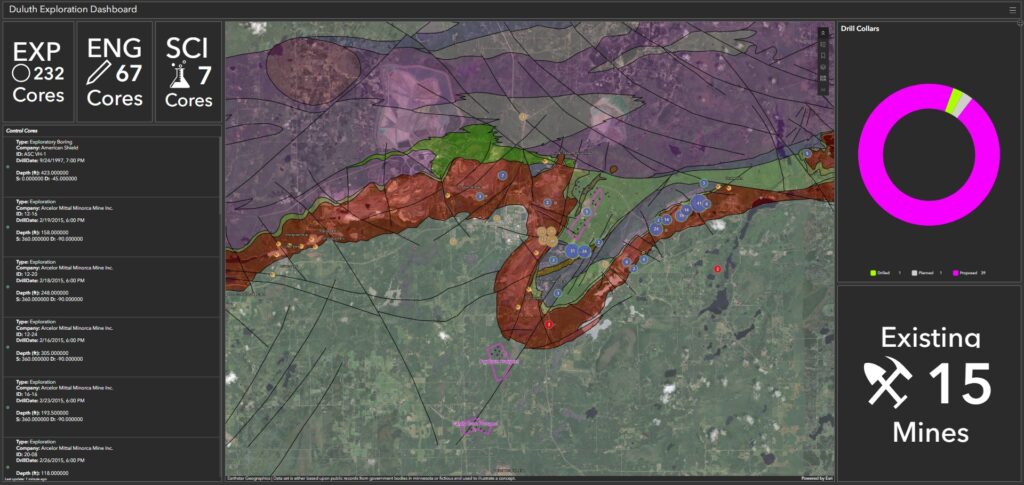
7. Add imagery and GeoAI for fast wins. You do not need a complex AI program to get value from AI-enabled workflows. Start with repeatable, defensible use cases and keep humans in the loop. Great starters:
- Feature extraction from drone/satellite imagery (roads, pads, disturbance)
- Change detection between dates for disturbance and reclamation progress
- Terrain-derived risk layers: slope, aspect, flow accumulation
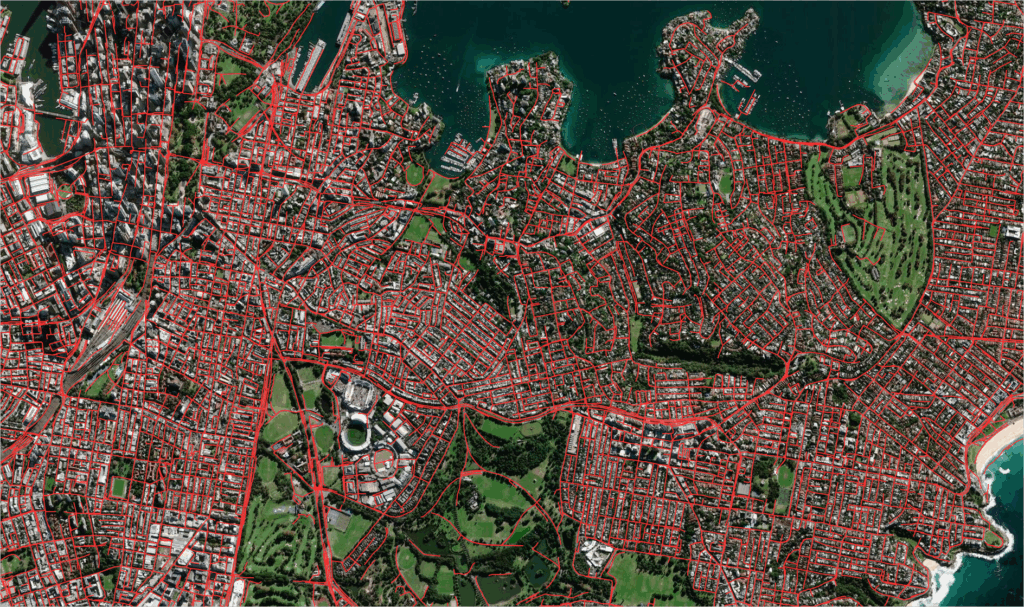
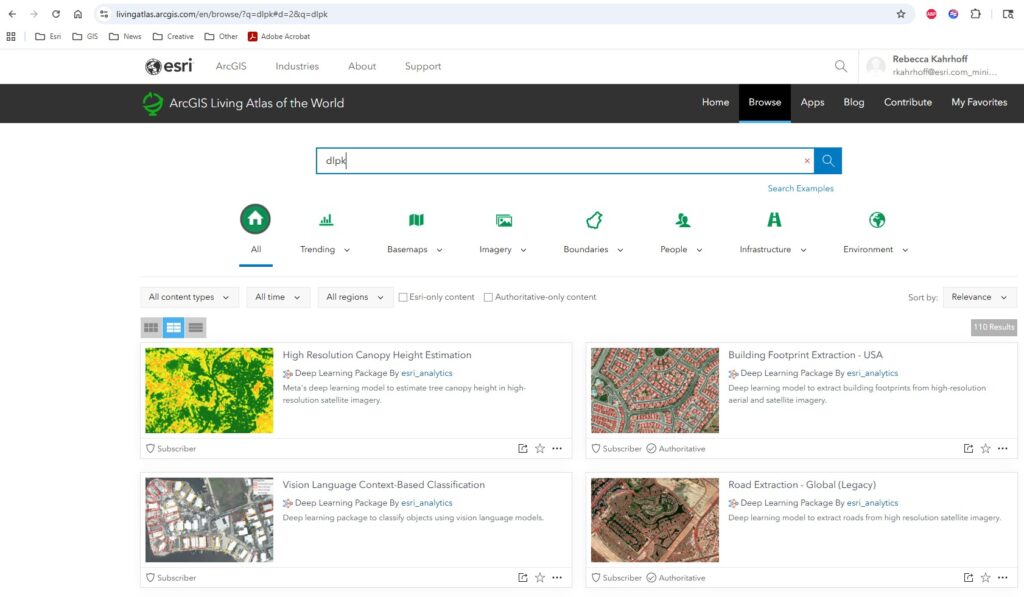
Pro Tip: Go to livingatlas.arcgis.com and search for “DLPK”. This will query for pre-built deep learning packages published by Esri that you can easily consume and publish. Also, as a best practice, always treat AI outputs as a review layer. Validate them before publishing them.
8. Communicate clearly with stakeholders. Mining GIS is also about trust. Your job is often to explain the “why” behind the map to leadership, partners, and regulators. What works:
- StoryMaps for project updates and context
- Standard map templates for printable layouts
- Dashboards for status, trends, and transparency
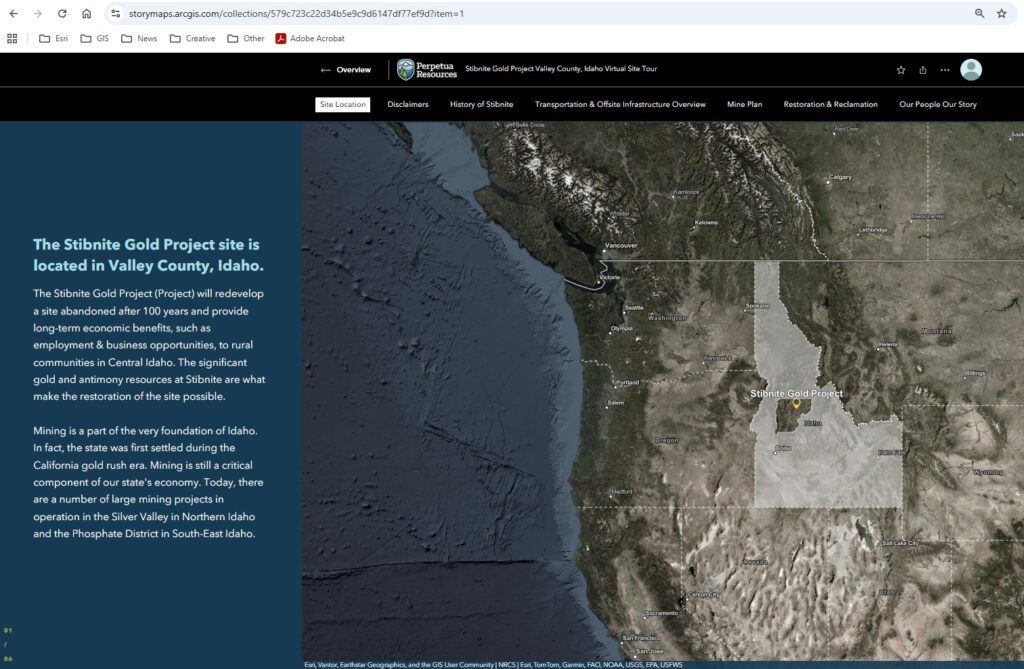
9. Build a simple portfolio that proves value. Even if you never show it publicly, a portfolio helps you standardize your work and demonstrate impact. Three links every mining GIS professional should have:
- A Project Basemap (fast, clean, field-ready)
- A Specialized Map (decision-ready)
- A Field-to-Dashboard Workflow (Survey123/Field Maps → dashboard)
In closing, make GIS an enterprise system, not a side project. The mining teams that get the most value from GIS treat it as the system of record and the system of engagement. When your maps are current, your data is governed, and your field workflows feed real-time awareness, GIS becomes business critical. Happy Mapping!