Airside and Landside Operations
Connect data, workflows, and assets across your airport campus

ArcGIS: the airport management software for every department, business system, initiative, and workflow.
Esri User Conference | July 13–17, 2026 | San Diego Convention Center | San Diego, California

Discover news and resources for airports and connect with industry experts

Find answers to common questions about using ArcGIS airport management software.
Airport management software helps airports plan, operate, and manage airside and landside activities using shared data. It supports airport operations like inspections, asset management, and incident response, while also enabling long‑term planning and capital programs.
ArcGIS provides this capability as an enterprise geographic information system (GIS) that connects facilities, assets, operations, safety, and infrastructure through location—creating a shared operational view across the airport.
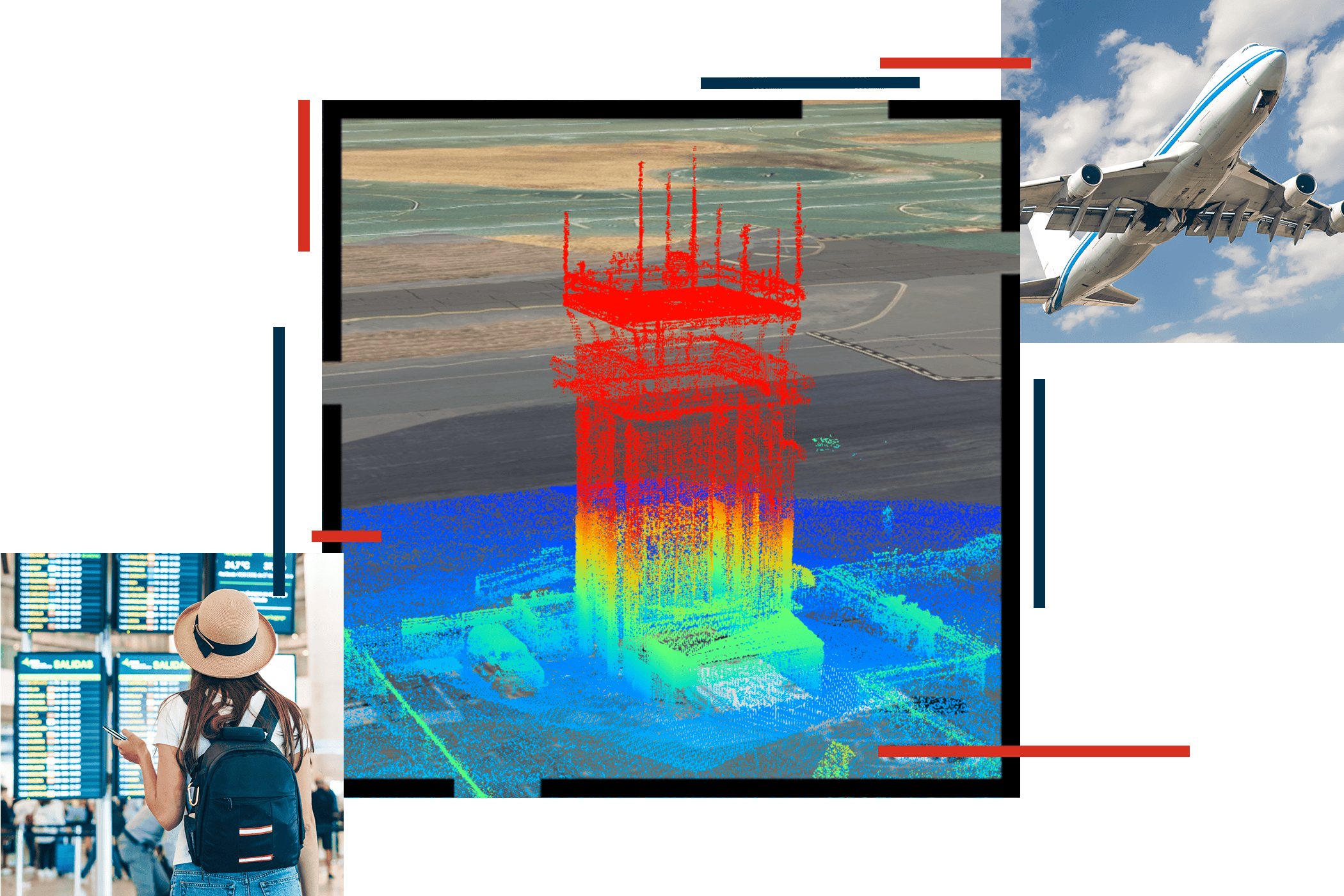
A living digital twin is an authoritative digital representation of your airport. Airports are complex entities, with a dense network of assets, infrastructure, facilities, and activities. They can be hard to manage, visualize, and understand. Intelligent airports use living digital twins to represent the reality of their historic, current, and future states. They support and improve airport operations.
Airports use ArcGIS-based digital twins to efficiently monitor and manage their complex portfolio of air and landside assets. Digital twins support data-driven decisions by giving managers a real-time view of assets, workloads, and maintenance status, helping them prioritize work orders and maintenance activities.
Airports can monitor regulatory inspections and states of cleanliness in terminals in real time. ArcGIS helps visualize and oversee space utilization, concessions, and lease management, boosting customer satisfaction and revenue.
Yes. Airport management software should connect systems—not replace them.
ArcGIS integrates with existing airport systems by using location as a common reference. It connects data from planning, operations, safety, maintenance, and other platforms to reduce silos and provide a shared, trusted view of airport activity.
Airport management software should support daily operations and coordination across teams. Key features include:
ArcGIS delivers these capabilities through purpose‑built airport data models, spatial analytics, mobile workflows, and dashboards that scale across the organization.
GIS tools support airport operations by linking operational data to location, making it easier to see what’s happening across the airport.
With ArcGIS, airports visualize aircraft activity, inspections such as FAA Part 139, incidents, assets, weather, and construction impacts on interactive maps and dashboards. This shared awareness helps teams coordinate, respond faster, and manage disruptions more effectively.
Airport management software improves safety and security by connecting inspections, incidents, assets, and live conditions into one shared operational view.
With ArcGIS, airports monitor risks and security events on maps and dashboards, helping teams coordinate faster, respond to incidents, and maintain consistent, audit‑ready safety records.
Please share your information and our sales team will contact you soon. We look forward to communicating with you.