Introduction
Reality mapping projects are growing fast. Larger areas, higher resolution sensors, tighter delivery timelines, and more stakeholders involved in the same production effort. While desktop-based workflows remain essential for many use cases, they increasingly become a bottleneck when needing to scale production.
Extend your existing workflows beyond the hardware available in your office with the new cloud support capabilities in ArcGIS Reality Studio. Scale compute, storage, and collaboration without changing how you fundamentally work.
Don’t replace your desktop workflows, extend them.
Desktop processing is often constrained by fixed hardware and local storage limits. In contrast, cloud-based workflows unlock three key advantages to help you in expanding beyond those:
Compute elastically for heavy processing
Photogrammetric reconstruction, dense matching, and large-block alignment benefit directly from scalable CPU, GPU, and memory resources. In the cloud, you can provision the hardware you need when you need it. Once the job is done, release these resources.
Centralize your data in a high-throughput storage
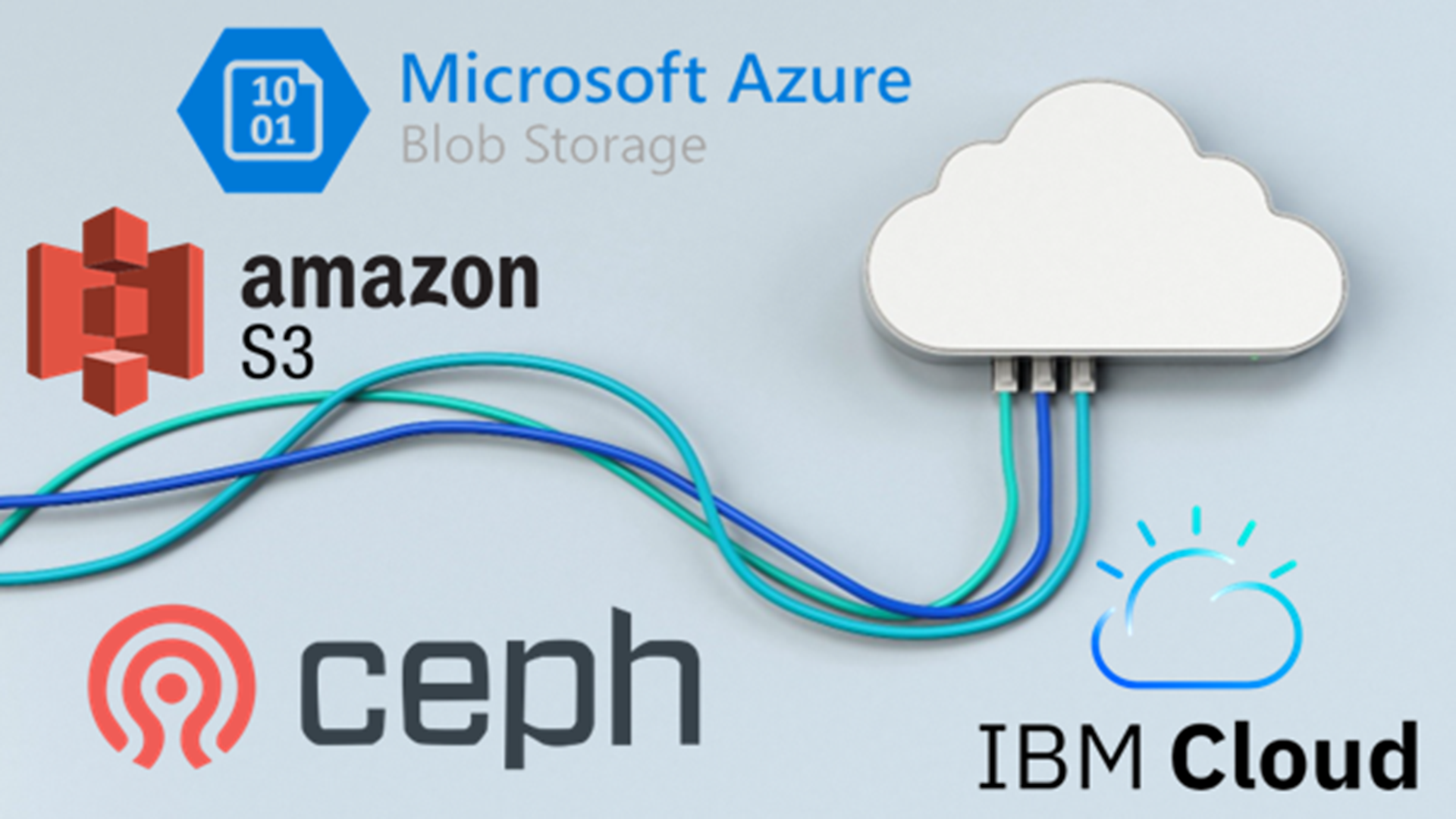
Work with massive image and lidar collections directly on cloud storages, where the data lives. Output directly into another cloud object storage. Make the processing available to multiple contributors, independently from where they’re located in the world.
Distribute your production, keep one workspace
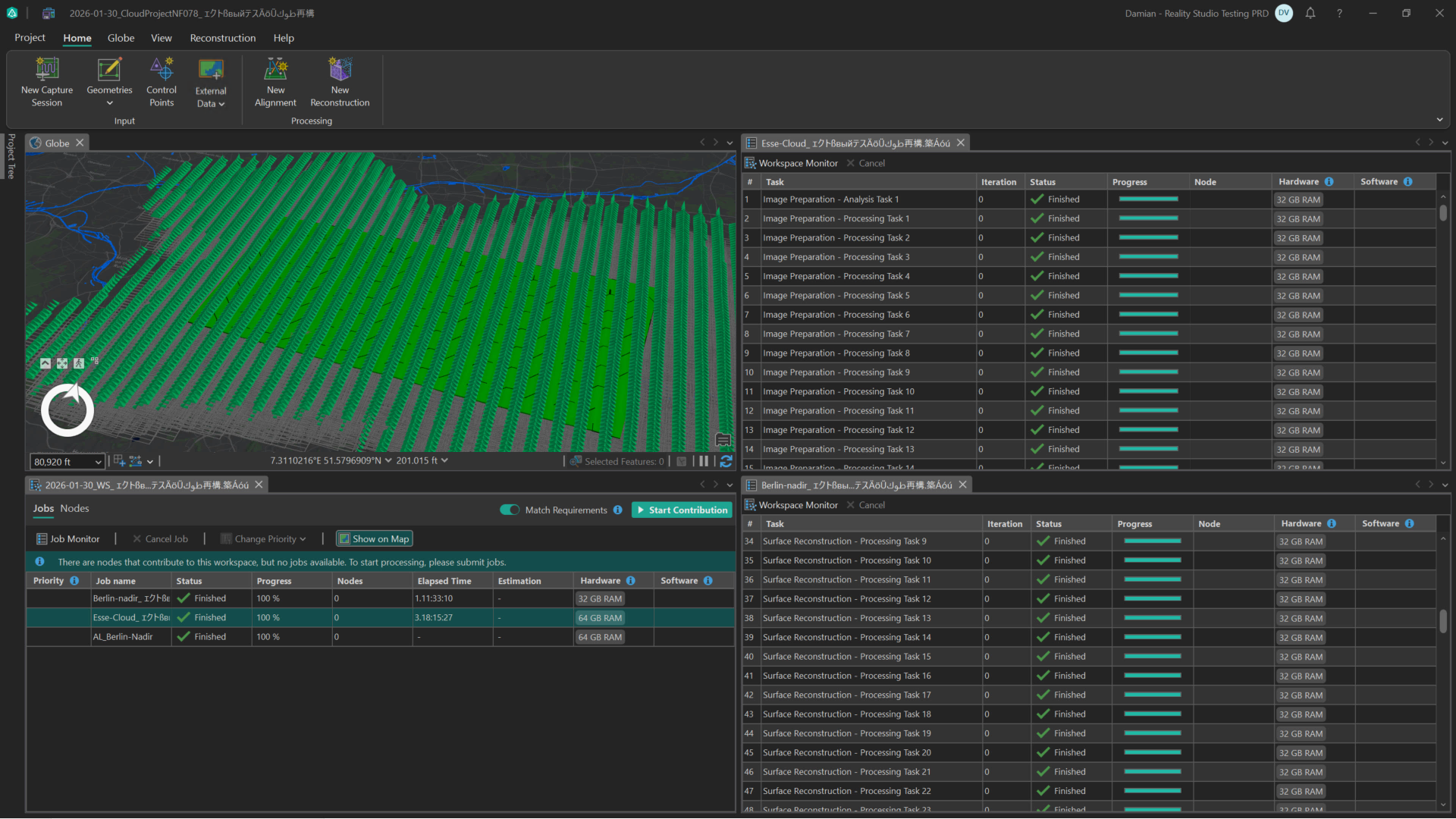
Leverage Reality Studio’s cloud-ready architecture by having multiple nodes contribute to the same workspace. Scale as you need, combine on-prem or cloud-based computers, both, on Windows or Linux operating systems.
Scale compute on Linux nodes
Use Linux-based nodes to contribute to a shared workspace, one of the most recent additions to Reality Studio’s cloud architecture. Linux nodes are ideal for automated, scripted deployments in cost-efficient cloud instances.
Use the same you’re used to for connecting securely to the same cloud-based workspace. Reality Studio assigns tasks automatically to the available nodes, who write results directly back to a shared storage.
Plan your expansion to cloud support in Reality Studio
Design an architecture that fits your organization without being forced into a single deployment model. Reality Studio’s cloud enablement introduces several foundational capabilities specifically developed for this.
Evolve incrementally instead of migrating from desktop to cloud “all at once.” A common path looks like this:
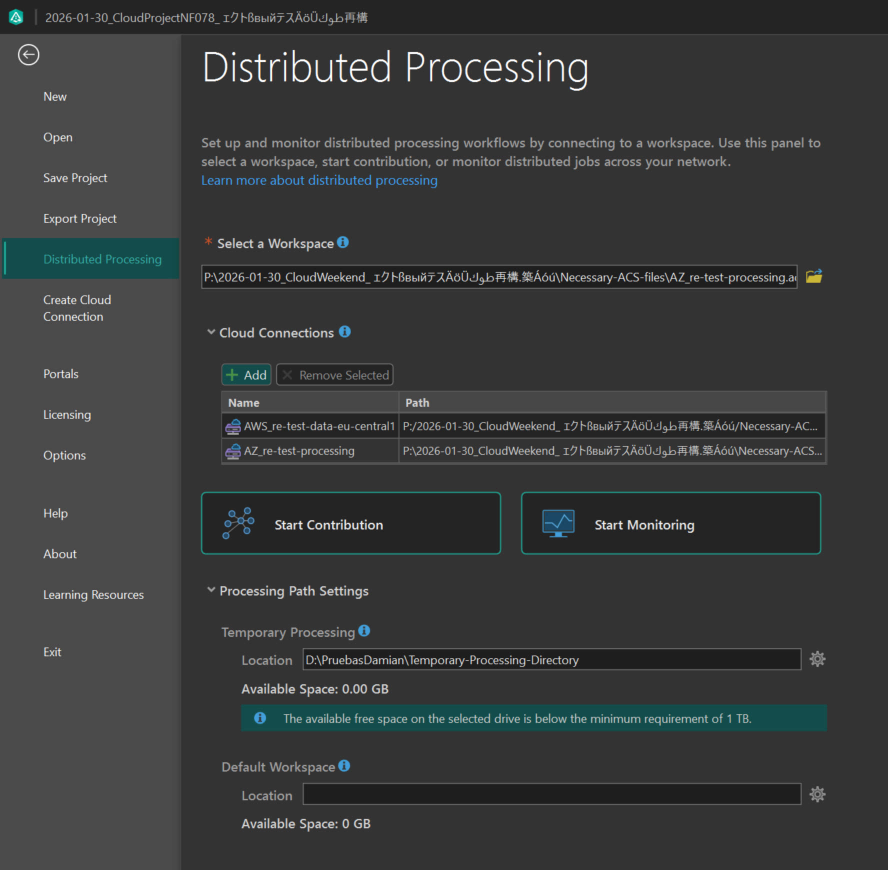
Step 1: Move your data and workspaces to the cloud
Ensure that large datasets are accessed where the compute runs by hosting imagery, lidar data, and workspaces in cloud storage. The data is no longer tied to one machine or NAS. The collaboration becomes significantly simpler.
Let Reality Studio interact with cloud storage natively and in an automatic manner, without unnecessary data downloads or constant human synchronization.
Step 2: Keep your desktop as you’re used to
Use Reality Studio on Windows as usual. Set up your project, manage your workspace, do your quality control, inspection, editing and refinement.
The only difference is where the data and compute live.
Step 3: Add compute nodes where it makes sense
Plug in and out additional processing power as you need once your workspace is cloud-based. Make contributions remotely as you wish, it could be processing nodes on cloud VMs or your typical on-prem machines, Windows or Linux, all working together smoothly.
Scale your production when and how you need.
Production for cloud-based Reality Studio: best practices
Follow this best practices and tips to achieve success consistently when working with cloud-enabled Reality Studio:
Design for hybrid, not all-or-nothing
Don’t abandon desktop workflows. Consider leveraging setups that combine desktop and cloud instances: benefit from both where they’re strong to maximize workspace throughput.
Separate data, compute, and control
Treat these as independent layers. The data lives in cloud storage, compute scales up and down as necessary, control remains lightweight and flexible in your Windows desktop environment.
Optimize hardware for your tasks
Use larger instances for certain steps of dense reconstruction, powerful machines for accelerating the alignment optimization step, smaller instances for image preparation, and Linux nodes for easy and quick automatic deployment, for example. Reality Studio allows you to process in a workspace with varying hardware specifications; by enabling the match requirements functionality, you can ensure the best equipped nodes will pick up the most demanding jobs.
Automate where possible
Reduce setup time and ensure consistency across projects deployments. Cloud-based deployments pair naturally with preconfigured machine images, startup scripts, and repeatable node provisioning.
Leverage Reality Studio’s scripting capabilities to silently Install and authorize it, install its complementary Coordinate System Data, and the Deep Learning packages. Once everything is setup, start automatically your contribution to the workspace.
Start scaling without compromise
Extend your production workflows, don’t replace them. Move from desktop to cloud without giving up control, transparency, or quality with Reality Studio.
Scale your production confidently while keeping the tools, workflows, and quality standards you already trust; by combining cloud-hosted workspaces and storage, distributed Windows and Linux nodes, and elastic compute.
Resulting in faster turnaround, greater flexibility, and a future-ready reality mapping pipeline.
Stay connected
To learn more about Reality Studio, you can visit our product page, check the resources, or the technical documentation.
If you have any questions or ideas, we’d love to hear from you! Visit the Esri Community page and let us know what you think.
If you’re interested in any of our Reality solutions, please check out our webpage and contact us for more information.

Article Discussion: