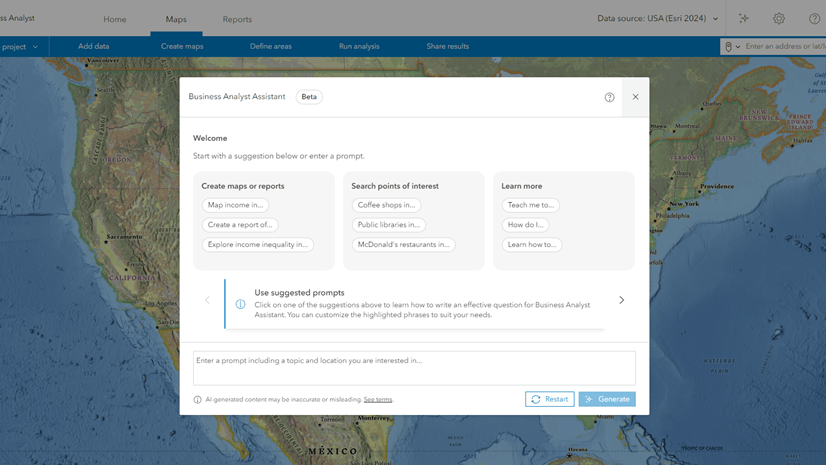
Business Analyst assistant (beta) is now available in ArcGIS Business Analyst Enterprise, once enabled by an organizational administrator.
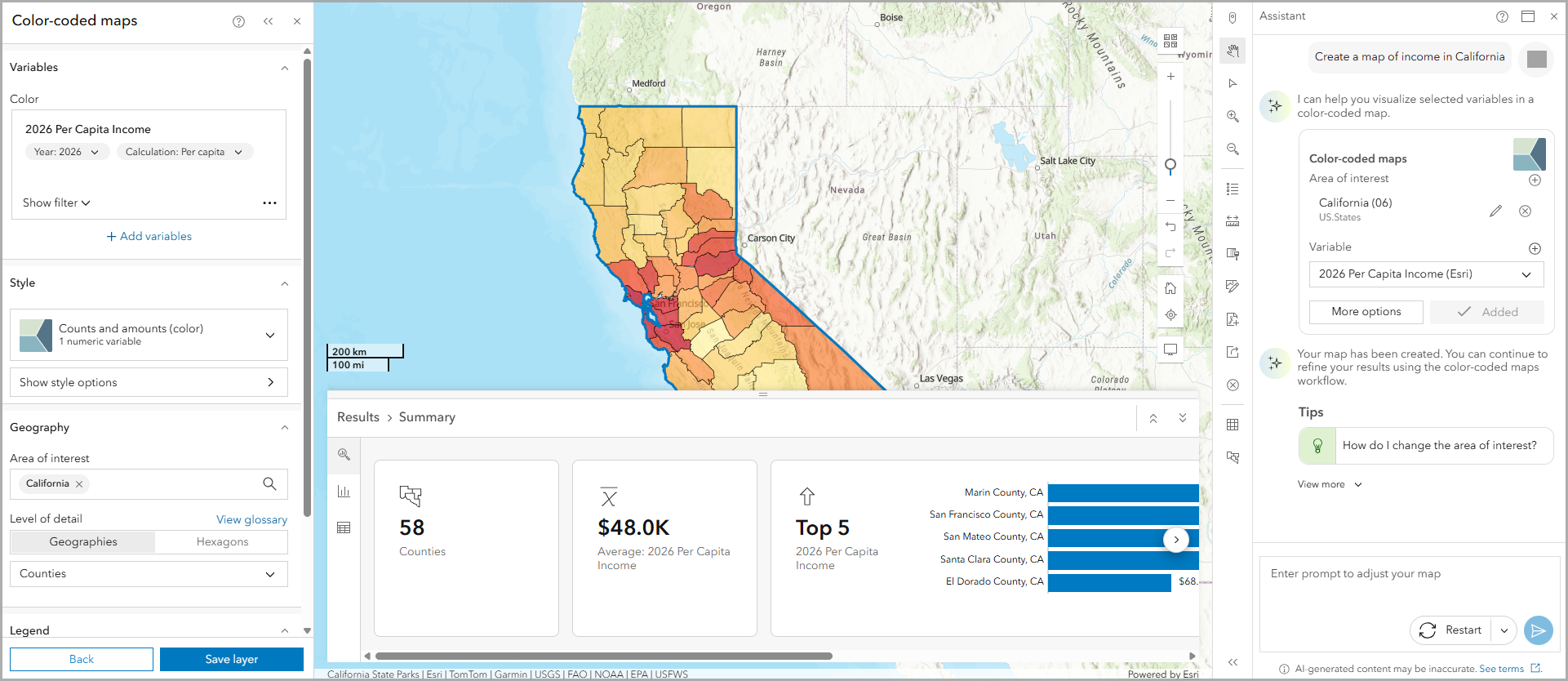
Access Business Analyst assistant (beta)
Before you can access Business Analyst assistant (beta), confirm the following requirements:
- Your ArcGIS Enterprise administrator must configure AI.
- Your ArcGIS Online administrator must configure AI.
- You must have the privilege to use AI assistants.
You can access the assistant on the app header.

Understand Business Analyst assistant (beta)
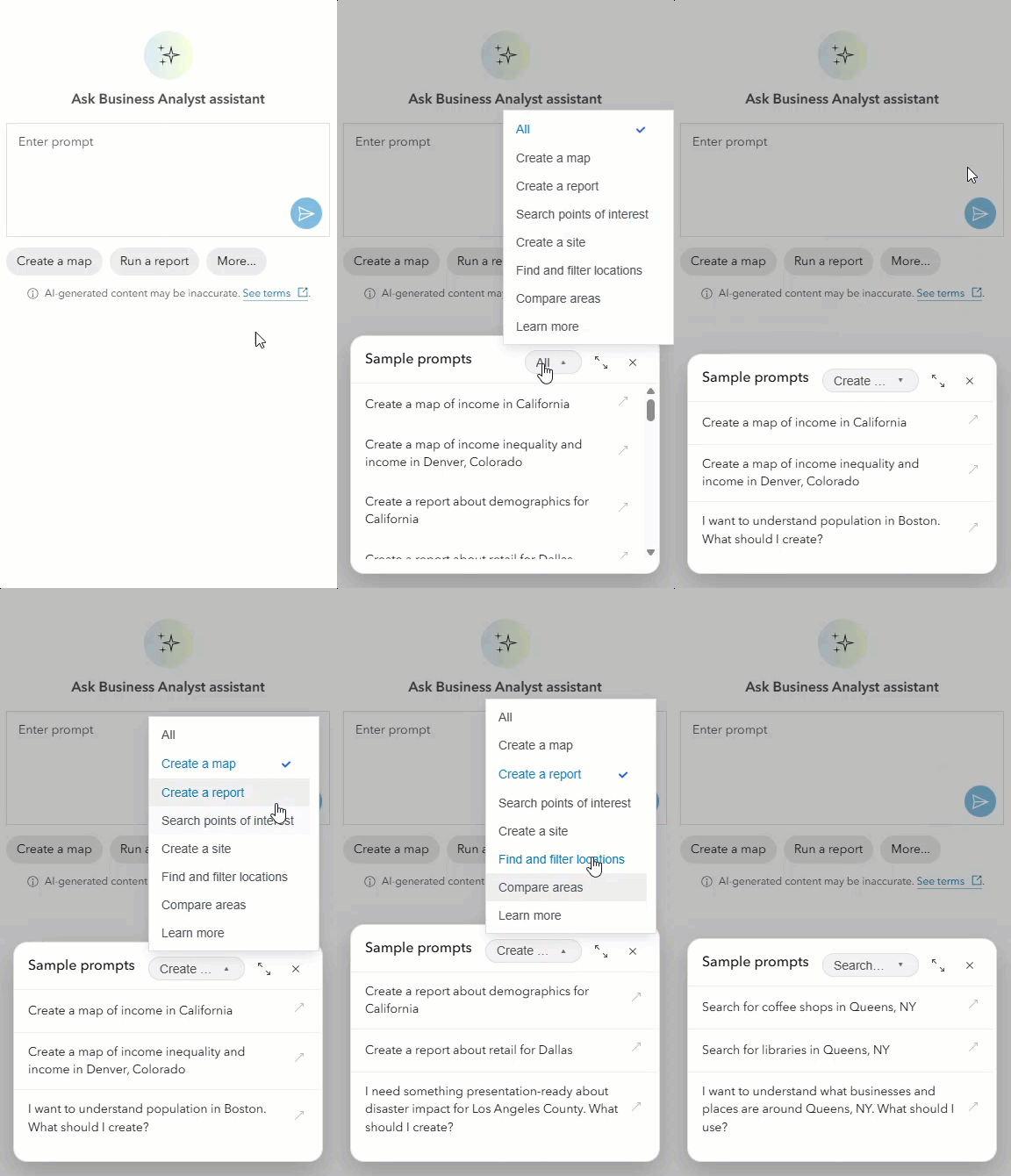
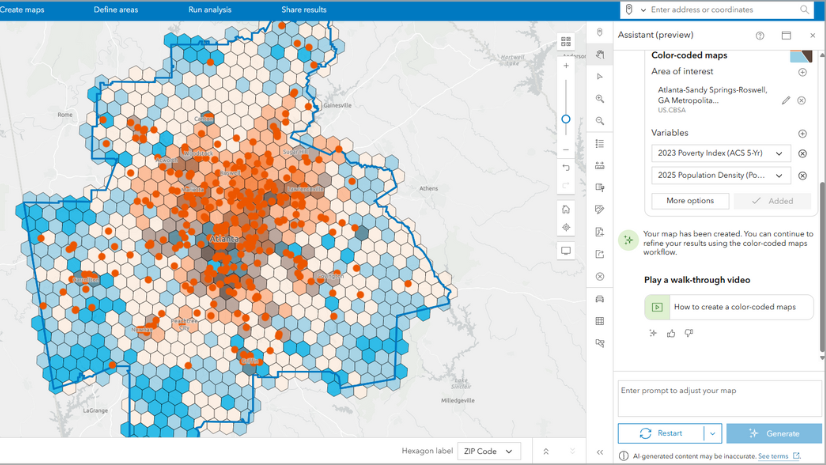
The assistant provides the same capabilities in Business Analyst Web App and Business Analyst Enterprise, including suggestions for creating color-coded maps, mapping points of interest, and running reports and infographics, using artificial intelligence (AI).
The primary objectives for the assistant include the following:
- Understand your needs through natural language prompts.
- Provide suggestions that can be run through Business Analyst workflows.
- Allow users to refine and change suggestions to better suit their needs.
- Teach users how to run workflows through in-app interactive guided tours.
- Answer technical support and product documentation questions.
It was first introduced in Business Analyst Web App in beta in June 2024, then preview in June 2025, and general availability in June 2026. Now it’s making a home in Business Analyst Enterprise with its beta release in November 2026.
Understand expected differences
You may notice some minor differences. Feedback can be reported through the Early Access Community site for the enterprise assistant, instead of through an in-app survey like in the web app. The enterprise version of the assistant is in a beta stage, compared to general availability in ArcGIS Online. This means that Business Analyst assistant (beta) in Business Analyst Enterprise is not yet feature complete and users may experience unexpected behavior. Please make sure to report unexpected behavior so that fixes can be developed.
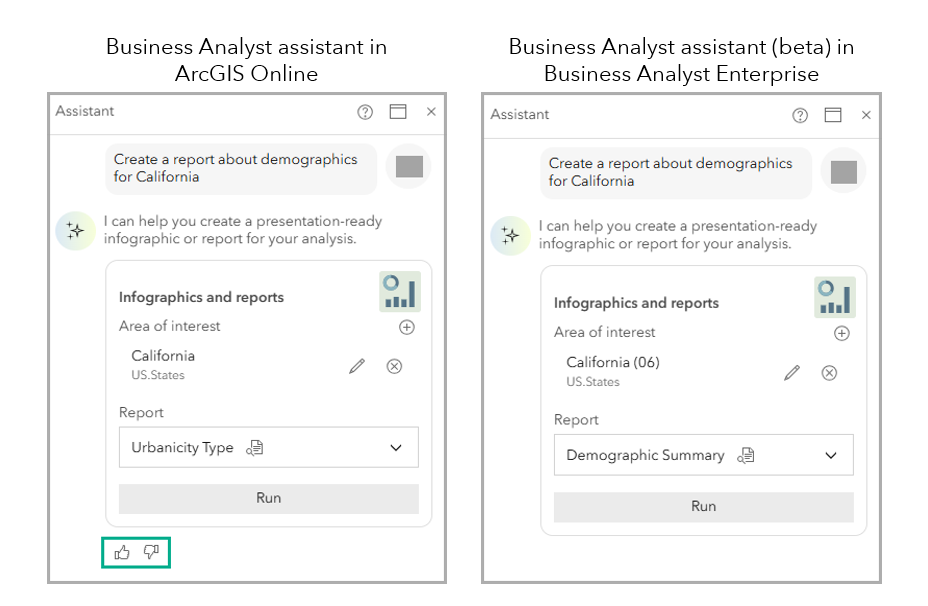
Some prompts and queries may return different results when comparing the Business Analyst Web App and Business Analyst Enterprise assistants. This is expected since both assistants use different AI models based on the environment. The underlying AI model in the Business Analyst assistant’s Enterprise version uses a different pattern than the web app, taking advantage of a centralized gateway that Esri maintains to the external LLMs (Large Language Models).
Learn more
For more information, consider learning about the assistant in Business Analyst Web App, including best practices for writing prompts and using tips.
- Help documentation: Use the Business Analyst assistant
- Help documentation: AI in ArcGIS Business Analyst
- Tutorial: Use an AI assistant to explore the pickleball market
- Tutorial: Choose candidate areas for a convenience store
- Blog article: Map low food access in the Atlanta metro area using an AI assistant
Resources
Now that you’ve learned about the Business Analyst assistant (beta), we hope you’ll explore more capabilities in Business Analyst. To continue your Business Analyst journey, visit the following resources:
- Business Analyst product overview page
- Review pricing and purchase Business Analyst
- Business Analyst resources page
- LinkedIn user group
- Business Analyst Web App video channel
- Business Analyst Pro video channel
- Business Analyst on Esri Community
- Business Analyst Web App login page
- Email the team: businessanalyst@esri.com
This article uses ArcGIS Business Analyst Enterprise 12.2 to describe the AI assistant in beta. The AI assistant is accessible in general availability using ArcGIS Business Analyst Web App.

Article Discussion: