GIS is often used in the fields of Landscape and Urban Design for unpacking existing conditions and driving design decisions. But how can analysis with GIS also be used for evaluating the design interventions that are being proposed?
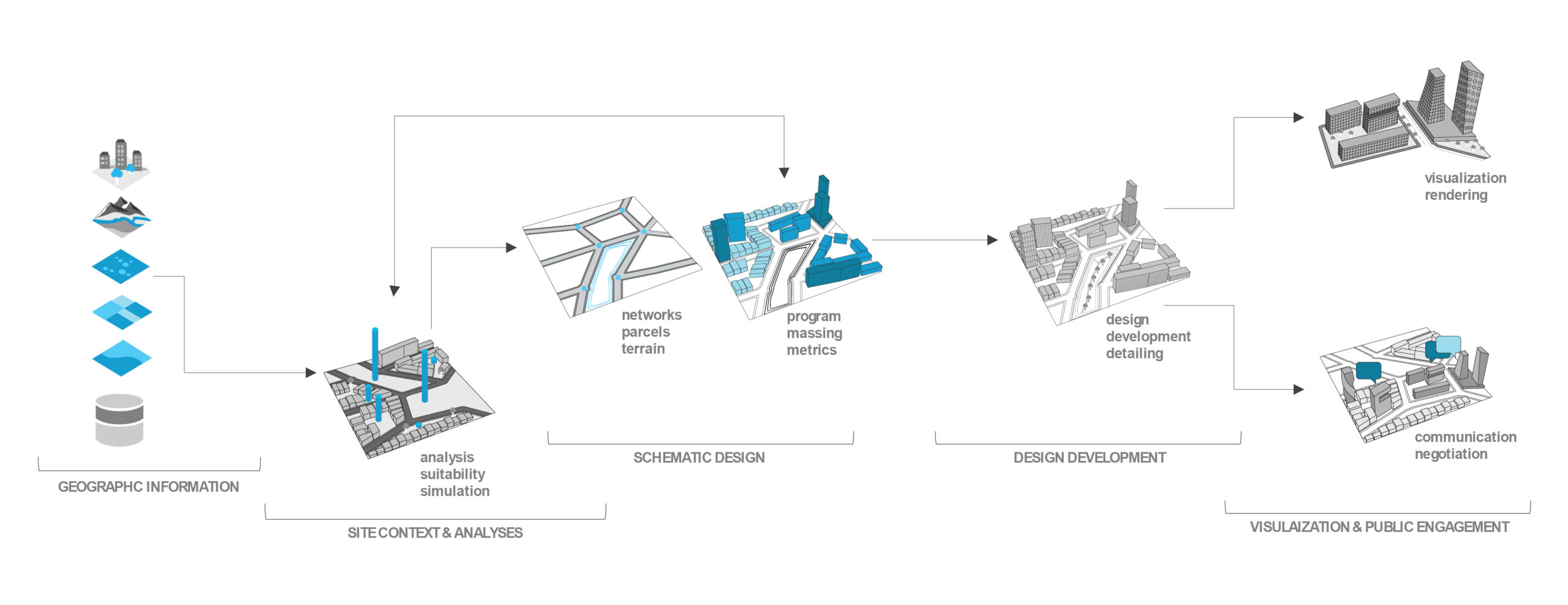
For example, let’s take a landscape proposal for sea level rise mitigation. We will use GIS in the design process to make assessments and test the performance of the landscape infrastructure in a 100-year storm event.
Program Distribution and Schematic Design
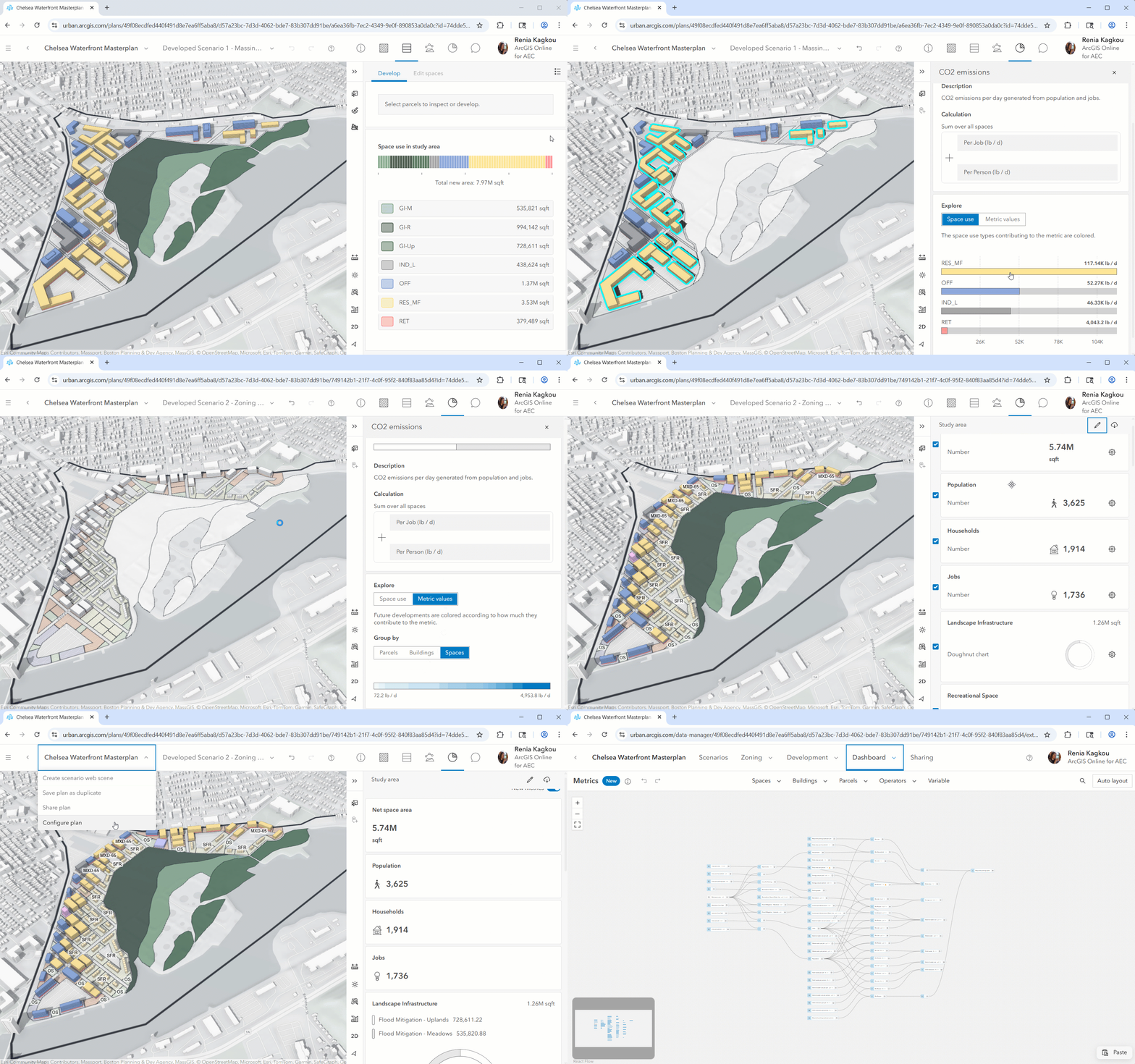
An easy way to start with programming and massing studies is by leveraging ArcGIS Urban. If zoning is not part of the project’s agenda, generate massing using custom building footprints from Rhino, AutoCAD, or SketchUp. Overlay on the site any type of analysis to guide the design, such as FEMA’s flood risk zones.
The advantage of creating the programming and massing studies in ArcGIS Urban is that you can quickly calculate their outputs and compare different scenarios. The metrics are completely customizable so anything can be calculated– from how many housing units you are adding, to energy use.
Landscape Design
Sync your schematic design between ArcGIS Urban and CityEngine to design elements such as circulation, blocks, and landscape. For terrain alterations, use CityEngine’s terrain edit brush tool. Export the new elevation data from CityEngine as a DEM for analysis in ArcGIS Pro.
If the proposed landscape is created in a design software, such as Rhino, you need the terrain’s contours to generate a DEM in ArcGIS Pro for the next step.
Proposal Analysis
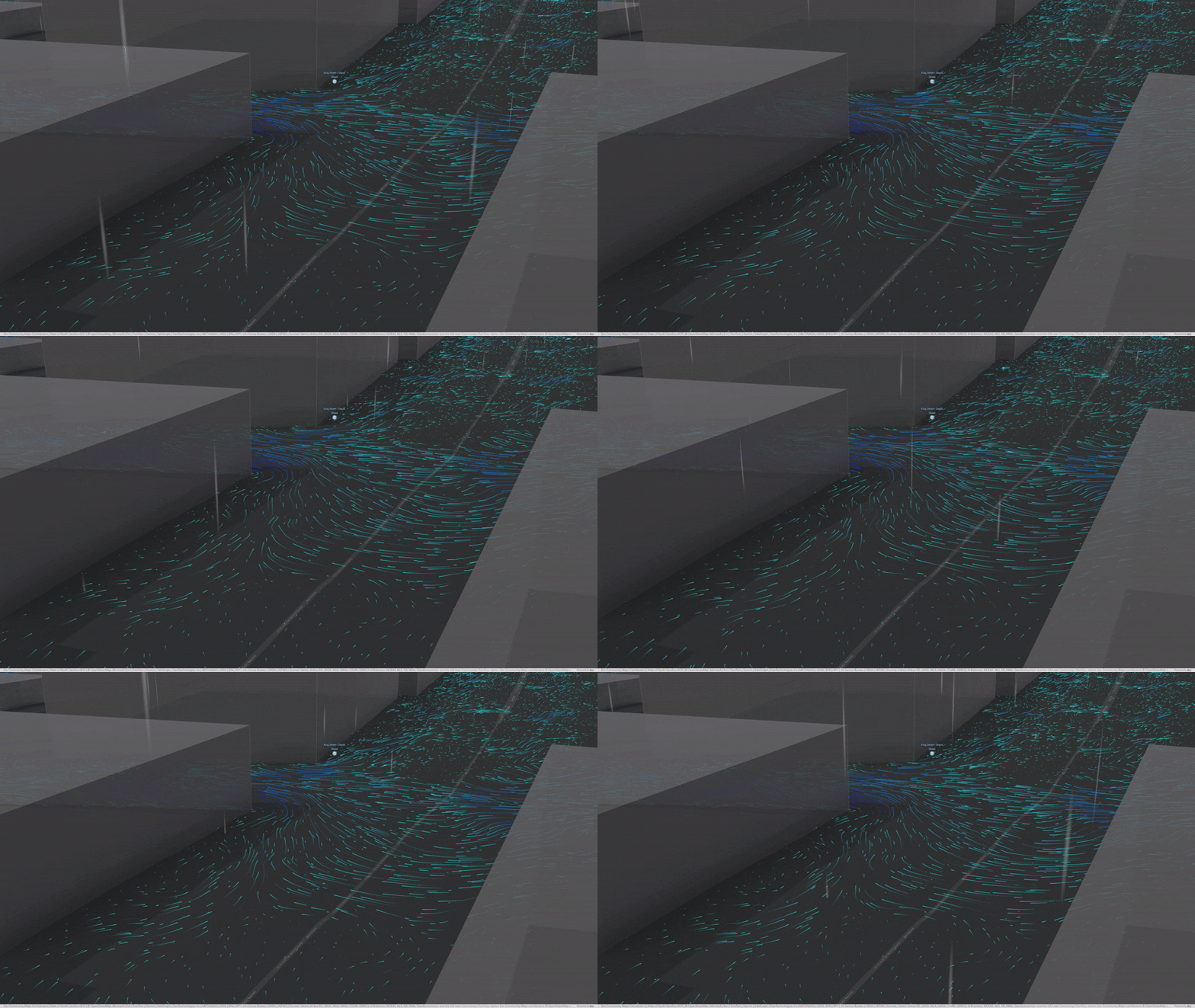
To test the proposed landscape infrastructure against sea-level rise, move the design into ArcGIS Pro. Use the DEM created with CityEngine or with contours to run a 3D flood simulation analysis. Compare performance against flooding of both the existing and the proposed site to support your design decisions and identify areas for improvement.
Design Development and Representation
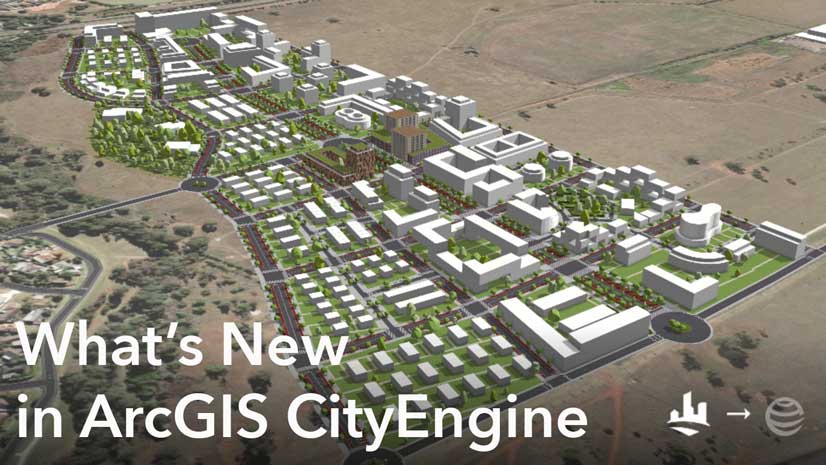
The design can be further advanced in CityEngine with procedural rules for vegetation, building envelope components, or streetscapes.
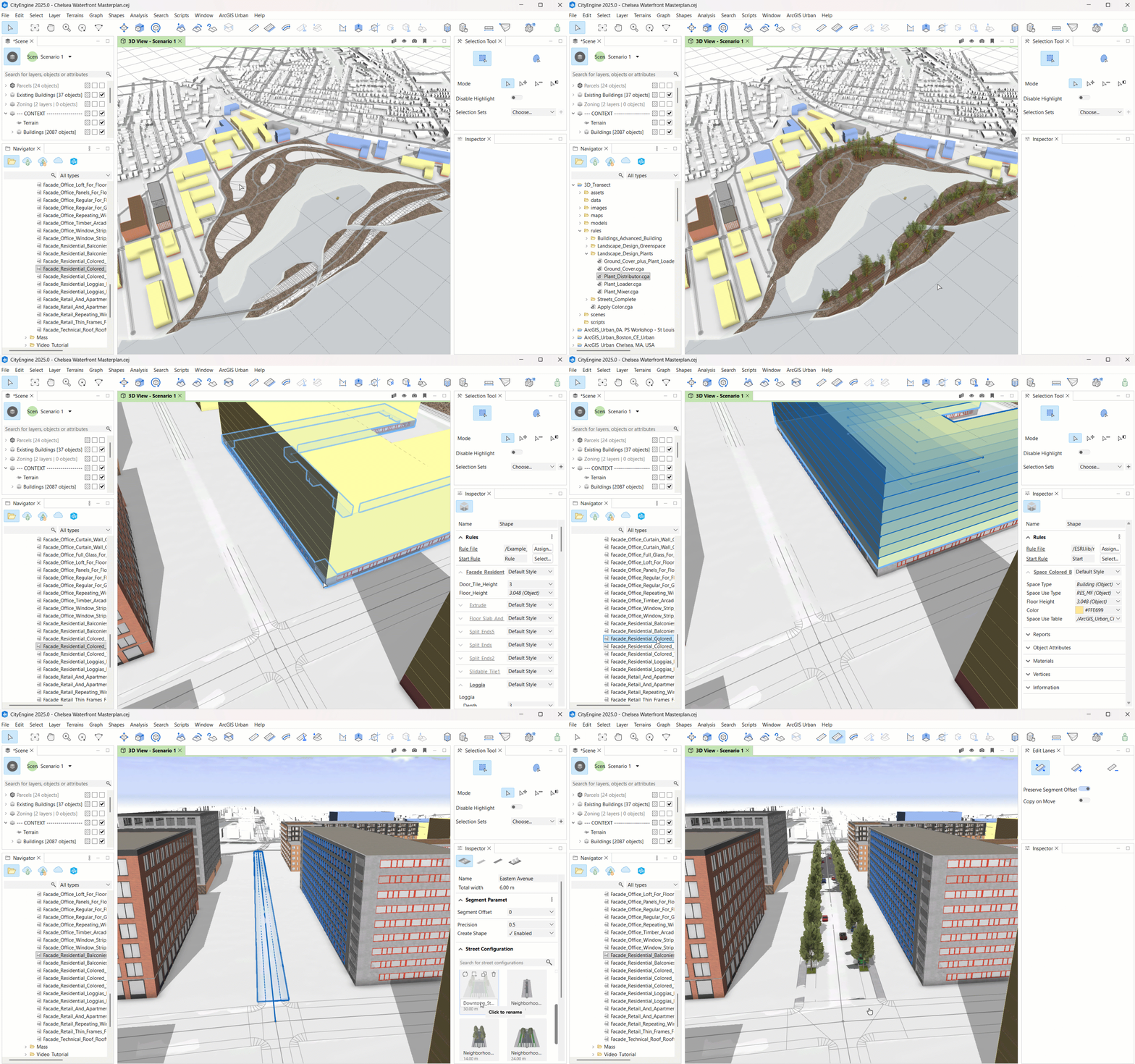
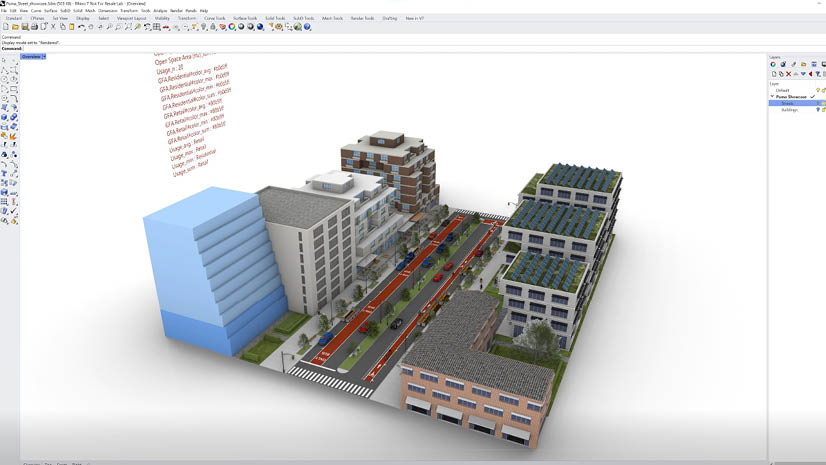
CityEngine’s rules can also be used in Rhino with the Puma plug-in for Grasshopper. Design elements (landscape, buildings, circulation) can be moved between CityEngine and Rhino as .obj files.
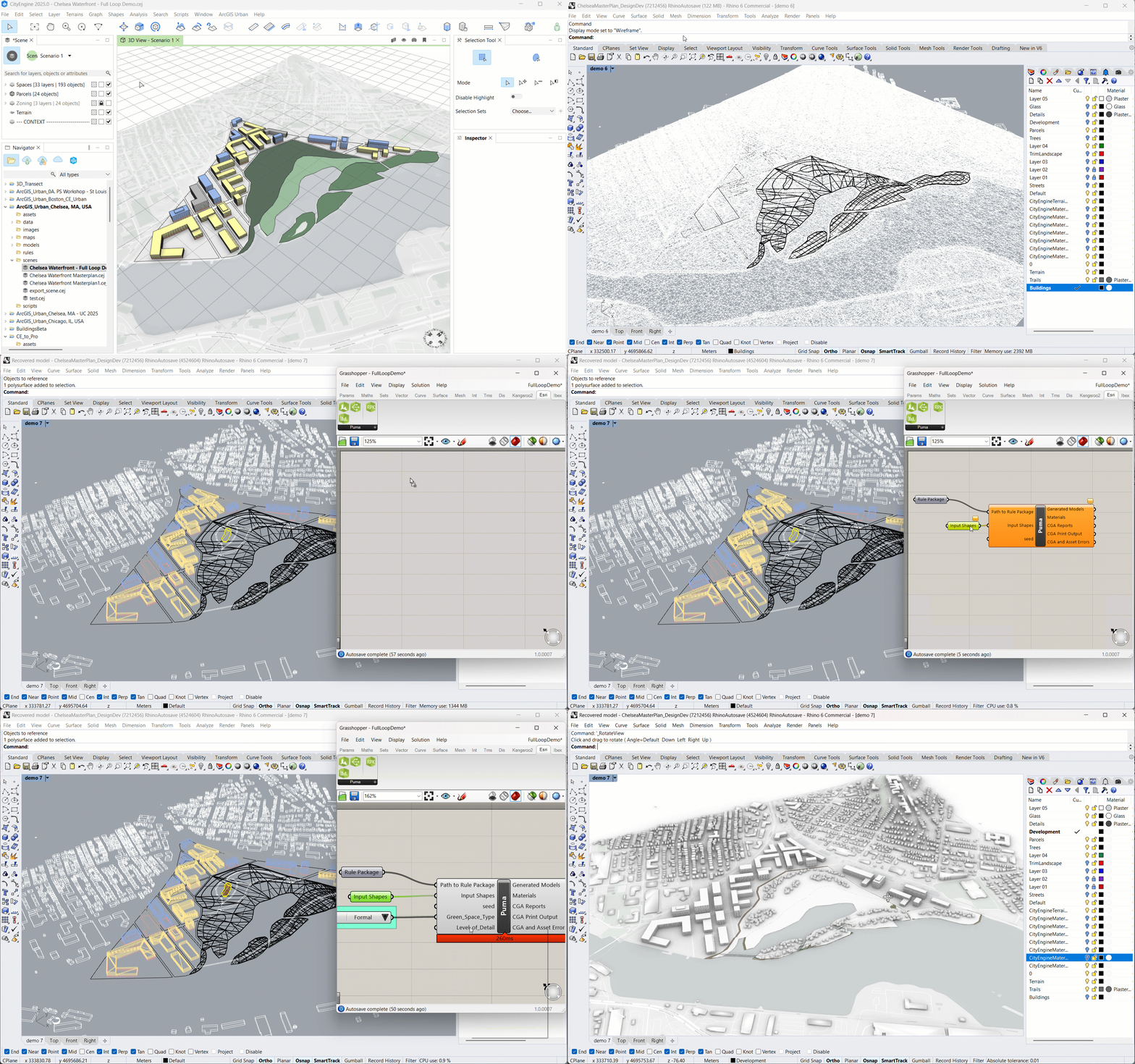
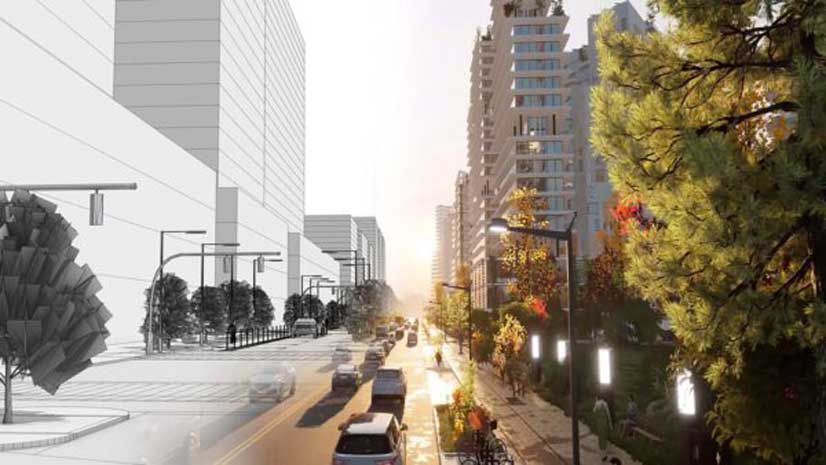
Once you have completed your design, export it from CityEngine to Unreal or Twinmotion for rendering, or to ArcGIS Online for various community engagement solutions.
This full loop workflow represents a system of solutions and integrations. You can create your own workflows, choosing what tools and connections you want to make. Have fun exploring!

Article Discussion: