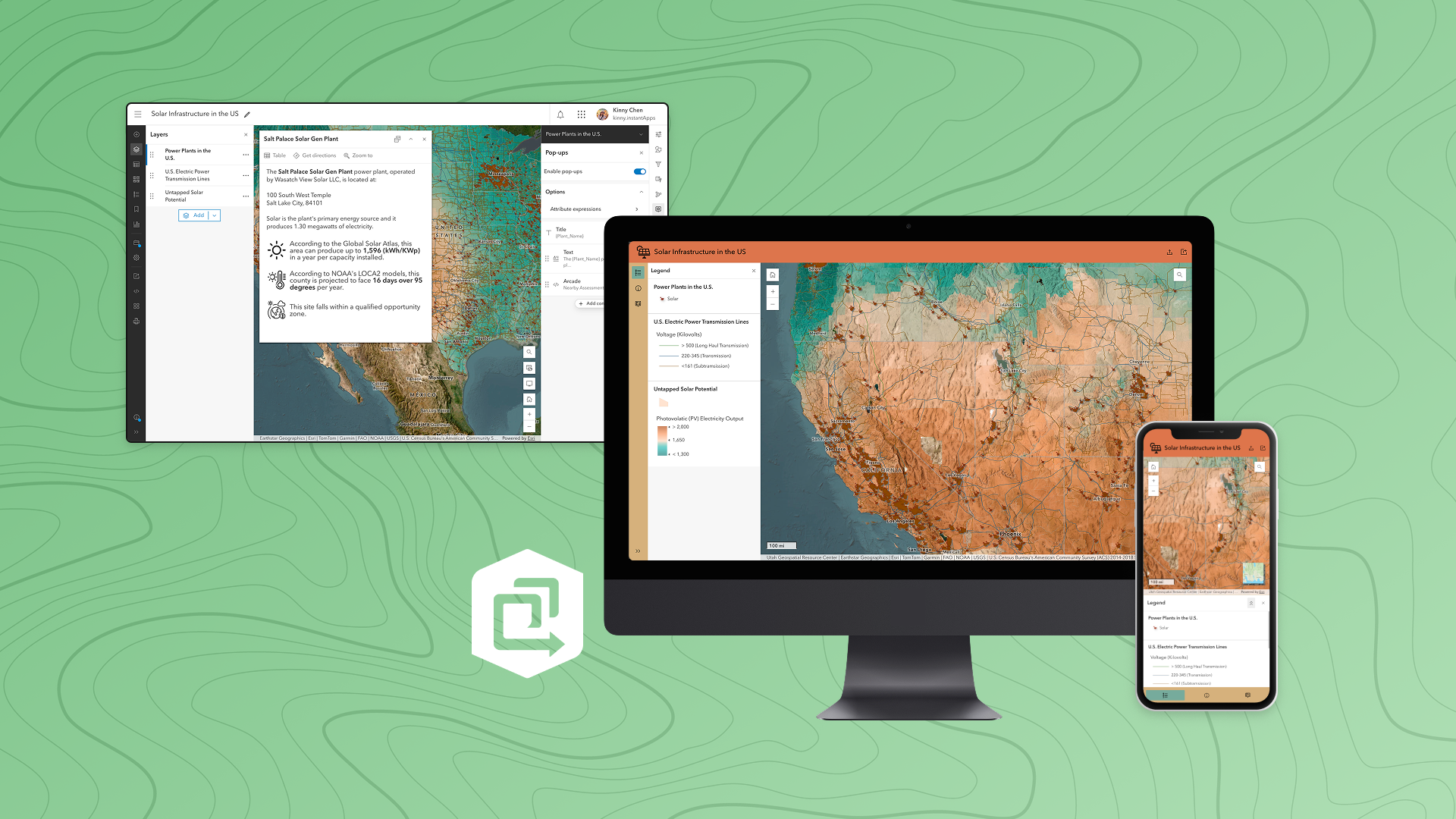
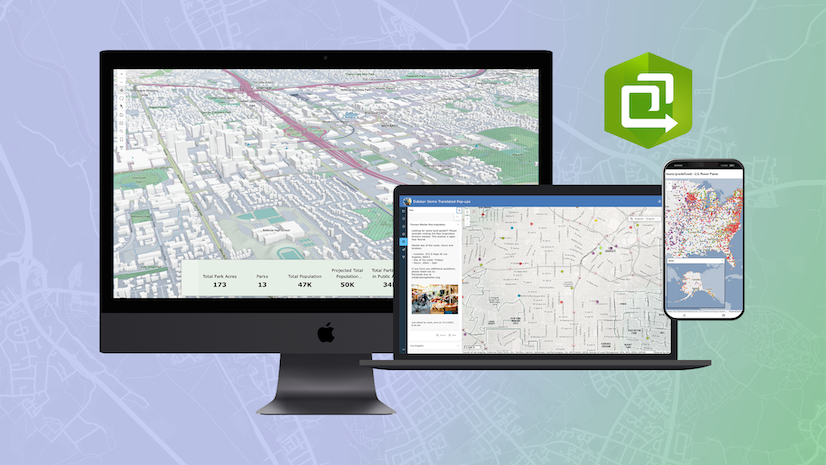
ArcGIS Instant Apps is an easy-to-use, fast, and lightweight application that lets you configure purpose-drive web apps. Many Instant Apps templates take advantage of the properties, settings, and data already authored in your web map. That means the work you put into configuring pop‑ups, bookmarks, charts, styles, and editing tools directly enhance‑ the quality of the apps you create.
Whenever someone asks, How do I make a good app?, I always reply with the same idea: It all starts with the web map.
Below, we’ll look at how several key map elements can automatically elevate your web apps and make them more powerful, informative, and intuitive for your users.
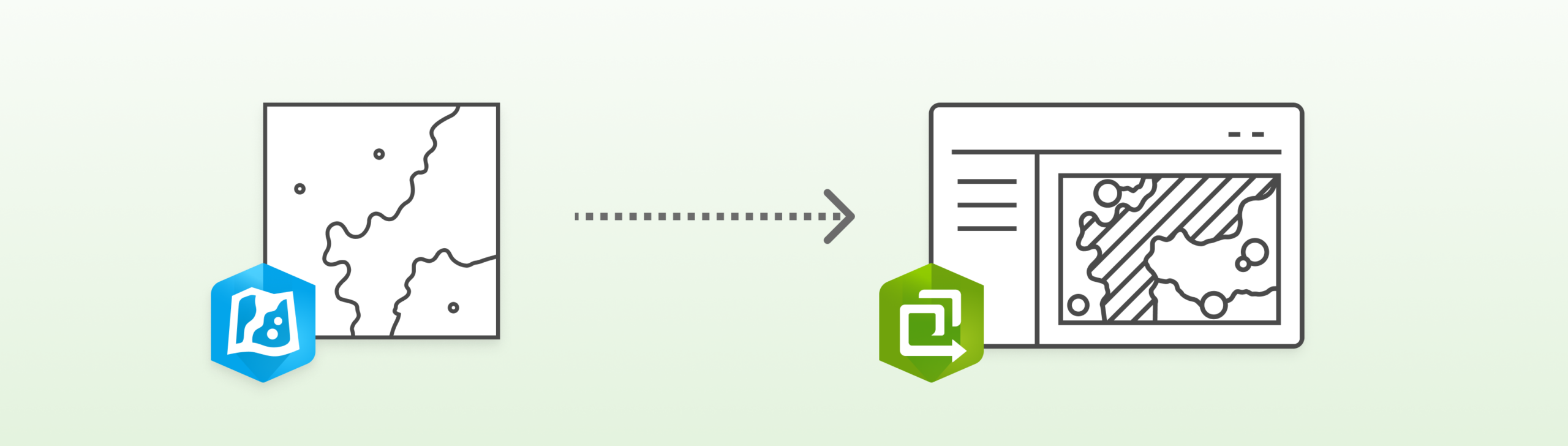
Pop‑ups
Pop-ups are often a user’s first window into your data. Well-designed pop‑ups can answer questions, reveal insights, and help users quickly understand what exists at a selected location.
Map Viewer provides a comprehensive set of tools for crafting meaningful pop‑ups, including:
- Attribute lists
- Charts
- Images
- Text and formatting
- Attachments
- Related records
- Arcade expressions
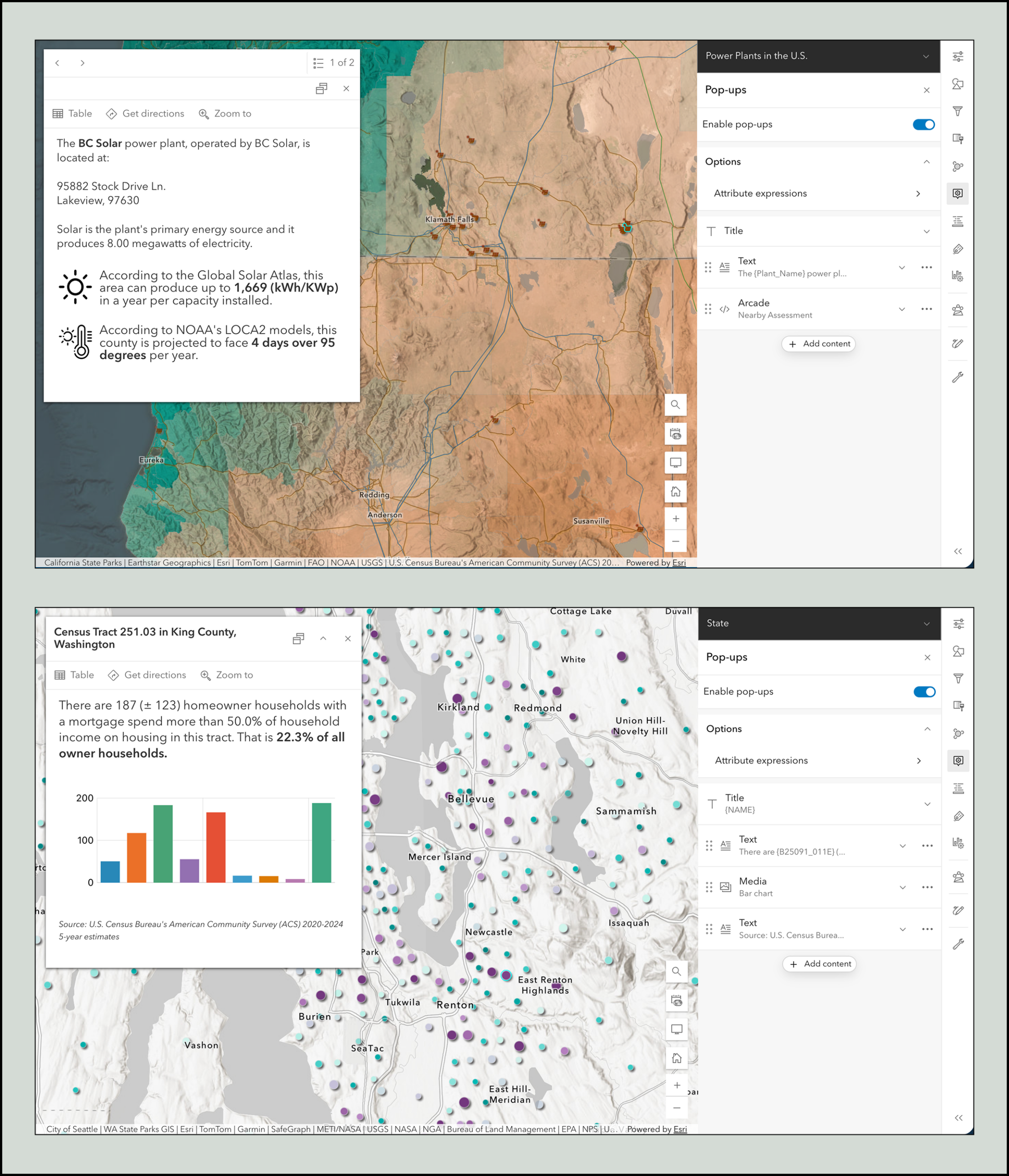
Once your pop-ups are configured, they instantly carry over into many Instant Apps templates. A few templates in particular showcase them especially well:
Sidebar – The side panel layout gives popups generous space, making detailed or media‑rich pop-ups easy to read and explore.
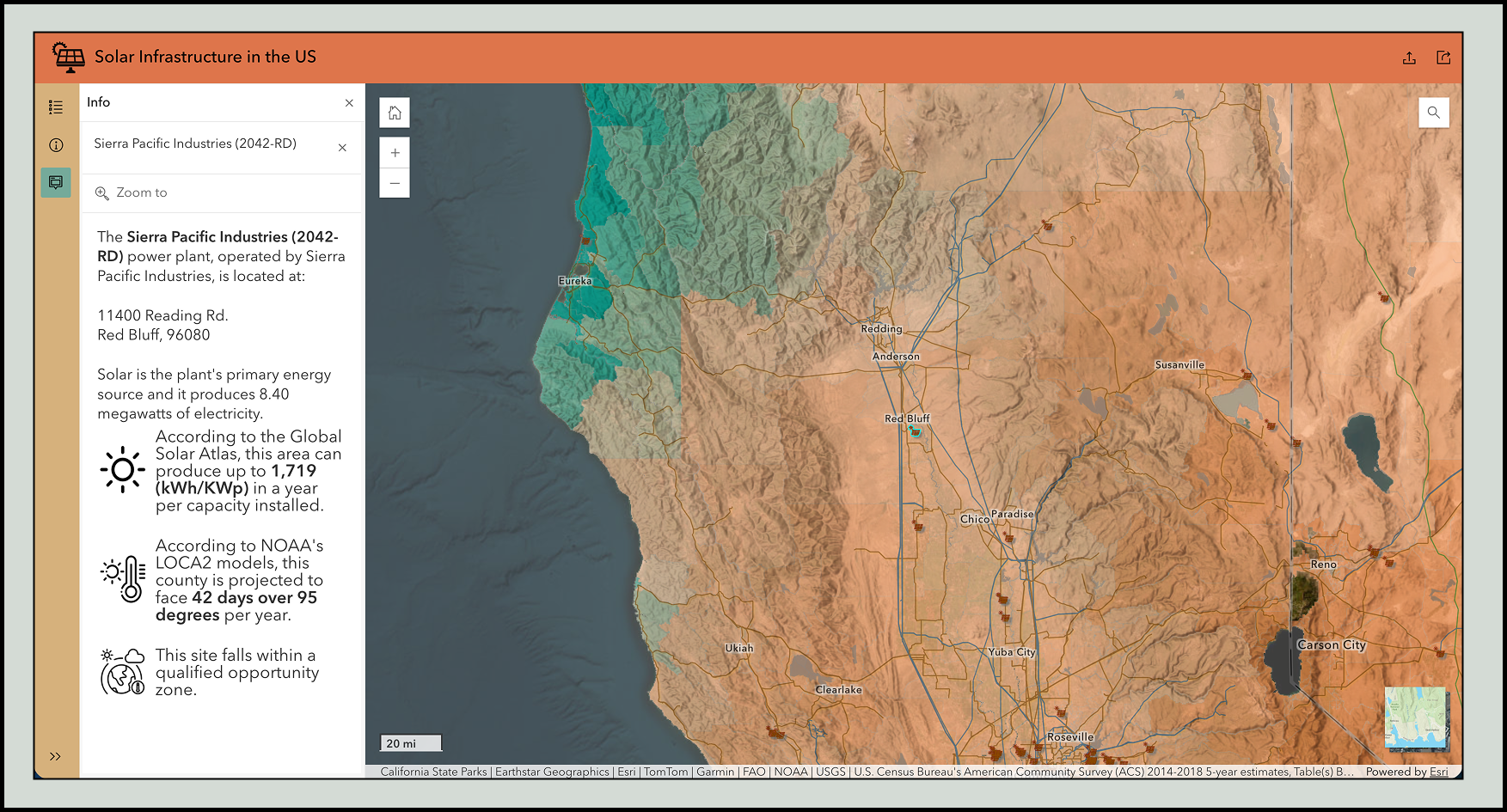
Nearby or Zone Lookup – Apps made with these templates excel at answering questions like: Where is the nearest facility to my address? Or Which zone or district am I in?
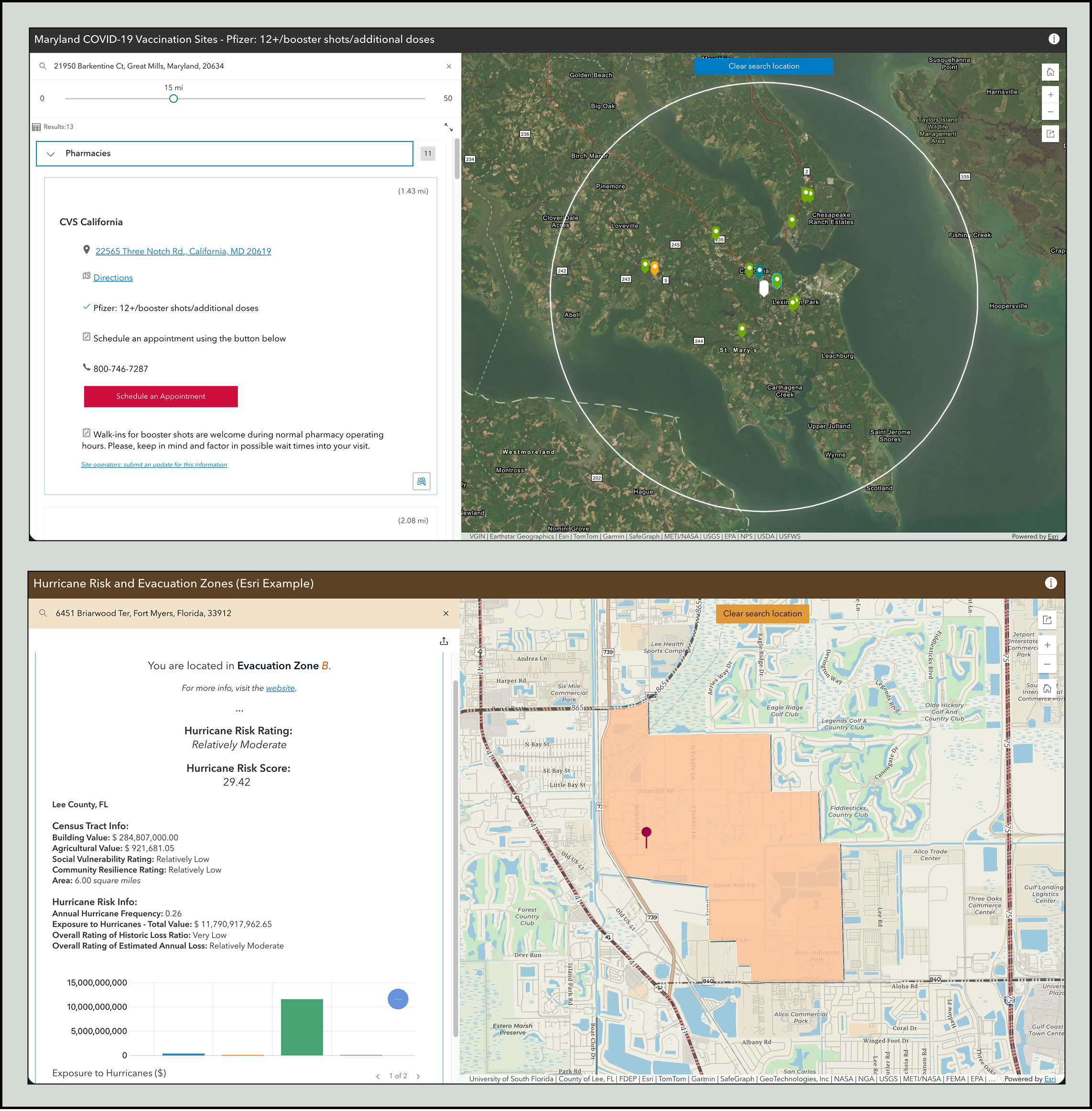
Both use a side panel, giving your pop-ups plenty of room to present meaningful results.
Bookmarks
Bookmarks are shortcuts to key locations, helping users return to important areas in the map with a single click. They can preserve extent, scale, and rotation—making them valuable storytelling tools.
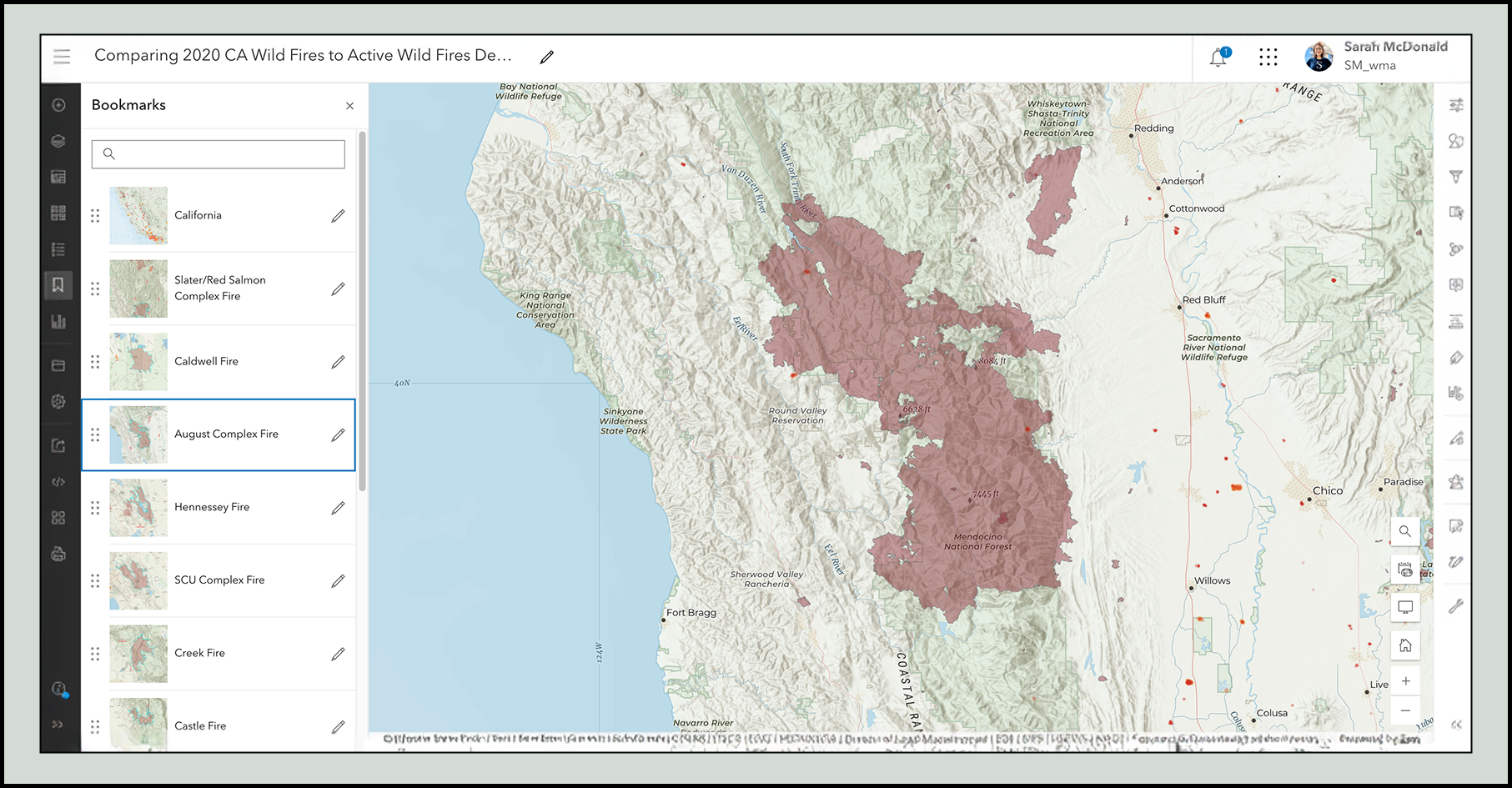
Most Instant Apps templates include a standard bookmark widget, but a couple templates take them even further:
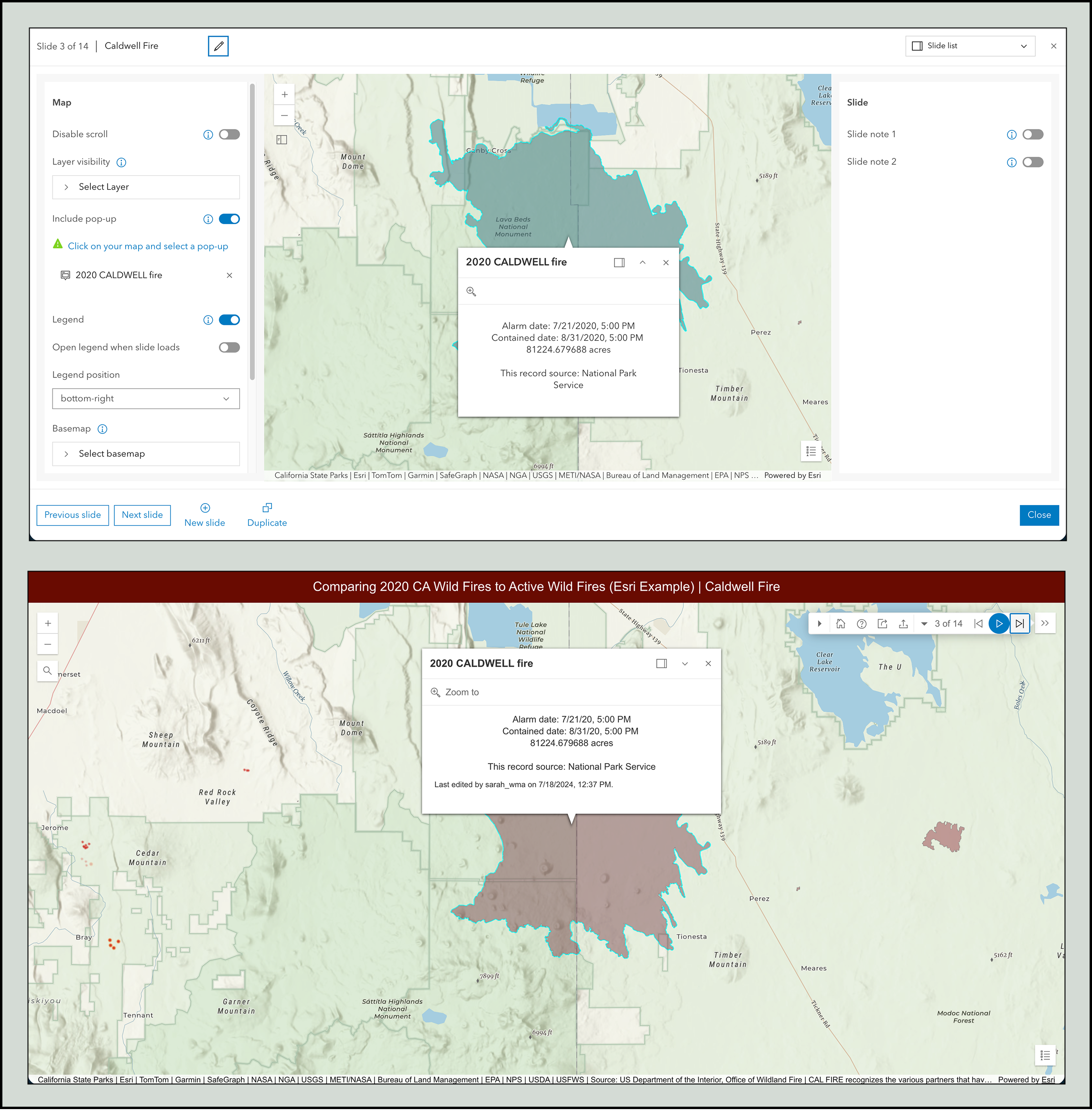
Exhibit – Show bookmarks as slides and automatically play through them. You can also enhance each slide with:
- Layer visibility changes
- Basemap switches
- Pre-opened pop‑ups
- Layer filters
- Descriptive notes
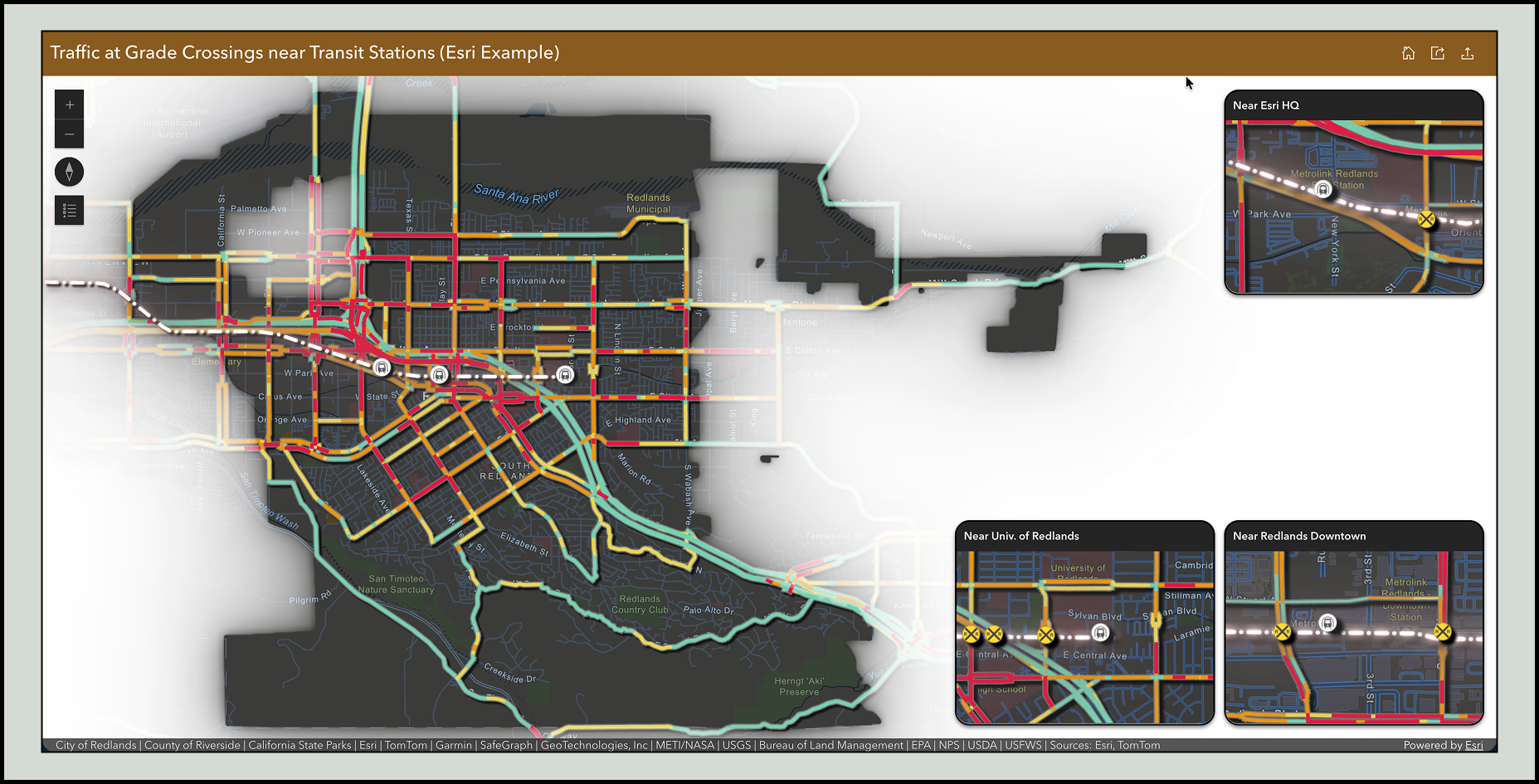
Insets – Ideal for maps with noncontiguous areas, Insets can display multiple geographic locations in one layout. Users can import your map bookmarks to define each inset, making navigation seamless.
Styles
Smart mapping makes it easy to design data-driven visualizations using color, symbology, size, rotation, classification, and themes. Good map styling allows users to understand patterns and themes with just a glance.
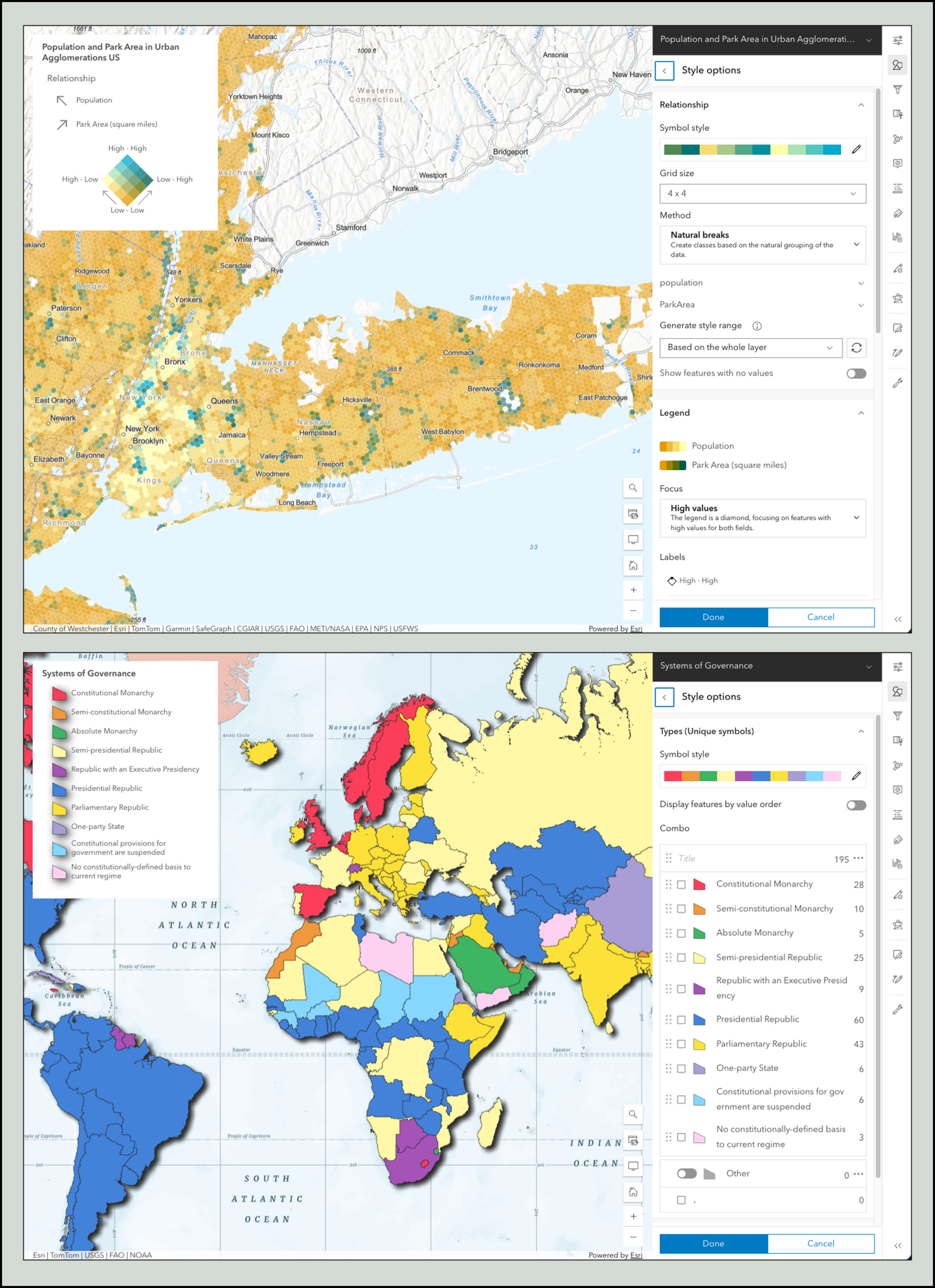
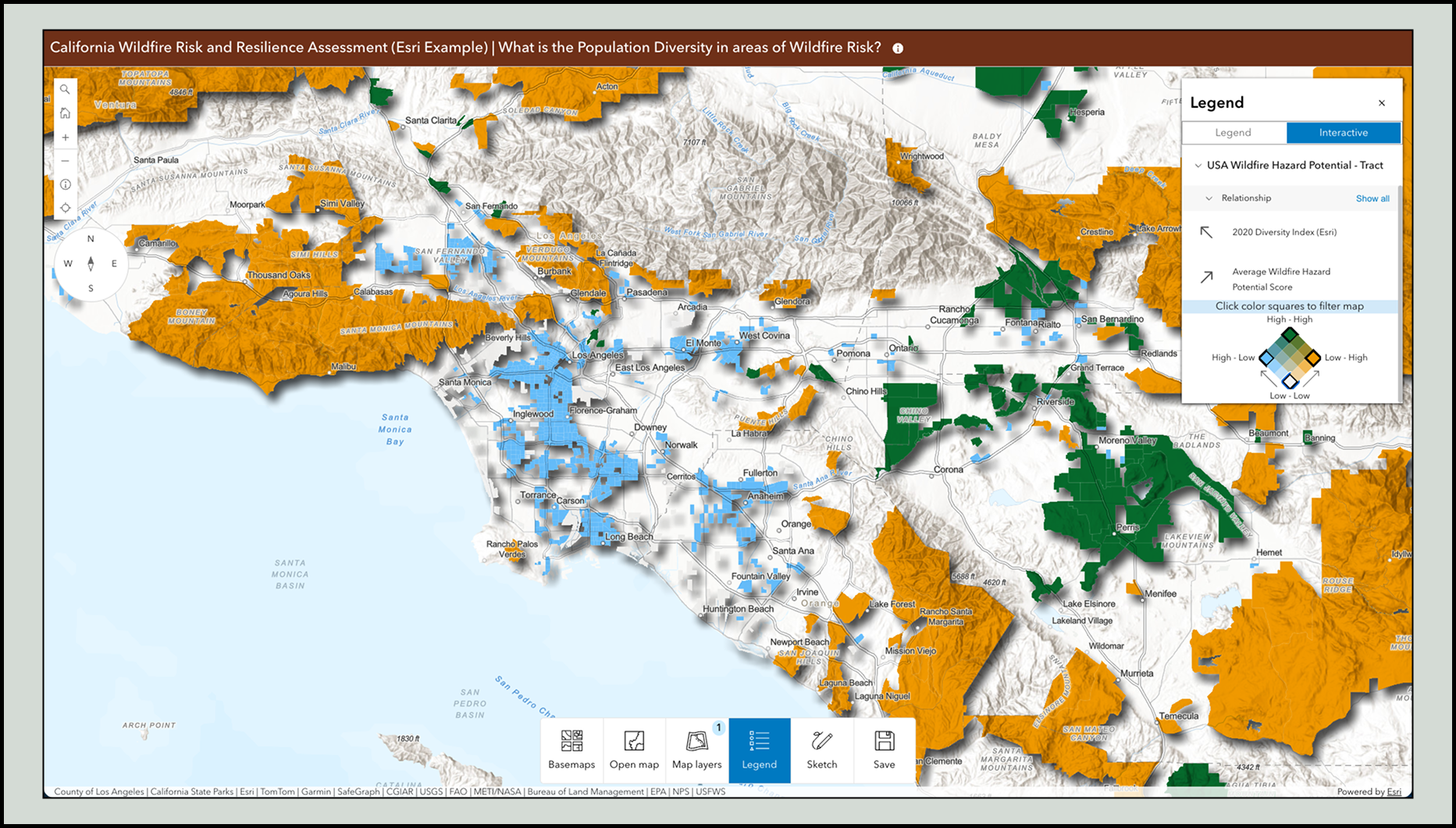
All Instant Apps templates include a map legend, but some support the Interactive legend tool, which lets users toggle categories or ranges directly from the legend itself.
Interactive Legend – Display the Interactive legend as a floating tool or as a fixed side panel, enabling users to filter features quickly.
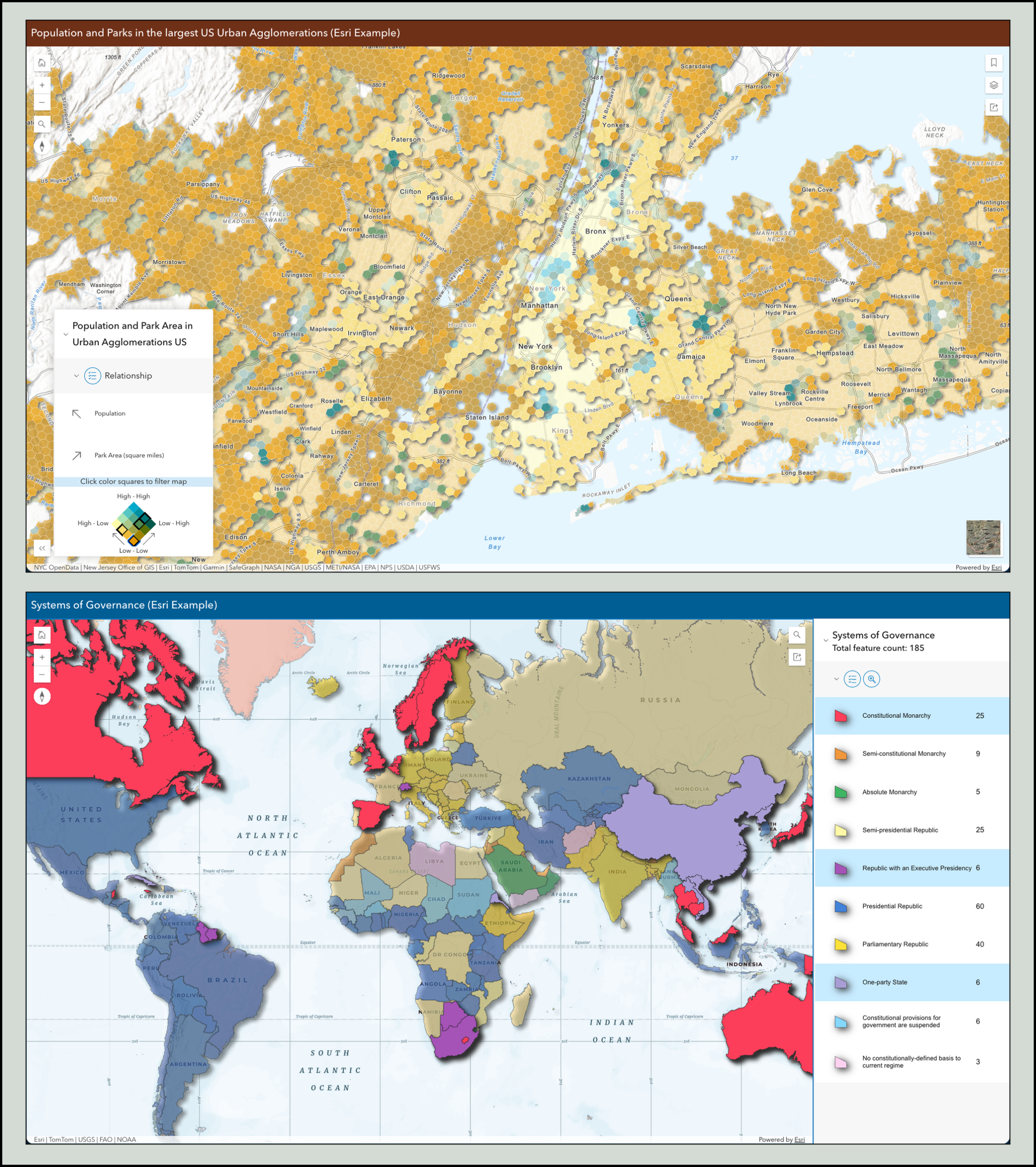
Atlas – Showcase a collection of maps with lightweight tools for data exploration and include the interactive legend for deeper insight.
Charts
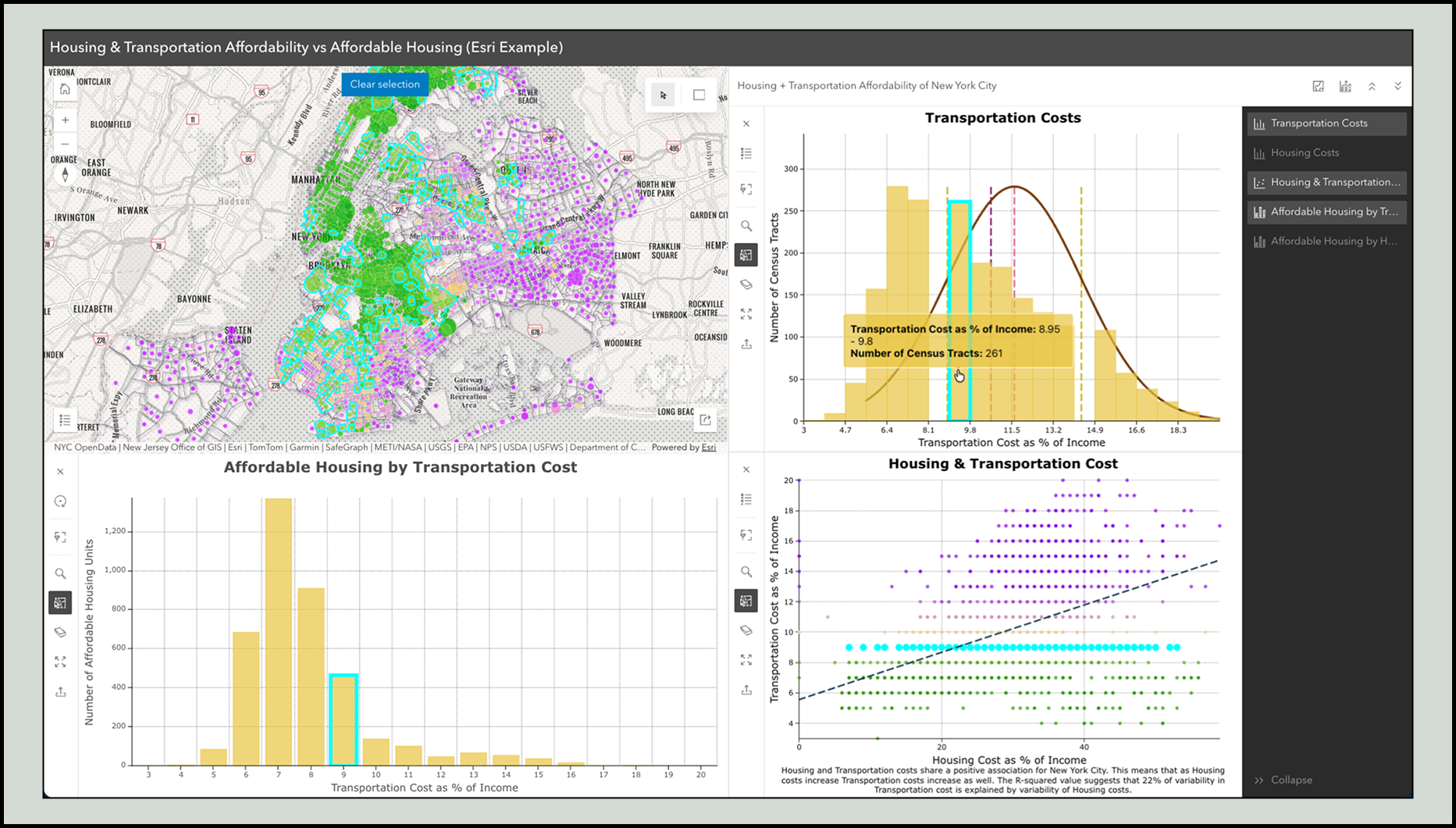
Charts configured in Map Viewer help reveal trends, patterns, and relationships in your data.
Supported chart types include:
- Bar and line charts
- Pie charts
- Histograms
- Scatterplots
- Box plots
- Calendar heat charts
You can configure titles, axes, guides, text, and symbols—putting significant control in the hands of the map author.
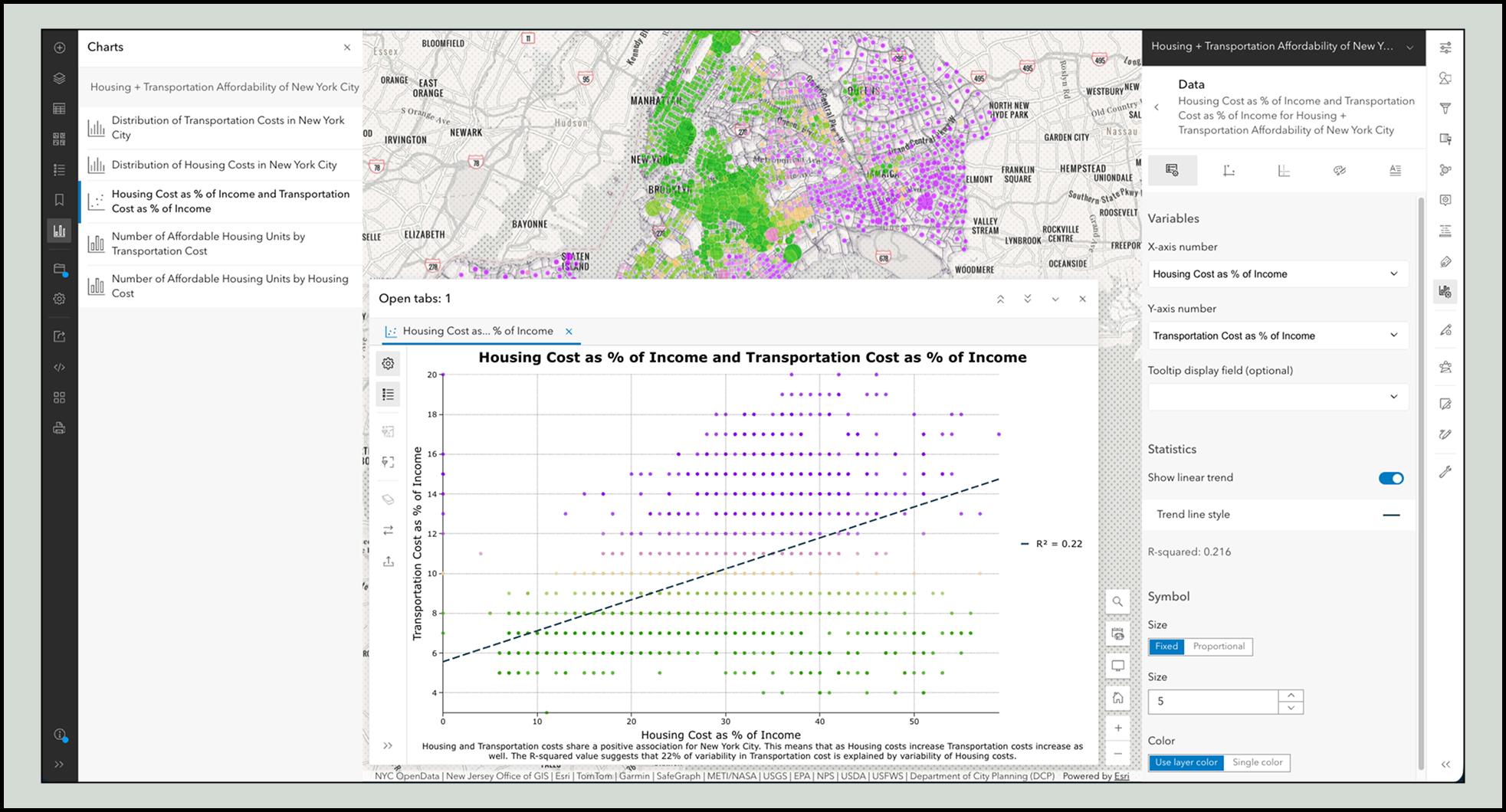
Chart Viewer – This template centers charts in the experience, automatically pulling in all the chart elements you’ve authored in the map. You can stack charts or place them side-by‑side with the map for easy comparison.
Forms and feature templates
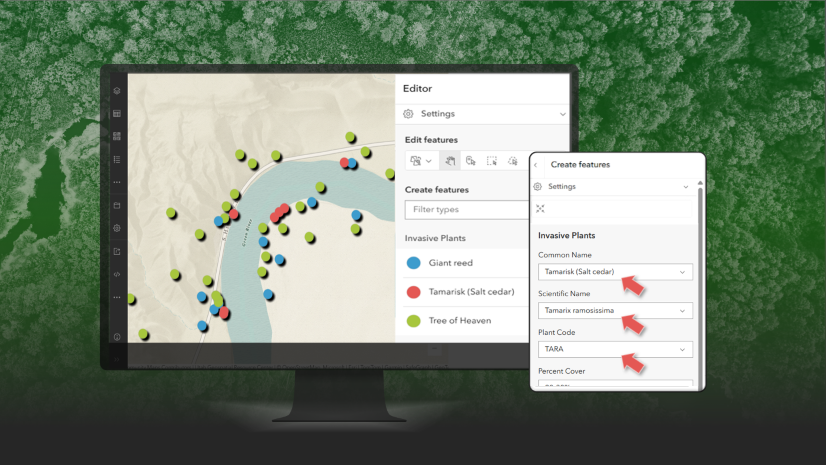
If your map includes editable layers, forms and feature templates help ensure high quality edits:
- Forms specify which fields are shown, required fields, allowed values, and contextual descriptions.
- Feature templates provide predefined categories and default values, reducing repetitive data entry and guiding editors to consistent results.
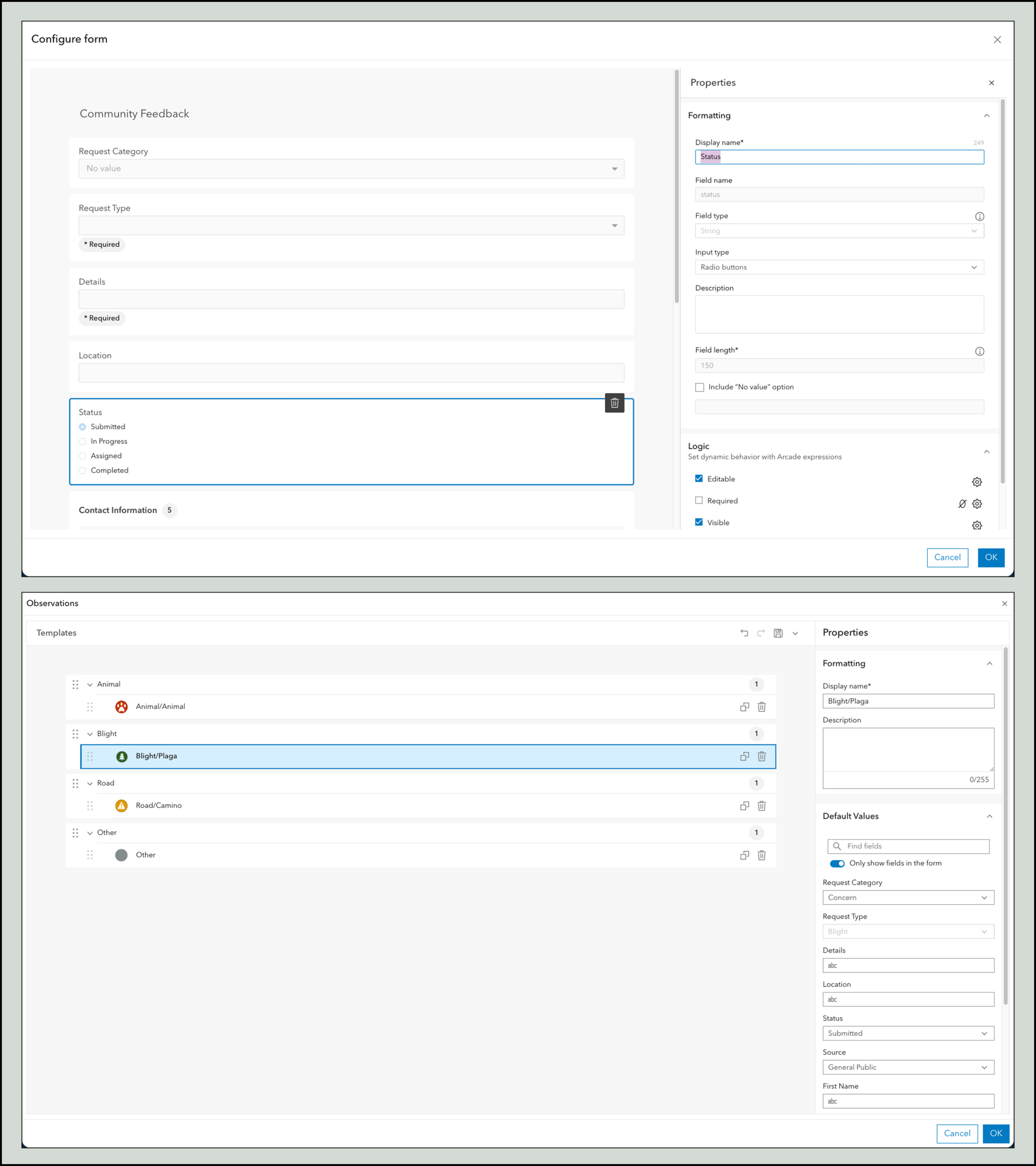
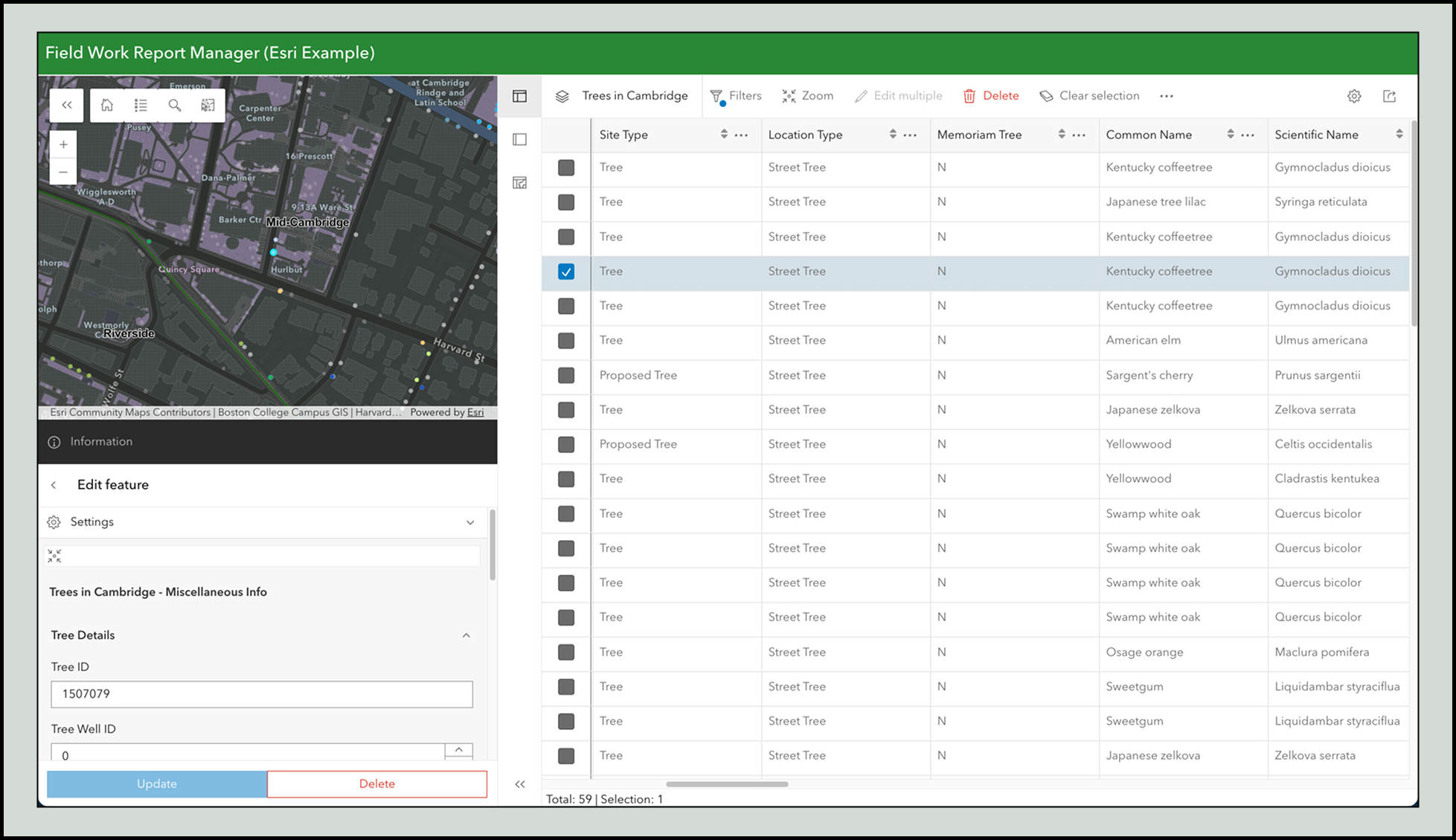
Instant Apps that support editing automatically use the forms and templates defined in your web map. Here are a few example of templates that support editing:
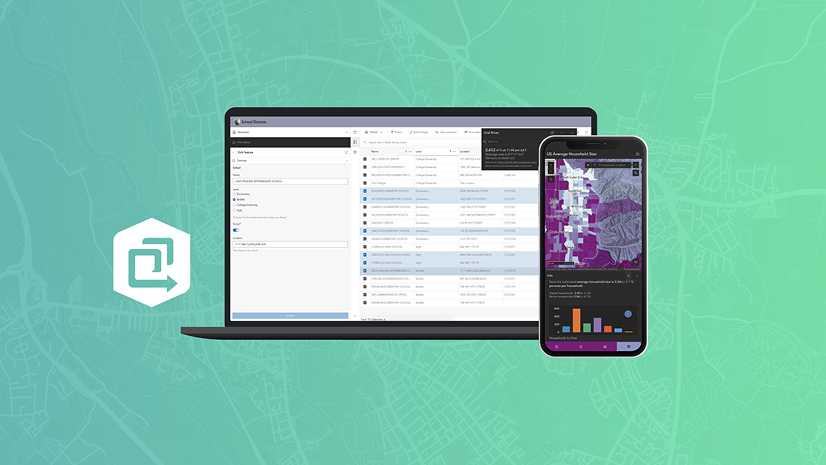
Manager – Allow users to review and edit features. It leverages your editing form configurations when updating existing features or creating new ones.
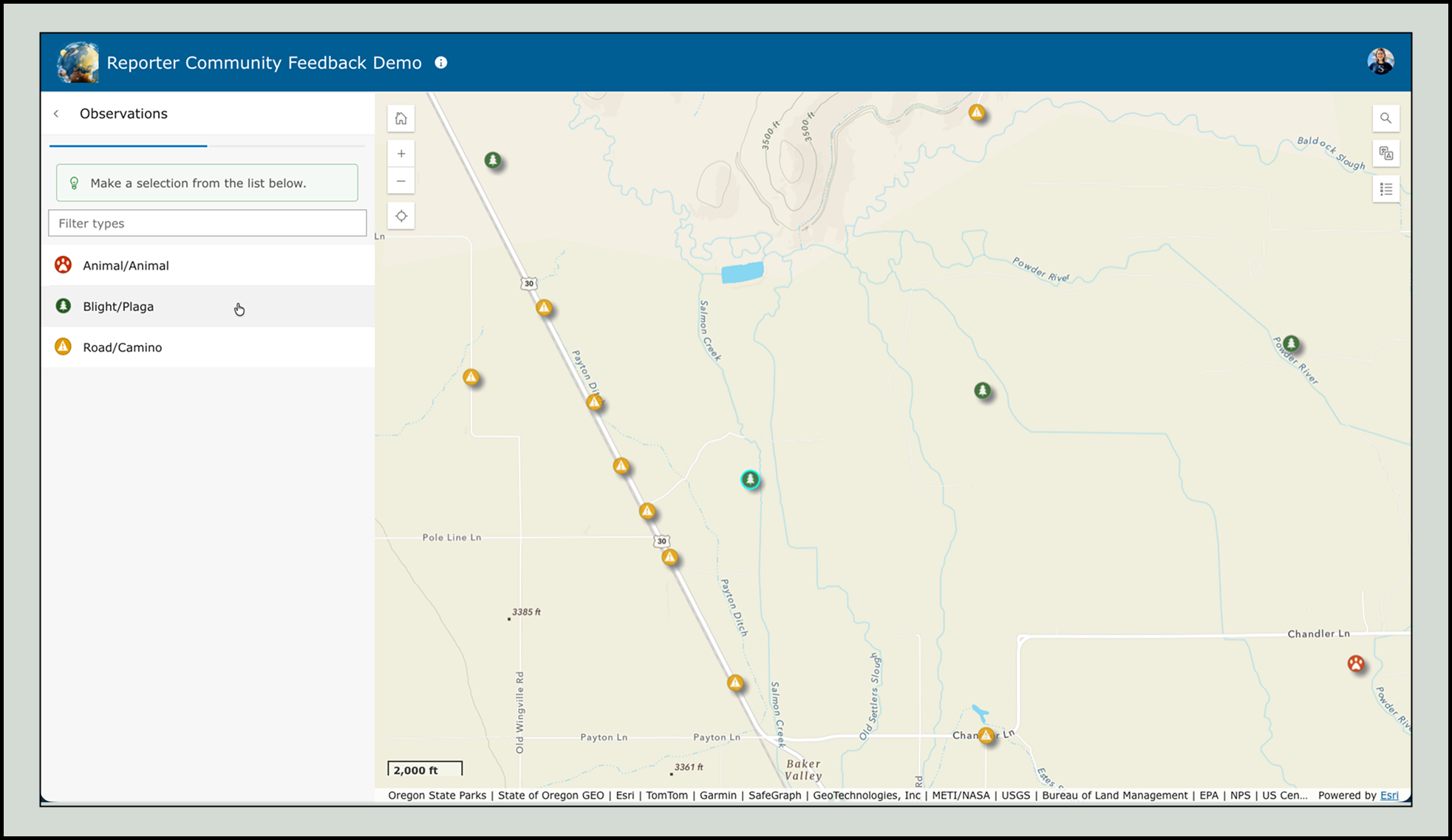
Reporter – Enable users to submit issues or observations on a map. Any templates or forms you’ve authored are applied during the reporting workflow.
Build great apps by starting with a great map
Instant Apps templates shine when your web map is thoughtfully configured. Pop-ups, bookmarks, styles, charts, forms, and templates aren’t just map features—they’re building blocks that make apps more intuitive, informative, and impactful.


Article Discussion: