ArcGIS Maps for Microsoft Fabric is now available in public preview, bringing Esri’s interactive mapping and spatial visualization capabilities directly into the Microsoft Fabric environment. As teams begin exploring what spatial context can unlock across analytics workflows, we’re excited to invite practitioners to participate in the ArcGIS Maps for Microsoft Fabric Early Adopter Community.
This community is designed for users who want to experiment early, share feedback, and help shape the future of ArcGIS Maps for Fabric as we move toward general availability.
Why Join the Early Adopter Community
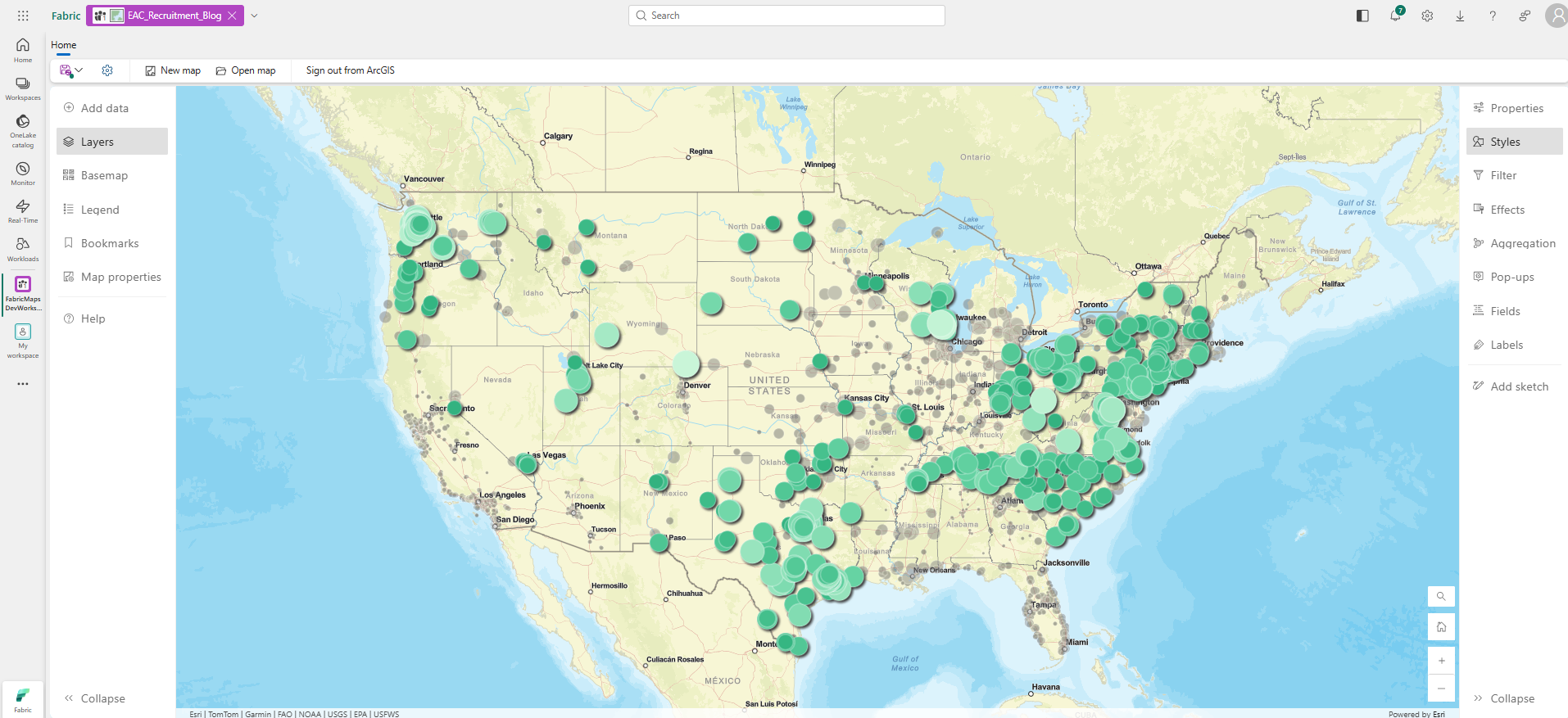
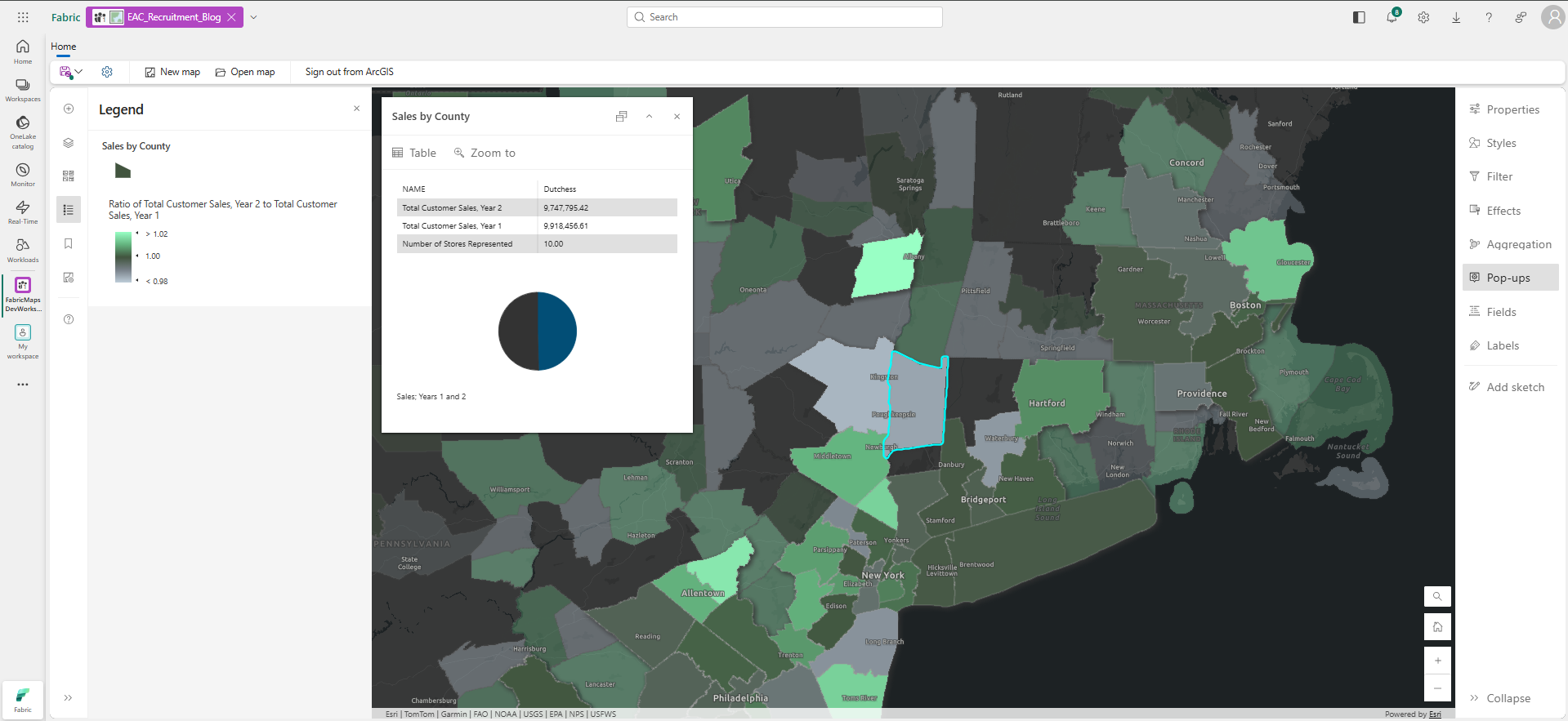
ArcGIS Maps for Fabric enables you to visualize and explore spatial data directly where your data already lives—in Microsoft Fabric. Participants in the early adopter community have the opportunity to:
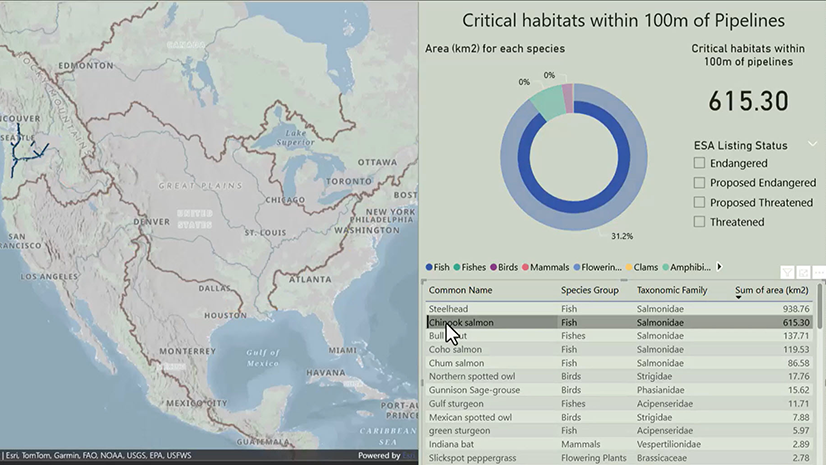
- Explore how spatial context can enhance analytics and semantic models in Fabric
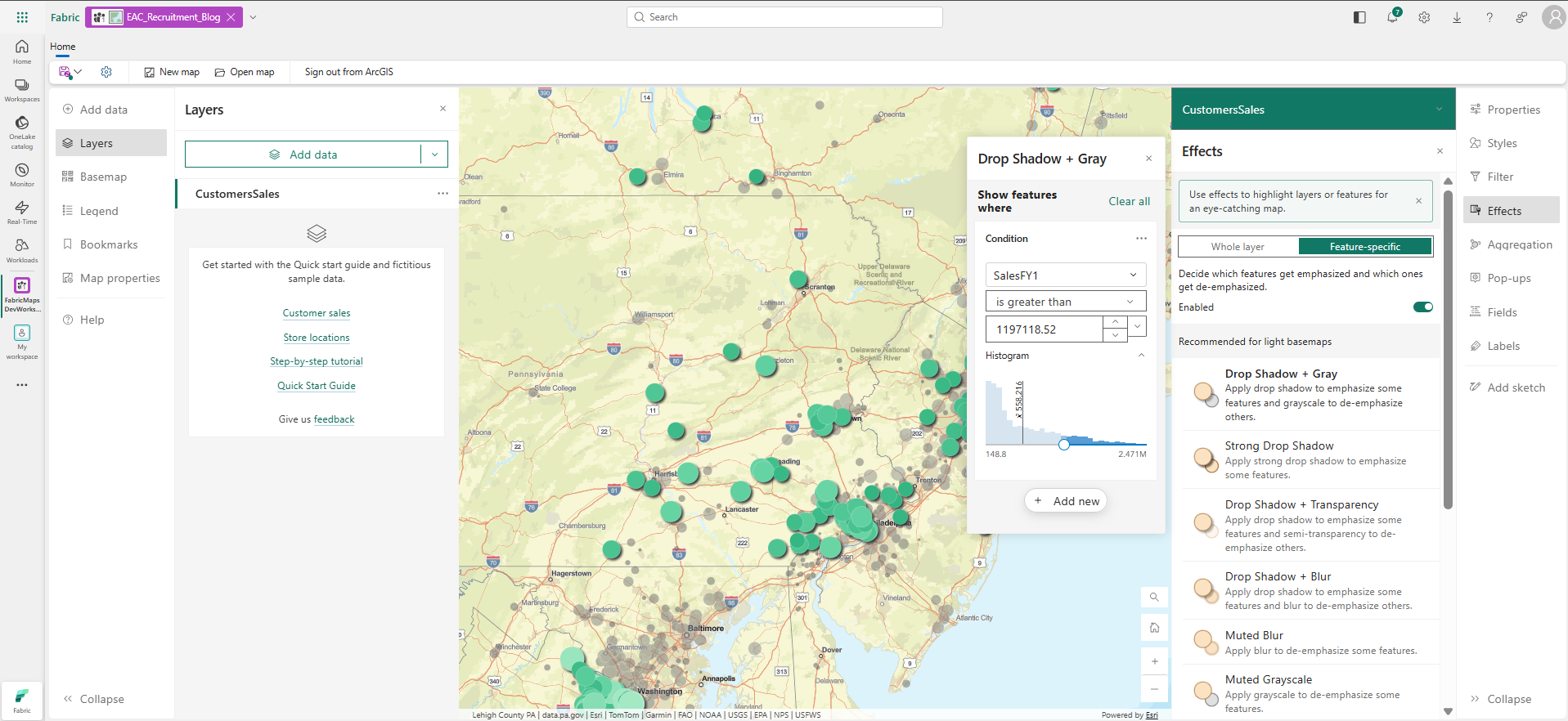
- Test interactive mapping capabilities using data from OneLake, ArcGIS Online, and supported file formats
- Share real-world scenarios, feedback, and ideas directly with the Esri product team
- Learn alongside other Fabric practitioners and early adopters experimenting with spatial analytics
Your input during the public preview period helps guide product direction, prioritize enhancements, and refine the overall experience as we prepare for broader use.
Who Should Participate?
The Early Adopter Community is ideal for:
- Microsoft Fabric users exploring advanced analytics and visualization workflows
- Data analysts, data engineers, and architects interested in spatial context
- Teams already working with ArcGIS data alongside Microsoft data platforms
- Partners and community members experimenting with Fabric workloads
This preview is intended for experimentation, learning, and for you to share your feedback. It is not yet designed for production workloads or GA-level operational use.
Technical Requirements for Participation
Before getting started, please review the following requirements to ensure your environment is ready.
Microsoft Fabric Access
Participants must have access to Microsoft Fabric and the ability to create items within a Fabric workspace.
Tenant Administrator Enablement
ArcGIS Maps for Fabric must be enabled in the workload hub at the tenant level:
- A tenant administrator may need to enable the ArcGIS Maps for Microsoft Fabric (preview) setting in the Fabric Admin Portal → Tenant settings
- Additional API permissions may be required depending on tenant configuration
- Your workspace must have sufficient capacity to save ArcGIS Maps for Fabric items
Supported Data Sources
ArcGIS Maps for Fabric can work with:
- Data stored in OneLake / Fabric Lakehouse
- CSV, GeoJSON, and Parquet
- ArcGIS hosted feature layers
ArcGIS Account (Recommended)
You can use ArcGIS Maps for Fabric without an ArcGIS Online account, but signing in with one enables access to:
- Your Organization’s authoritative ArcGIS Online content
- Basemaps and layers from ArcGIS Living Atlas of the World
Cost During Preview
ArcGIS Maps for Microsoft Fabric is available at no additional cost during the public preview period.
How to Get Started
- Confirm ArcGIS Maps for Fabric is enabled in your Fabric tenant
- Review the Getting Started and Quick Start documentation
- Create an ArcGIS Maps (preview) item from the Fabric Workload Hub
- Join the Early Adopter Community to share feedback, ideas, and questions
Join Us
We’re excited to learn from the Early Adopter Community as teams begin experimenting with ArcGIS Maps for Fabric. Your feedback and real-world scenarios will play a critical role in shaping what comes next.
We look forward to seeing what you build—and learning alongside you.

Article Discussion: