
Green ArcGIS GeoBIM product logo

ArcGIS GeoBIM

Integrate GIS and BIM data

Included with user types

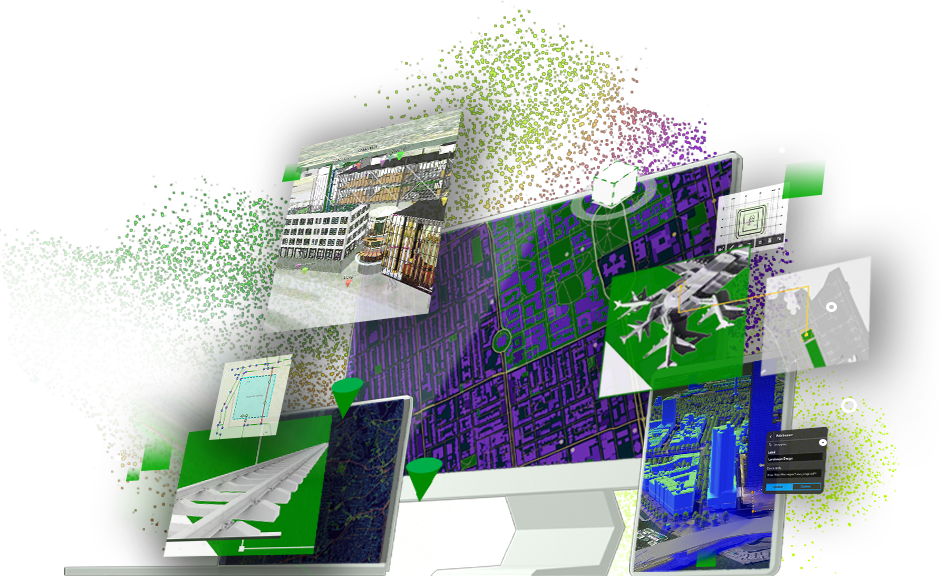
A desktop computer monitor displaying a map overlaid with images of airports, railways, buildings, cities, and location information

Add geospatial context to Autodesk projects

ArcGIS GeoBIM delivers a connected data environment that seamlessly links architecture, engineering, and construction (AEC) information in Autodesk Construction Cloud with geospatial data and services in ArcGIS. By bringing these tools together, teams can smoothly collaborate from initial design through operations, empowering better decisions and results.

Connect every project phase

Create maps, apps, and dashboards that keep your team connected with real-time updates and streamlined communication.

Two professionals standing in a modern office, collaborating while looking at a laptop and holding a tablet, with a play button indicating the image can be clicked to start a video

Quickly locate project content

Access all your BIM and GIS project content from one central, intuitive, map-based view, without moving or duplicating data. Find design and construction documentation, 3D models, and issues across individual projects or entire portfolios, all while keeping files in their original source locations.

Split-screen view of a Zurich rail demo app showing a 3D city model with asset details on the left and a structural rail platform model on the right

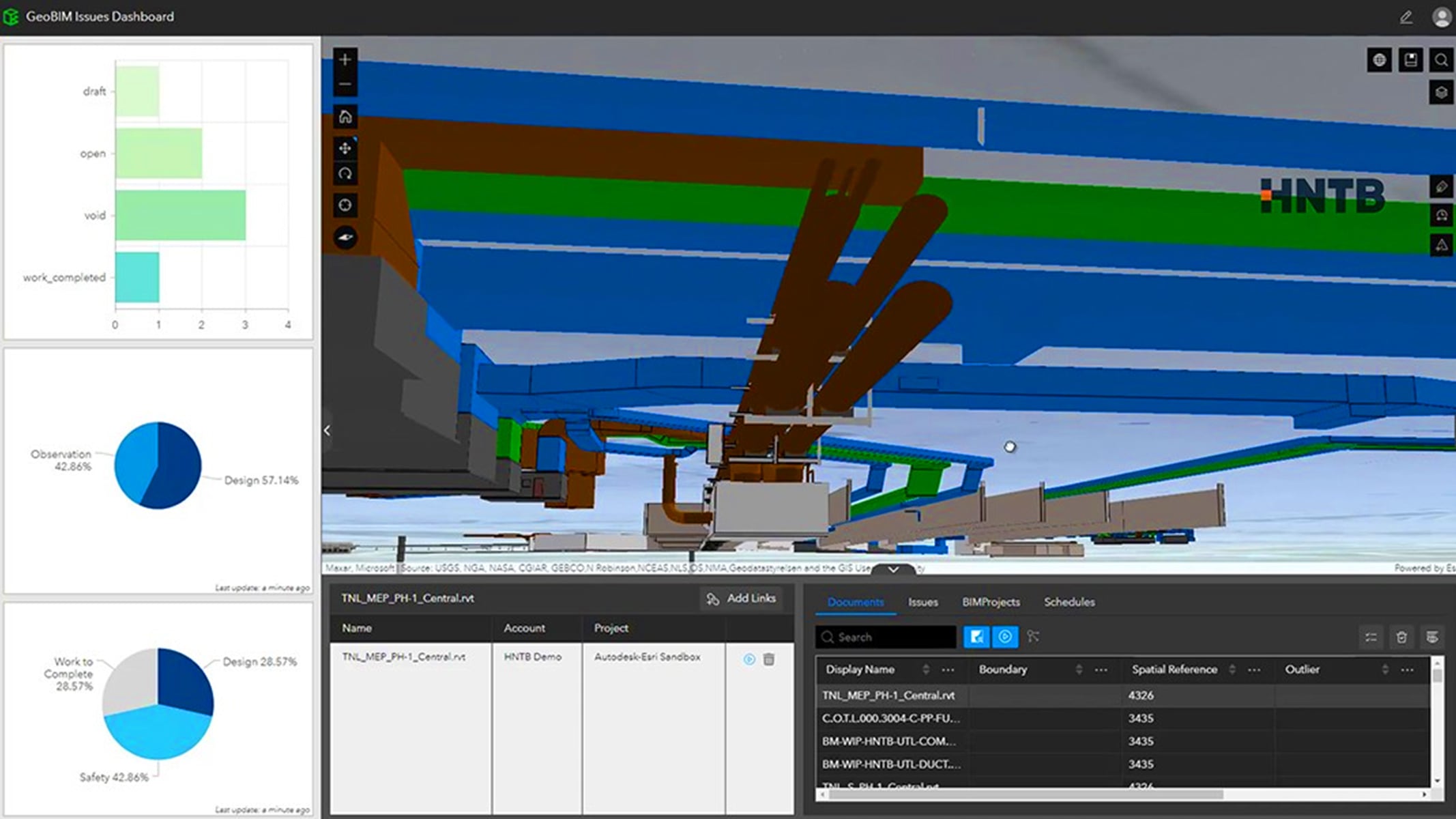
Use issue dashboards to report and monitor activities

Visualize project progress and quickly locate issues on the map by type, status, and phase. Identify potential clashes, safety hazards, and delays earlier, and uncover where risks are clustered so teams can spot trends, resolve issues, and make informed decisions.

Zurich Field Operation App showing a 3D city map with issue details on the right and colorful charts for status, type, and company on the left

Collaborate using apps and widgets

Connect design, construction, and environmental teams with apps that bring project information into one shared view for more accurate decision-making. Out-of-the-box apps make it easy to visualize projects and monitor issues, while customizable options let teams extend collaboration by creating tailored experiences for design reviews, model coordination, and more.

Zurich Railway Project Coordination App showing a 3D city model in the center, a structural rail component on the top right, and a color-coded rail line diagram on the bottom right, with project files listed on the left

Identify on-site issues through office-to-field collaboration

Connect office and field teams to capture existing site conditions, resolve issues quickly, and share data seamlessly in an all-in-one mobile field app. Increase visibility into on-site progress with end-to-end communication, reducing turnaround times and minimizing project risks and delays with location intelligence.

Zurich Field Operation App showing a 3D view of a railway station area with highlighted zones and an issue panel titled 'Survey Required' displaying details like company, creation date, and due date

Visualize projects in 3D geospatial context from one central view

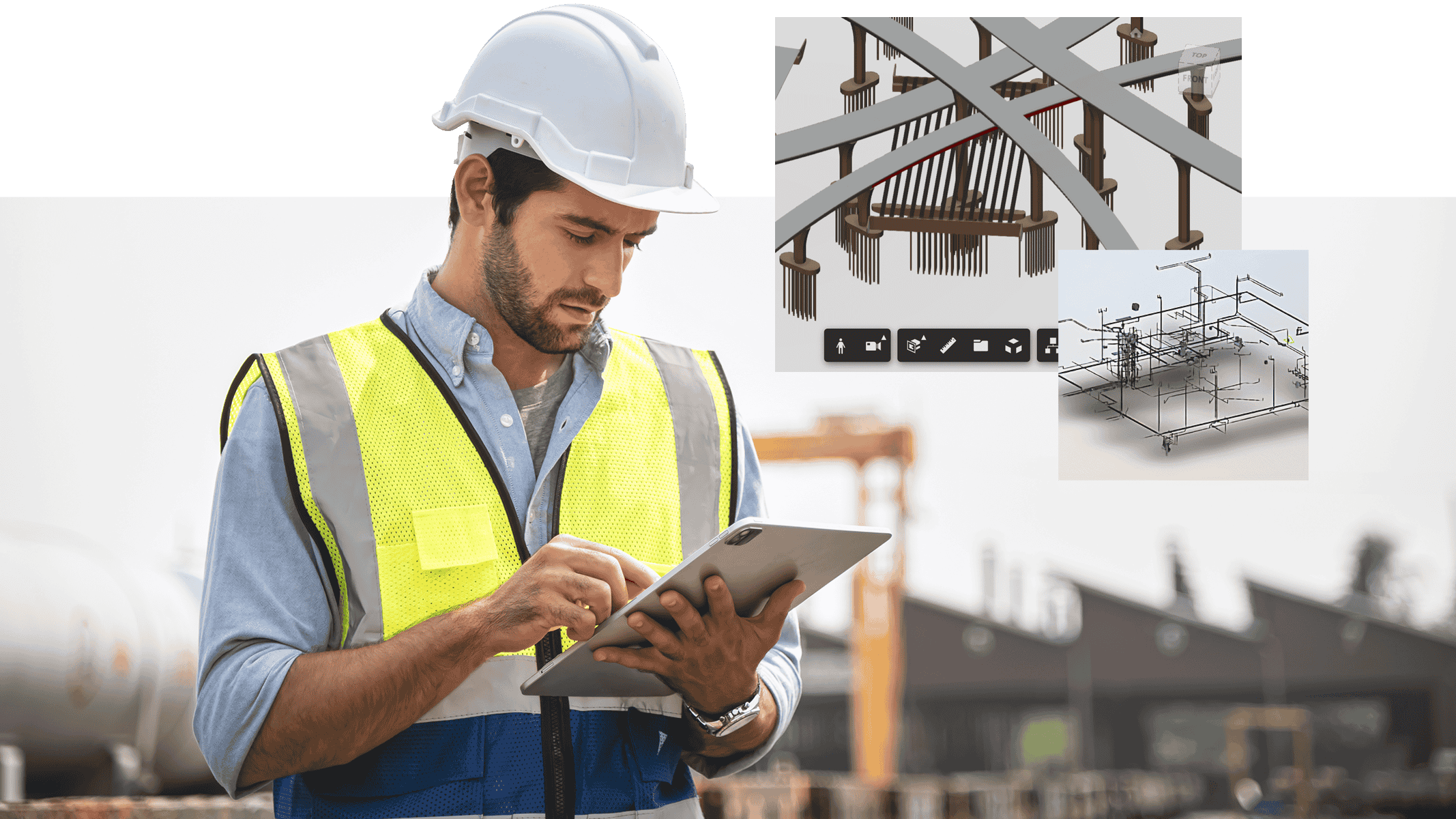
Bring BIM models and project information together in an interactive map-based environment. This integration allows teams to explore 3D models and related documents into real-world geospatial context, creating a clear, holistic view of projects. By connecting BIM and GIS, organizations simplify complex information, improve communication, and transform data into actionable, shareable insights for stakeholders at every level.

Person working on a laptop in an office and in the top left corner two inset screens showing 3D city models and structural design visualizations

How does ArcGIS GeoBIM work?

To get started with ArcGIS GeoBIM, you need at least one ArcGIS user type—Creator, Professional, or Professional Plus—and licensing for Autodesk Construction Cloud.

Connect your Autodesk environment

Establish a secure, cloud-to-cloud connection between ArcGIS and Autodesk Construction Cloud. This connection brings BIM and GIS data together so you can start creating ArcGIS GeoBIM projects that integrate design and construction information with authoritative geographic data.

Circular workflow diagram showing stages Plan, Design, Build, and Operate, with ArcGIS on the left and Autodesk Construction Cloud on the right, connected through a central integration icon

Sync BIM project data to GIS features

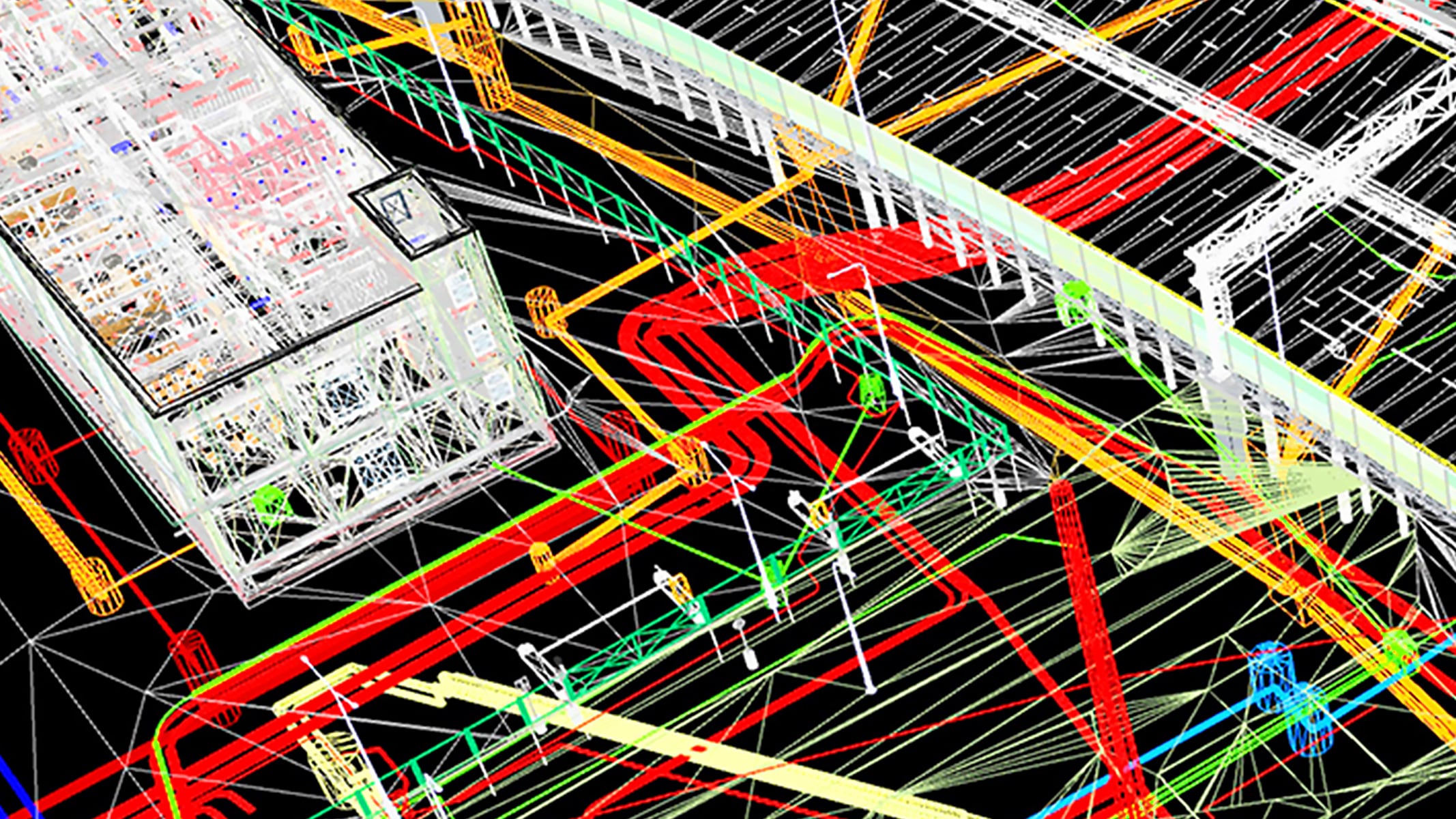
Use ArcGIS GeoBIM tools to link your models, documents, and issues stored in Autodesk Construction Cloud to GIS features. Keep your project information current by rerunning sync tools as updates occur, and reuse this connected content across ArcGIS apps.

3D building model with property details and a piping wireframe diagram

Configure links between BIM and GIS data

Create dynamic links for greater control and flexibility. Incorporate utility data, environmental surveys, community feedback, and real-world photos to enrich context and improve project communication.

A 3D infrastructure model with colorful components and a data panel on the right

Engage stakeholders with custom apps

Build customized apps directly in ArcGIS GeoBIM or with widgets enabled by ArcGIS GeoBIM in ArcGIS Experience Builder. These tailored apps make it easy to share progress, visualize designs, and gather feedback—all in one integrated environment.

Satellite map showing a highway interchange with colored markers and a 3D bridge structure model, along with issue details

How are organizations using ArcGIS GeoBIM?

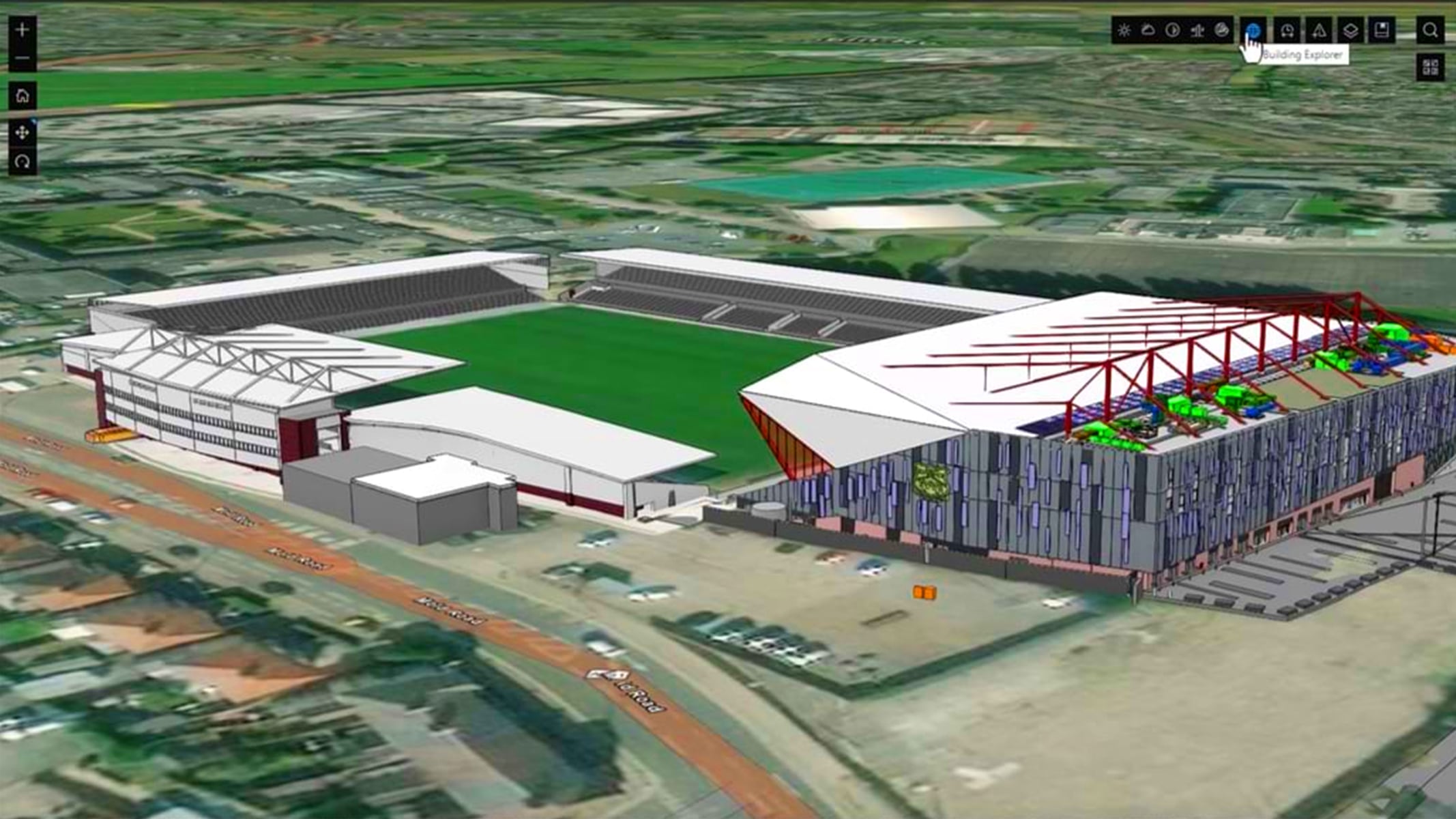
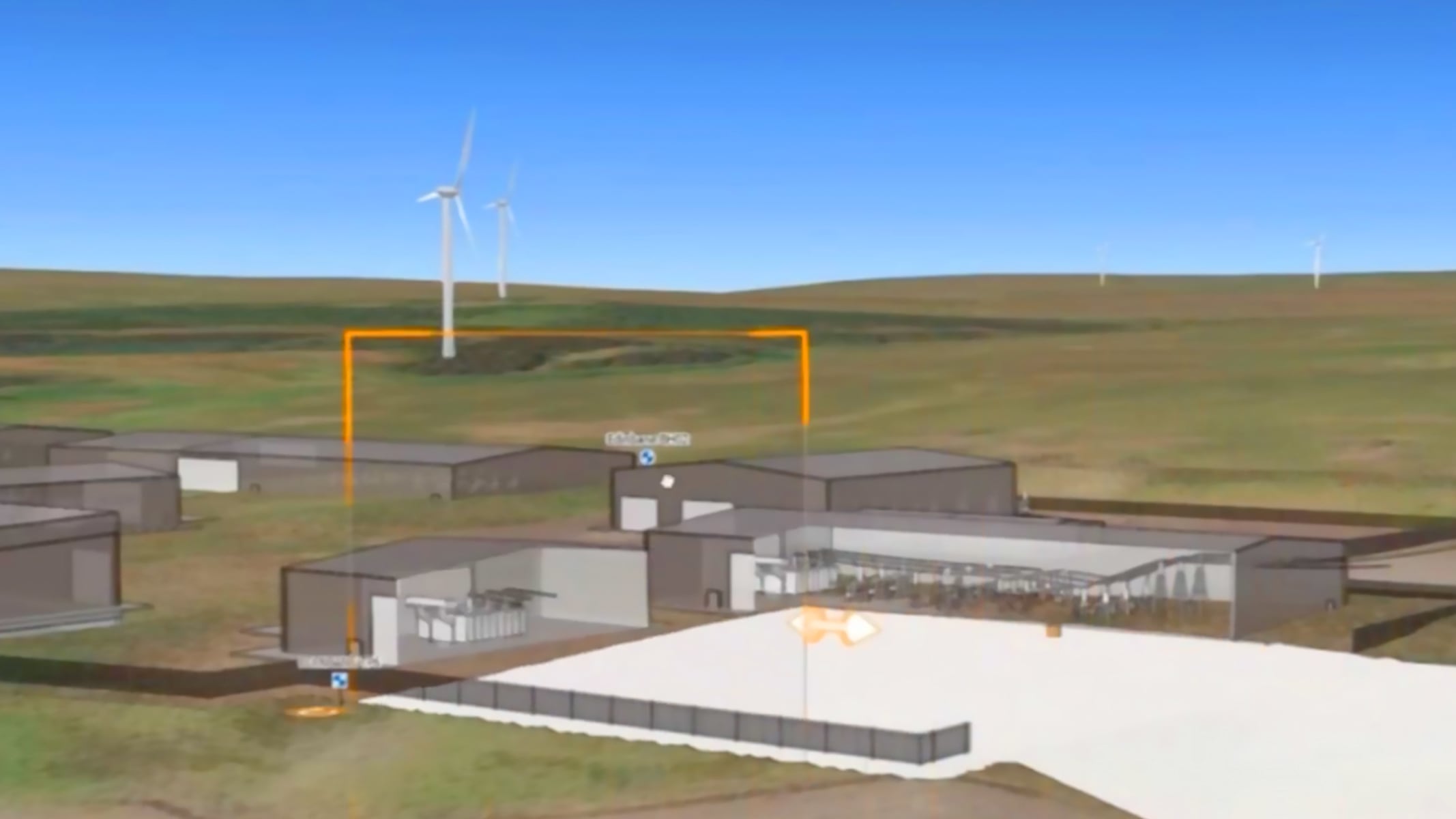
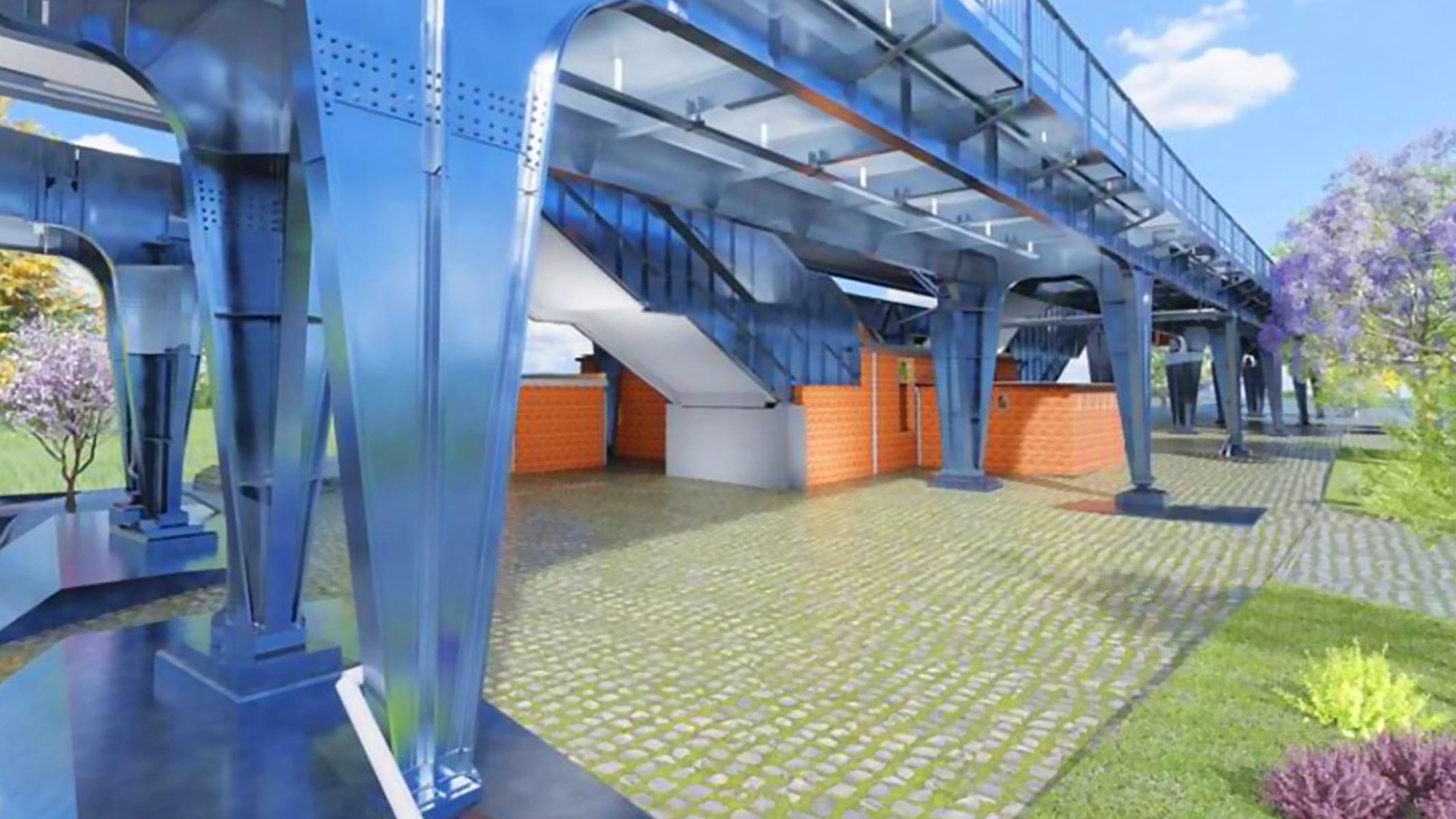
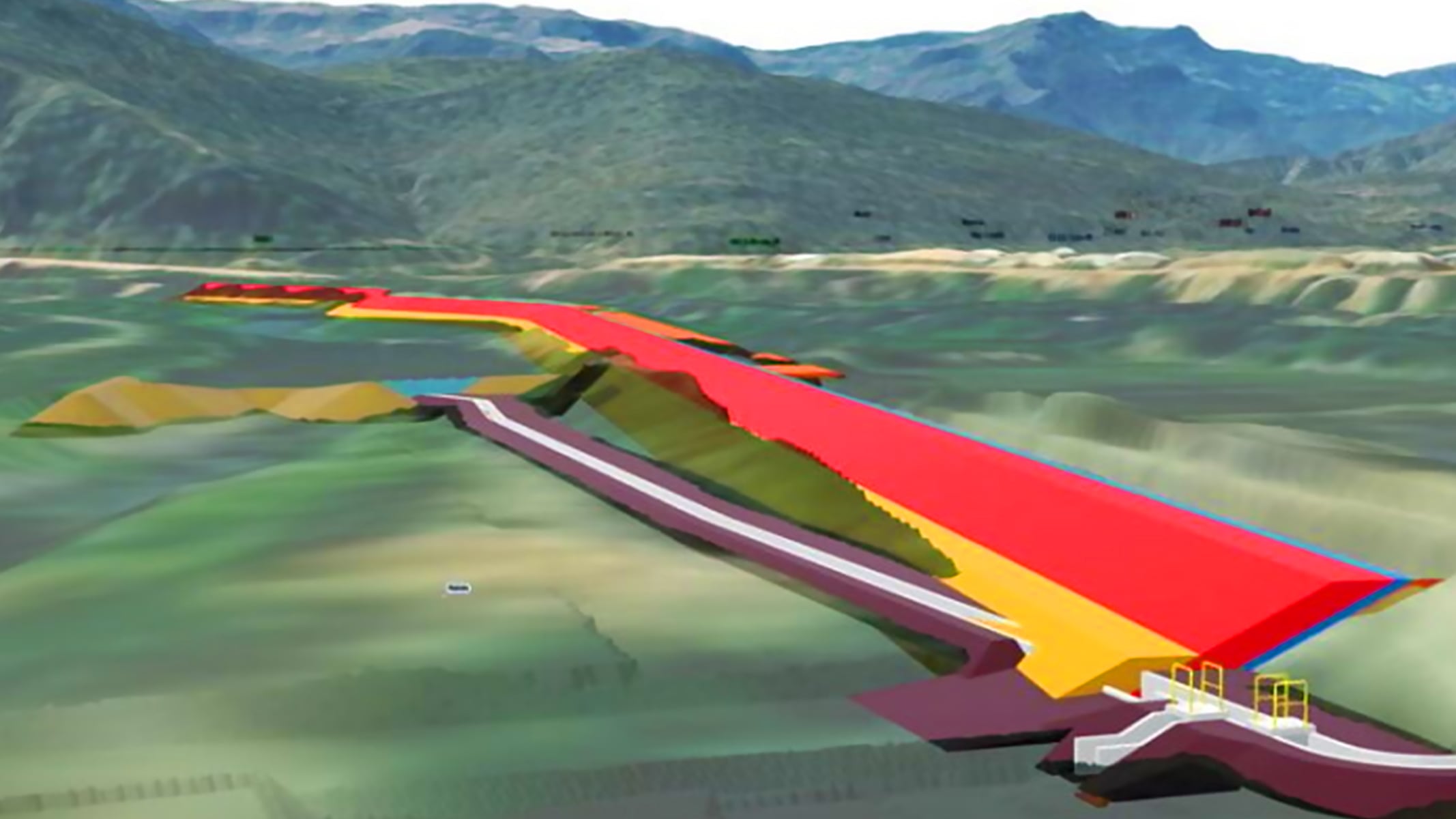
Around the world, organizations use ArcGIS GeoBIM to solve complex construction challenges. From building airports and sports stadiums to upgrading electrical grids, integrating GIS and BIM gives teams a real-world view of a project, improves collaboration, and supports informed decisions throughout the entire asset life cycle.

Previous
Next

Esri and Autodesk

Unifying GIS and BIM to transform workflows and build a better future

Esri and Autodesk are industry leaders working together to put GIS and BIM data at the center of projects. The shared vision is an integrated and collaborative workflow that connects data sources and improves understanding of projects in context, reduces inefficiencies, and delivers more sustainable, resilient infrastructure.

 An airport under construction

Integrate with Autodesk’s cloud platform

Connect ArcGIS GeoBIM with Autodesk Construction Cloud to bring detailed building and infrastructure models into a real-world, 3D context.

Previous
Next

Purchasing options for ArcGIS

Secure software as a service

Buy user types for ArcGIS Online

Self-hosted geospatial infrastructure

Go to ArcGIS Enterprise pricing

Talk to someone on our sales team

800-447-9778

7:00 a.m. – 5:00 p.m., Monday through Friday (PST)

Chat online

Start a chat

Contact the sales team

Fill out the contact form