On-the-Fly Map Hacks
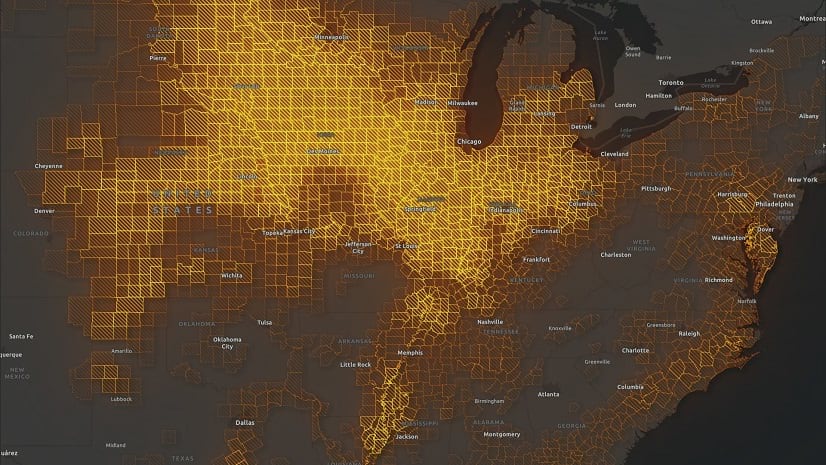
Check out these ArcGIS Online tricks for summarizing and visualizing data on-the-fly with Arcade and Blend modes.
Check out these ArcGIS Online tricks for summarizing and visualizing data on-the-fly with Arcade and Blend modes.
Water management in Montana has a new look—a publicly accessible web app that provides detailed streamflow data with ArcGIS technology.
Like symbols, labels are included in both basemap and operational layers. This course shows you how to add and customize labels for your maps.
Learn how public utilities use ArcGIS Monitor to track ArcGIS Enterprise systems and optimize the health and efficacy of back-end tasks.
Using GIS-based weed-spraying technology, environmental restoration organizations are working to reverse the impacts of industrial development.
What does it mean to bring BIM data into GIS? Explore why it's important and how you can implement it practically in ArcGIS.
One of the many things you can customize in your ArcGIS organization is your basemap gallery. Here's how.
Check out how to use texture fills in the ArcGIS Online map viewer to highlight regions or to denote uncertainty.
Want to create a custom ArcGIS Pro experience? In this video, learn three easy ways to personalize ArcGIS Pro with built-in settings and options.
In TCU’s case competition at the Neeley School of Business, graduate students use ArcGIS technology to address pressing supply chain issues.
Officials in Tulare County, CA turned to Esri Redistricting to increase transparency and engage the public in the local elections process.
ArcGIS Pro 3.0 incorporates user-submitted suggestions from across the GIS community. Check out how developers implemented these ideas.