When to Use Animated Maps
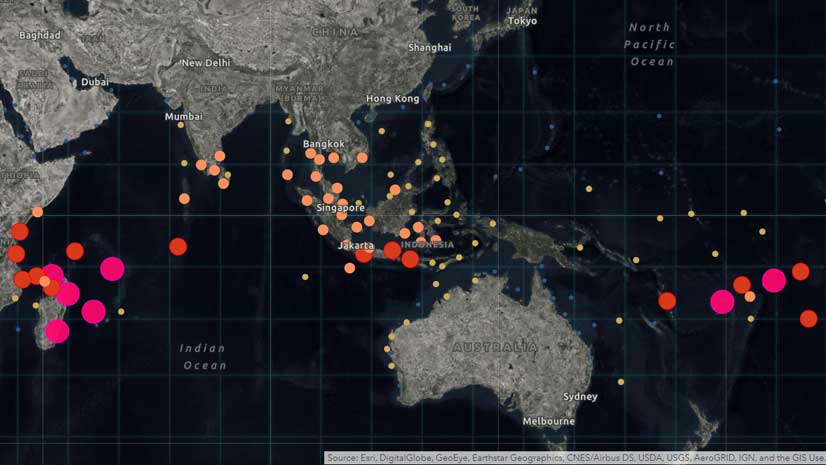
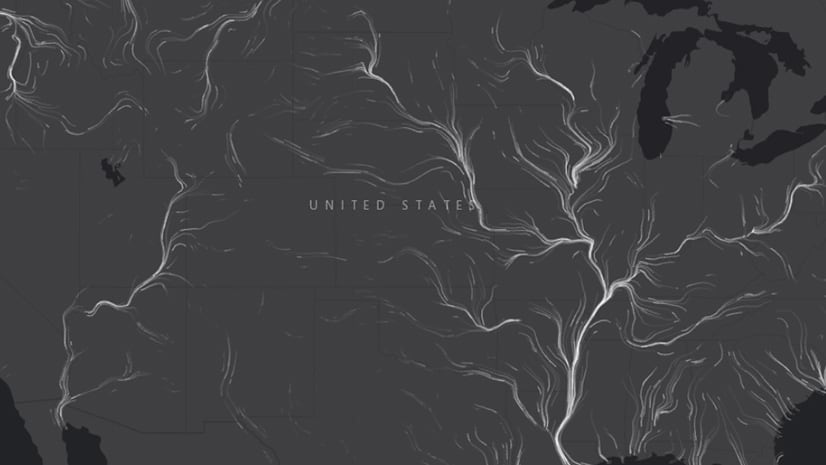
Esri cartographer Mark Harrower showcases interesting examples of animated maps and lists what questions to ask yourself before you make one.
Esri cartographer Mark Harrower showcases interesting examples of animated maps and lists what questions to ask yourself before you make one.
In this short video, cartographer John Nelson from Esri demonstrates how to add charming vintage coastal ripple lines to your ArcGIS Pro map.
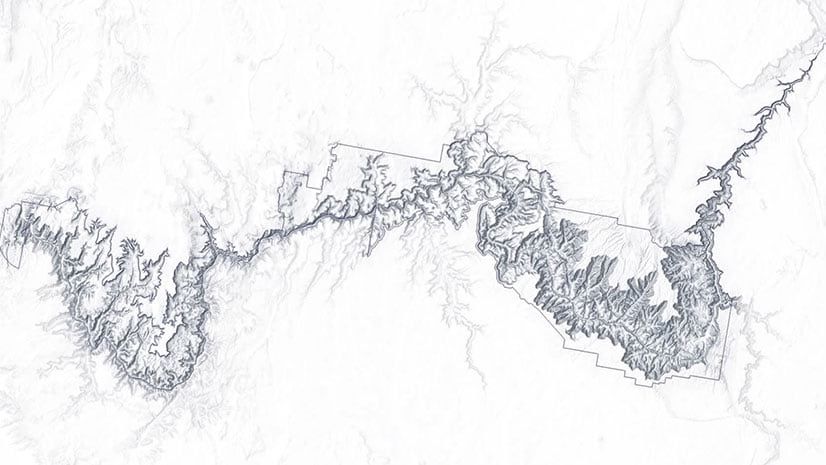
In this one-minute map hack, John Nelson from Esri teaches you how to add elevation hillshade to your map without washing the colors out.
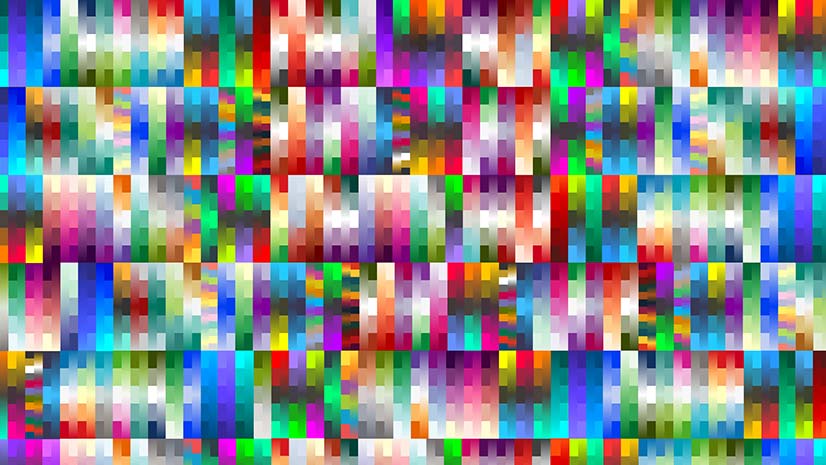
Color ramps were updated for the Map Viewer beta. You will find more than 300 color ramps in the Map Viewer, most being colorblind friendly.
Want to spotlight a specific geographic area of interest in your map? Create a vignette with the Overlay Fade style for ArcGIS Pro.
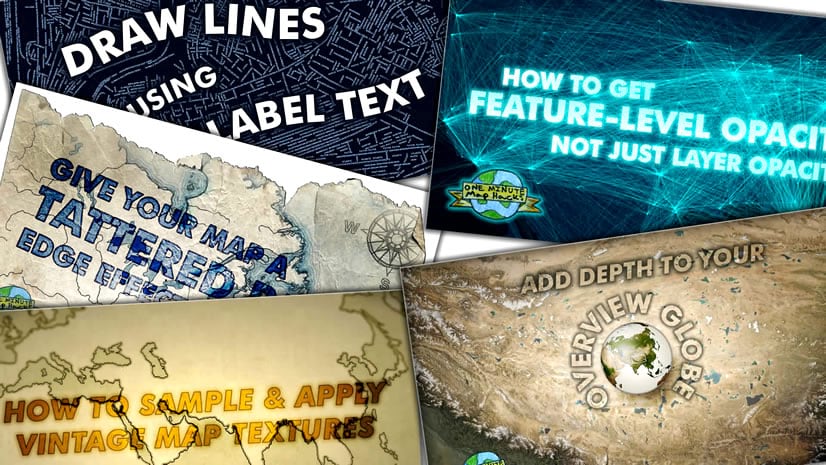
In this one-minute map hack, Esri cartographer John Nelson teaches you how to use ArcGIS Pro make a line map made up of labels.
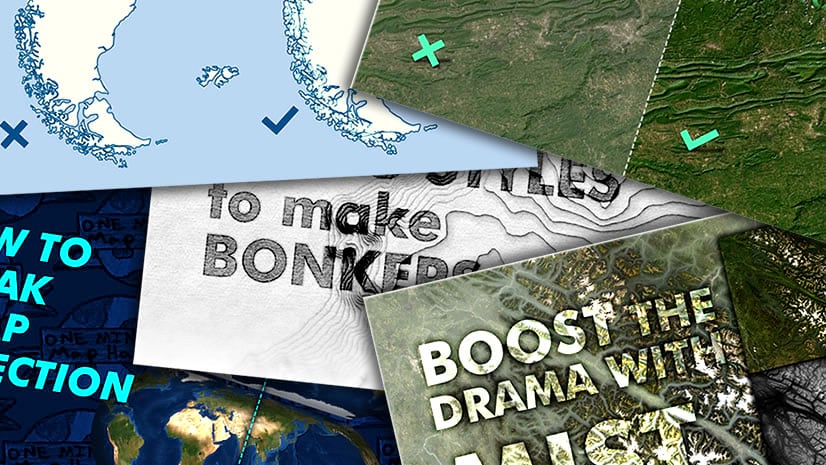
John Nelson from Esri shows you how to use ArcGIS Pro to give cluttered-looking coastlines on a small scale map a more elegant appearance.
Emily Meriam, an Esri cartographer, shows how to create an Arccade expression that makes your symbols scale as you zoom in and out of your map.
Green infrastructure and network mapping are the focus of two new books published by Esri Press.
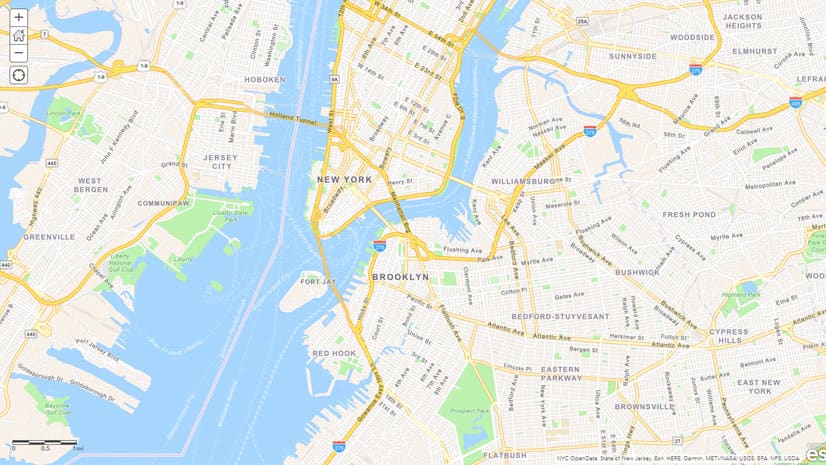
Esri cartographer Wes Jones recently redesigned the Navigation basemap using the ArcGIS Vector Tile Style Editor. See what changes he made.
Make your maps easier to understand by using ArcGIS Arcade to bring the colors from the map symbols into your pop-up text.
See the updated style in the World Navigation vector tile layer and learn what you can do with the new ArcGIS Vector Tile Style Editor.