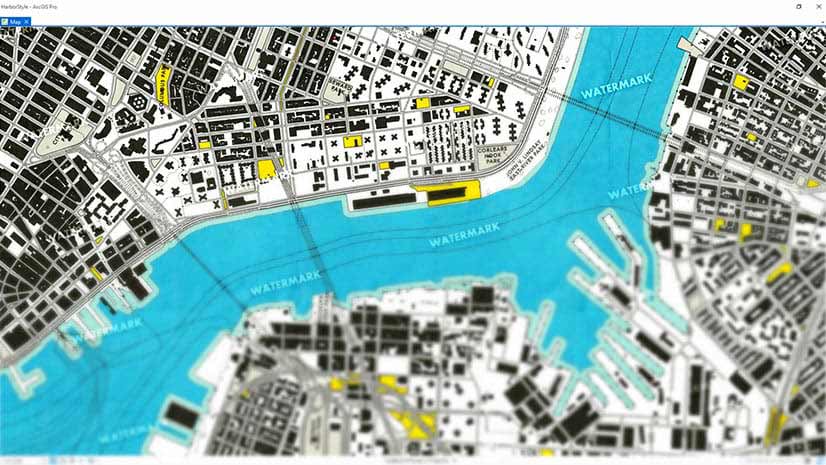
Add Watermarks to Your ArcGIS Pro Map
Learn how to create watermarks using Microsoft Paint or PowerPoint and add them to your ArcGIS Pro Map. Watermarks protect your map.
Learn how to create watermarks using Microsoft Paint or PowerPoint and add them to your ArcGIS Pro Map. Watermarks protect your map.
Andrew Skinner of Esri has created two versions of a basemap that’s color blind friendly and functional.
Knowing in advance what kind of medium will be used to share your map will help you make better design decisions.
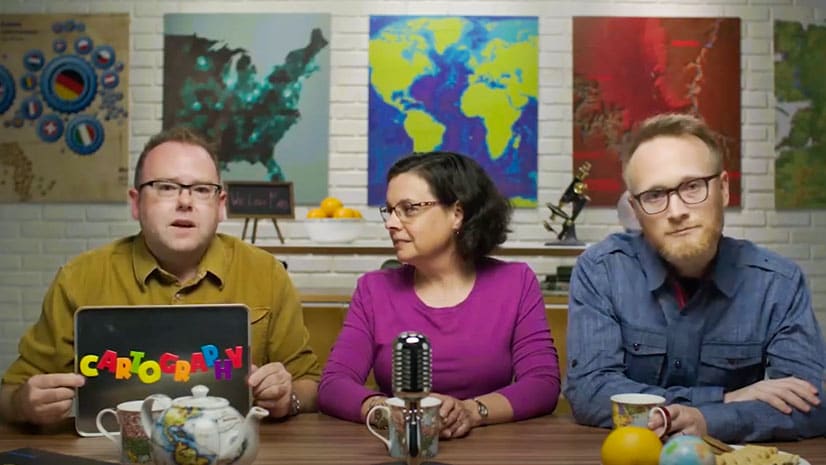
Esri experts will show you how to create beautiful maps using ArcGIS Pro during the Cartography. MOOC starting February 3, 2021.
Knowing ahead of time exactly what message you want to convey will result in a better map.
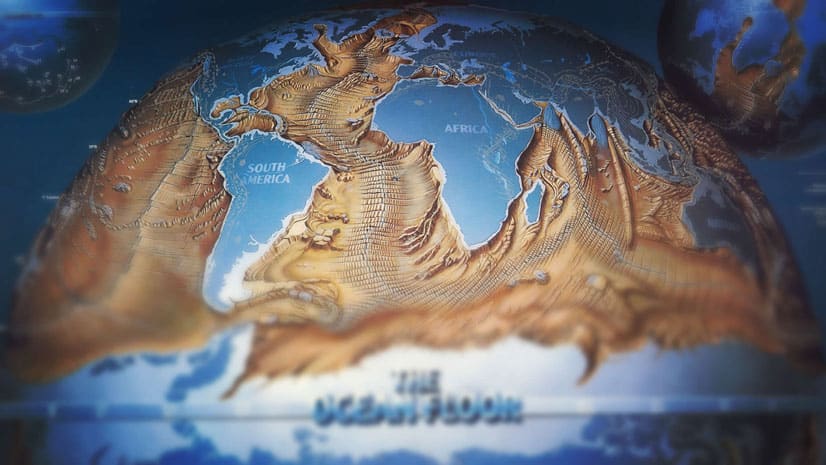
John Nelson of Esri dives deep into the David Rumsey Map Collection and finds a 1985 map called The Ocean floor that deserves to be revisited.
Betsy Mason, co-author of All Over the Map: A Cartographic Odyssey, talks about how data visualization changed the course of history.
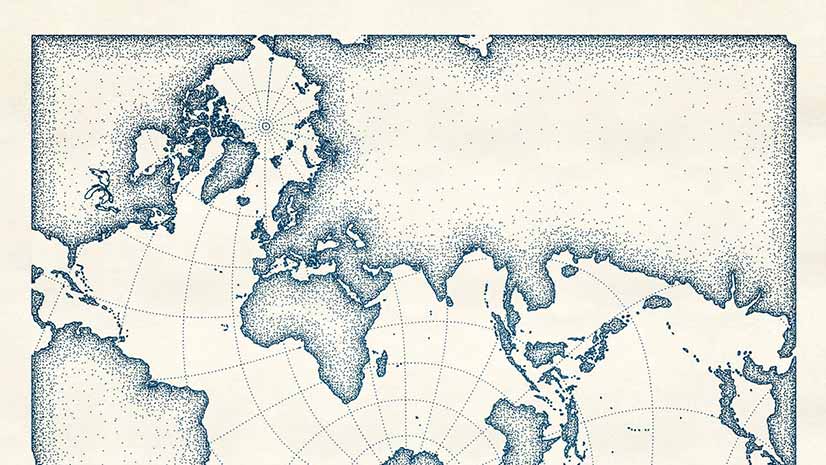
Create a digital map that looks like it was drawn with pen and ink using the new pen and ink style created for ArcGIS Pro.
Cartographer John Nelson from Esri introduces you to the totally blank basemap. Two choices are available from ArcGIS Living Atlas of the World.
Esri cartographer John Nelson shows you how to apply graduated sizes and colors to symbols in your ArcGIS Online maps.
Esri cartographer John Nelson demonstrates how turn custom graphics into symbols for your maps in both ArcGIS Pro and ArcGIS Online.
Learn to use the erase geoprocessing tool in ArcGIS Pro and data from ArcGIS Living Atlas of the World to make a map of your area of interest.