Forms are a powerful tool for creating intuitive and tailored editing experiences in ArcGIS Online. Because forms are supported across the ArcGIS Online platform, they can be used in apps like Map Viewer, Experience Builder, Instant Apps, and more. Unlocking the full potential of forms starts with understanding what’s possible. In this resource roundup, we’ve gathered the best articles, tutorials, and examples to help you optimize forms no matter what your experience level is. Looking for a specific topic? Use the quick links below to jump to an area of interest.
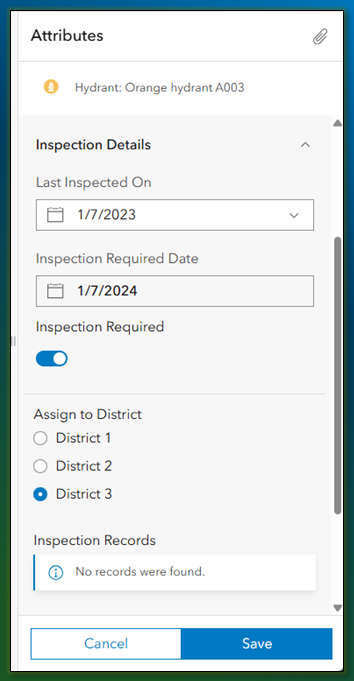
Forms make editing faster, more intuitive, and even interactive with features like dynamic behavior, calculated fields, and attachments. If you’re thinking “What are forms anyway?” this section is for you.
Build Your Skills
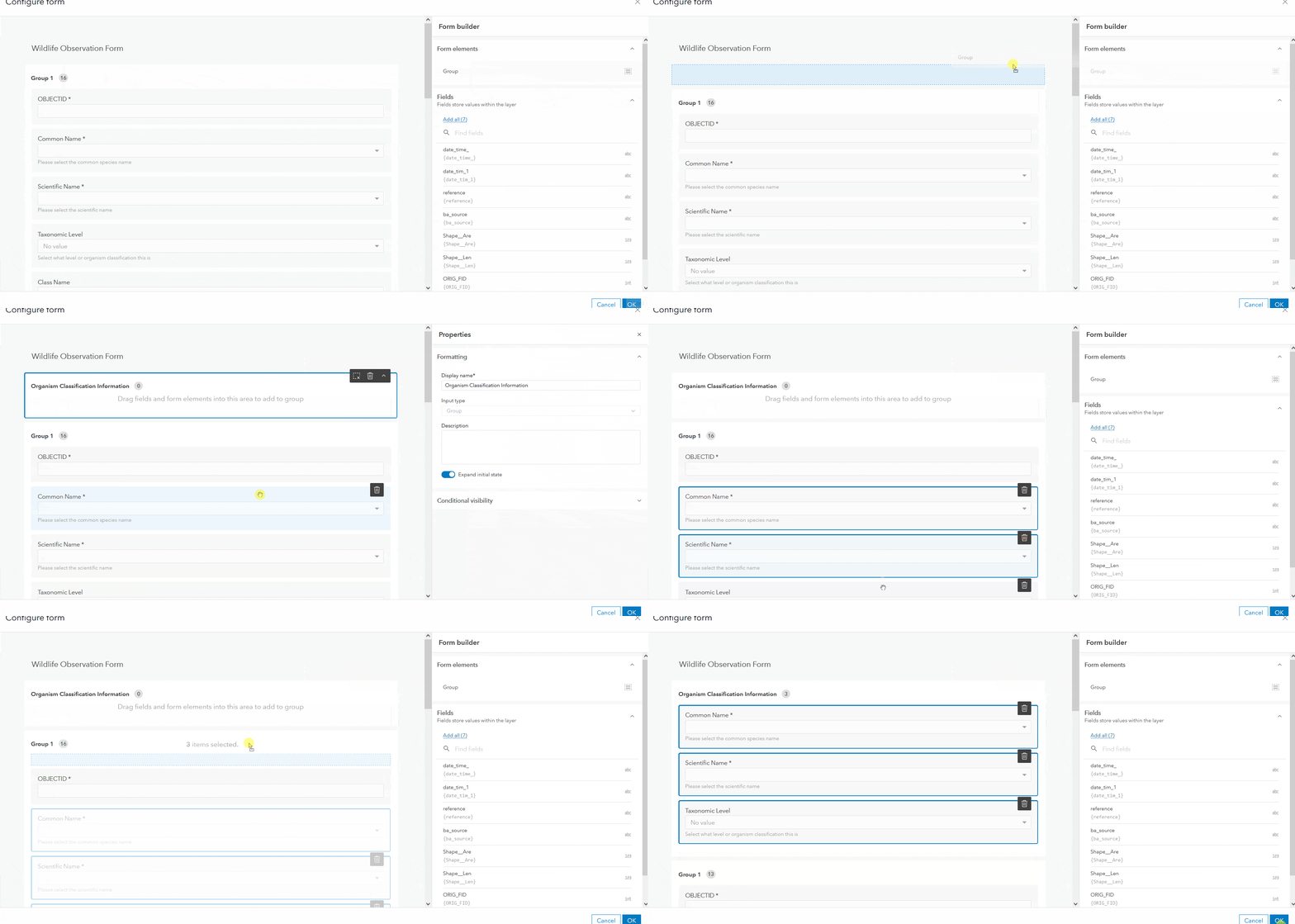
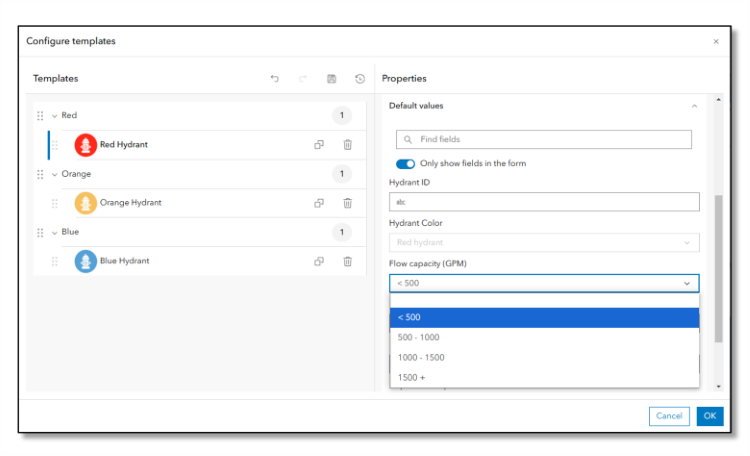
If you’re familiar with the basics of forms, but want to level up your skills, check out the resources below. The following examples cover entry level Arcade samples, replicating editing functionality from the Smart Editor widget, and setting up feature templates to streamline editing workflows.
Advanced Form Capabilities
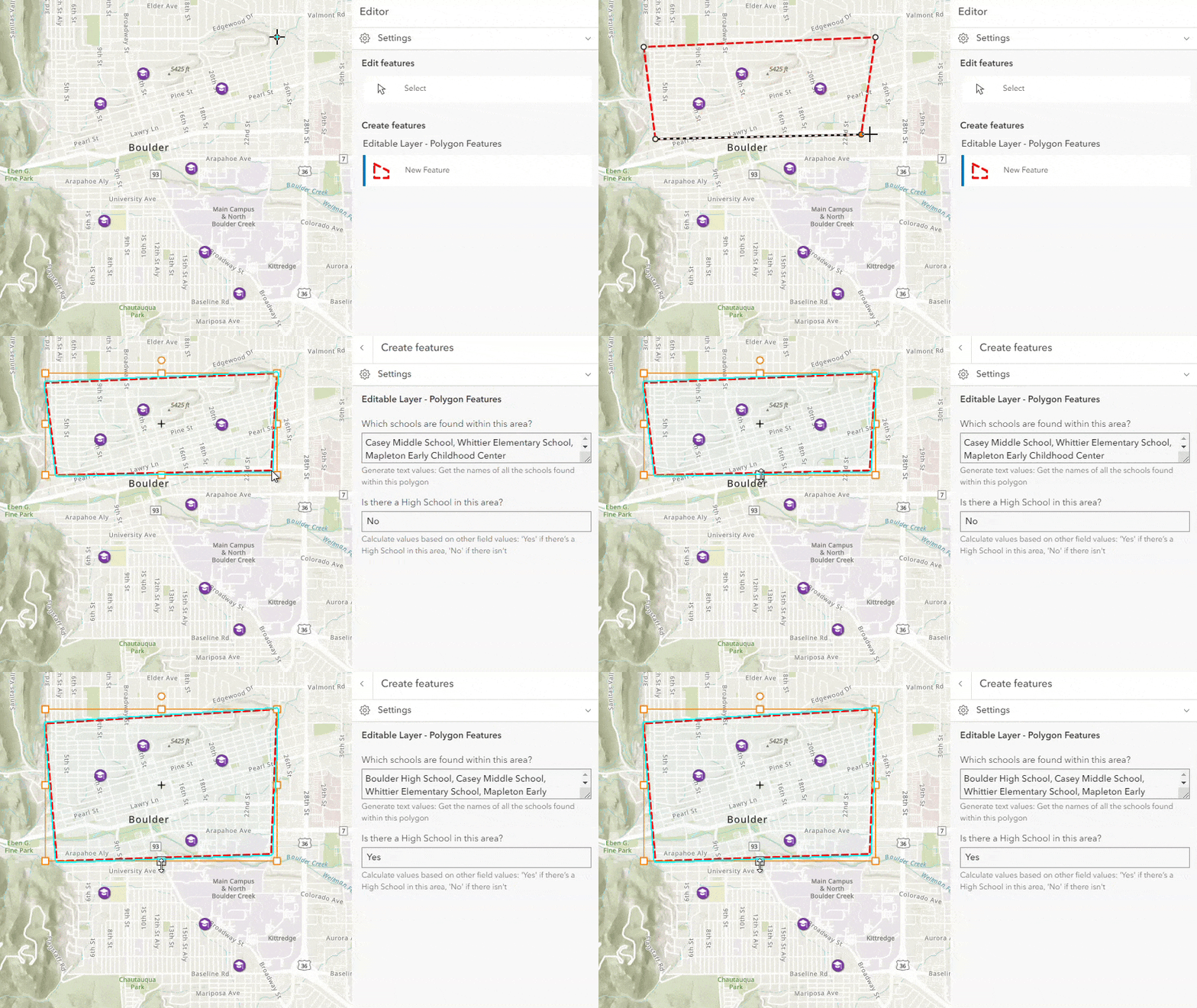
Arcade makes data collection easier by filling in information automatically, and helping prevent mistakes when entering data. For a deep dive into Arcade scripting and how you can leverage it in forms, see the links below.
Specialized Editing Workflows
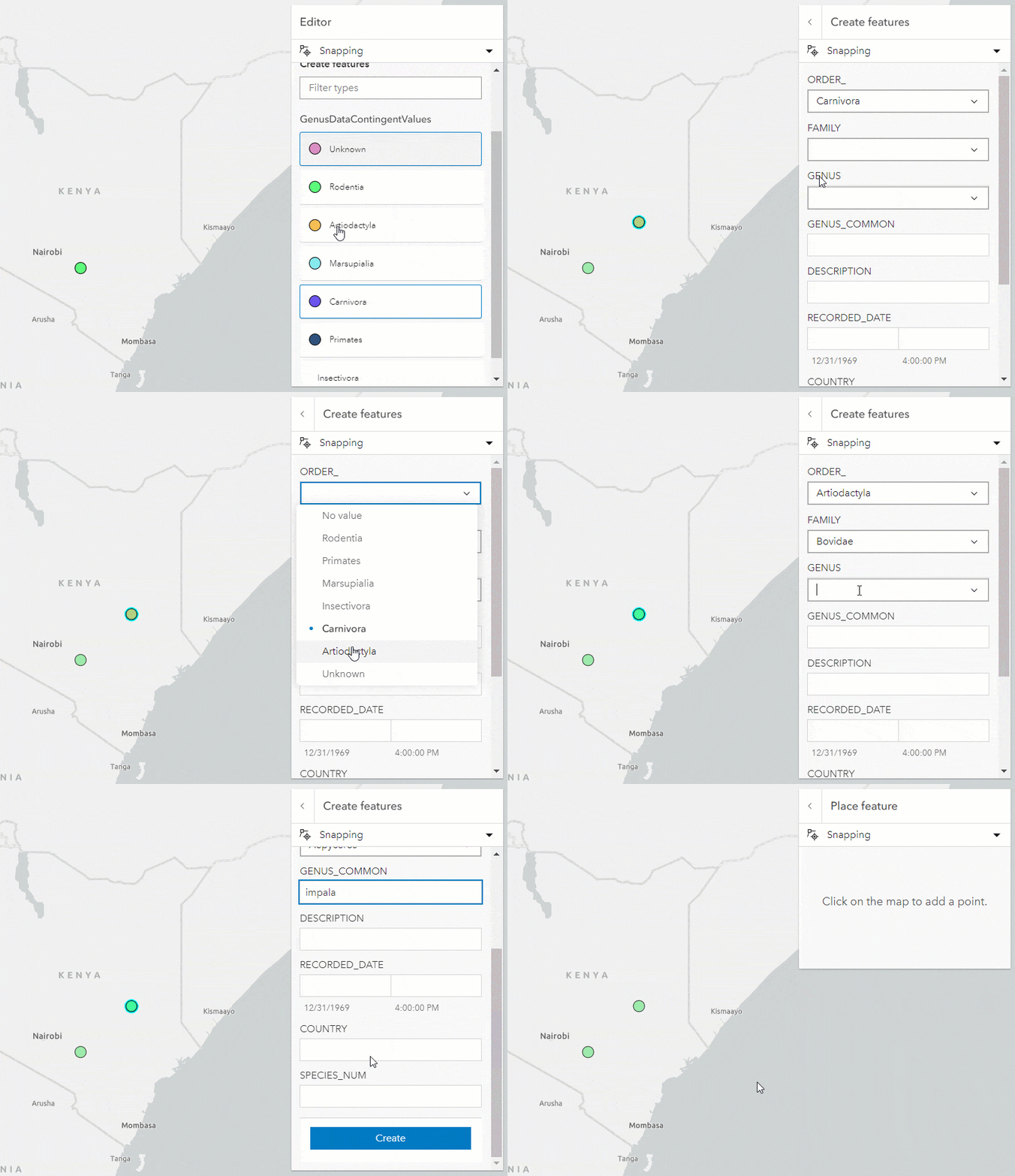
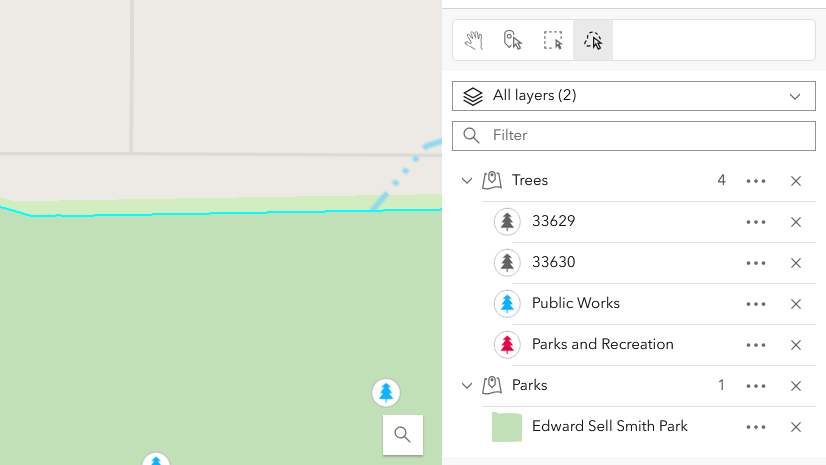
Explore these links for tips on how to engage with forms for more specialized editing workflows. This includes editing related records, working with contingent values, multiple choice, and performing efficient updates with batch attribute editing.
Summary
Great forms don’t just capture data—they transform the editing experience. From foundational tips to advanced techniques, these resources will help you create smarter, more efficient editing workflows that carry across ArcGIS Online. We hope you’ll unlock the full potential of forms and take your editing to the next level. We’re always working to make editing easier, so keep an eye out for updates—and be sure to share your feedback and ideas with us on Esri Community.
Share this article
data management arcade mapping arcade data editing forms map viewer arcgis experience builder arcgis instant apps arcgis online arcgis web editor
Bekah Bollin
Bekah joined the ArcGIS Online team in 2022 as a Product Engineer. She contributes to a variety of projects in the ArcGIS Online space including GIS data editing, management, and visualization. When she is not making maps, she can be found hiking outside with her dog or finding a cozy coffee shop.
Emily Garding
Emily is a Senior Product Engineer on the ArcGIS Online team at Esri. She is passionate about showing how you can make the most of new features in ArcGIS Online and enjoys helping you work smarter with apps like Map Viewer, Web Editor, and Instant Apps.




Commenting is not enabled for this article.