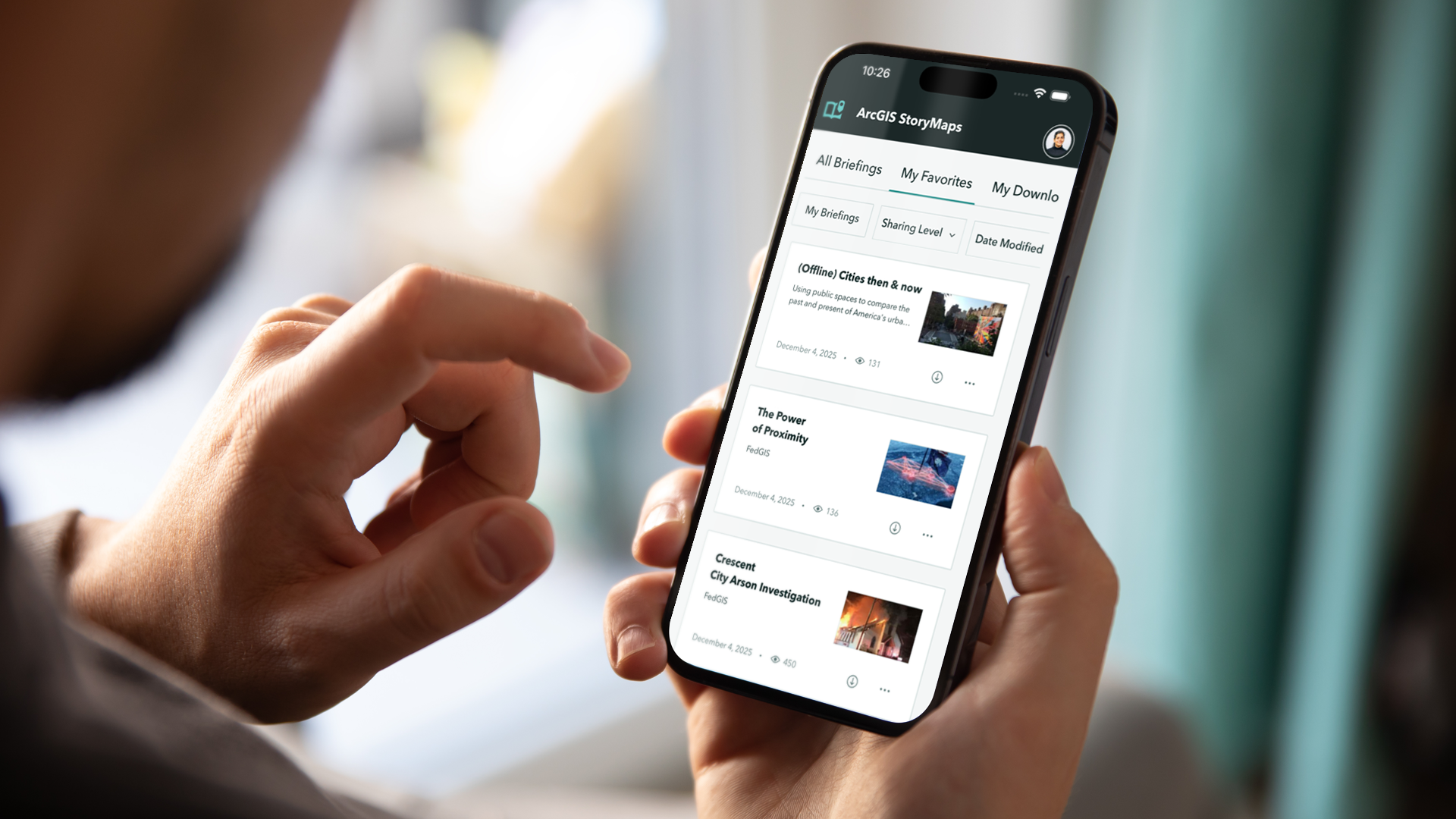
The ArcGIS StoryMaps Briefings App takes seamless presentation delivery to the next level, offering greater flexibility and streamlined workflows. Compatible with iOS, Android and Windows computers and tablets, and now — in beta — on your phones, this companion app lets you integrate interactive maps, rich media, and branded themes directly into your briefings. You can confidently present anywhere — whether connected online, working offline, or switching between the two — while showcasing valuable insights from your spatial data in a dynamic, engaging format.
We are thrilled to announce the release of the next generation of the Briefings App, ver.2.0.99. This release marks a significant milestone, made possible by your invaluable feedback.
Key Takeaways from Users Feedback
Based on the issues and suggestions we’ve received, we identified several key areas for improvement:
- Online Briefings: Users expressed a desire for online briefings that exactly match the web version in appearance and functionality. It also includes consistency displaying different themes, especially when viewing online briefings.
- Offline Workflows: Offline workflows improvements and enhancements to user experience.
- Mobile Device Support: Users asked for the ability to access briefings on their phones – in addition to tablets and computers – so they can stay connected and present on the go.
- Local briefings: Local briefings workflow enhancements and improved user interface for configuring offline media.
We are excited to share that all four of these areas have been addressed in this release, in addition to other cool features.
What’s New in the Briefings App 2.0
Better support for online briefings:
For users on ArcGIS Online and ArcGIS Enterprise 12.x and above (only for OAuth authentication), we have implemented a new approach to display online and offline briefings. Online users will see the same content on their devices as they do on the web, which brings full parity in the appearance and functionality of the briefings.
Offline briefings enhancements:
Offline viewing capacity has been improved, better font rendering, spacing and theme representation, please note that due to technical limitation Google fonts used with custom themes will not be supported. Parity with newer online briefings features when viewing offline like support for infographics including side by side and full layouts, improvements to charts, better performance in loading multiple maps etc., We are striving to provide a good representation of offline content.
Enhanced Local Briefings Workflow:
Local Briefings for Windows users was implemented in Briefings App ver. 1.8.4. Check this blog article for more details about local briefings. Accessing local briefings for Windows users has been streamlined, making it much more portable and well-designed. Some enhancements include:
- Quick Edits: Users can now make quick edits to their content using the enhanced user interface, enabling efficient updates while maintaining the presentation structure, which reduces the setup time needed for offline presentations and allows for quicker preparation of materials.
- Real-time Preview: Users can preview changes on the fly, ensuring that modifications can be seen immediately without needing to switch between different views. Saving or resetting the current state of the local briefing has now become easier and user-friendly.
- Streamlined Content Management: All downloaded briefings will now be stored in a universal location (check below), ensuring easy access regardless of the app’s download source.
C:\Users\<windows_username>\ArcGIS\Esri.ArcGIS.StoryMaps.Briefings\Organizations\<org_id>\Users\<org_name>\Items
Please note: To know more about about the local briefings workflow in the Briefings App 2.0, check out this blog article.
The video below shows the entire workflow of how to access local briefings, edit and reset the media, and locate the local briefings folder in your local directory through the Briefings App 2.0
Briefings app support on Mobile Phones:
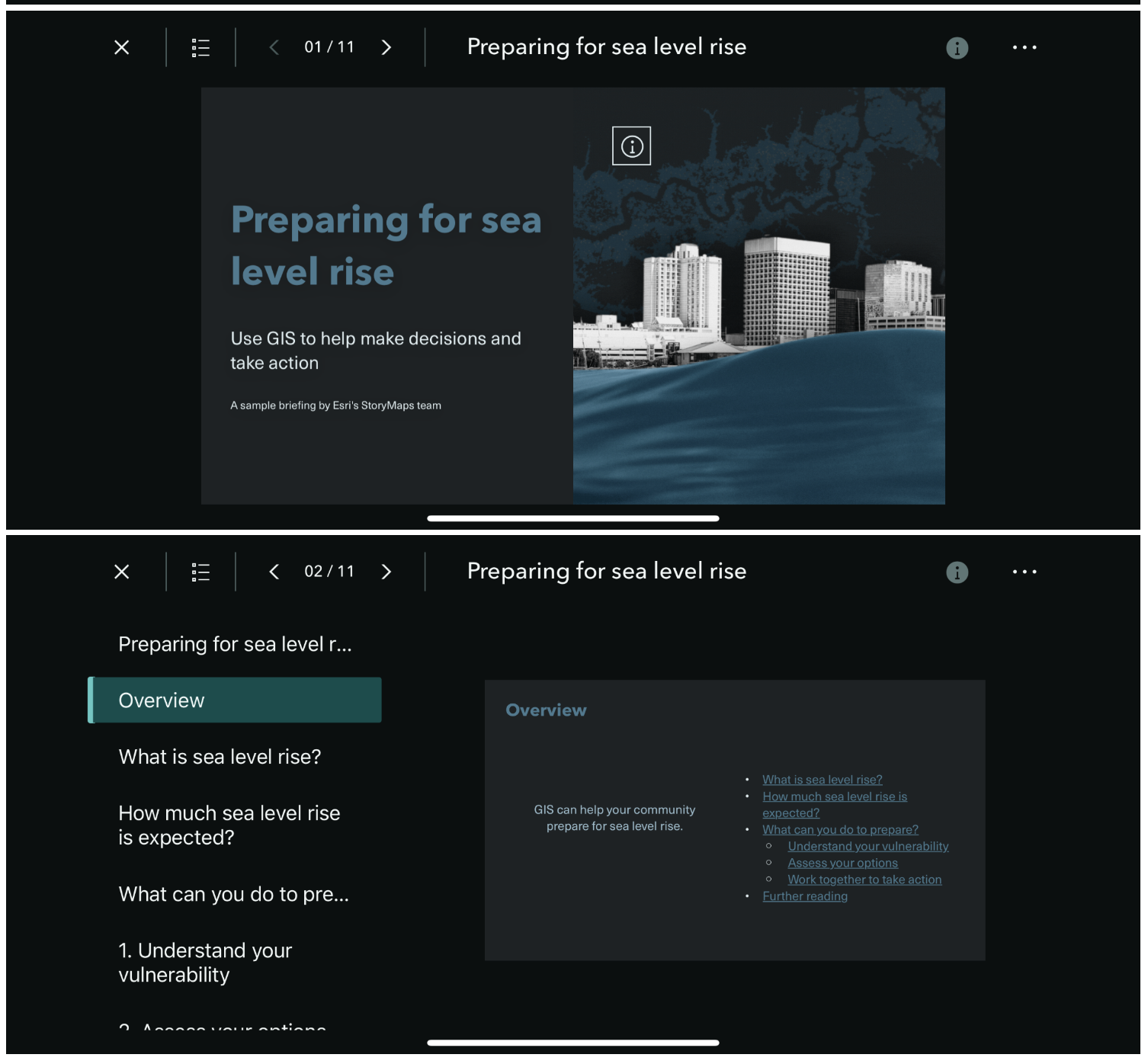
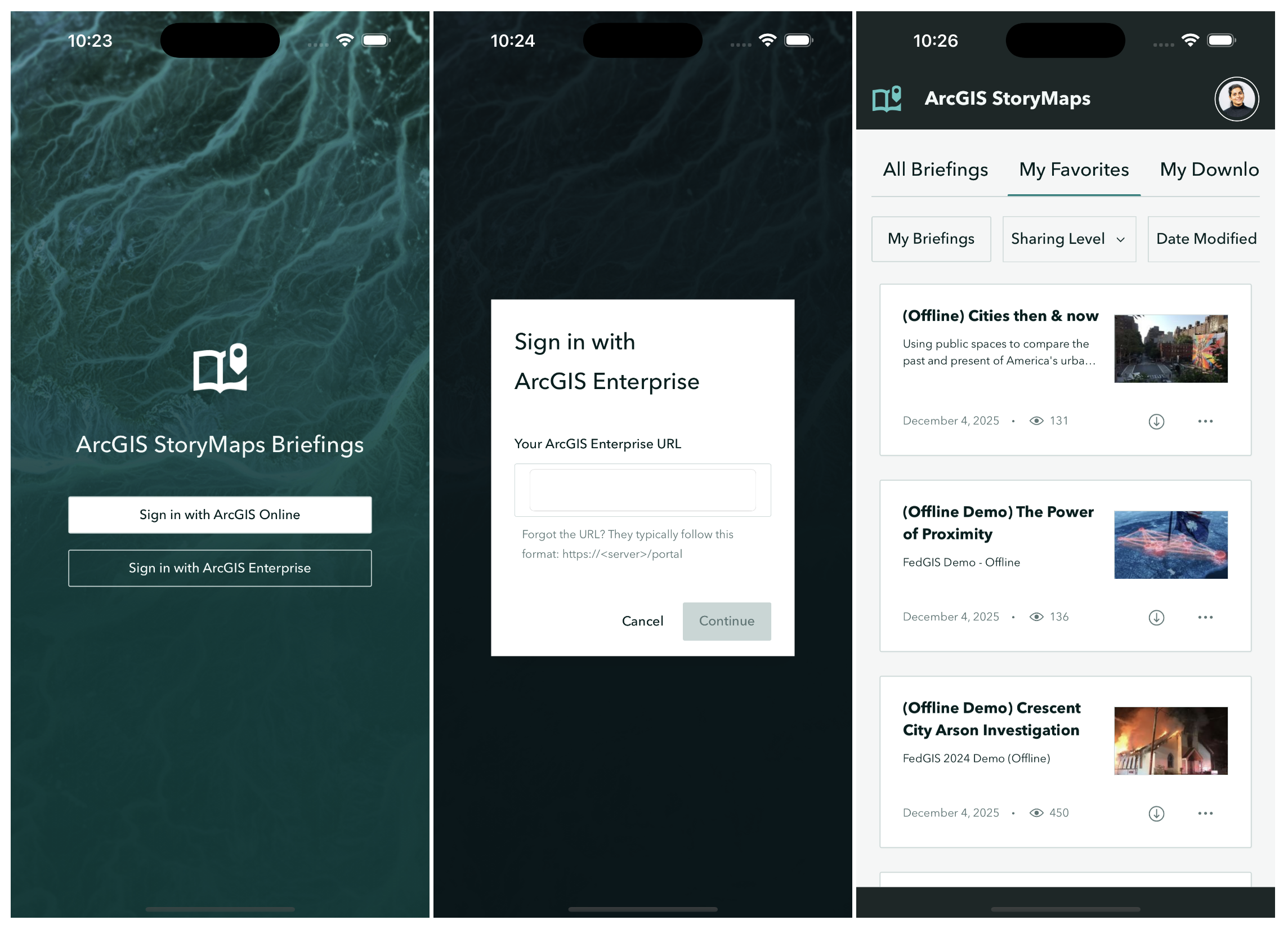
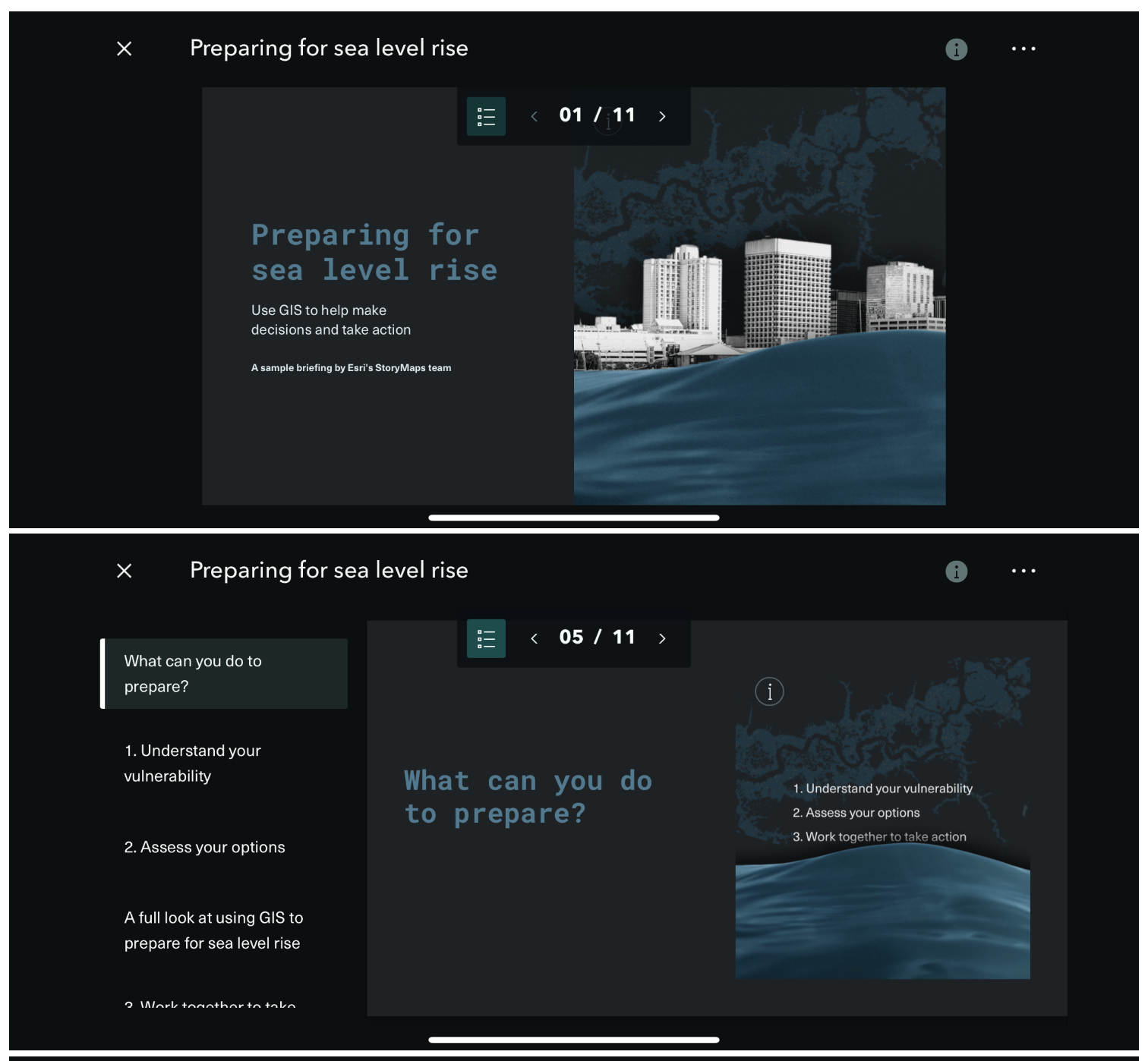
We’re bringing the Briefings experience to your pocket! The Briefings app now supports mobile phones in beta. This brings greater user reach, field and executive mobility, and parity with other ArcGIS mobile apps. With beta support for phones, you can:
- Review and present briefings directly from your mobile device.
- Access content anywhere, anytime.
- Enjoy a responsive design optimized for smaller screens, both in Portrait and Landscape orientations.
Other notable enhancements
Additionally, this update brings quality of life improvements to the app which are not only limited to improved app’s user experience but also addresses the following:
- Gallery Page
- Settings Page
- Profile Management
- Accessibility
- Windows UI
Gallery Page:
We have made significant improvements to the gallery page, enhancing the scrolling experience for smoother and quicker navigation through dynamic content, dynamic sizing of the briefing cards based on the screen size tailored to both Portrait and Landscape modes depending on your device.
Additionally, the app now features upgraded pop-up dialogs that comply with the specific requirements of the operating system.
The video below shows smoother and quicker navigation through dynamic content in the Briefings App 2.0
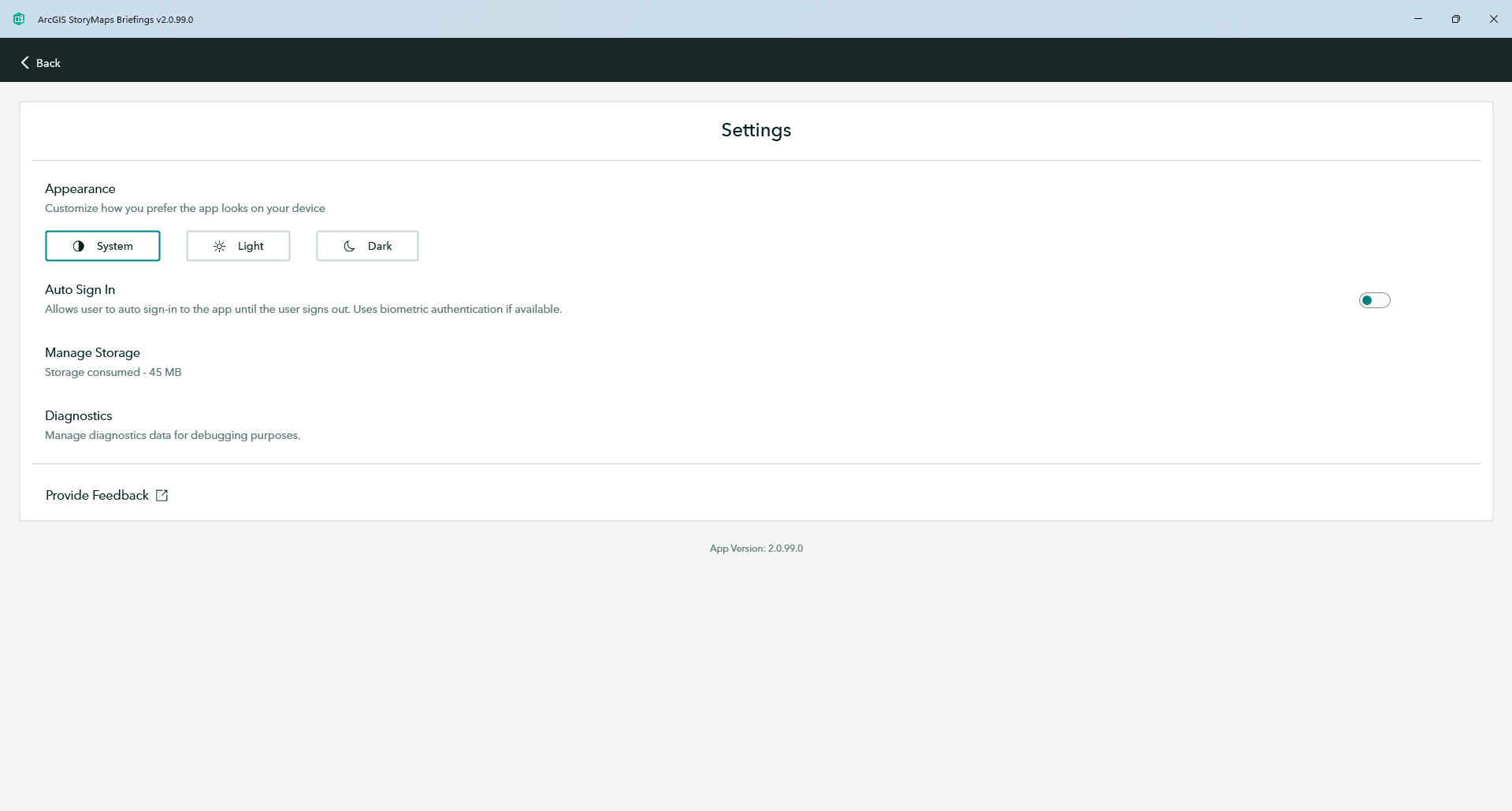
Settings Page:
All settings are now tailored to user preferences rather than being device specific. This allows for a more personalized experience.
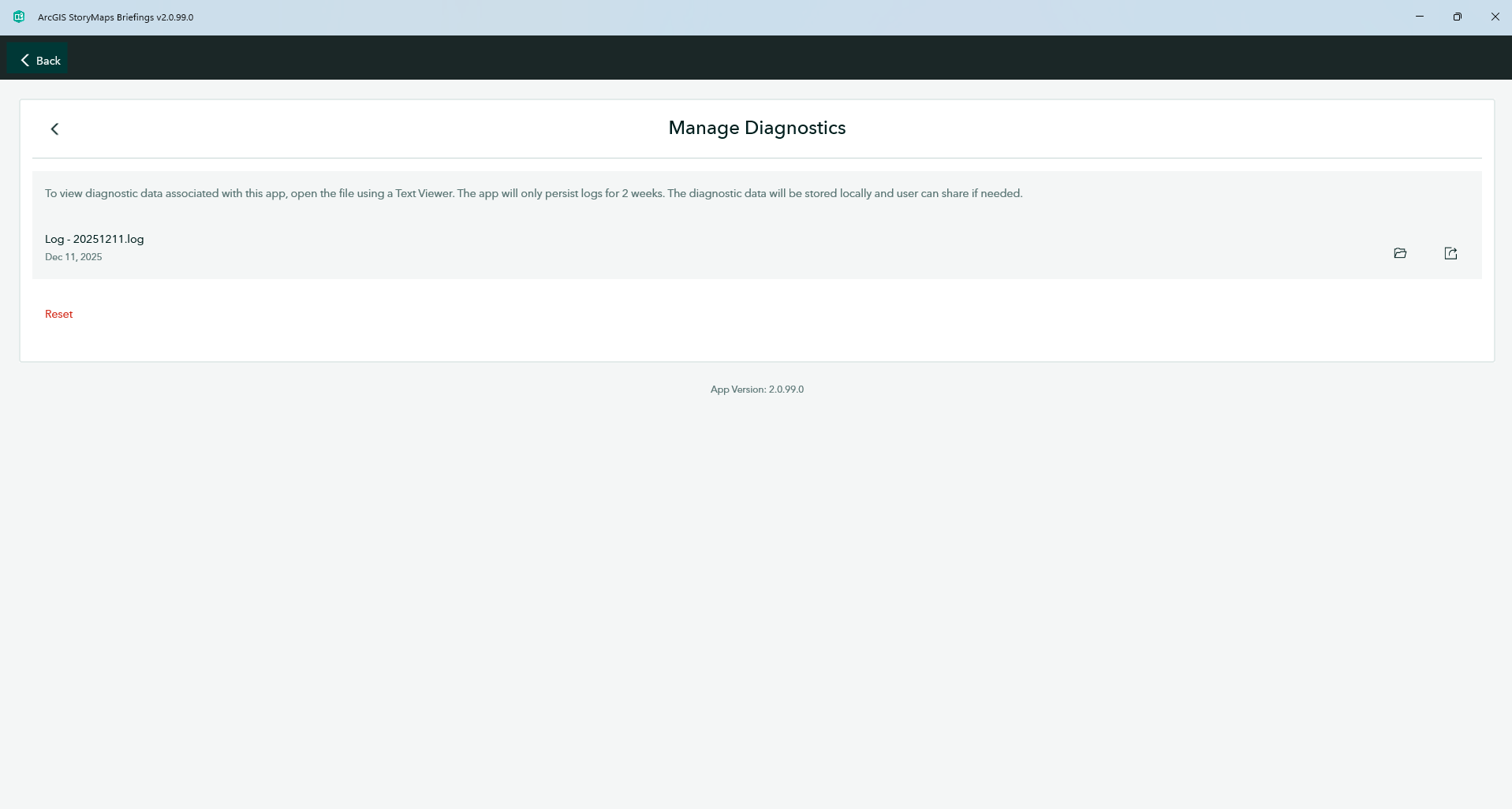
A new settings option called “Diagnostics” has been introduced. Users can now:
- View diagnostics logs directly from the app.
- Access detailed information that can aid in troubleshooting and performance monitoring.
Profile Management:
Enhanced management features for user profiles include:
- Display of information about the signed-in user.
- Overview of the user’s organization, making it easier to manage settings and access relevant resources.
Accessibility features
The application now supports enhanced accessibility features such as tooltips, hover states, and voice-over support. Additionally, touch targets are optimized according to the specific platform used throughout the app.
Bug Fixes for a More Reliable Experience
We’ve addressed several issues in the Briefings App 2.0 to improve stability and performance. For more details on the bug fixes, refer to the Esri Community post.
Stay tuned for more future developments!
Looking ahead, we will focus on further enhancements for mobile compatibility and UI/UX improvements. Additionally, we are exploring the implementation of deep linking to enhance navigation within the app. Thank you for your continued feedback and support. We look forward to bringing you more exciting updates in the future! To learn more, please review the following resources:
- Blog: Introducing the Briefings Tablet App: Access Your ArcGIS StoryMaps Briefings Anytime, Anywhere!
- Blog: ArcGIS StoryMaps Briefings Tablet App: Known Issues and What’s Coming
- Download the ArcGIS StoryMaps Briefings App from the Downloads Page
- Get updates directly in your inbox by subscribing to our newsletter.
We encourage you to try the ArcGIS StoryMaps Briefings app (ver. 2.0.99) now available for Android, iOS and,Windows computers, tablets and phones. Let us know your thoughts through the in-app feedback form or in the Esri Community.

Article Discussion: