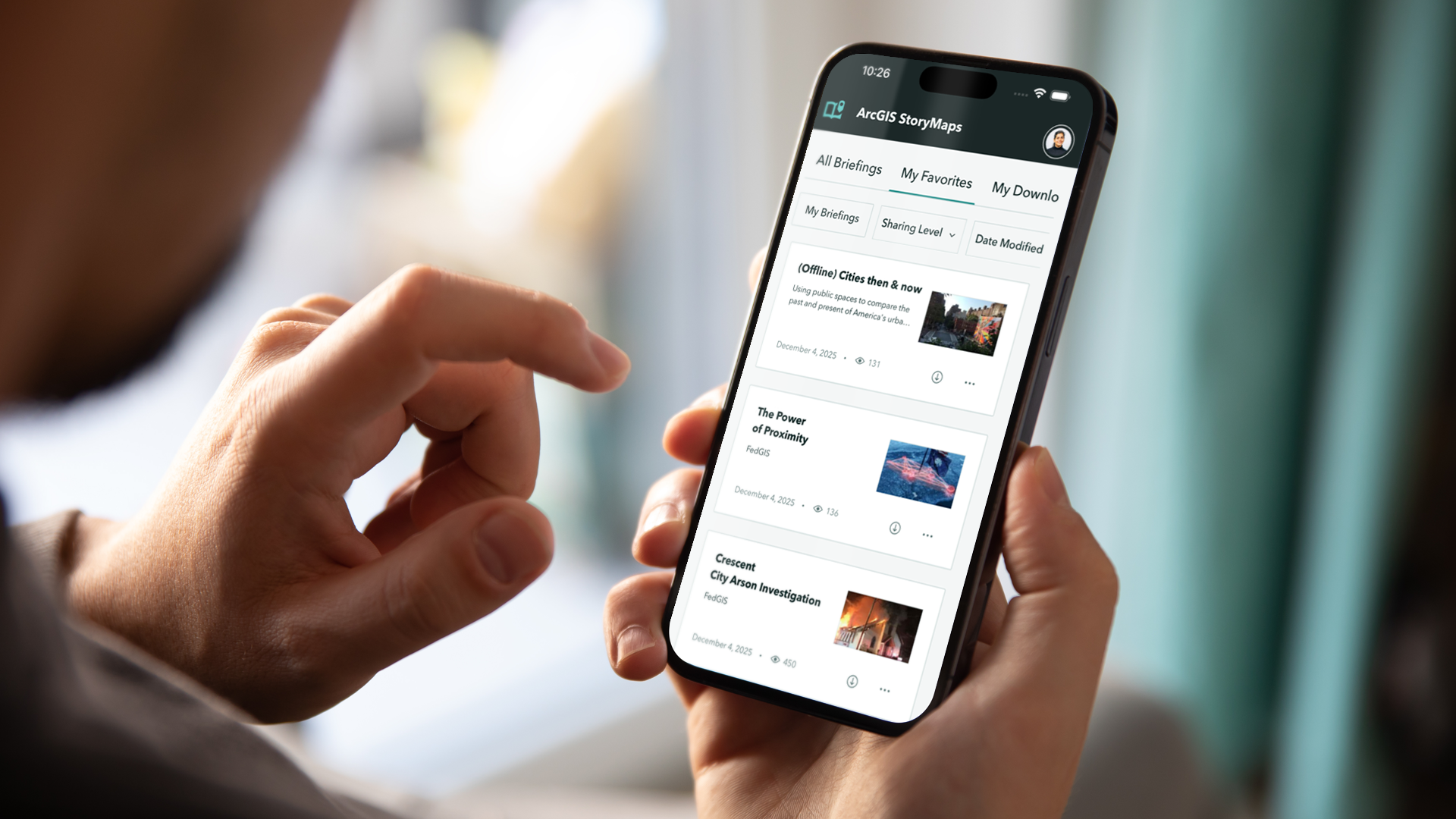
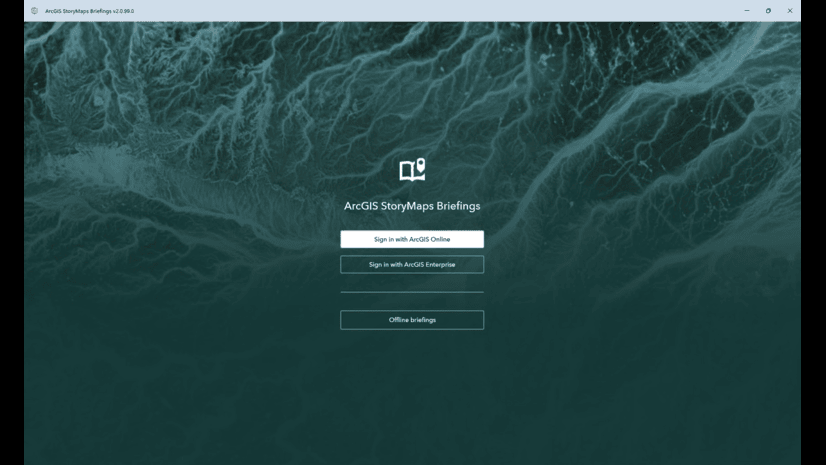
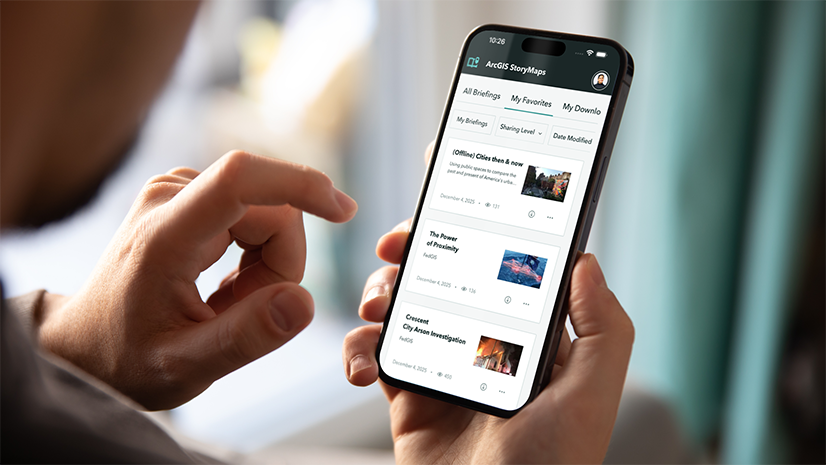
The ArcGIS StoryMaps Briefings App takes seamless presentation delivery to the next level, offering greater flexibility and streamlined workflows. Compatible with iOS, Android and Windows computers and tablets, and now — in beta — on your phones, this companion app lets you integrate interactive maps, rich media, and branded themes directly into your briefings. You can confidently present anywhere — whether connected online, working offline, or switching between the two — while showcasing valuable insights from your spatial data in a dynamic, engaging format
What’s new in Release 2.1?
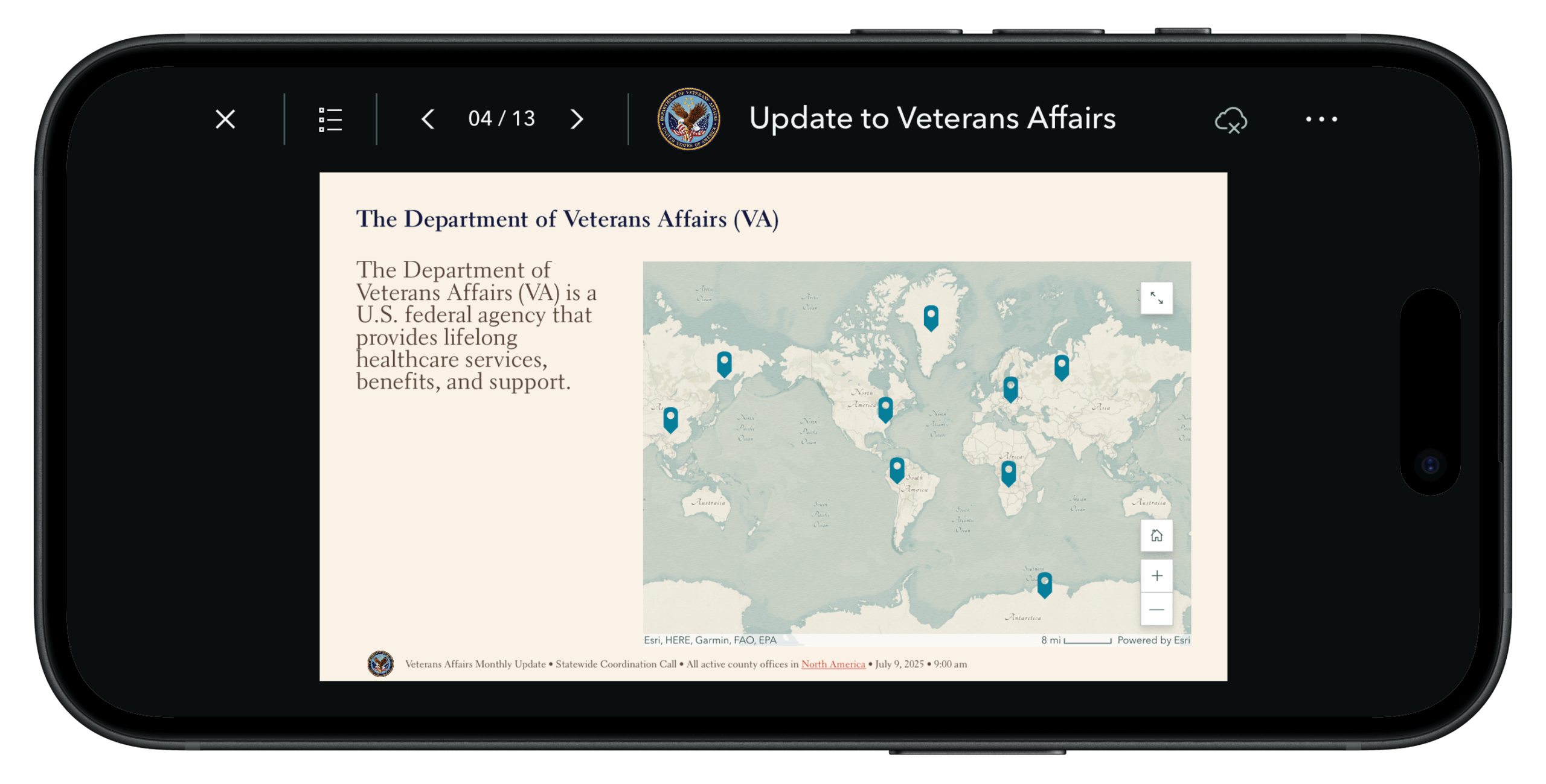
Support for configured footers:
The Briefings app now supports footers within the briefing slides. The footer may include the configured logo image and a single line of text at the bottom of the slide. The footer shows on all slides if configured, except on cover and section media layouts. Here is an example showing a sample slide with a footer.
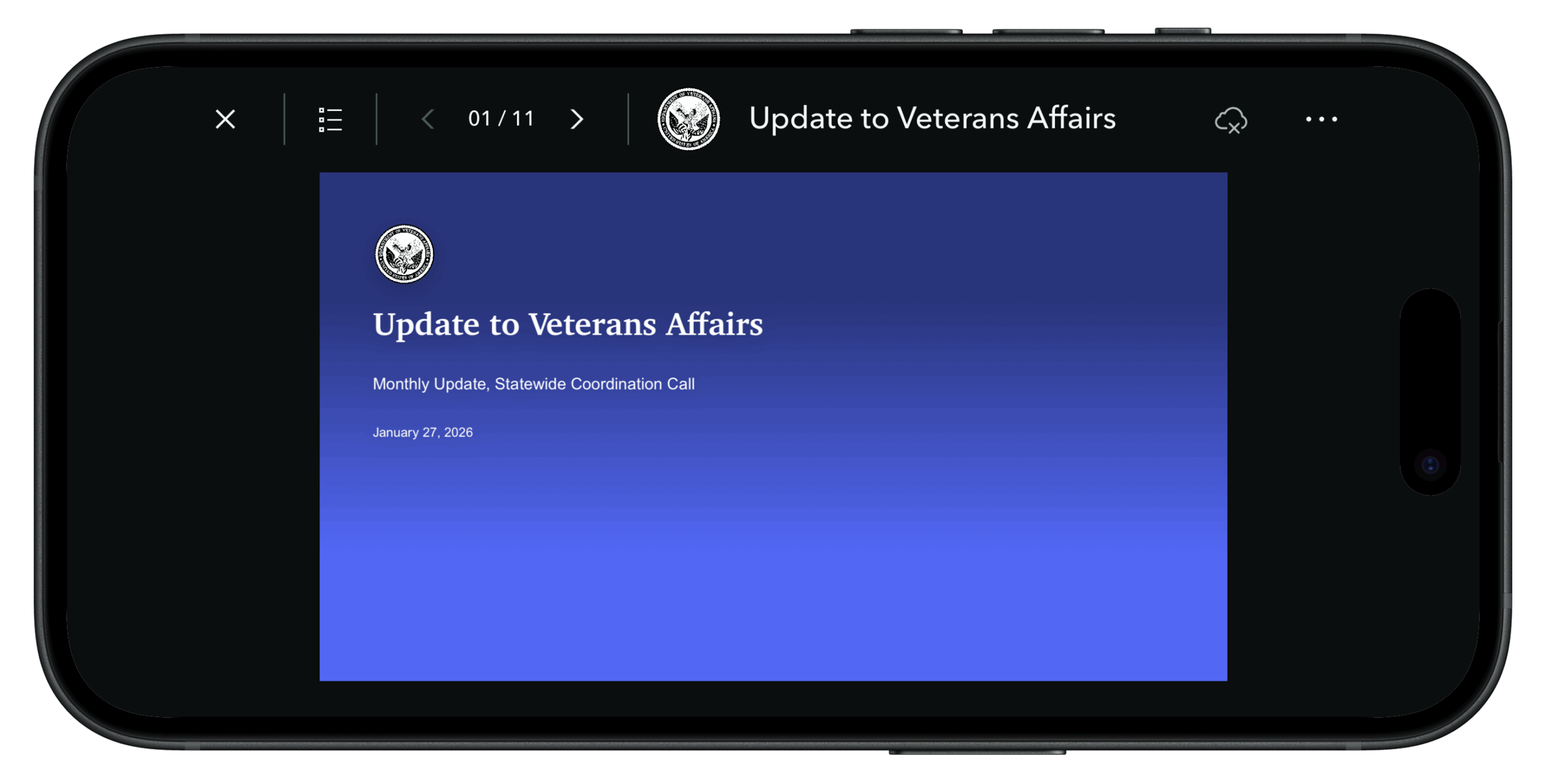
Added background color support for the “Full” cover page:
The background of the “Full” page cover can be configured with an image or a background color. The native app already supported the background image. In this release, we are also adding support for a configured background color on the cover page. Shown below is one such configuration.
Reintroducing auto-play option for briefing slides:
Auto-play is a great way to automatically navigate through your briefing content in a repeat mode with a fixed interval. Prior to the 2.0 release (the previous release), the app supported the auto-play option (in beta at the time) for briefing slide content. We are now adding back the option to auto-play slides, both online and offline briefing. The option is available in the briefing header’s options menu, as shown below. The online briefing auto-play will work the same way as the online web app, allowing users to change the speed or pause auto-play. For offline briefings, auto-play runs at a fixed interval of 15 seconds. To stop auto-play, you must either turn off the auto-play option or tap the slide area to exit the process. Please provide your feedback if you like us to add the option to configure the interval for offline briefings. Here are couple of screen recordings showing the auto-play option in online and offline briefings respectively.
Added the “Replace media” option in editing mode for the full cover page of local briefings on Windows:
Local briefings (which is supported on Windows only) have a useful edit mode which allows users to locally edit media content such as images, videos, as well as offline maps. If the briefing cover includes media, such as an image or video. The user can locally edit the existing media by replacing one of their own. This option was previously available for “side-by-side” cover layout. We are now adding support for the “full” cover layout as well. A sample video demonstrates the workflow below
Note:- Edited media can be reset using the reset option.
Bug Fixes for a More Reliable Experience:
We’ve addressed multiple issues in this release to improve accuracy, stability and performance especially for phones. We will continue to improve the phone experience in the future releases as well. Some of the notable ones are listed below
- The 360° image for ArcGIS Enterprise web tier authentication for online briefing has now been addressed and will work the same way as offline
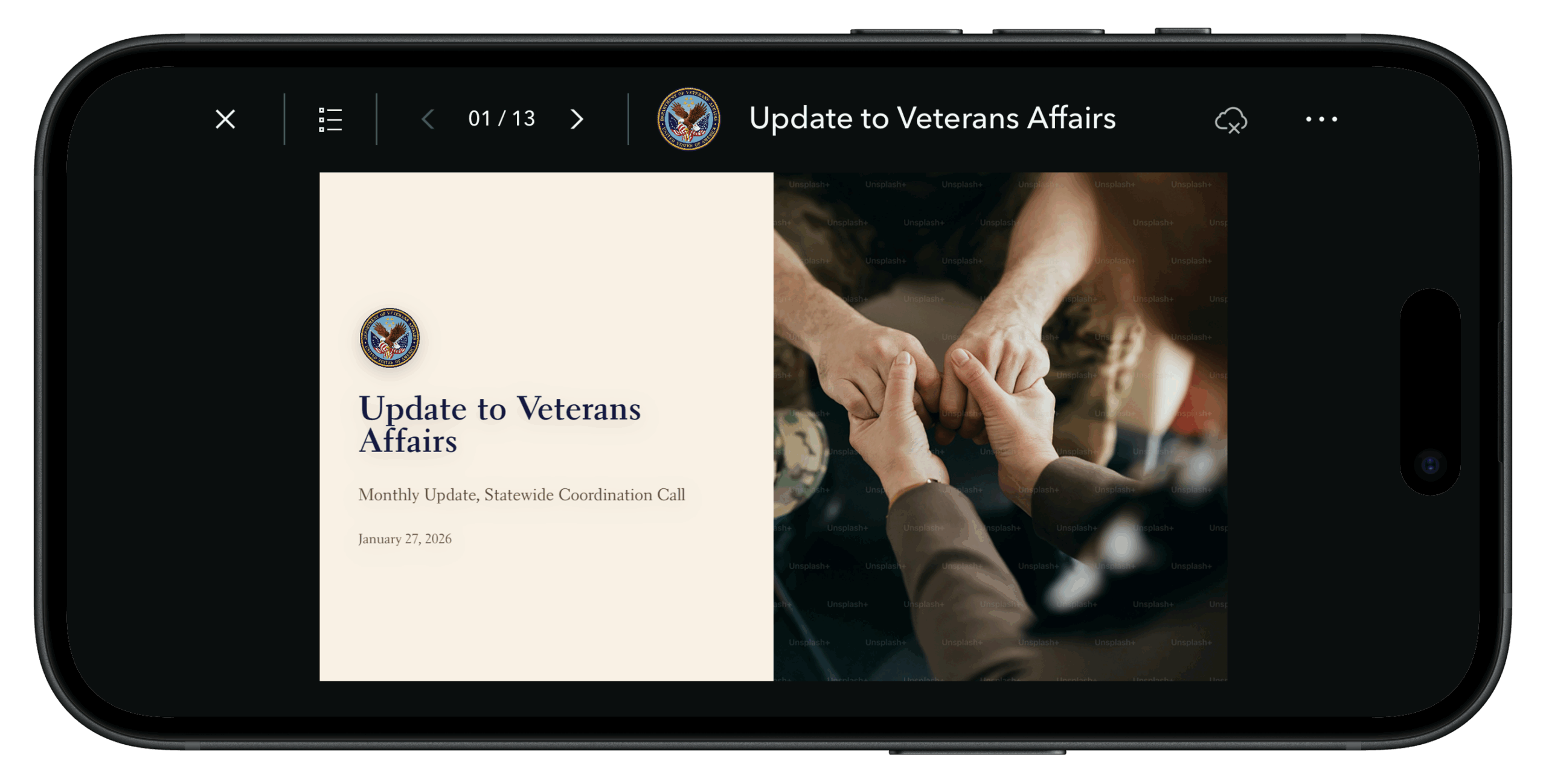
- We have fixed the rendering size of the logo’s image on the cover pages, especially for the smaller devices such as phones, while maintaining the aspect ratio. Briefing cover page with a logo on a phone is shown below
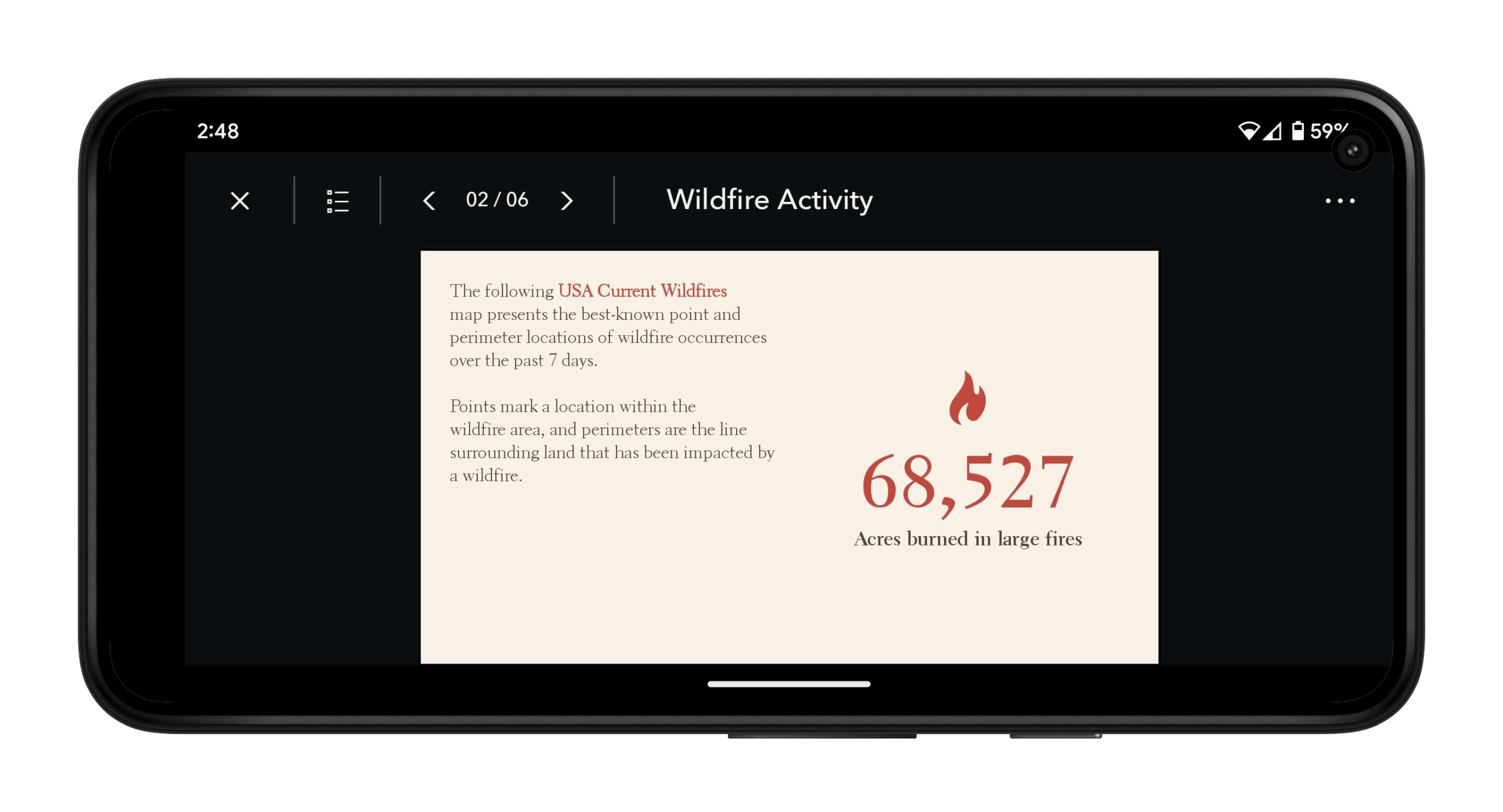
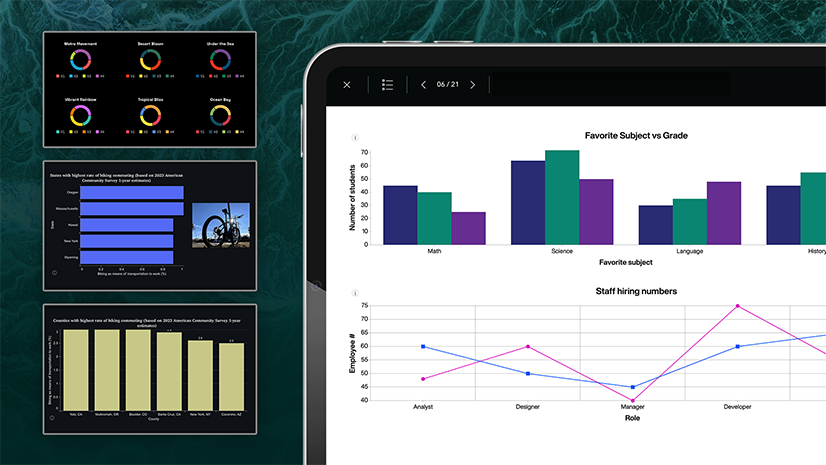
- Improvements have been made to infographics so they render properly without truncation on phones. An example is provided below
Stay tuned for more future developments!
Looking ahead, we will focus on further enhancements for mobile compatibility and UI/UX improvements. Additionally, we are exploring the implementation of deep linking to enhance navigation within the app. Thank you for your continued feedback and support. We look forward to bringing you more exciting updates in the future! To learn more, please review the following resources:
- Blog: Introducing the Briefings Tablet App: Access Your ArcGIS StoryMaps Briefings Anytime, Anywhere!
- Blog: ArcGIS StoryMaps Briefings Tablet App: Known Issues and What’s Coming
- Download the ArcGIS StoryMaps Briefings App from the Downloads Page
- Get updates directly in your inbox by subscribing to our newsletter.
We encourage you to try the ArcGIS StoryMaps Briefings app (ver. 2.1.29) now available for Android, iOS and,Windows computers, tablets and phones. Let us know your thoughts through the in-app feedback form or in the Esri Community.

Article Discussion: