Check Out Two Versions of a Gray Accessible Basemap
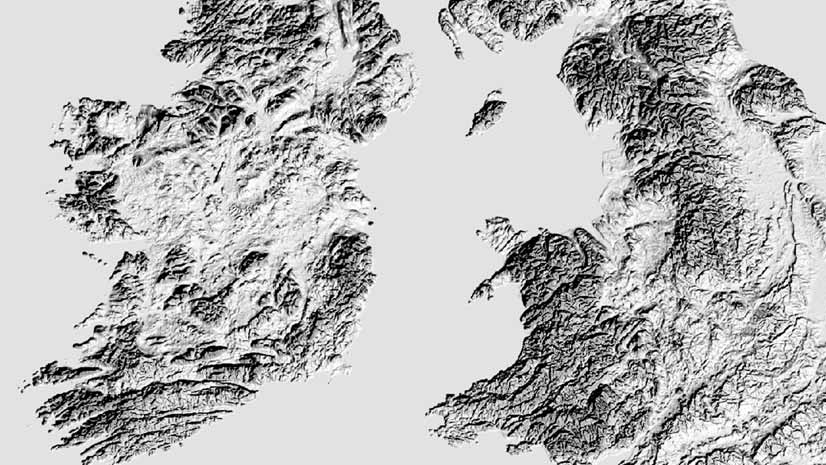
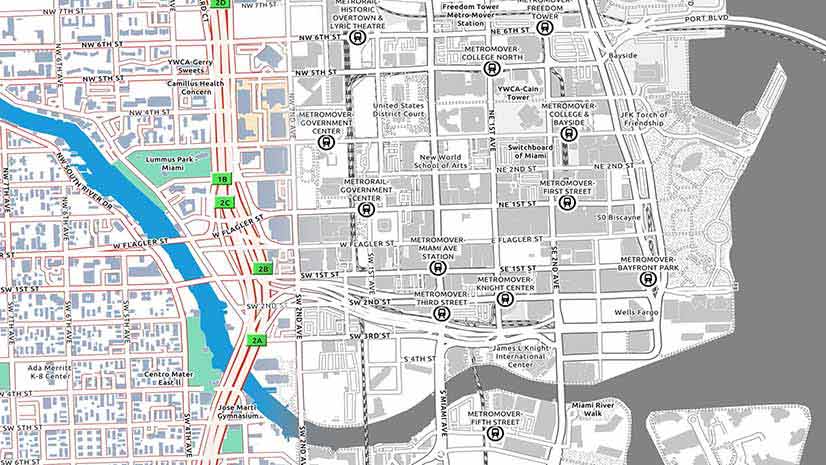
Which of these two new gray accessible basemap versions do you like? Accessible basemaps increase legibility for people with visual impairments.
Which of these two new gray accessible basemap versions do you like? Accessible basemaps increase legibility for people with visual impairments.
Configure or upgrade your GIS by packaging ArcGIS with a Dell EMC PowerEdge Server.
You can change the style of your imagery when you add image services to a web map in the new Map Viewer.
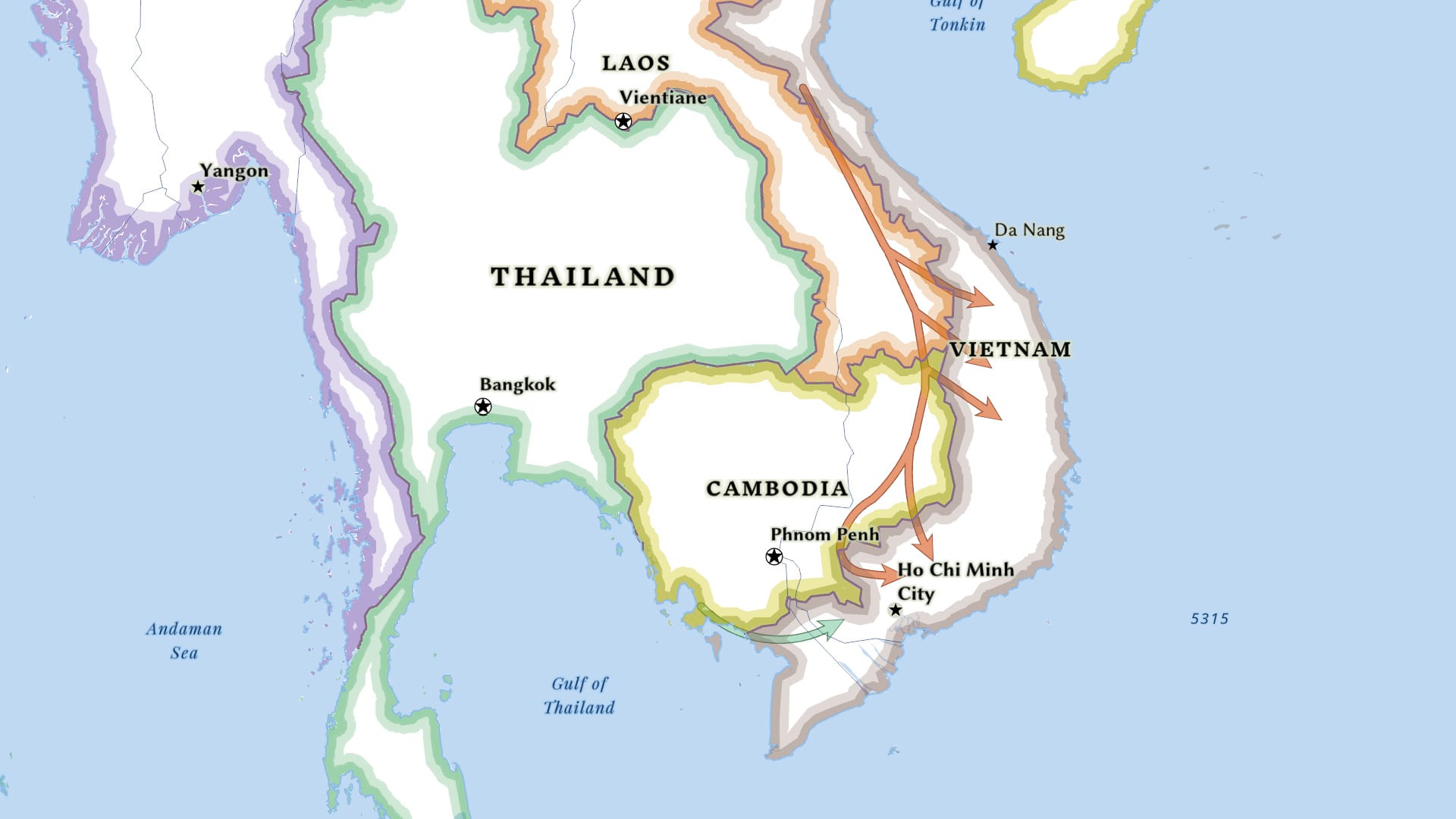
Learn to use ArcGIS Pro to create a complex line symbol and add an arrowhead to the end of the line to show direction.
The Esri User Conference will be virtual again this year. But there’s still a lot of fun and learning in store.
Learn how ArcGIS Online tools can be used to create a relationship map.
Cartographer John Nelson explains how to create a side-by-side layout in ArcGIS Pro, comparing the same location at two different points in time.
Find out how to submit images for the Esri User Conference Plenary Session, when Esri president Jack Dangermond showcases examples of good work.
The Trimble TDC600 is an all-in-one rugged smartphone with a built-in professional GNSS receiver that supports Esri field apps.
Showcase your best work in the Virtual Map Gallery at the Esri User Conference.
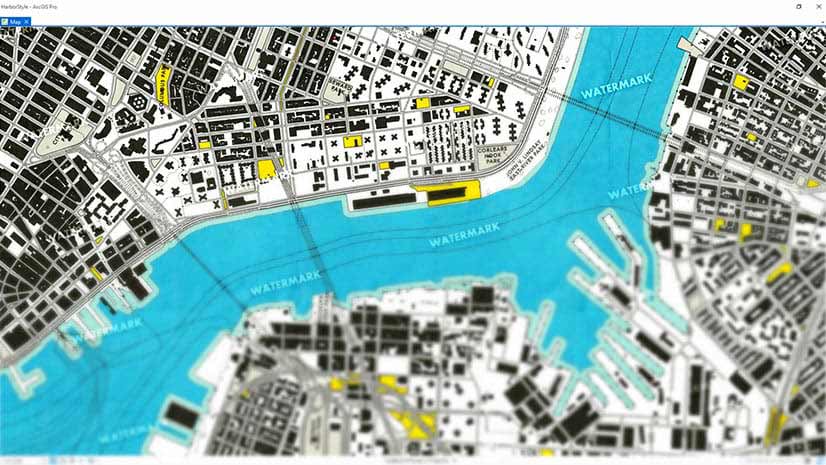
Learn how to create watermarks using Microsoft Paint or PowerPoint and add them to your ArcGIS Pro Map. Watermarks protect your map.
Maria-Alicia Serrano with the YMCA explains how the her organization uses mapping and analysis to strategically serve communities.