This year’s Esri User Conference showcased how ArcGIS Enterprise is advancing what’s possible in enterprise GIS. From immersive XR exploration to expanded audit logging and real-time analytics, we are introducing capabilities that enhance scalability, security, and decision-making. To help you reflect on everything shared at the conference, we’ve curated a list of eleven standout highlights that capture the most impactful updates and moments from UC 2025.
Step Into Your Data with the XR Viewer Beta
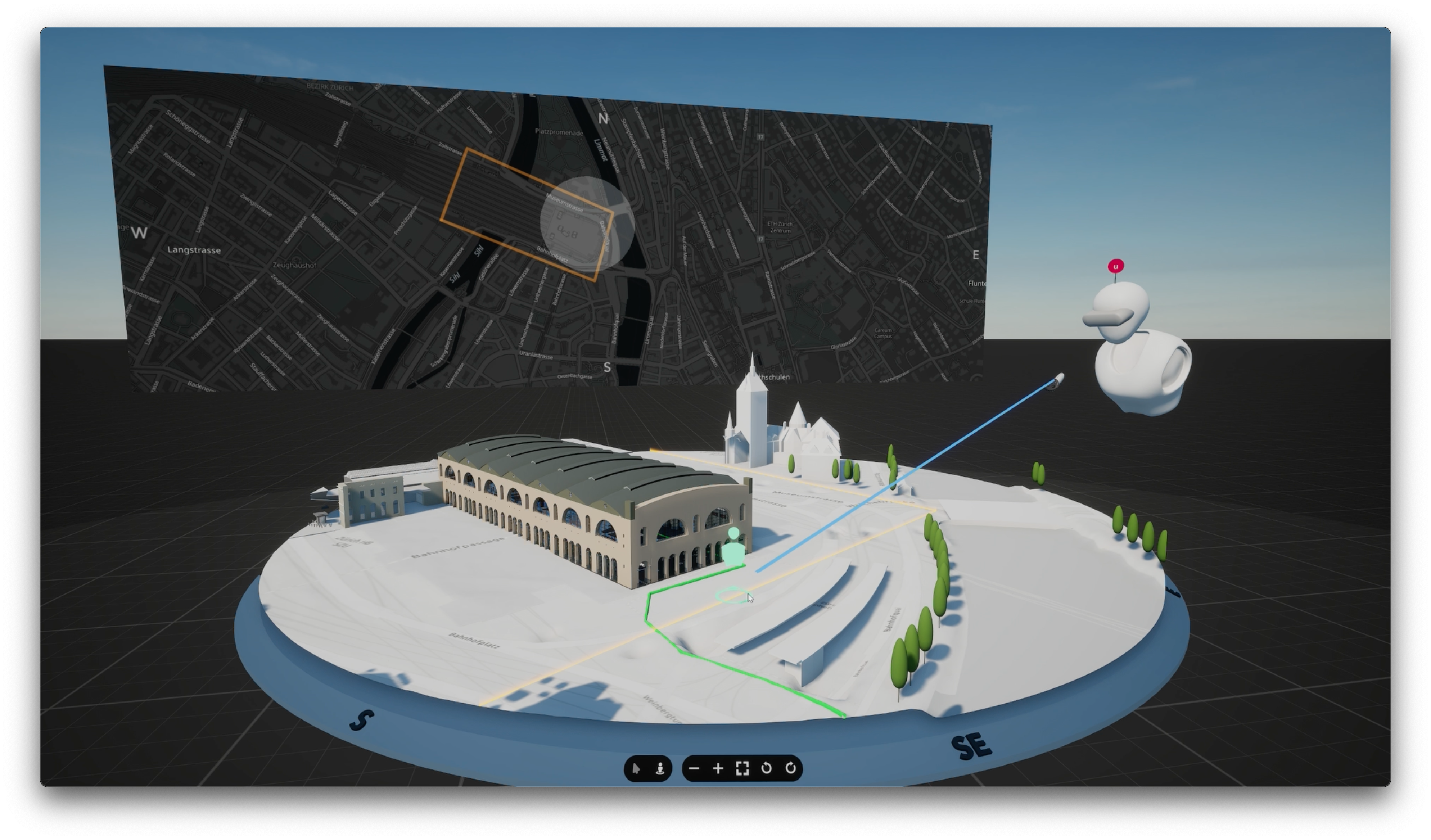
Unveiled at the 2025 Esri UC Plenary, the XR Viewer (Beta) transforms 2D and 3D GIS data into immersive, interactive XR experiences, enabling teams to explore, align, and make faster decisions in real-world context. With it, you can step into your data and experience spatial insight like never before! Anyone with an ArcGIS Online, ArcGIS Enterprise, or a public ArcGIS account, can sign up for the free beta today.
ArcGIS Velocity Announces Beta for ArcGIS Enterprise
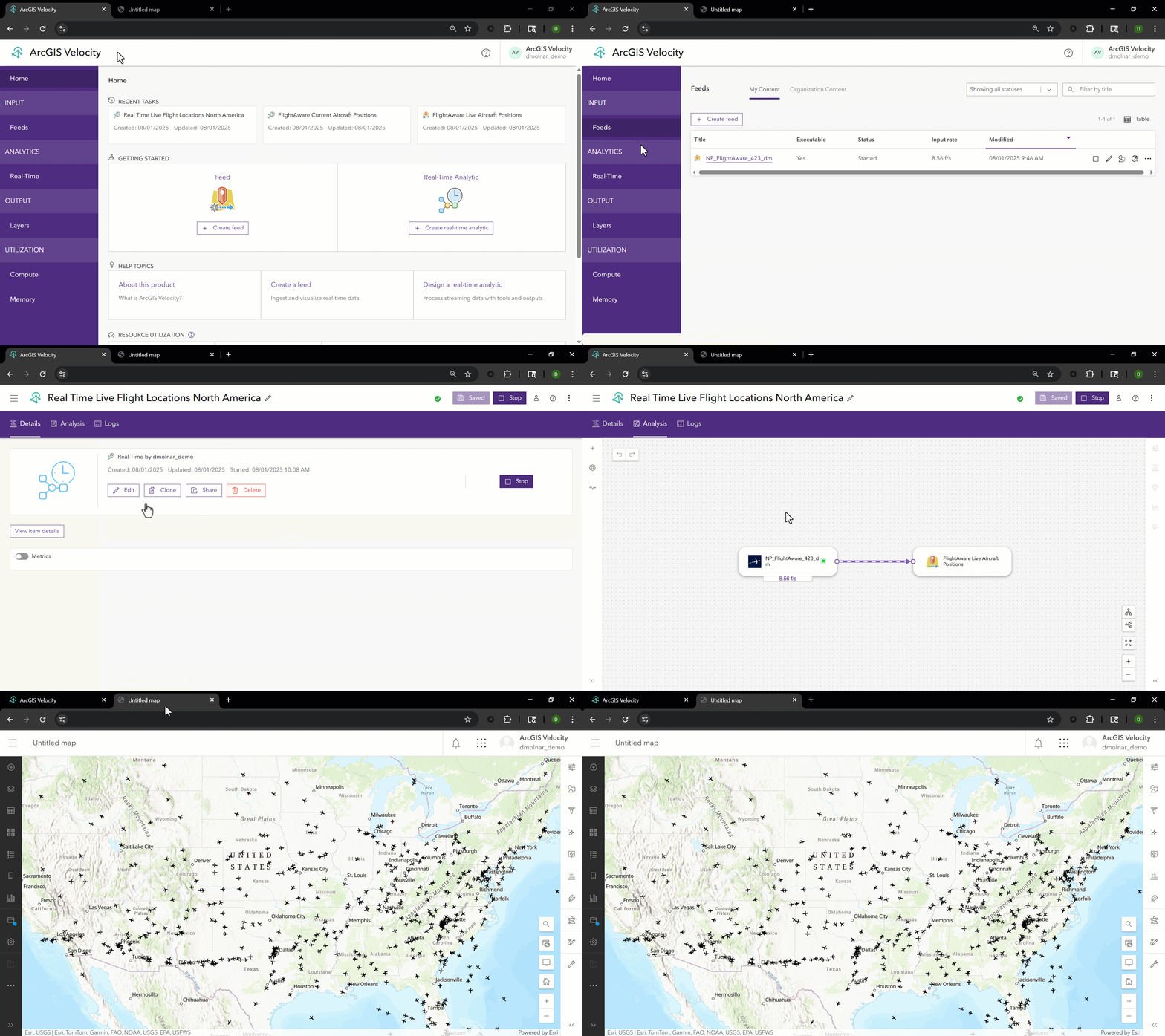
ArcGIS Velocity has announced its beta for ArcGIS Enterprise, bringing powerful real-time and big data capabilities to self-hosted environments. Previously only available through ArcGIS Online, this new release—coming in early 2026—delivers the same modern UI and scalability, with support for both Windows and Linux. Those interested can sign up to join the Esri Early Adopter Community (EAC). This news was part of a broader Real-Time GIS presence at the conference, which also featured customer presentations, data integrations, and a look at what’s ahead for real-time workflows in ArcGIS Enterprise. Join the ArcGIS Velocity Beta.
ArcGIS Data Pipelines in ArcGIS Enterprise Beta Was Announced

ArcGIS Data Pipelines is a no-code data engineering capability that simplifies creating and automating data preparation workflows. The app is available in ArcGIS Online today, and our number one request from users has been to bring it to ArcGIS Enterprise. At the 2025 Esri User Conference, the ArcGIS Enterprise Product Management team announced that they expect to have a beta version of ArcGIS Data Pipelines available for ArcGIS Enterprise on Windows and Linux at the end of this year. ArcGIS Data Pipelines will be included with ArcGIS Enterprise Advanced, and available to all users with a Creator user type and above, similar to ArcGIS Online. In the future, it will also be available and included with ArcGIS Enterprise on Kubernetes. Explore ArcGIS Data Pipelines.
Label, Organize, and Protect with Item Classification
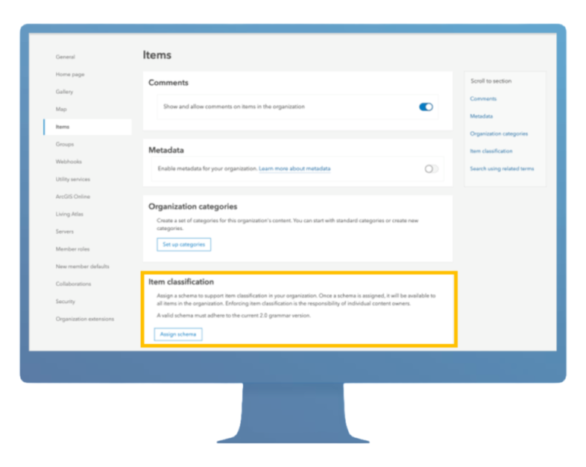
As highlighted in the ArcGIS Enterprise: What’s New session during the User Conference, ArcGIS Enterprise 11.4 introduced item classification—a feature that allows you to label content based on your organization’s data sensitivity and dissemination policies. These labels are defined by a custom classification schema tailored to your industry and internal guidelines. Item classification is perfect for organizations whose data management policies require identifying content that may contain sensitive information—or for those with content that must be accessed only by specific members or handled with special care in terms of storage, processing, transmission, and destruction. Learn More About Item Classification.
Expanded Audit Logging for ArcGIS Server Events
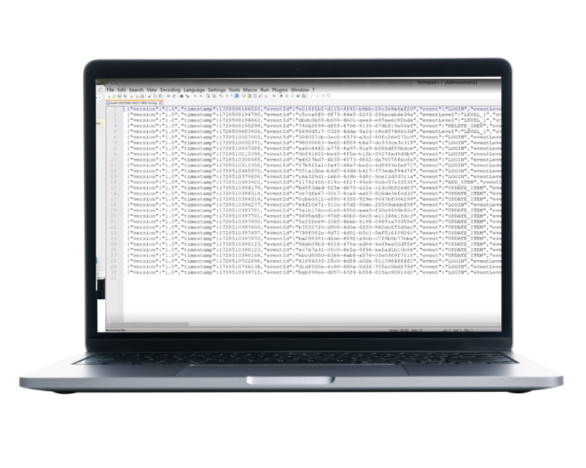
Building on the foundation introduced in ArcGIS Enterprise 11.4, audit logging has been expanded to include ArcGIS Server events. This enhancement was also showcased during the Enterprise: What’s New session at the User Conference, where it was highlighted as a key advancement for system transparency and oversight. This update gives IT administrators greater visibility into system activity—supporting compliance, troubleshooting, and performance monitoring. These logs can also be integrated into your organization’s Security Information and Event Management (SIEM) systems for centralized oversight across business systems. Learn More About Audit Logging.
ArcGIS Monitor: Visilibity That Drives Performance

The ArcGIS Monitor team had a fantastic demo at the Esri User Conference, where they demonstrated how it brings observability to ArcGIS deployments—empowering organizations to improve system reliability and performance. With 99% of customers now using the 202x.x release, interest in what’s next is clearly growing. Attendees were especially excited about new upcoming features like component relationship graphs, which will offer deeper insights into system interdependencies. To learn more about how ArcGIS Monitor helps organizations better understand their enterprise GIS environments and make smarter, data-driven decisions, check out this resource page.
Custom Data Feeds within ArcGIS Enterprise on Kubernetes
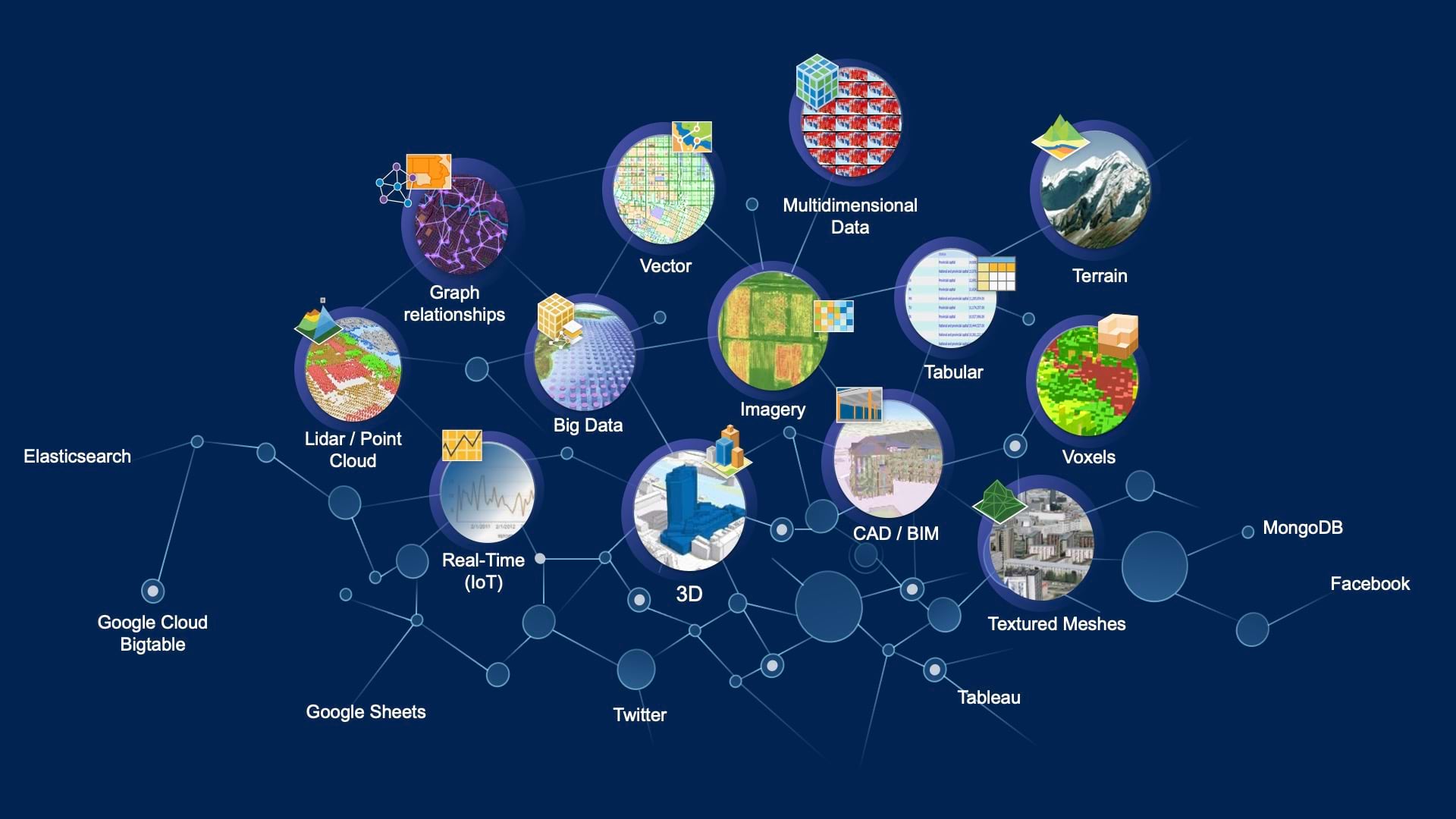
As mentioned in our ArcGIS Enterprise on Kubernetes: Is It For Me? session at the User Conference, custom data feeds can be enabled on Kubernetes starting with the release of ArcGIS Enterprise 11.5. This enables organizations to connect and edit non-natively supported data sources while still retaining interoperability within ArcGIS. We’ve made this easy to configure through ArcGIS Enterprise Manager. Learn More About Custom Data Feeds.
ArcGIS StreetMap Premium is Now on Kubernetes

ArcGIS StreetMap Premium provides offline street data for use in ArcGIS software to support accurate geocoding, routing, and network analysis. ArcGIS Enterprise 11.5 on Kubernetes now supports StreetMap Premium, which can be added easily onto your subscription license. This addition brings greater flexibility and scalability to mission-critical deployments. Explore StreetMap Premium.
Introducing ArcGIS for Autodesk Forma
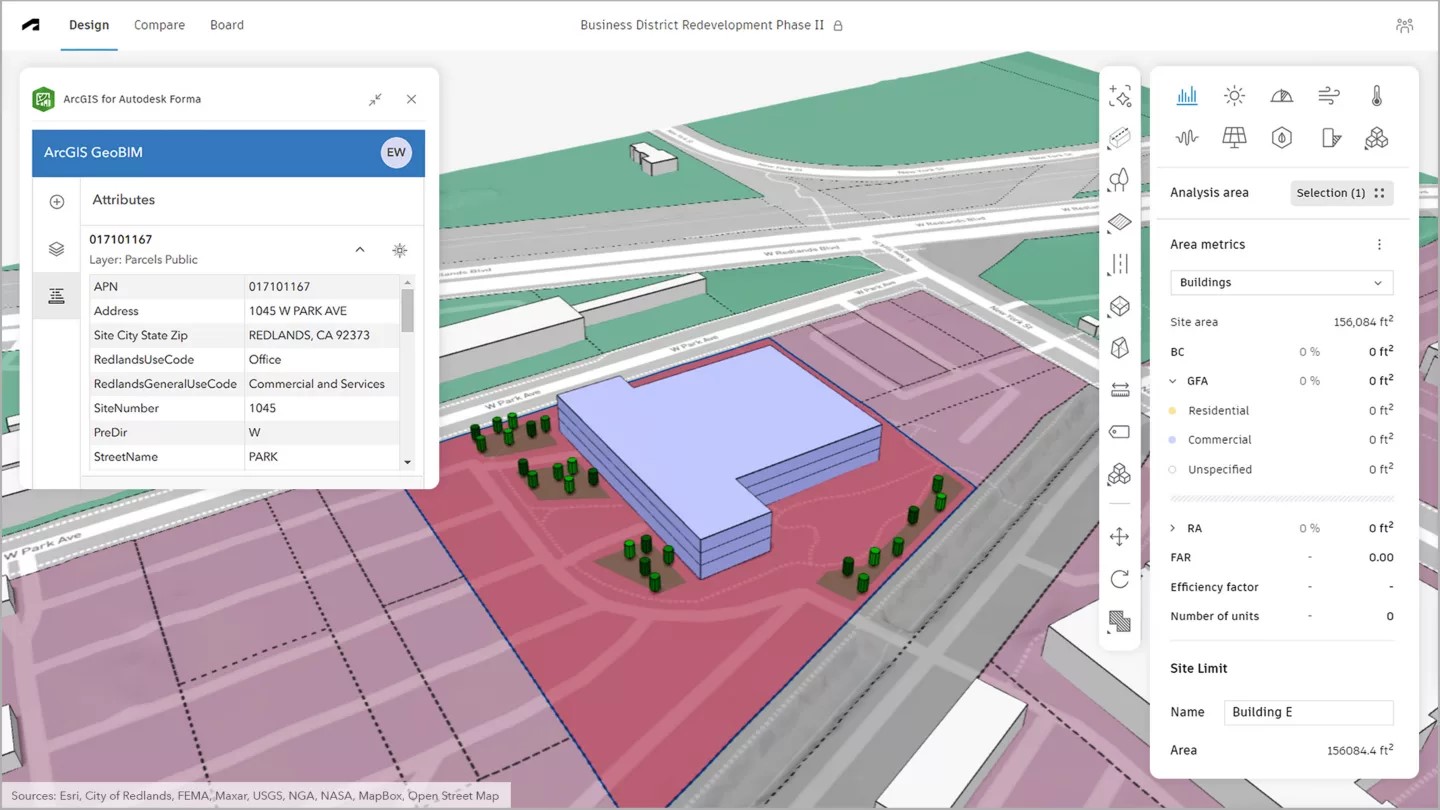
The new ArcGIS for Autodesk Forma app, released June 26, 2025, makes it easier than ever to bring authoritative ArcGIS data into Autodesk’s design environment. Accessible to users with a Contributor user type or higher, the app improves the quality and fidelity of project work by bridging GIS and design workflows. This release marks the latest milestone in Esri’s decade-long partnership with Autodesk, focused on delivering innovative solutions for visualizing, analyzing, and managing project data. Explore ArcGIS for Autodesk Forma.
ArcGIS for AutoCAD Bridges Workflows
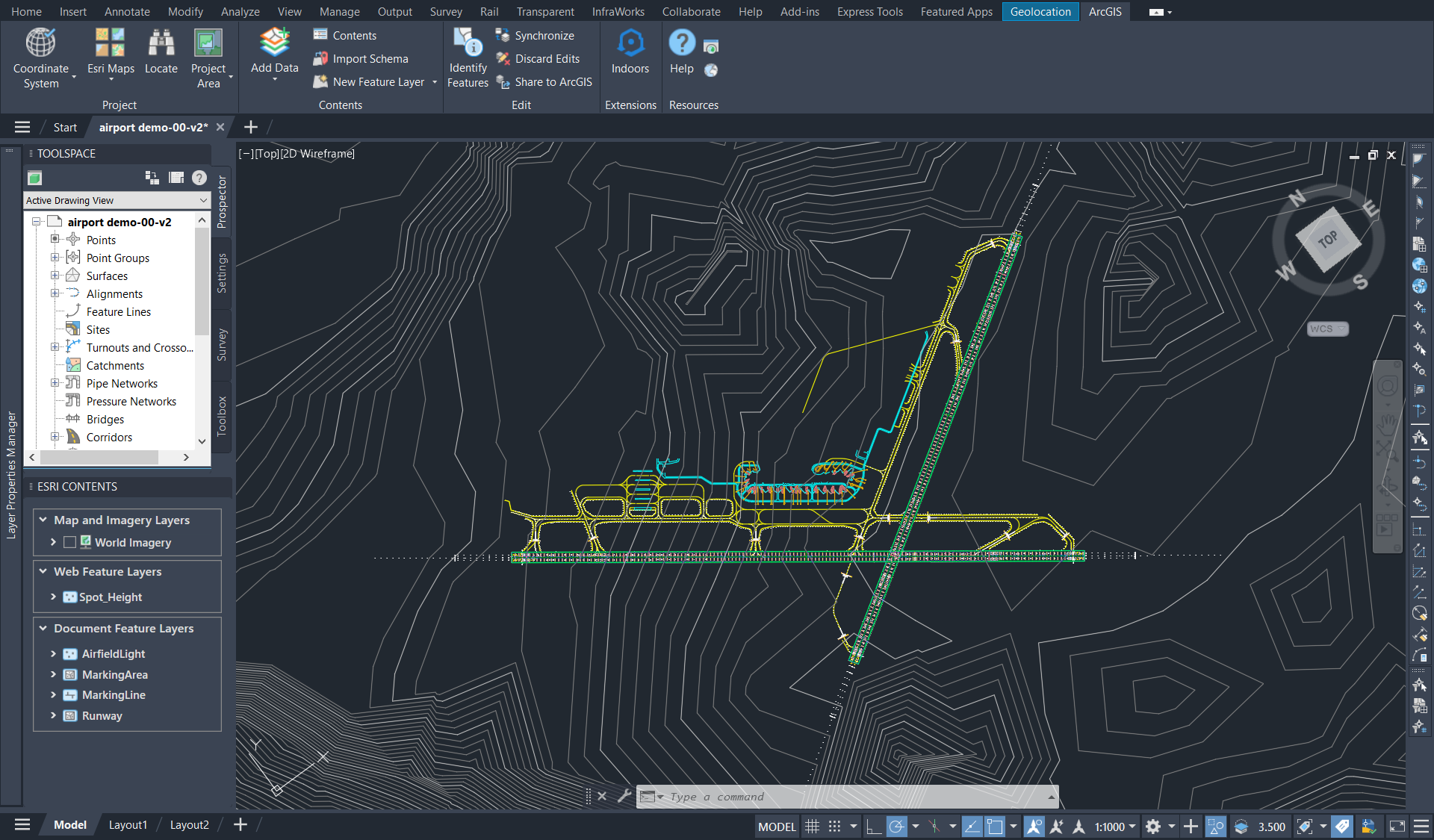
One of the most visited product kiosks in the architecture, engineering, and construction (AEC) area at this year’s User Conference was ArcGIS for AutoCAD. Attendees explored how the app simplifies two-way collaboration between GIS and CAD professionals, giving users of Autodesk AutoCAD and Civil 3D self-service access to GIS content in ArcGIS. CAD professionals can import and even edit GIS data to prepare ArcGIS-ready drawings—without needing GIS expertise. Download ArcGIS for AutoCAD at no cost and access resources to get started today.
Migrate to the Latest Generation Apps
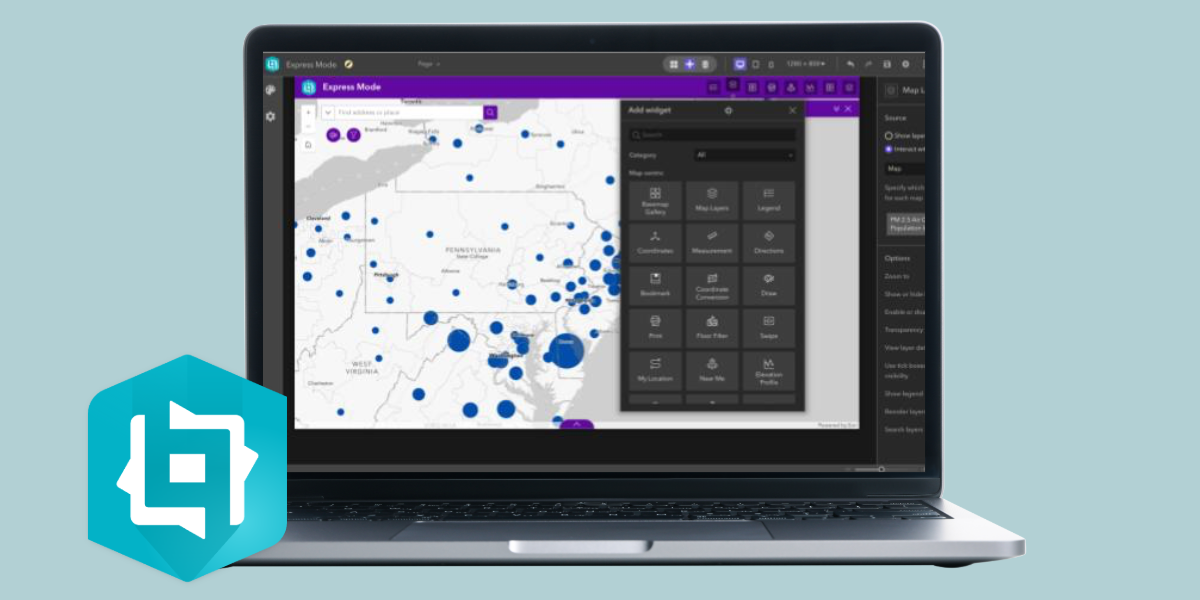
ArcGIS Enterprise 11.5 is the final version to support both ArcGIS Web AppBuilder and ArcGIS Configurable Apps. We recommend migrating your Web AppBuilder apps to ArcGIS Experience Builder for a more advanced and flexible app-building experience. For Configurable Apps, consider transitioning to ArcGIS Instant Apps, which offer quick, intuitive ways to create interactive web apps using your maps and data. Plan Your Migration Path.

Whether you joined us in San Diego or followed along virtually, we hope you enjoyed this year’s UC as much as we did. Stay tuned to our newsletter and other socials for more updates!

Commenting is not enabled for this article.