ArcGIS Pro Basics
This free web course explores the powerful tools and capabilities of ArcGIS Pro to integrate, visualize, analyze, and share your data.
This free web course explores the powerful tools and capabilities of ArcGIS Pro to integrate, visualize, analyze, and share your data.
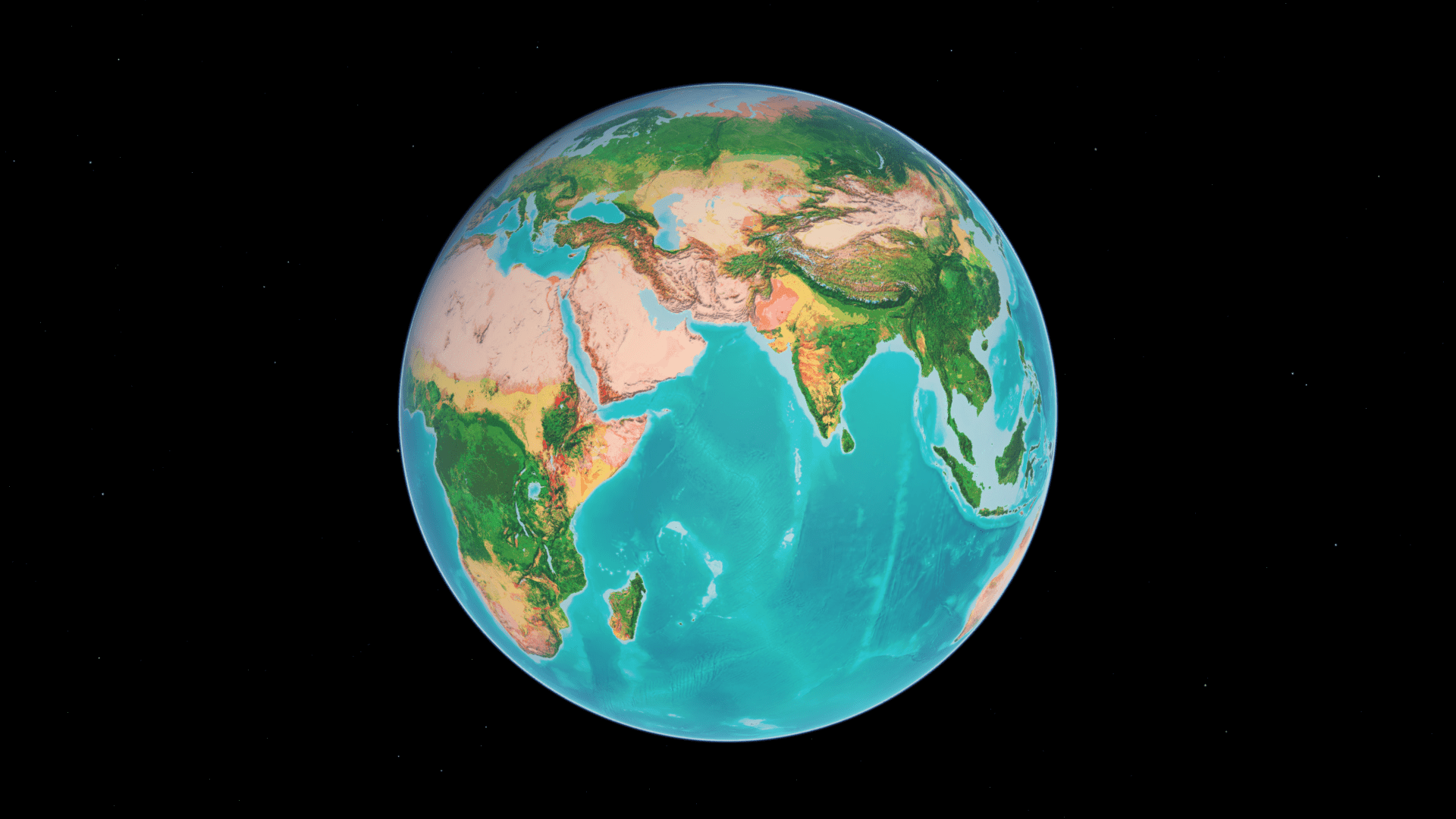
An auto-rotating globe is a fascinating way to view our planet. Make your own in a minute using ArcGIS Online and ArcGIS Living Atlas.
In this five-minute video, learn how to create stunning effects in your next visualization using transparency, layer, and feature blending.
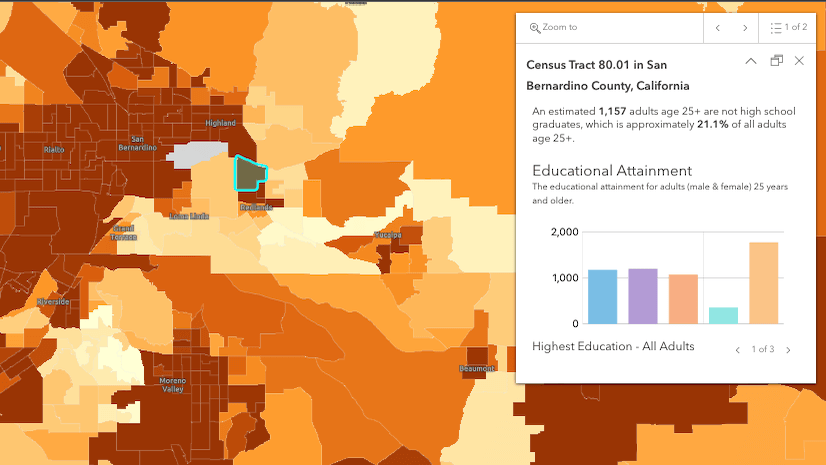
Learn about the new pop-up design updates to ArcGIS Online and ArcGIS Maps SDK for JavaScript.
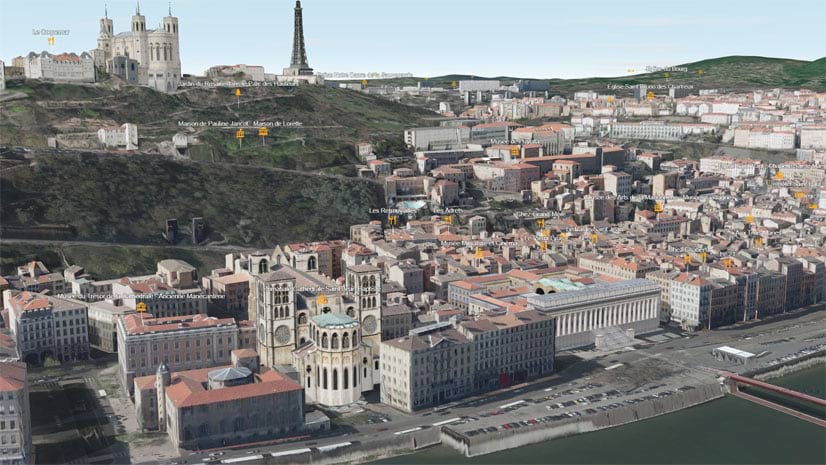
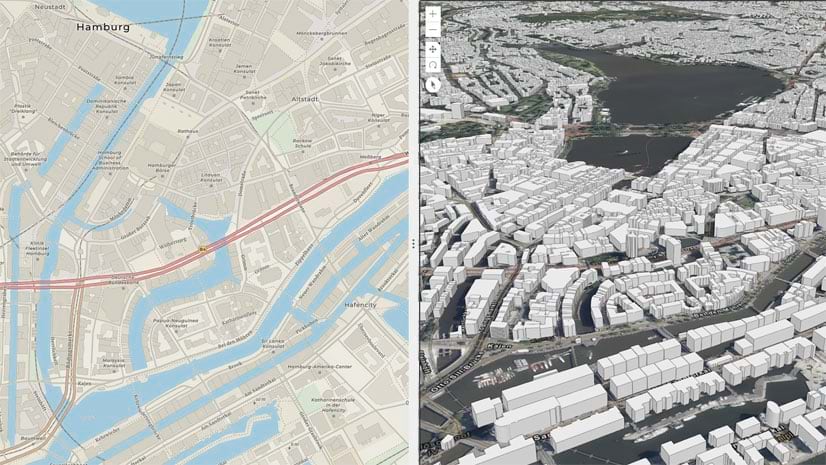
URL parameters can be used with Scene Viewer to create or modify scenes. Learn how from these examples.
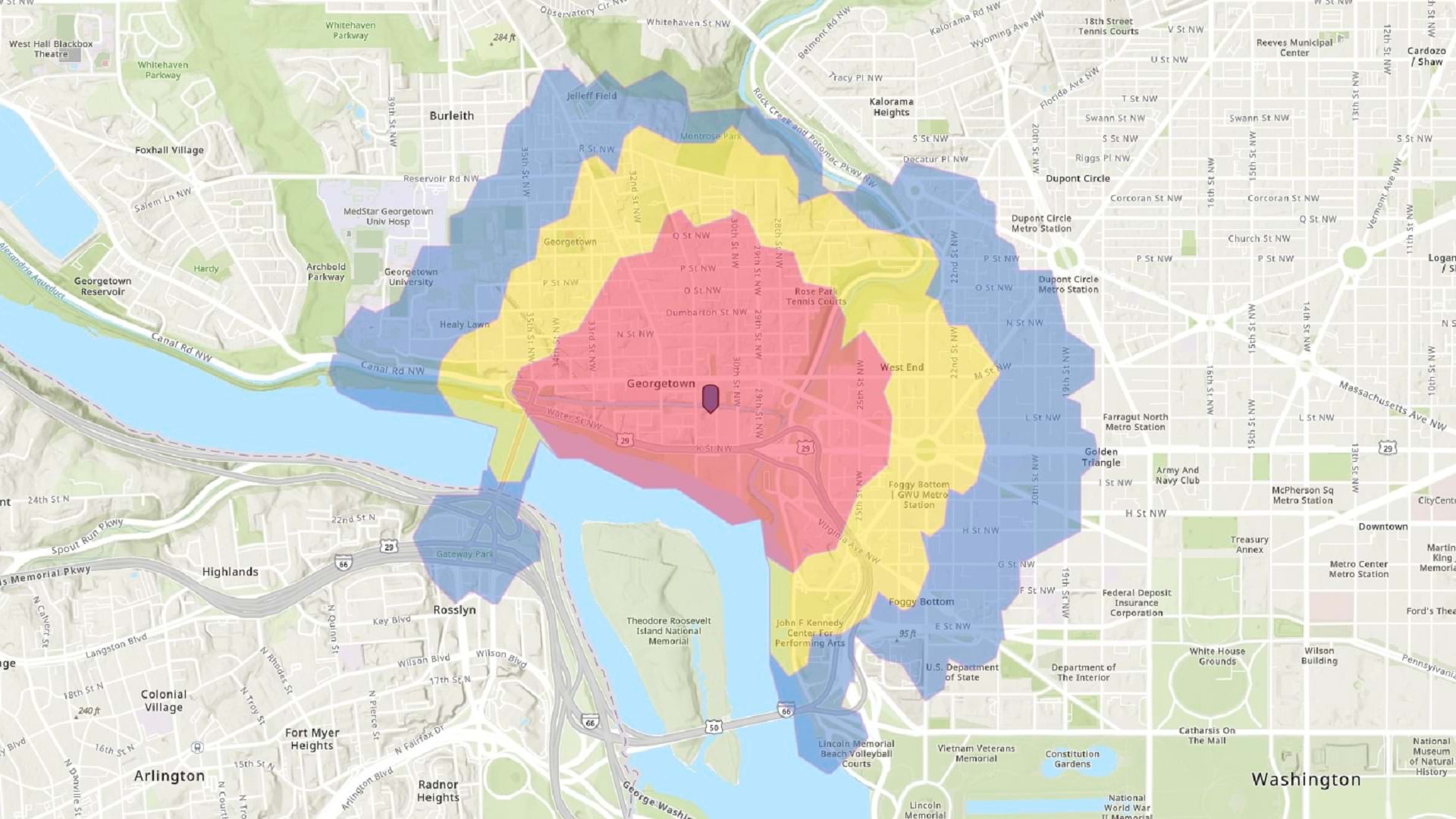
In this tip, learn how to make a walk-time map in ArcGIS Online using sketch layers and smart mapping styles.
Check out this overview of hexagons, what they can do, and how you can use them in your GIS projects.
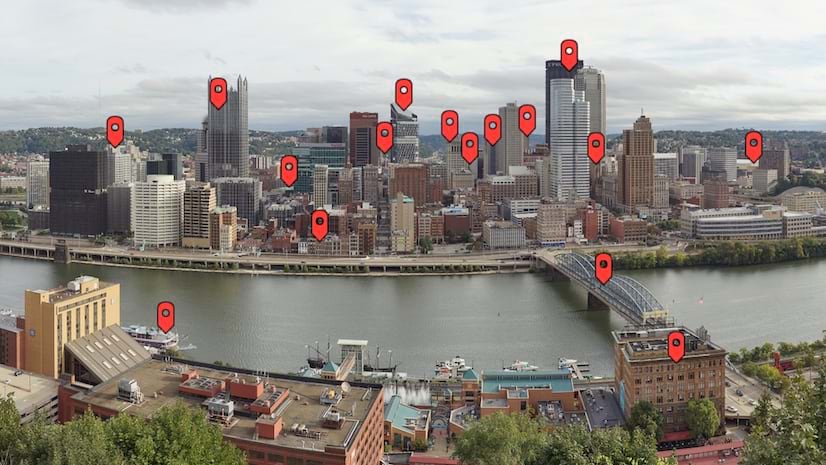
Learn about how to use media layers in Map Viewer to tell unique, innovative stories with ArcGIS StoryMaps.
Check out this collection of ArcGIS Online apps that you can configure or use that let you swipe or compare multiple layers or maps.
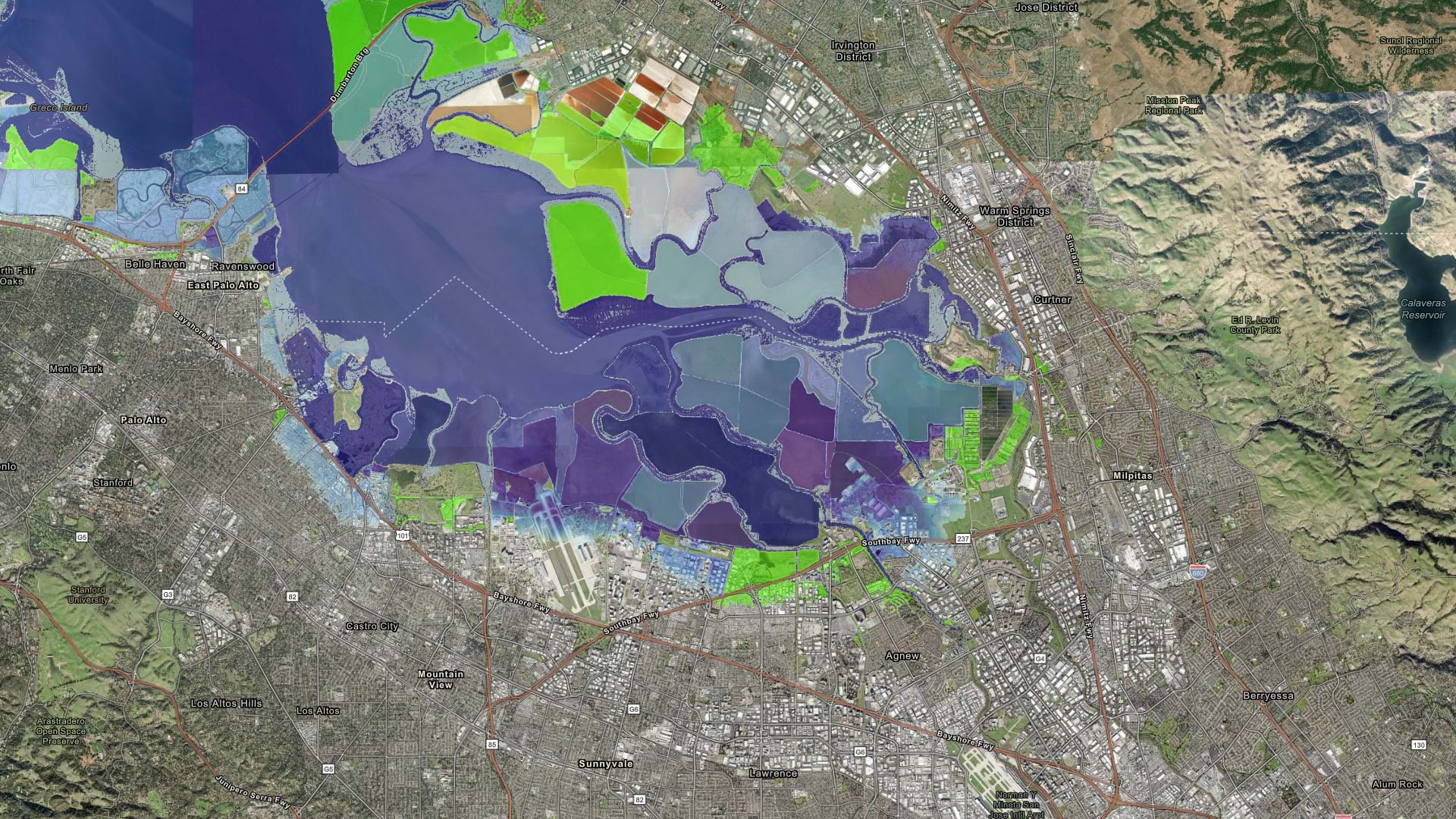
Learn how to make a sea level rise map in a minute or less using ArcGIS Online and ArcGIS Living Atlas of the World.
Learn more about the recently released ArcGIS Reality Studio application and ArcGIS Reality for ArcGIS Pro extension.
Run and automate ArcGIS Online administrative reports to manage members, content, credit usage, and activities in your organization.