A New Way to Add Business Analyst Data in ArcGIS Pro
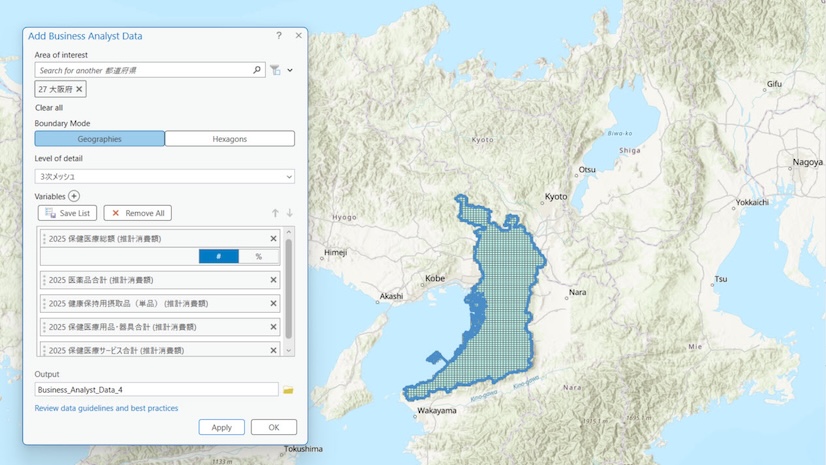
The Add Business Analyst data utility streamlines the data preparation process by allowing users to create enriched datasets for analysis.
The Add Business Analyst data utility streamlines the data preparation process by allowing users to create enriched datasets for analysis.
Segmentation data includes geographic and demographic data and reveals the hidden patterns in how people live, work, and spend their time.
Discover the core and advanced imagery capabilities available in ArcGIS Pro.
Officials in this Australian city developed a plan with more than 400 datasets to explore growth scenarios.
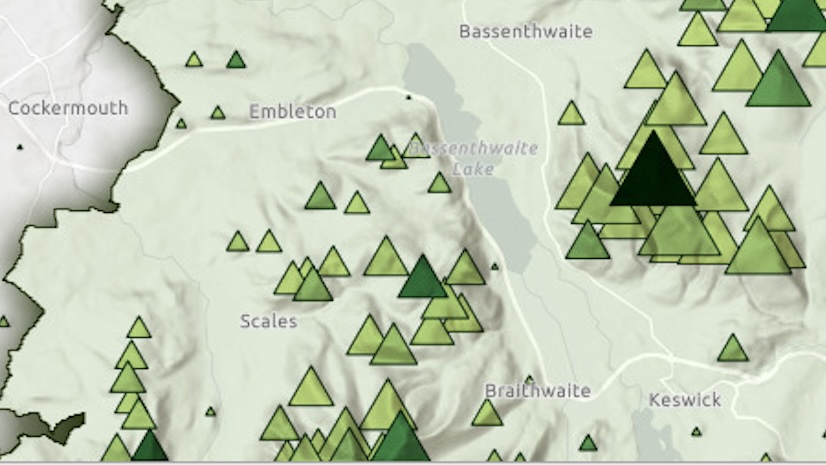
Show the mountains of England's Lake District National Park by modifying a basemap to reveal a shaded relief and display its topography.
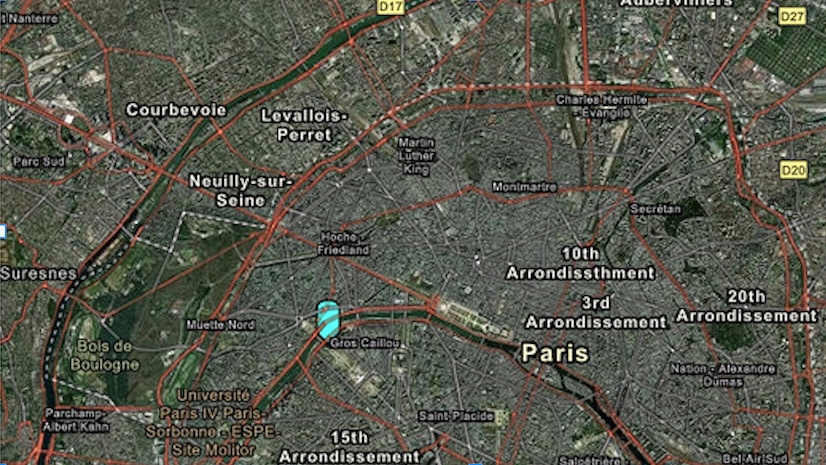
In this tutorial, create a web map of Paris, France, using Map Viewer in ArcGIS Online.
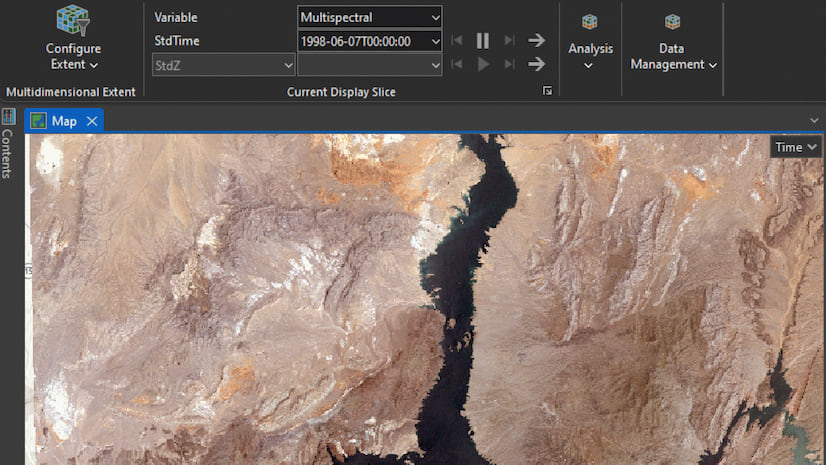
Explore how multidimensional imagery layers can enhance your organization’s management and utilization of multidate remotely sensed content.
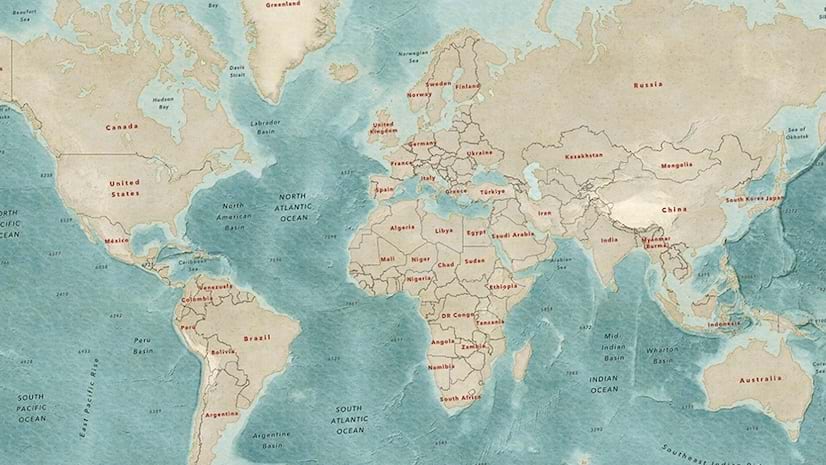
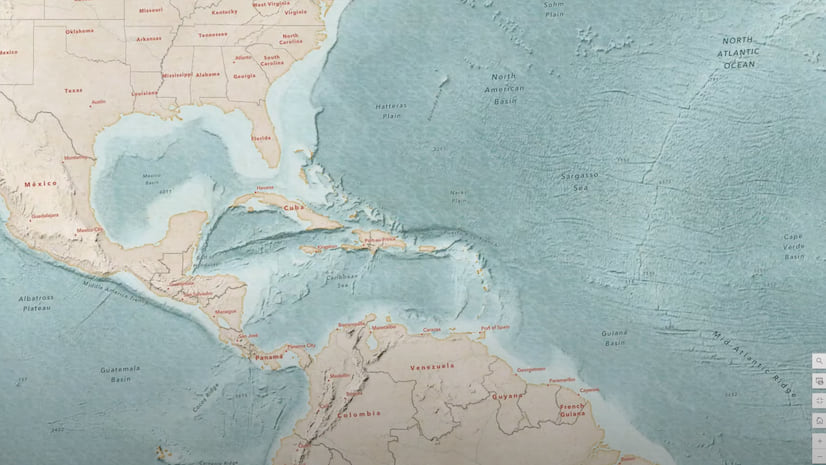
In part 2 of this video series, learn to use texture layers in a custom basemap and modify the appearance of vector tile layers.
In part 1 of this video series, use the Vector Tile Style Editor to make textures such as a water-sourced wave texture in ArcGIS Online.
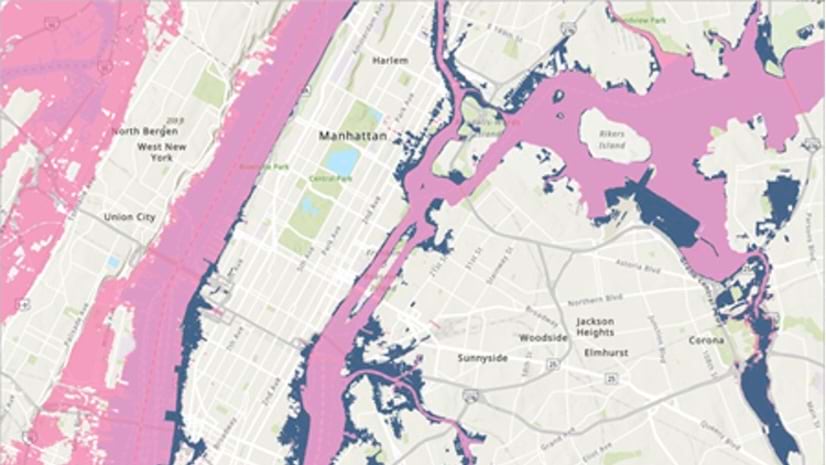
Use elevation data in ArcGIS Pro to map storm surges and predict which areas will flood when a hurricane hits.
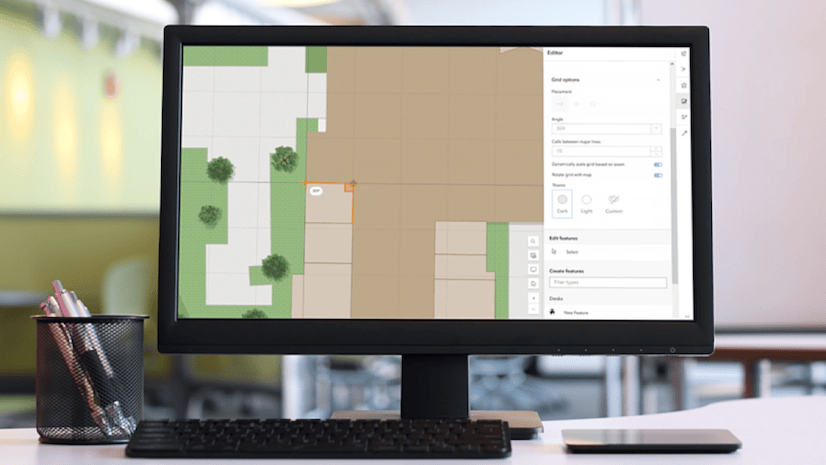
New tools are available in Map Viewer to simplify editing workflows, including new drawing tools for creating features.
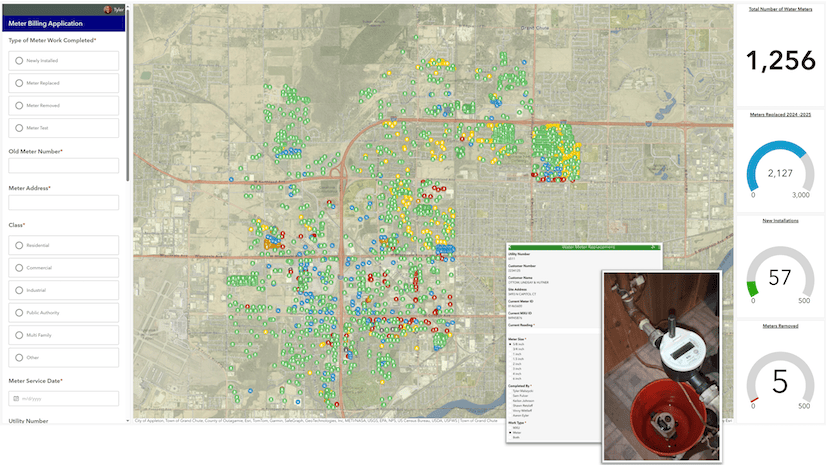
The use of technology such as ArcGIS Pro enables this Wisconsin water utility to streamline work and improve transparency.